Not every stream has them
Subtitles are controlled by the content source and the player. If the stream does not include captions, no app can invent clean ones on the spot.


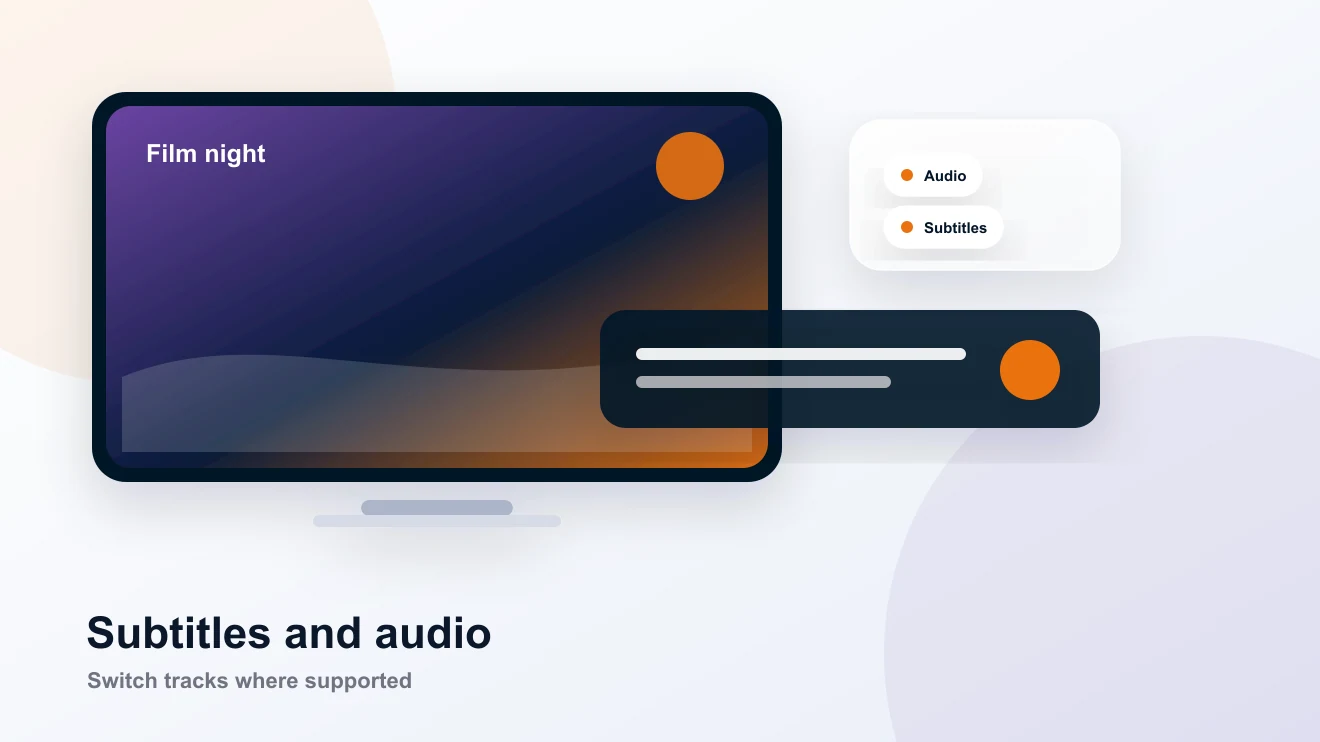
Subtitles can make films, series, and late-night telly easier. They depend on the stream and player, so BingeBear helps you use the right controls.

Subtitles are controlled by the content source and the player. If the stream does not include captions, no app can invent clean ones on the spot.
Most supported players put subtitle options inside the playback menu. If the button is hidden or unclear, send us a screenshot and we will point it out.
Subtitles are handy for quiet rooms, accents, late-night watching, and anyone who prefers reading along with the programme.
Keep it practical. Try the real service, use the device you already have, and ask WhatsApp when you want a hand.
Start playback.
Open the player menu.
Choose subtitles if the stream provides them.
Plain answers first. If your device does something odd, send us a message and we will finish it with you.
No. Subtitles depend on the channel, stream, and player. Some content has them, some does not.
Yes. Message us with your player and device, and we will show you where the subtitle controls usually sit.
They can, where the VOD file and player support them. The trial lets you check the content you care about.
No card, no contract. We send your login on WhatsApp, help you get the player ready, and you can see if BingeBear suits the way your house watches.

 LIVE
LIVE 20:00
20:00 21:00
21:00 LIVE
LIVE NEW
NEW Catch-up