Recording depends on the player
Some IPTV players support recording, some do not, and some need storage set up first. We will be plain about what your device can actually do.


Recording can be brilliant on supported players. BingeBear helps you choose the right setup, then the player handles what can be saved on your device.

Some IPTV players support recording, some do not, and some need storage set up first. We will be plain about what your device can actually do.
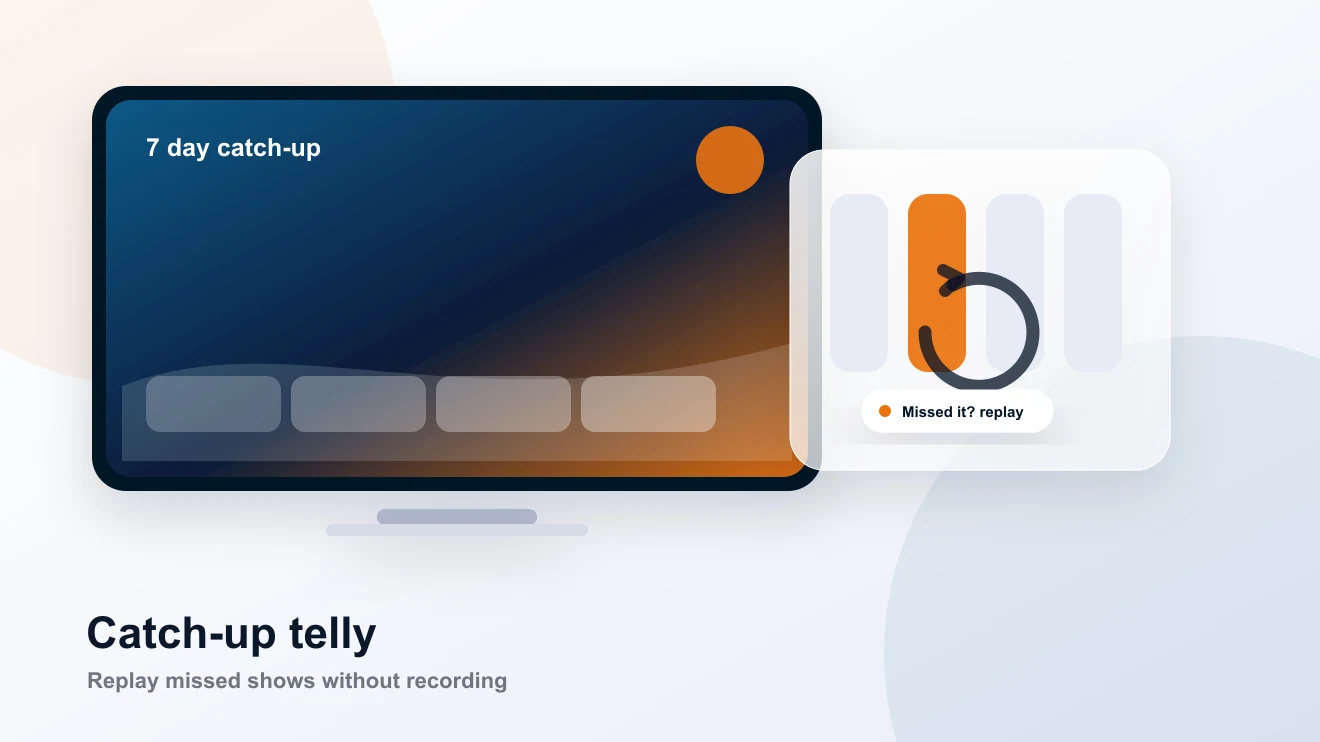
Recording is handy for repeat viewing, late starts, and things you want to come back to. For live sport, catch-up may be a better route when supported.
A Firestick, Android box, smart telly, or computer can all behave differently. The app, storage space, and channel support decide the final experience.
Keep it practical. Try the real service, use the device you already have, and ask WhatsApp when you want a hand.
Tell us your device.
Use a player that supports recording.
Check storage and test one short recording first.
Plain answers first. If your device does something odd, send us a message and we will finish it with you.
No. Recording depends on the player, device, stream, and storage setup. We will help you find the best route, but we will not pretend every channel can be recorded.
Sometimes. Recording video can take space quickly, especially on smaller devices. A short test recording is the sensible first step.
Often, yes. Catch-up can be simpler when the channel and player support it. Recording is useful where you want to save something yourself.
No card, no contract. We send your login on WhatsApp, help you get the player ready, and you can see if BingeBear suits the way your house watches.

 LIVE
LIVE 20:00
20:00 21:00
21:00 LIVE
LIVE NEW
NEW Catch-up