
IPTV EPG guide Ireland: setup, missing listings and time fixes
An EPG is your electronic programme guide. Check the feed, channel mapping, updates and device time before assuming the stream itself is broken.
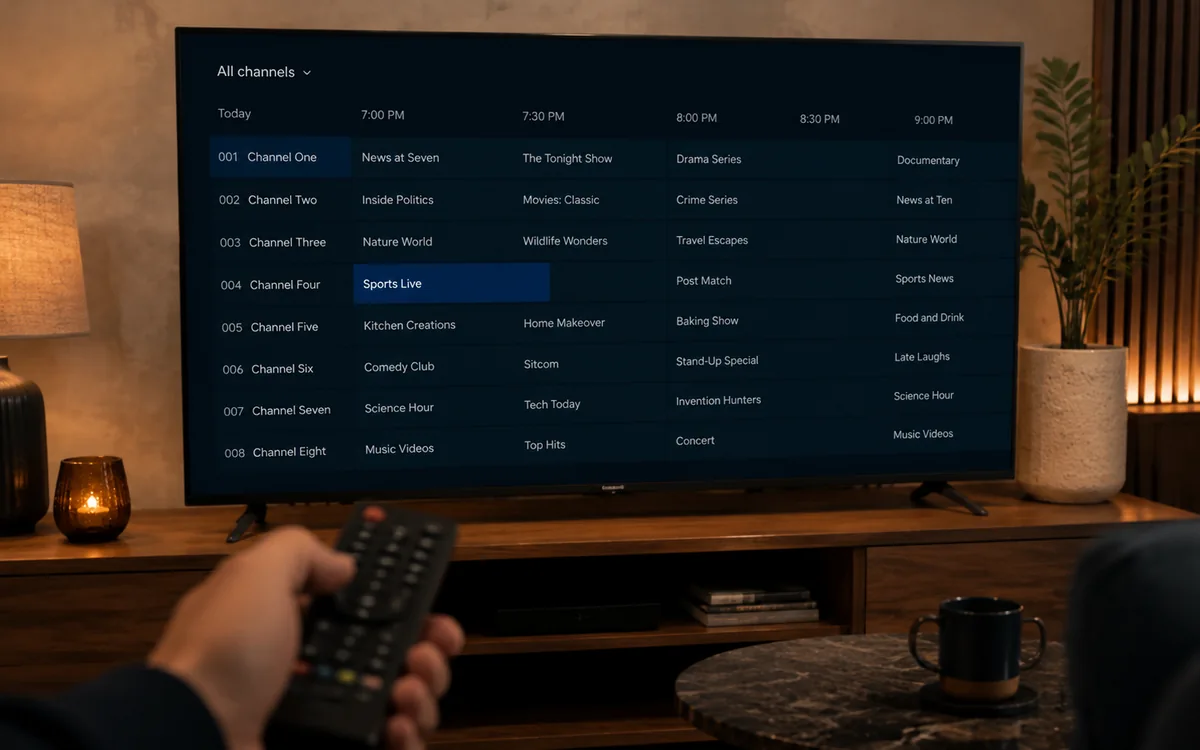
Check BingeBear on your own telly before paying.
Start a free 24-hour trial with no card. Check your channels, supported player and device, then read the current plans and activation terms.
EPG means electronic programme guide. In an IPTV player, it displays programme names and times alongside the channels. The guide and the video stream are separate: a channel can play while its listing is blank, or show a listing even when the stream is unavailable.
For an Irish setup, the most useful checks are the assigned guide feed, matching channel names, the last successful refresh and the device’s local time. An EPG entry is programme information; it does not establish access or broadcasting rights for that programme.
What an IPTV EPG does
The player combines a channel list with schedule data, often supplied through the service account or an XMLTV guide feed. Channel identifiers must match for the right programme to appear against the right channel. The amount of forward data and the refresh controls depend on the service and player.
Do not assume every player includes catch-up, recording, reminders or a full week of listings. Those are separate capabilities to check on your chosen device.
Set up the guide in a supported player
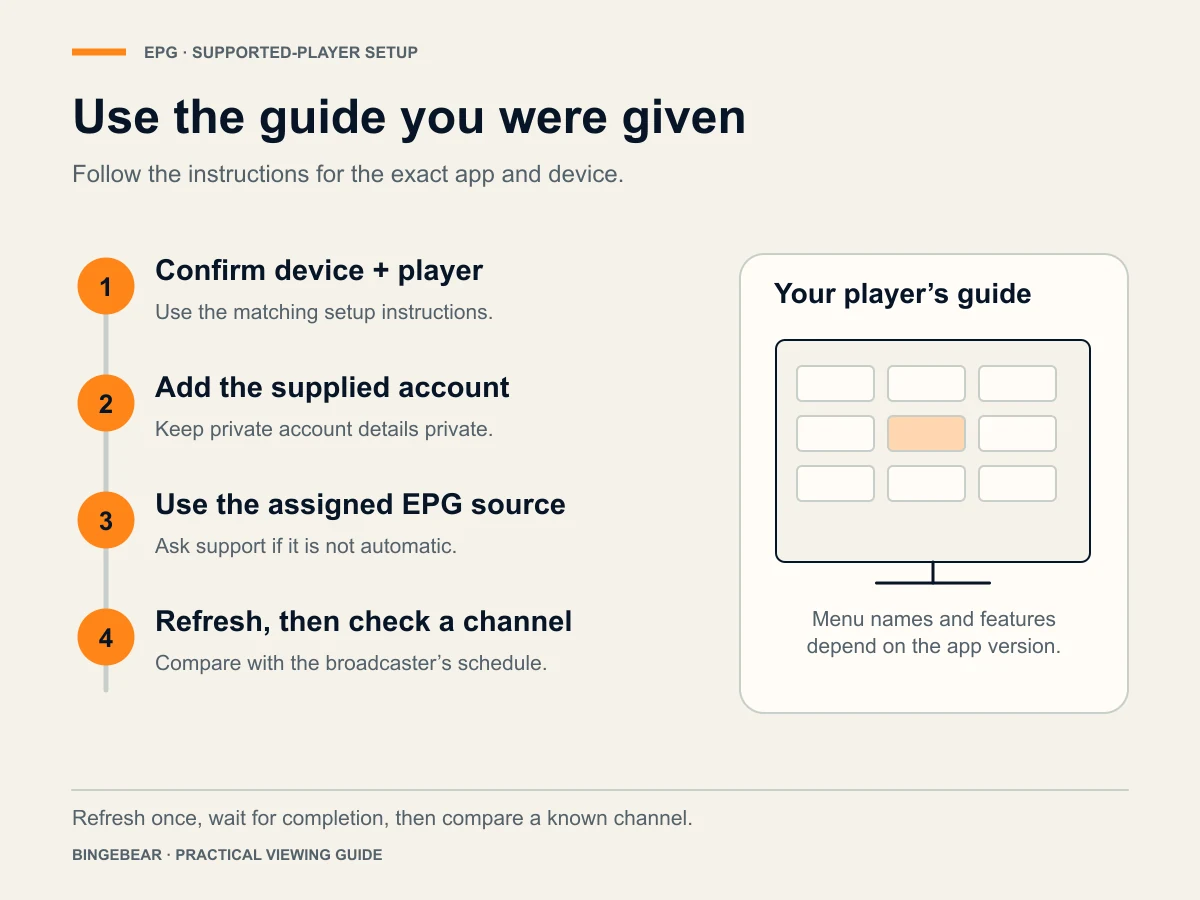
- Follow the setup guide for your device and confirm the exact player with support.
- Add the account or playlist through the player’s supported method.
- If the guide is not configured automatically, ask support which EPG source belongs to that account. Avoid copying random public feeds.
- Run the player’s EPG refresh or update command and check its completion status.
- Open a known channel and compare the current programme with the broadcaster’s own schedule.
The exact menu names vary by player and version. Use the current instructions for your app rather than following a different player’s screenshots. Playlist and guide URLs may contain private account details; keep them out of public posts and screenshots.
Fix missing EPG listings
| Symptom | First check |
|---|---|
| Every channel is blank | Confirm the EPG source and whether the last refresh succeeded. |
| Only a few channels are blank | Check channel mapping and whether those channels have schedule data. |
| Listings belong to a different channel | Confirm the channel identifiers or report the mismatched channel to support. |
| Programmes are hours early or late | Check device time, automatic time zone and any player guide offset. |
| Today works but later days are blank | Check how far ahead the supplied guide data extends. |
| Listings disappear after restart | Check the player’s saved configuration, storage and update settings. |
Refresh once after changing a setting and wait for it to finish. Repeatedly deleting accounts or reinstalling the app can make diagnosis harder. Keep a note of what changed so support can reproduce the issue.
Fix Irish programme times
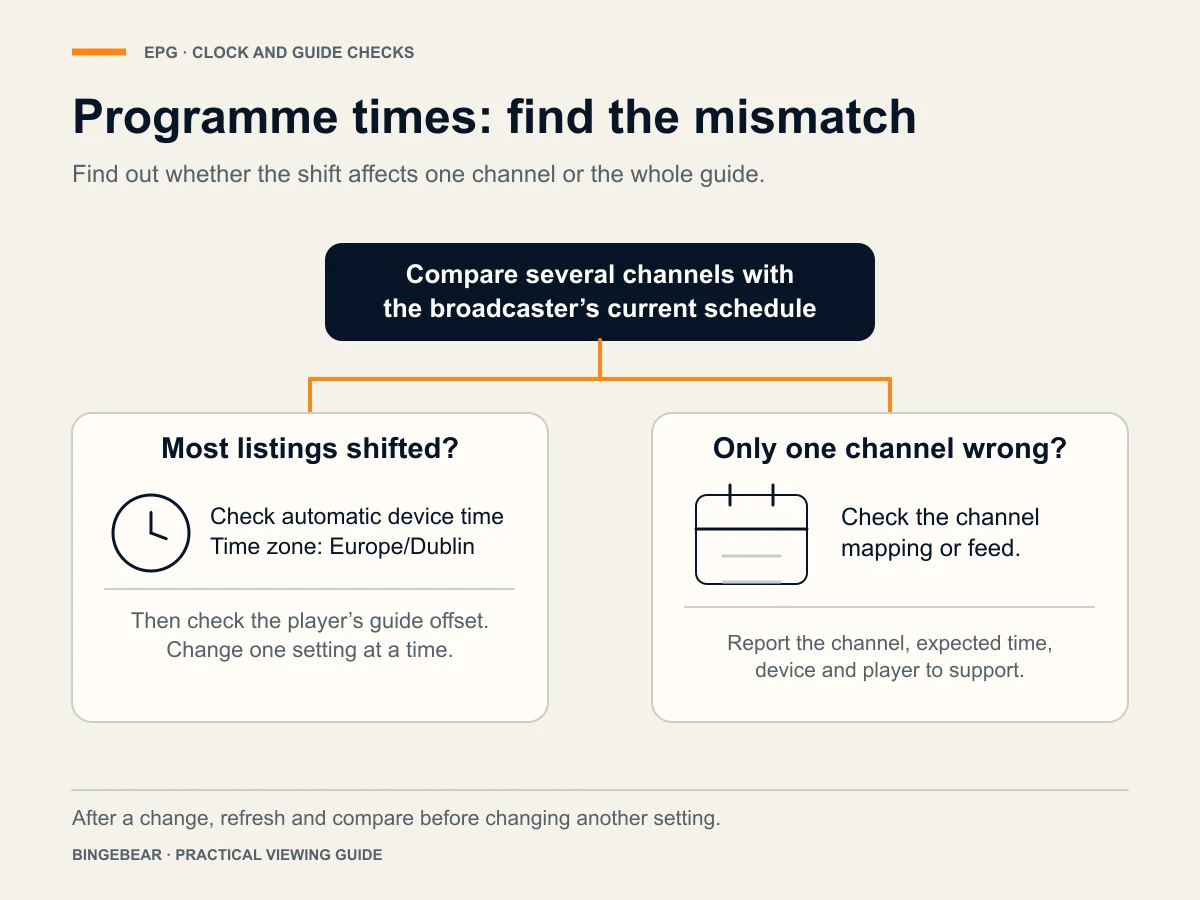
Set the device to automatic date and time with the appropriate Ireland/Dublin time zone. Ireland changes between winter and summer time, so a fixed manual hour offset can become wrong when clocks change.
If the device clock is correct, compare several channels with the official broadcaster’s schedule. A problem affecting one channel can be a feed issue; the same shift across the entire guide can point to a device or player offset. Do not change both at once. Record the observed programme, expected start time, player and channel for support.
EPG, catch-up and recording are different
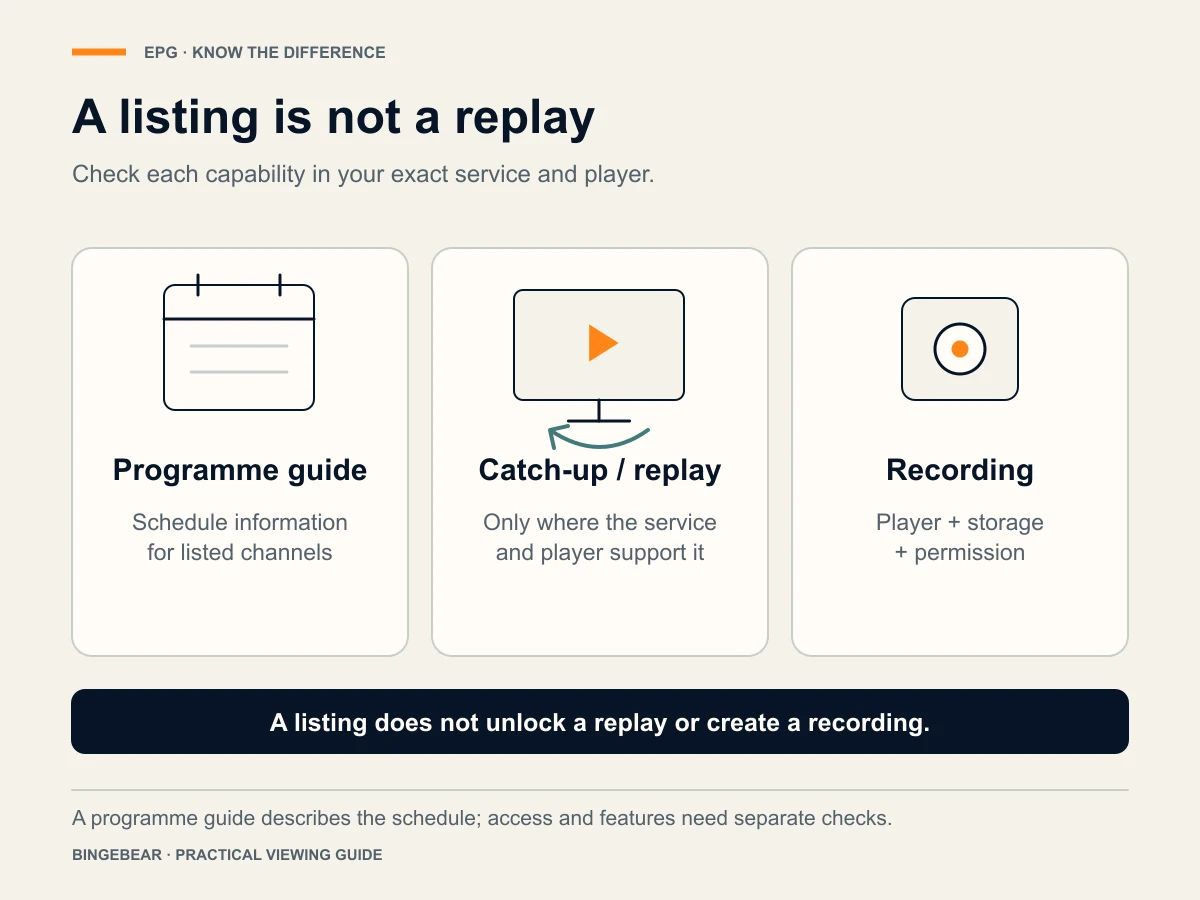
An EPG describes the schedule. Catch-up lets you replay programmes where the service and player support it. Recording needs suitable software, storage and the necessary permissions. A programme shown in the guide does not automatically have a replay or recording option.
For a live fixture, check the event on the official Irish broadcaster. A programme name in an old guide cannot confirm this evening’s coverage.
Test the guide during your trial
During BingeBear’s free 24-hour no-card trial, check readable programme names, correct times, channel changes and the features you use most. Note blank or mismatched channels and contact support while the test is active. The trial request guide explains setup and the start-time check.
Common questions
Why is my channel working but its EPG empty?
The video and schedule use separate data. Check the last guide refresh and the channel mapping before changing the stream setup.
How often should the guide update?
Use the schedule recommended by the service and player. Refresh availability and the amount of future data vary; this guide does not promise a universal update interval.
Should I add a public EPG link I found online?
Use a guide source intended for your account and channels. Ask support first, and avoid exposing account-bearing URLs or adding untrusted feeds.
Does a listing guarantee that I can watch a match?
No. Confirm the fixture, broadcaster, package and territory separately. See the GAA viewing guide or Premier League guide for examples.
Guide reviewed: 3 November 2026. Player menu labels and features vary by version.