
Reviewing TV subscriptions in Ireland: a switching checklist
A practical checklist for reviewing contracts, testing your setup and confirming each cancellation before switching telly services.

Check BingeBear on your own telly before paying.
Start a free 24-hour trial with no card. Check your channels, supported player and device, then read the current plans and activation terms.
Start with the services your household uses, the contracts attached to them and the dates that matter. You can then decide what to keep, change or cancel without losing something you still need.
This is a switching checklist. For a comparison of the full bill over the same period, use our household telly-cost checklist.
1. Make one subscription list
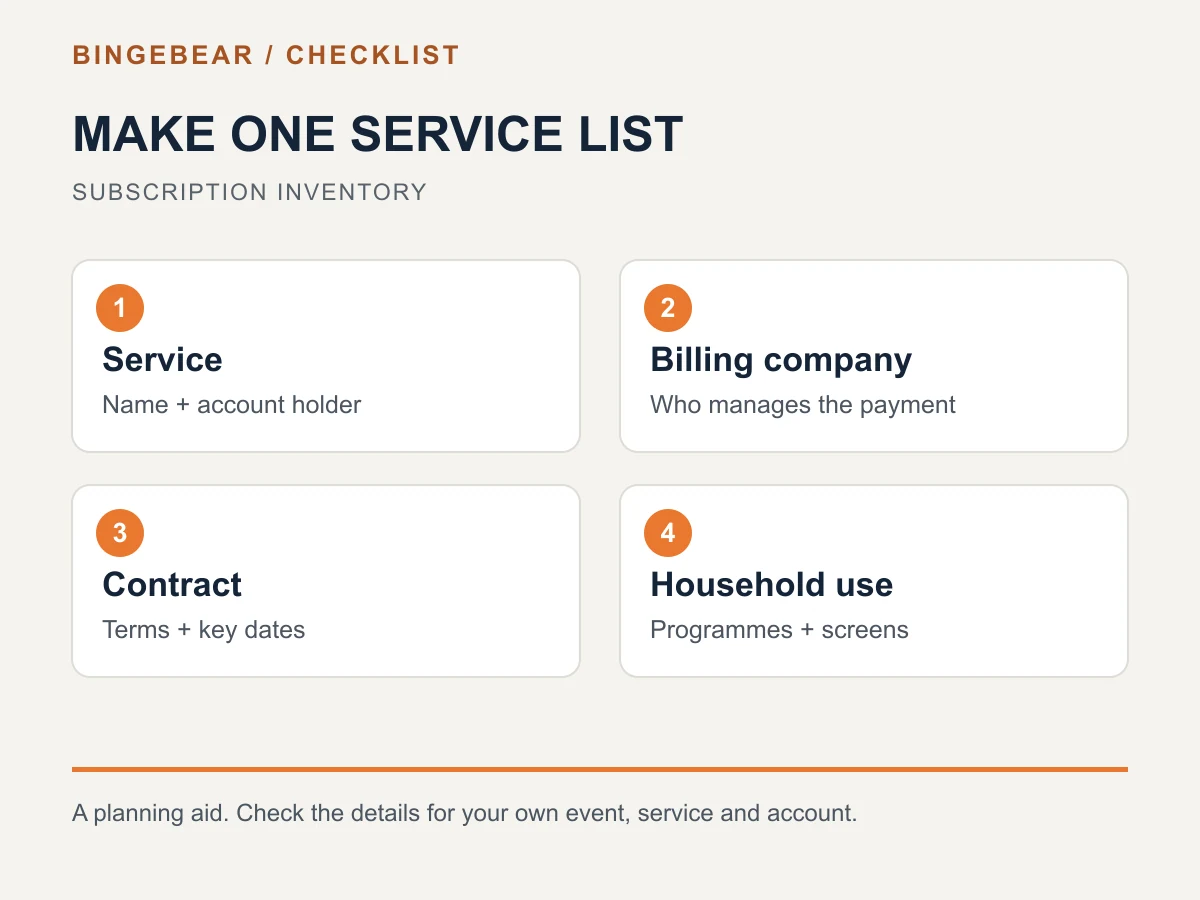
Look through your account pages and recent bills. Include services billed through an app store, a broadband bundle or another company, as well as subscriptions paid directly.
| Detail | What to write down |
|---|---|
| Service | The subscription and the account holder |
| Billing company | Who takes payment and manages cancellation |
| Contract | Where to find the terms that apply to your account |
| Dates | Minimum term, renewal or next payment date, where applicable |
| Household use | The programmes, features and screens people still use |
Keep the list somewhere you can update it. Mark a service as cancelled only after you've received confirmation.
2. Check the contract before choosing a date
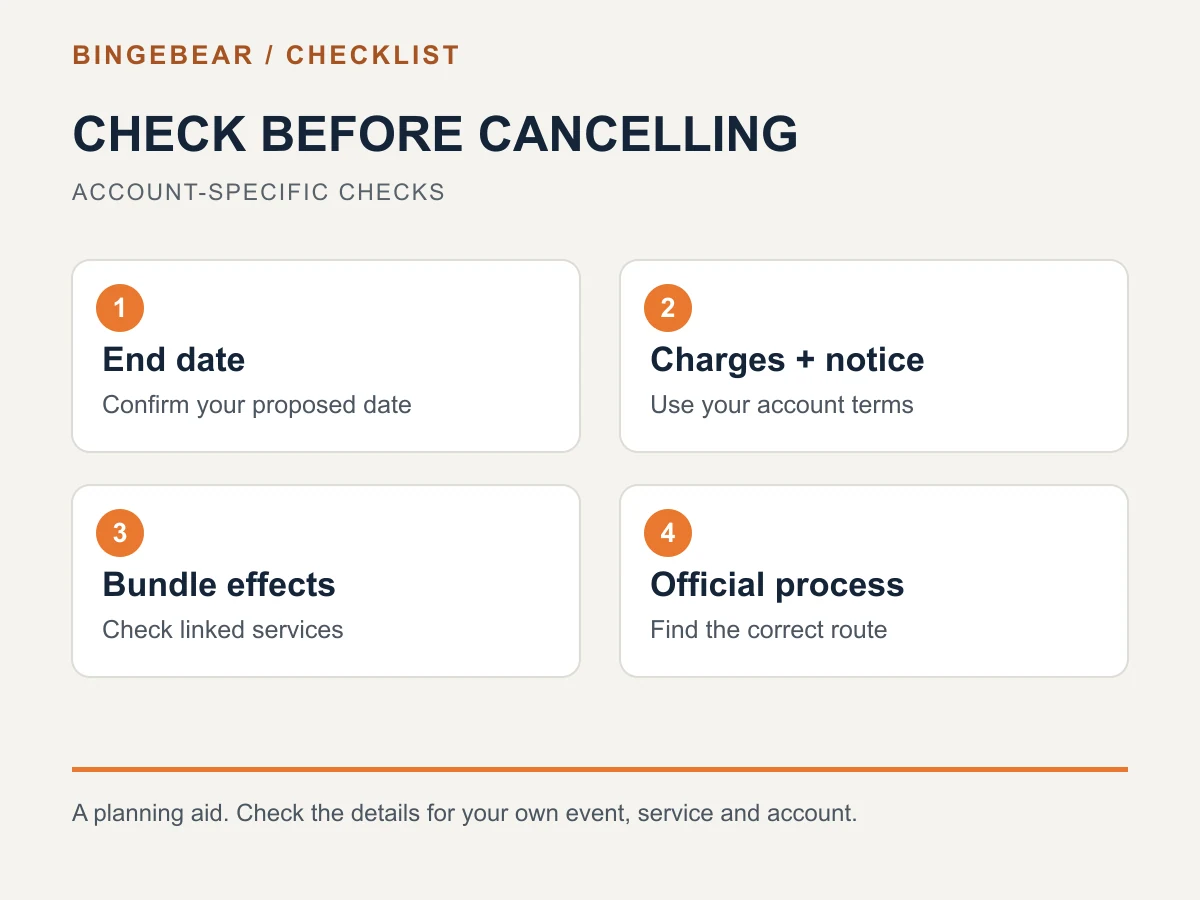
Use the terms for your own account. Ask the provider to confirm the notice process, any remaining commitment and what you'd owe if you left on your proposed date.
Check whether a change affects anything else in the bundle. Removing a telly package might change another service or discount, so get the full position before agreeing.
Don't use a fee, notice period or cancellation phone number from an old guide as a substitute for the provider's current instructions. Keep a copy of the terms or written explanation you relied on.
3. Agree what the household needs
Ask everyone who uses the subscription what they'd miss. Make a short list of programmes, devices and features that matter.
Include subtitles, audio options, catch-up, recording and any viewing away from home. Check the conditions for each feature rather than assuming another service works the same way.
Work out how many people need to watch at once. Confirm account and simultaneous-stream limits before buying anything for several screens.
4. Test before removing a service you rely on
Try the intended player on the actual telly and connection. Check the remote, sound, picture and accessibility settings during normal household use.
Verify the programmes you want with the provider, including its permission to offer them in your location. A similar name in a catalogue doesn't establish the same title, episode, live event or viewing rights.
If you're considering BingeBear, use the free 24-hour trial to check your own setup. Read the current plans and service terms for the full cost and account conditions before paying. Our setup guides cover the device steps.
Keep a service you still need until you've checked the alternative. If you choose a short overlap, put its cost and end date on your list so it doesn't become an extra forgotten bill.
5. Choose a switching order
Handle each subscription separately. Keep the ones the household still uses, then deal with the services you've decided to remove.
A simple sequence helps:
- Finish the household and setup checks.
- Confirm the proposed end date and any charges with the provider.
- Follow that provider's cancellation process.
- Save the confirmation before moving to the next subscription.
- Update your list with the confirmed end date and final bill details.
Avoid booking every cancellation for the same evening. Leave yourself time to sort an account problem or an unexpected dependency between bundled services.
6. Use the right cancellation channel
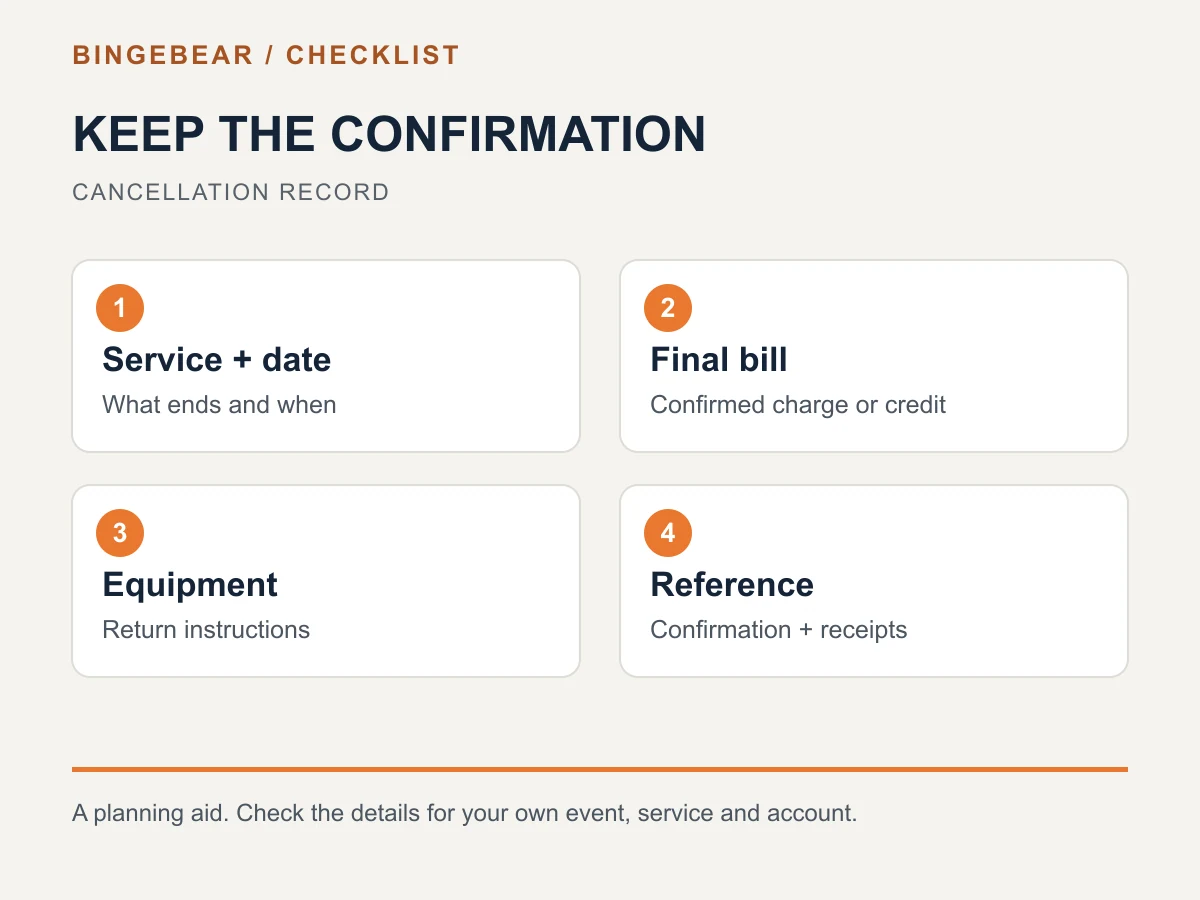
Open the account or the provider's official help instructions to find the correct route. If another company bills the subscription, check which company must process the request.
Keep the account holder available if the provider needs them. You don't need to share a password with someone else to work through the checklist together.
Before finishing, ask for confirmation of:
- The service being cancelled.
- The effective end date.
- Any final charge or credit and when it will be handled.
- Any equipment-return instructions, where relevant.
- The cancellation reference or written confirmation.
Follow up if the confirmation doesn't match what you agreed. A cancelled payment method alone isn't confirmation that the subscription has ended.
7. Check the final bill and close your list
After the agreed end date, check the account status and final bill. If something looks wrong, contact the billing company with your cancellation reference and confirmation.
Where equipment needs returning, follow the provider's instructions and keep the receipt or tracking record. Store those records with the final bill until the account is settled.
Update any household reminders once the process is complete. The aim is a clear record of what remains active and why.
Frequently asked questions
Can I cancel every subscription in one go?
Each subscription has its own account and cancellation process. Work through them separately, keeping a confirmation and end date for each one.
Should I cancel before testing a different service?
Test the programmes, device and features you need before removing a service you rely on. Include any planned overlap in your household budget.
What if the telly subscription is bundled with broadband?
Ask the provider what changing the telly package would do to the rest of your account, including any discounts or commitments. Confirm the full effect before proceeding.
Does another streaming service replace everything I already pay for?
Check each programme and feature you use. Coverage, permissions, devices and account limits can differ, so decide what to keep from your household list rather than a blanket replacement promise.
Where should I compare the total cost?
Use the telly-cost checklist and your own bills. It keeps the cost comparison separate from the cancellation steps on this page.