


BOB Player IPTV Setup Guide for Samsung, LG, Android, iPhone and iPad
Install BOB Player for Samsung, LG, Android, iPhone and iPad, with BOB FAQ notes, one-device account guidance and backup Downloader code 815778.
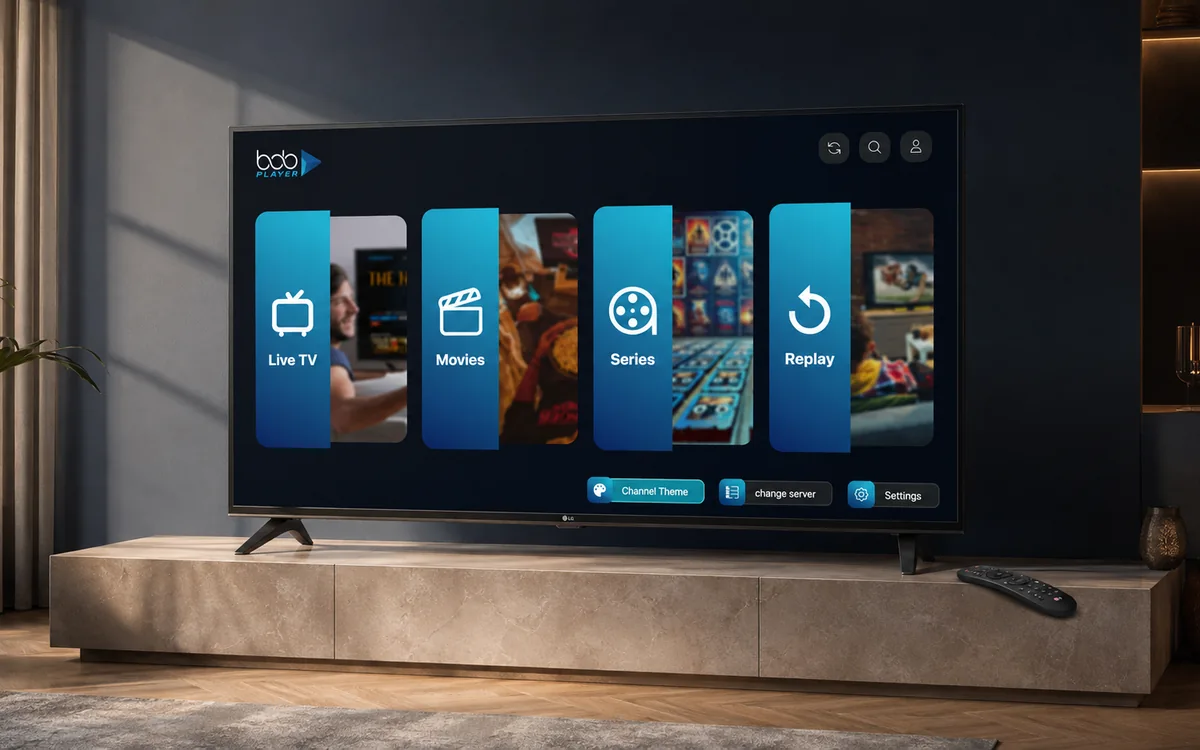
Check BingeBear on your own telly before paying.
Start a free 24-hour trial with no card. Check your channels, supported player and device, then read the current plans and activation terms.
BOB Player is a strong backup for Samsung, LG, Android, iPhone and iPad when that screen behaves better with BOB than IBO. It is a third-party media player, not made by BingeBear.
BOB's official FAQ says BOB Player is a general media player only, does not include content or playlists, and does not sell subscriptions. That is exactly how we treat it: BingeBear sends the login details after your free trial request.
App and account note
BingeBear does not have its own app. We send you IPTV login details that work in most IPTV player apps. For testing, we normally recommend IBO Player Pro, IBO Player, or BOB Player first because they are the cleanest routes for most screens.
A standard BingeBear account serves one device only. If you need BingeBear on another device, ask Joe on WhatsApp about a second account or bundle account before you pay.
Samsung smart telly
- Open the Samsung app store on the telly.
- Search for BOB Player.
- Install and open the app.
- Note the MAC address/device details shown by the app.
- Send those details to BingeBear support.
LG smart telly
- Open the LG Content Store.
- Search for BOB Player.
- Install and open the app.
- Send the MAC/device details to WhatsApp support.
Android box or Android telly
- Search for BOB Player in the store where available.
- If it is not available, use ibo.al as the backup Android route.
- The BOB Player backup Downloader code shown on ibo.al is 815778.
- Open the app and send the device details to BingeBear.
iPhone and iPad
- Open the Apple App Store.
- Search for BOB Player.
- Install and open the app.
- Send the device details shown in the app to support.
Managing the playlist
BOB Player uses its own playlist management route at frontend.bobplayer.com. If you are not comfortable adding details yourself, send the device details to WhatsApp and we will tell you the clean route.
Official source notes
BOB's official FAQ says each telly has its own MAC address and that the app loads the list from your source/provider server. It also says bobplayer.com is the only official website and warns that other pages using the name may be fake.
If BOB Player does not fit
Use the app hub for the next route: Best IPTV player apps for BingeBear.


