What is IPTV? A plain-English guide for UK households
IPTV means television delivered over your broadband instead of an aerial, dish or cable. Here is how it works, how it compares with Freeview, Sky and Virgin Media, and what you actually need.

55,000+ live channels
Check BingeBear on your own telly before paying.
Start a free 24-hour trial with no card. Check your channels, supported player and device, then read the current plans and activation terms.
*Updated September 2026.*
IPTV stands for Internet Protocol Television, which simply means television delivered over your broadband instead of through an aerial, a satellite dish or a cable network. You watch it through an app or a small box on your telly, picking live channels from a programme guide as you always have, with films and series on demand as well.
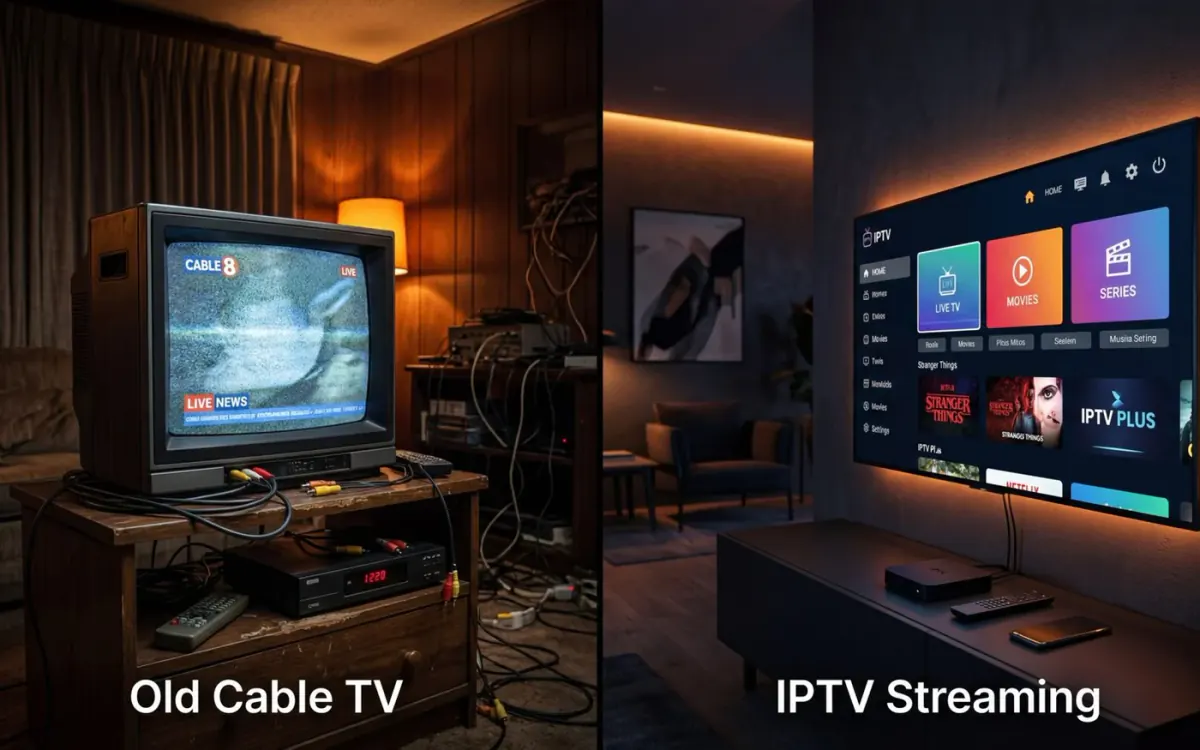
It is less unusual than it sounds. Several mainstream UK services already work this way, including Sky Stream, Virgin Media's Stream box and EE TV.
What IPTV means
The "IP" in IPTV is Internet Protocol, the basic set of rules every device uses to send data across the internet. Web pages, emails and video calls all travel that way. IPTV sends television the same way.
So when people ask about the IPTV meaning, the honest answer is that it describes how the picture reaches you, not what you watch. Two IPTV services can carry completely different channels, just as two satellite services can.
In everyday conversation, though, "IPTV" has come to mean something narrower: a subscription that gives you live channels, a guide and an on-demand library through a player app, sold separately from your broadband. That is mostly what this guide is about, alongside how it compares with the services you already know.
How does IPTV work?
Think of the difference between radio and a phone call.
An aerial or satellite dish works like radio. The same signal is sent out to everyone at once, and your telly picks it up.
IPTV works more like a phone call. When you choose a channel, your device asks for it, and the provider sends that stream to your home over the internet. Your broadband carries it in, your router passes it to the telly by Wi-Fi or cable, and the app turns the data back into picture and sound.
In practice, setting it up looks like this:
- You install a player app on your device from its official app store.
- The provider gives you a login (or a playlist link) that tells the app where your channels come from.
- The app loads the channel list and the programme guide.
- You pick a channel with the remote, as you would on any other telly.
Because it all comes through your broadband, the quality depends on your connection and your home Wi-Fi as much as on the provider. Our guide to internet speed for IPTV goes into that in detail.
How IPTV compares with what you have now
Freeview
Freeview comes through a TV aerial. The channels are free to watch with no subscription, although you still need a TV Licence, which costs £180 a year from 1 April 2026.
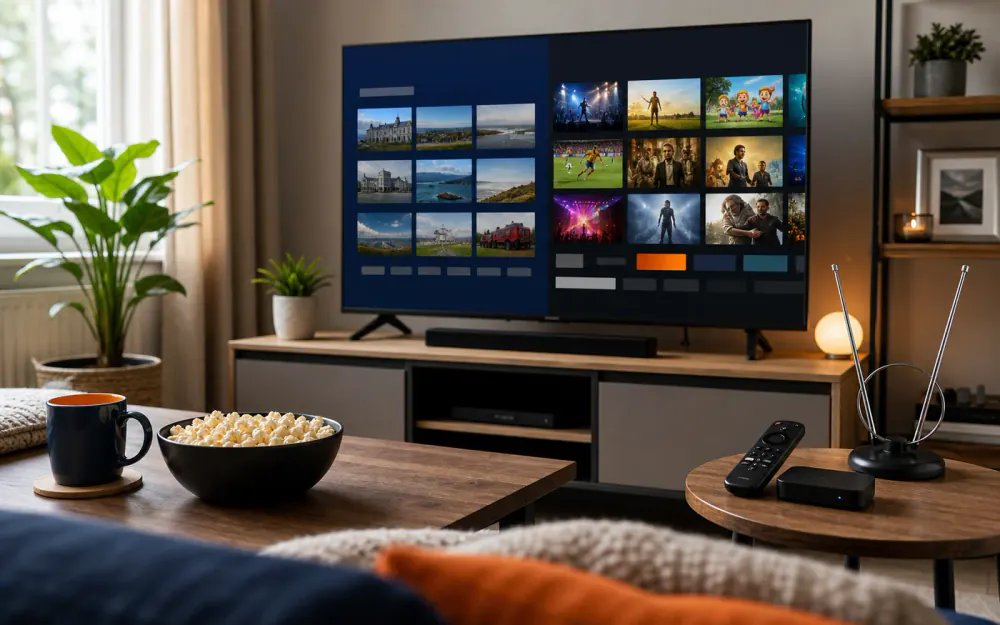
Many newer TVs have Freeview Play built in. That keeps live channels coming through the aerial but adds catch-up and on-demand from the broadband, so a Freeview Play telly is already part aerial, part internet. YouView boxes work on the same hybrid idea.
Sky
Sky has traditionally meant a satellite dish on the wall and a Sky Q box. That is still an option, but Sky's newer kit works over broadband. Sky says everything on Sky Stream and Sky Glass is streamed via broadband, with no dish needed, and it recommends a minimum speed of 25 Mbps.
In other words, Sky Stream is IPTV run by Sky. You can take it on a 24-month contract or, for a higher monthly price, a 31-day rolling plan.
Virgin Media
Virgin Media built its TV service on its own cable network, and its Virgin TV 360 box is still cable-connected. Its Stream box is different: Virgin says it delivers TV over broadband rather than cables and is easy to install yourself. It is sold with Virgin Media broadband.
At the time of writing, new Virgin Media TV and broadband deals come with a 24-month minimum term.
BT TV and EE TV
BT TV has been folded into EE TV, and BT TV customers were moved across. EE TV's boxes work over broadband, and the TV Box Pro can also take Freeview channels from an aerial, while the TV Box Edge works over broadband alone. So this is IPTV too.
Streaming apps: Netflix, NOW and BBC iPlayer
Netflix, NOW and BBC iPlayer all reach you over the internet as well. The difference is mostly in what they offer and how they are sold.
- Netflix is on-demand only: films and series you choose, rather than live channels.
- NOW sells monthly memberships across Entertainment, Cinema and Sport, with no contract.
- BBC iPlayer has live BBC channels and a large catch-up library, and is covered by your TV Licence.
Each app covers one company's content, so households often end up with several subscriptions running at once.
An IPTV subscription
A standalone IPTV subscription usually brings live channels, a programme guide and an on-demand library together in one player app. It works over any broadband, so you are not tied to one broadband company, and it runs on devices many people already own.
So is IPTV just streaming?
Broadly, yes, and the words overlap. Both send television over the internet. The difference people usually mean is this: a streaming app such as Netflix is built around on-demand viewing from one company, while an IPTV service is built around live channels and a programme guide, so it feels closer to switching on a Sky or Freeview box.
The technology underneath is much the same. What changes from one service to the next is what is on it, how it is sold, how well it holds up at busy times, and who you speak to when something goes wrong. Those are the things worth comparing, far more than the label.
Side by side
| Service | How it reaches you | Cost model | Installation | Contract | What you need |
|---|---|---|---|---|---|
| Freeview | TV aerial (Freeview Play adds broadband catch-up) | No subscription, TV Licence £180 a year | Aerial plus a Freeview TV or box | None | Working aerial, TV Licence |
| Sky | Satellite dish (Sky Q) or broadband (Sky Stream, Sky Glass) | Monthly subscription plus add-ons | Engineer for a dish, plug in yourself for Stream | Minimum term on most deals, Stream also offers 31-day rolling | Dish, or broadband (25 Mbps recommended for Stream) |
| Virgin Media | Cable network (360 box) or broadband (Stream box) | Monthly bundle with broadband | Cable install for 360, self-install for Stream | 24 months on new deals at the time of writing | Virgin Media broadband |
| Streaming apps | Internet | Monthly per app | Download the app | Usually monthly, cancel any time | Broadband and a compatible device |
| IPTV subscription | Internet, through a player app | Varies by provider: monthly, yearly or one-off | Install an app, enter a login | Varies by provider | Broadband, a device, an app and a login |
Prices for Sky, Virgin Media, NOW and Netflix change regularly, so check each company's own website for the current figures.
What you need to watch IPTV
Four things, and you may already have most of them.
- Broadband. Around 10 Mbps per stream is a sensible guide for HD and around 25 Mbps for 4K. A strong Wi-Fi signal at the telly, or a cable to the router, matters as much as the headline speed.
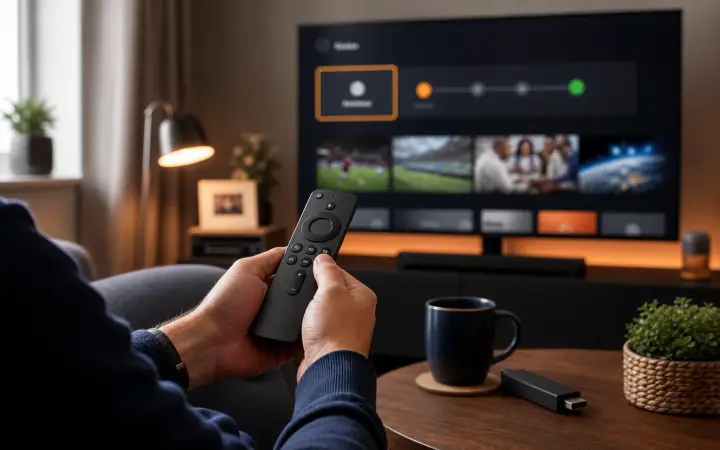
- A device. A Firestick or Fire TV, an Android TV or Google TV box, many smart TVs, an Apple TV, an iPhone or iPad, or a computer. Our device guide covers which to choose.
- A player app. Always from your device's official app store or the developer's own website. Our round-up of player apps explains the main ones.
- A subscription and login. This is what the provider supplies.
One more point. TV Licensing says you need a TV Licence to watch live TV on any channel or service, on any device, or to use BBC iPlayer. That applies however the picture reaches you.
Live, catch-up and on-demand
These three terms come up a lot, and they mean different things.
- Live is television as it goes out: the news at six, a match as it is played. You watch what is on now.
- Catch-up lets you go back and watch something that has already been shown, usually for a limited number of days after it aired. Not every channel offers it.
- On-demand is a library of films and series you can start whenever you like, with no schedule at all.
Most IPTV services offer live channels and an on-demand library. Catch-up varies by service and by channel, so check the channels that matter to you.
The EPG, or programme guide
The EPG (electronic programme guide) is the grid that shows what is on now and next on each channel, just like the guide on a Freeview or Sky box. On IPTV it downloads over the internet, separately from the channels themselves.
A good guide makes IPTV feel like ordinary telly: press the guide button, scroll to the channel, see what is on. Some player apps let you set reminders or mark favourites so your regular channels sit at the top.
The honest pros and cons
What is good about IPTV
- No dish, no aerial, no engineer. Handy if you rent, live in a flat, or cannot put a dish on the wall.
- Works on kit you already own. A smart TV, a streaming stick, a phone or a tablet.
- Not tied to one broadband company. You keep your broadband and choose your TV separately.
- Flexible payment. Depending on the provider, you may find monthly, yearly or one-off plans without a long contract.
- Watch around the house. The same service can often run on more than one device, subject to your plan.
What to be aware of
- It depends on your broadband. A slow line, or weak Wi-Fi at the telly, shows up as buffering, especially in the evening.
- Quality varies between providers. Some hold up well at busy times and some do not. You only find out by testing.
- Support varies too. Some providers have a person you can talk to, others have a ticket form and a long wait.
- Line-ups change. No provider can promise a channel or event will always be there, so test the ones you care about.
- A bit of setup. Installing an app and entering a login is simple, but it is one more step than switching on a Freeview telly.
Whatever service you choose, use services and content you are authorised to access, and read the terms before you sign up.
Trying IPTV for yourself
The simplest way to see whether IPTV suits your home is to try it on your own broadband, on your own telly, at the time of day you normally watch.
That is how BingeBear works. The free 24-hour trial needs only a name and a WhatsApp number, with no card and no contract, and a real person helps you install the app on your device over WhatsApp. If it suits you, plans are a one-off payment rather than a monthly bill: £60 for six months, £85 for ten months, £155 for 24 months or £255 for Lifetime, with six years of guaranteed service, each on one device. Full details are on the UK pricing page.
If something does not work first time, our troubleshooting guide takes you through the fixes in order.
Frequently asked questions
What does IPTV stand for?
IPTV stands for Internet Protocol Television. In plain terms, it is television sent to you over an internet connection rather than through a TV aerial, a satellite dish or a cable network. You watch it through an app or a small box connected to your telly, and it uses your home broadband.
How does IPTV work?
The provider sends TV channels and programmes as data over the internet. Your broadband carries that data into your home, and an app on your telly, streaming stick, phone or tablet turns it back into picture and sound. You pick channels from an on-screen guide, much like ordinary telly, and can also choose films and series on demand.
Is Sky Stream IPTV?
In technical terms, yes. Sky Stream sends all of its channels and on-demand programmes over your broadband, with no satellite dish, which is how IPTV works. Sky recommends a broadband speed of at least 25 Mbps for it. The Stream box from Virgin Media and EE TV also deliver television over broadband.
What do I need to watch IPTV in the UK?
You need a broadband connection, a device such as a smart TV, Firestick, Android TV box, Apple TV, phone or tablet, a player app from the official app store, and a subscription with a login. If you watch live TV on any channel or use BBC iPlayer, TV Licensing says you also need a TV Licence.
What is the difference between IPTV and Freeview?
Freeview arrives through a TV aerial and carries free-to-air channels with no subscription, although you still need a TV Licence. IPTV arrives through your broadband and needs no aerial. Freeview Play blends the two, with live channels from the aerial and catch-up from the internet, so the line is less sharp than it used to be.
What internet speed do I need for IPTV?
As a working guide, around 10 Mbps per stream for HD and around 25 Mbps for 4K. What matters most is the speed your line delivers in the evening with the rest of the household online, and whether the telly has a strong Wi-Fi signal or, better still, a cable to the router.