The best IPTV player apps in the UK, device by device
Player apps hold no channels; your subscription supplies them. Here is which player suits each device in the UK in 2026, what each one costs, and how to choose if nobody at home is technical.

55,000+ live channels
Check BingeBear on your own telly before paying.
Start a free 24-hour trial with no card. Check your channels, supported player and device, then read the current plans and activation terms.
*Updated September 2026.*
The best IPTV player depends on the device you are watching on. For a Firestick or Android TV, TiviMate is the most popular choice for live telly. On Samsung and LG smart TVs, apps from the TV's own store such as IBO Player or Smart IPTV do the job, and on iPhone and Apple TV there are paid apps like GSE Smart IPTV and iPlayTV. None of them come with channels; your subscription supplies those.
This guide goes device by device, tells you which apps are still in the official stores in 2026 (a few popular ones have gone), what each costs, and how to choose if nobody at home wants to fiddle with settings.
First, a player is not a service
This trips a lot of people up, so it is worth being clear. An IPTV player app is like a DVD player: it plays what you put in it. Every developer in this guide says the same thing in their own words, that their app includes no channels, films or playlists.
There are always two parts:
- The player, which you download from an app store or the developer's website. It is free or costs a few pounds.
- The subscription, which supplies the channels and gives you a login (Xtream Codes) or a playlist link (M3U) to type into the player.
Paying for a player, or for "Premium" in a player, pays for features in the app. It never adds channels. Only use services and content you are authorised to access.
The main player apps compared
Prices and availability were checked on the official stores and developer websites in September 2026. They change, so check the figure on screen before paying.
| App | Devices | Free or paid | Best for |
|---|---|---|---|
| TiviMate | Firestick (Fire OS), Android TV, Google TV | Free; Premium as a subscription or one-off lifetime purchase | Live telly with a proper grid guide |
| IPTV Smarters Pro / Smarters Player Lite | Firestick and Android TV via the developer's site; iPhone, iPad, Apple TV as Player Lite | Free; Player Lite Premium £1.99 | Households that use phones and the telly |
| IBO Player | Samsung, LG, Sony, Android TV, Roku, Apple TV, Windows, Mac | 7-day trial, then a paid licence per device | Smart TVs that are not Android |
| Smart IPTV | Samsung (2022 onwards), LG, Android TV, Fire TV | One-off €5.49 per TV | A simple, low-cost option on LG and Samsung |
| Net IPTV | Samsung (2016 to 2020), LG, Hisense VIDAA, Android TV, iPhone, iPad, Apple TV | Free test, then €6.79 for 24 months or €13.99 unlimited per device | Hisense and older smart TVs |
| GSE Smart IPTV Pro | iPhone and iPad, Apple TV, Android | £2.99 on iPhone, £4.99 on Apple TV | iPhone and iPad users who like options |
| iPlayTV | Apple TV | £5.99 one-off | Apple TV households |
Firestick and Fire TV
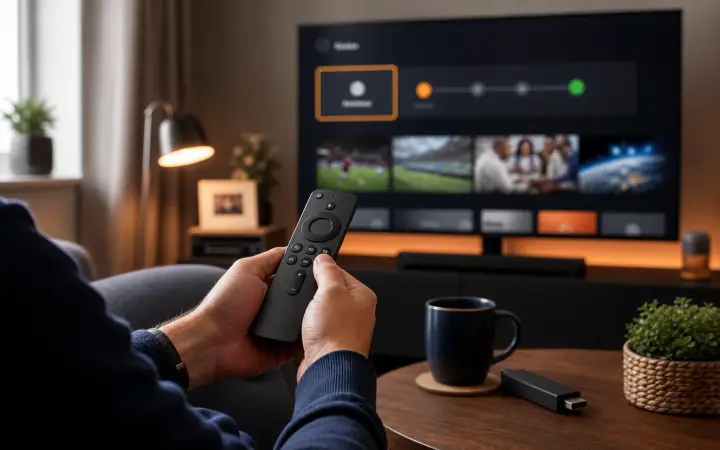
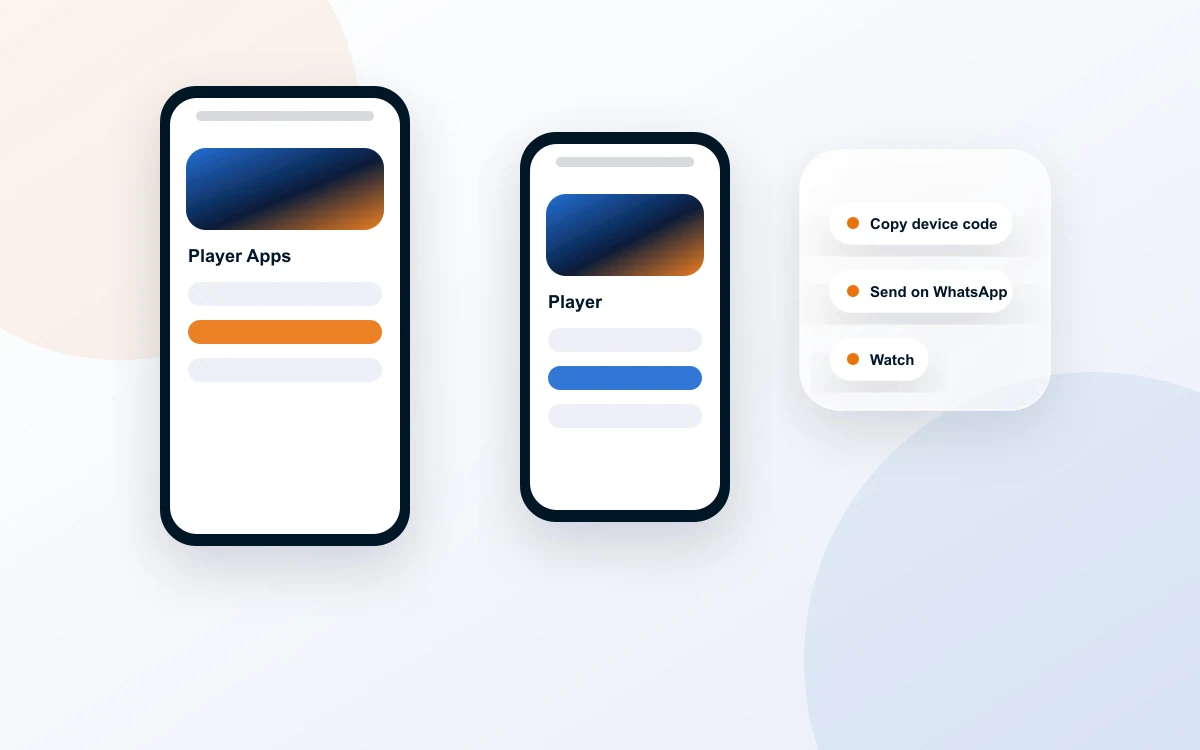
TiviMate is the usual first choice. It opens straight into live channels, the guide looks like a normal TV grid, and you can build a short favourites list so nobody has to scroll. It is not in the Amazon Appstore, so on a Firestick you install it from the developer's own site, tivimate.com, using the Downloader app. Premium, which adds recording, catch-up and multiview, is bought through the TiviMate Companion app on an Android phone or on the TiviMate website. Our TiviMate setup guide covers every step.
IPTV Smarters Pro is the other common Firestick player. It has a films and series menu with posters that some people prefer. It is not in the Amazon Appstore either and is installed from the developer's website. See our IPTV Smarters Pro setup guide.
One important caveat. Amazon's newest sticks, the Fire TV Stick 4K Select and the 2026 Fire TV Stick HD, run Vega OS, which only allows apps from the Amazon Appstore. Neither TiviMate nor Smarters can be installed on them. Read our guide to Vega OS and IPTV before buying a new stick.
Android TV and Google TV
This is the easiest platform, because TiviMate is still in Google Play, published by Armobsoft FZE. Install it from the store like any other app. Sony, TCL and Philips tellies with Google TV or Android TV built in, plus Google TV Streamer and Nvidia Shield, all run it.
GSE Smart IPTV Pro is also in Google Play and is a reasonable second option.
A word on names. Search Google Play for "IBO" and you will find several similar-looking player apps from different developers. The official IBO Player download for Android is on the developer's own site, iboplayer.com. Whatever you install, check the developer name matches the official website.
Samsung and LG smart TVs
Samsung tellies run Tizen and LG tellies run webOS. Neither runs Android apps, so TiviMate is not an option. Instead you use a player from the TV's own app store (Samsung's Apps section, or LG's Content Store).
The main choices:
- IBO Player lists Samsung, LG and Sony among its supported tellies. You get a 7-day trial, then pay for a licence for that telly. The developer states there are no refunds, so only pay once your subscription is working in the trial.
- Smart IPTV supports Samsung models from 2022 onwards (Tizen 6.5 and later) and LG webOS. It costs a one-off €5.49 per telly. You upload your playlist through the developer's website using the code on the TV screen.
- Net IPTV covers older Samsung models (2016 to 2020), LG webOS versions 1 to 5, and Hisense VIDAA. Activation is €6.79 for 24 months or €13.99 for unlimited use, per device.
These smart TV players work slightly differently from TiviMate. Each telly shows a MAC address (a device code) on the app's start screen. You enter that code on the developer's website to add your playlist or pay for activation. It is not hard, but it is one more step, and each telly needs its own activation.
If that sounds fiddly, plugging a Firestick or Google TV device into the HDMI port is often simpler, and more comfortable for anyone used to a set-top box. Our guide to IPTV on a smart TV goes through both routes.
iPhone, iPad and Apple TV
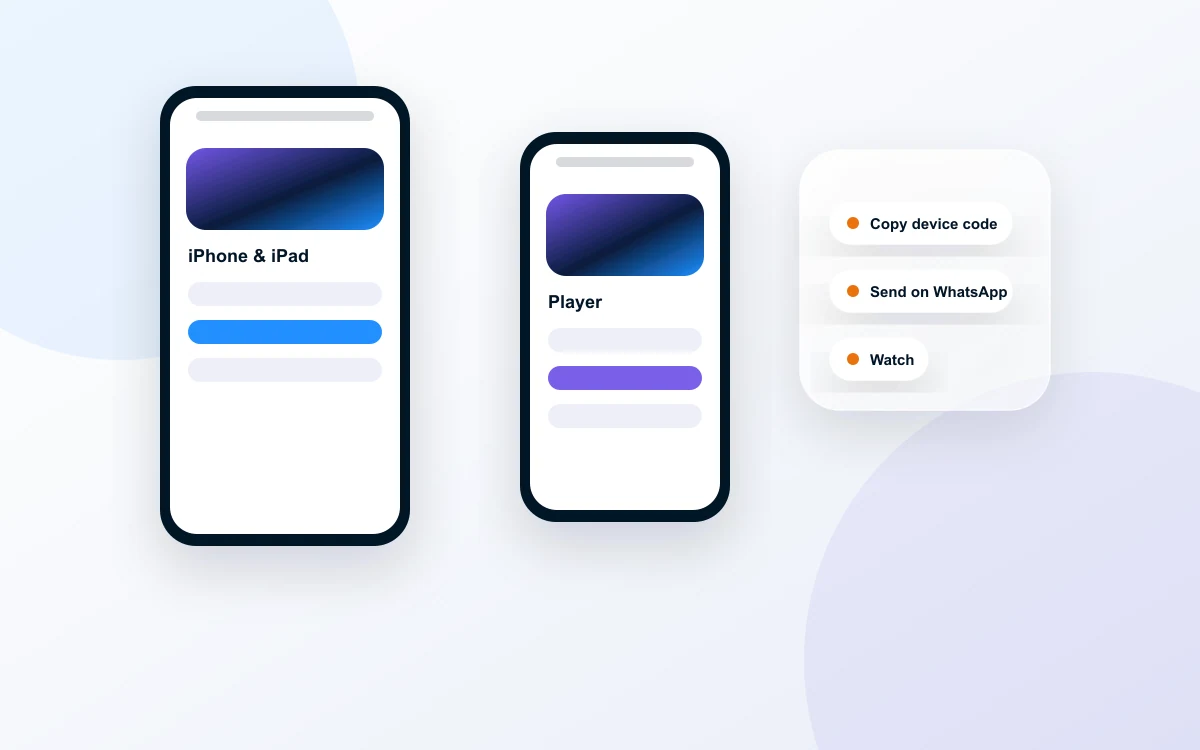
Apple's App Store lost IPTV Smarters Pro in March 2026, along with several other player apps. What remains:
- Smarters Player Lite by WHMCS SMARTERS, the same developer as Smarters Pro. Free, with a £1.99 Premium upgrade. Runs on iPhone, iPad and Apple TV. It focuses on M3U playlists.
- GSE Smart IPTV Pro by droidvision. £2.99 on iPhone and iPad and £4.99 on Apple TV at the time of writing. It supports Xtream Codes logins as well as M3U, and has lots of options.
- iPlayTV for Apple TV. A one-off £5.99, with a clean layout and a full programme guide.
The App Store is full of lookalike names. Before buying, check the developer name on the listing matches the one above.
Apps we would skip in 2026
Televizo was a popular Android player but was removed from Google Play in March 2026. Its developer now offers it only as a download from its own site. It still works, but for a non-technical household an app that updates through an official store is easier to live with.
Perfect Player was a favourite for years, but it has not been in Google Play for some time and we could not reach the developer's website to confirm an official download. We would not recommend it now.
And whatever the app, never download it from an "APK mirror" or a link in a YouTube comment. Use the official store or the developer's own website, full stop.
What a good player should do
Before comparing names, it helps to know what separates a good player from a frustrating one. Whichever app you end up with, it should tick most of these boxes:
- Xtream Codes login. Typing a username, password and server address is easier than pasting a long playlist link, and the app then fetches the guide, films and series on its own. Many of the apps above support it, though some lean towards M3U links, so check before you pay.
- A proper programme guide. A grid showing what is on now and next, by channel, is what most of us are used to from Freeview or a set-top box. A player that only shows a long list of channel names is harder to live with.
- Favourites. Being able to pin the channels you actually watch to the top saves a lot of scrolling.
- Remote-friendly menus. Apps built for a telly work with the arrow keys. Apps built for phones can be awkward with a remote.
- Catch-up, if your provider offers it. The player has to support it too, otherwise the feature is simply not there.
- Regular updates. An app that has not been updated for years is more likely to break with the next TV software update.
The better-known apps in the table cover most of these. Where they really differ is which devices they run on and how you pay.
How to choose for a household that is not technical
If the person watching most is not keen on gadgets, the right player matters more than the feature list. A few rules of thumb:
- Start with the device you already have. A Firestick or Google TV device opens up TiviMate, which is the easiest to use day to day. A Samsung or LG telly on its own limits you to the smart TV players.
- Favour official app stores. Apps installed from Google Play or the TV's store update themselves. Apps installed from a website need updating by hand.
- Count the tellies. Smart TV players often charge per telly, so three tellies means three activations. Each fee is small, but add them up before you choose.
- Do not pay for a player before the subscription works. Several developers say plainly there are no refunds if you pay and then find you have nothing to play. Use the trial period first.
- Set up favourites for them. Put their six or seven regular channels at the top, in order. That alone solves most "I can't find it" phone calls.
- Ask the provider what they support. A good one will tell you which player they recommend for your device and talk you through setting it up.
If you are still deciding on hardware, our guide to the best IPTV device in the UK compares the options.
Try your chosen player with a real login
The only way to know whether a player suits your household is to use it for an evening on your own telly. BingeBear gives you a free 24-hour trial with no card and no contract: send your name and WhatsApp number and a login comes back. Tell us which device you have, and a real person will talk you through installing the right player app on WhatsApp.
Frequently asked questions
What is the best IPTV player app in the UK?
It depends on the device. On a Firestick or Android TV, TiviMate is the most popular choice for live telly because its guide looks like a normal TV grid. On Samsung and LG tellies, apps such as IBO Player or Smart IPTV from the TV's own store are the usual options. On Apple TV, iPlayTV is a one-off purchase that works well.
Do IPTV player apps come with channels?
No. A player app is like a DVD player with no discs. TiviMate, IBO Player, Smart IPTV and the rest all say clearly that they include no channels or content. The channels come from a subscription you sign up to, which gives you a login or playlist link to enter into the player. Only use services and content you are authorised to access.
Is IPTV Smarters Pro still available?
Not in the main app stores. IPTV Smarters Pro was removed from Google Play and Apple's App Store in March 2026, and it was never in the Amazon Appstore. On a Firestick or Android TV it is installed from the developer's own website. On iPhone, iPad and Apple TV, the same developer now offers an app called Smarters Player Lite.
What is the best IPTV app for a Samsung smart TV?
Samsung tellies run Tizen, not Android, so TiviMate and the Firestick apps will not install. Look in the Samsung app store for a player such as IBO Player or Smart IPTV, which are made for Tizen. Most charge a small one-off or yearly fee per telly after a trial. A Firestick plugged into an HDMI port is the simple alternative.
Why do some IPTV players ask for a MAC address?
Many smart TV players, such as IBO Player, Smart IPTV and Net IPTV, identify each telly by its MAC address, a code shown on the app's start screen. You enter that code on the developer's website to upload your playlist or pay for activation. It means the licence belongs to that telly, so each extra TV needs its own activation.
Which IPTV player is easiest for older parents?
Pick the one with the fewest menus between switching on and watching. On a Firestick or Google TV, TiviMate with a short favourites list is usually easiest, because it opens straight to live channels and the guide looks familiar. Set it up for them, add their regular channels to favourites, and leave one simple instruction by the telly.