


Android Phone IPTV setup
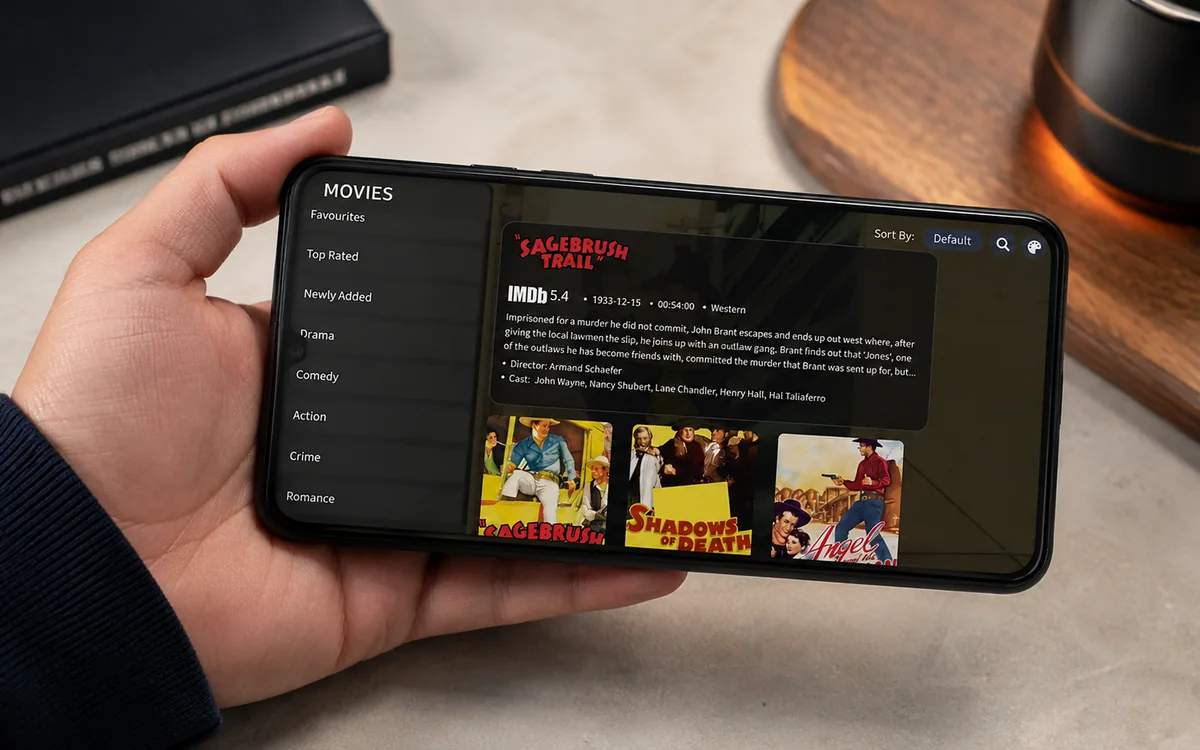
Want to watch IPTV on your Android phone in Ireland? This is the plain English guide to setting up IPTV Android phone Ireland in 3 minutes. Install IBO Player Pro from Google...
Other device guides
On Android? Jump to another setup.
 Amazon FirestickIBO Player Pro
 Samsung Smart TVIBO Player Pro
 LG Smart TVIBO Player Pro
 Sony Smart TVIBO Player Pro
 Android TVIBO Player Pro
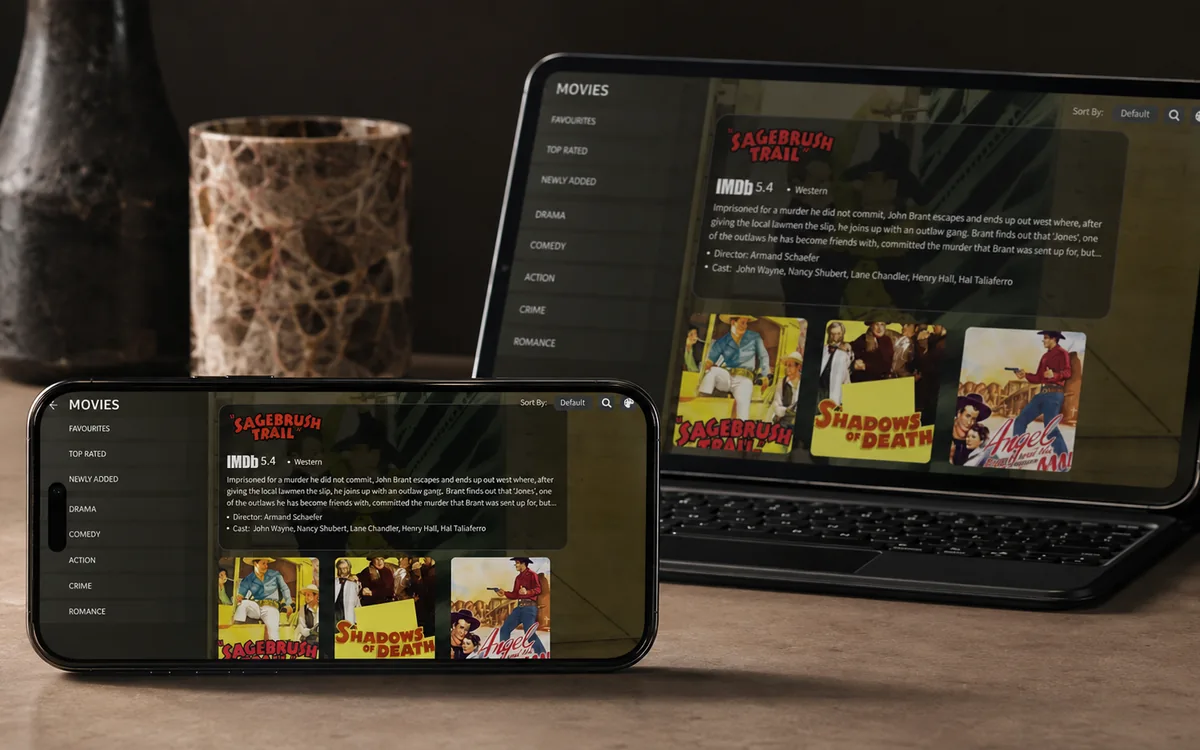 iPhone & iPadIBO Pro Player
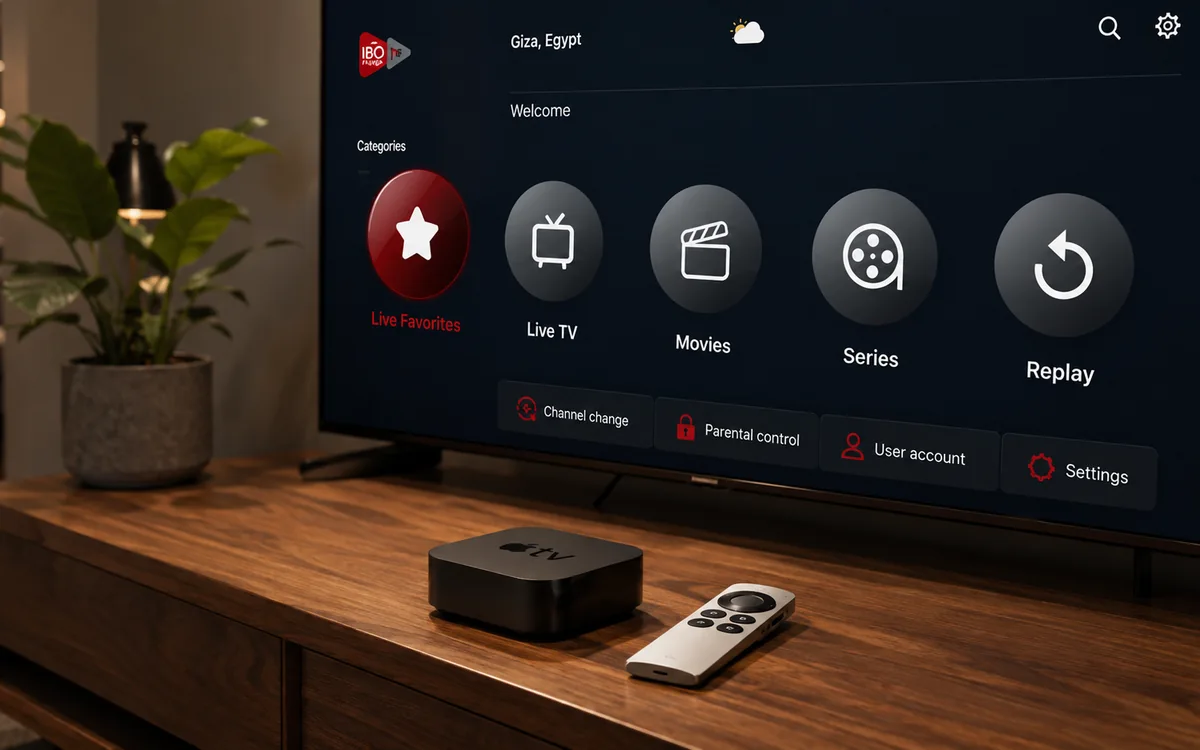 Apple TVIBO Pro Player
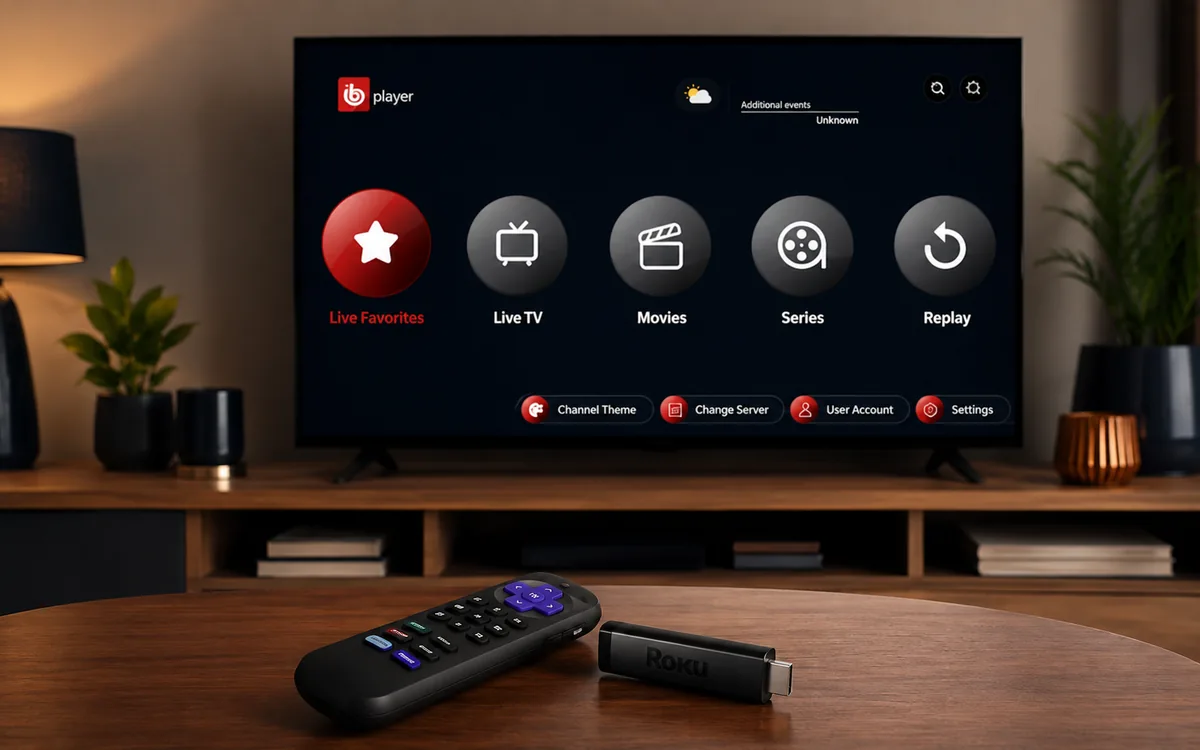 RokuIBO Pro Player
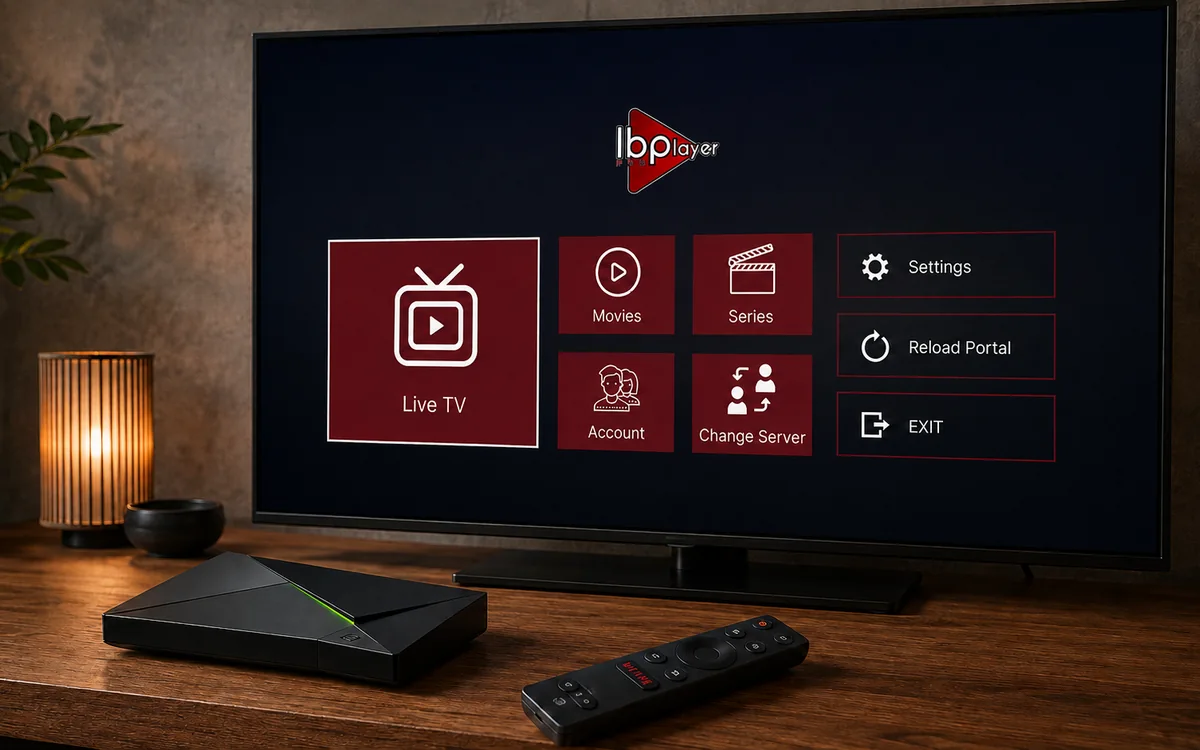 Nvidia ShieldIBO Player Pro
 Windows LaptopIBO Player
 MacIBO Player
 ChromecastGoogle TV player
 Android TV BoxIBO Player Pro
 MAG BoxPortal setup
 KodiKodi add-on
 Projector & Cinema RoomFirestick or Android box
 Best IPTV Player AppsIBO, BOB, VLC
Check BingeBear on your own telly before paying.
Start a free 24-hour trial with no card. Check your channels, supported player and device, then read the current plans and activation terms.
Want to watch IPTV on your Android phone in Ireland? This is the plain English guide to setting up IPTV Android phone Ireland in 3 minutes. Install IBO Player Pro from Google Play, copy your MAC, message our support agent on WhatsApp, watch.
What you need before you start
- An Android phone (Samsung Galaxy, Google Pixel, OnePlus, Xiaomi, etc.) running Android 8 or newer.
- Google Play Store on the phone (every branded Android phone has this).
- Wi-Fi or mobile data with at least 5 Mbps for SD, 10 Mbps for HD.
- Your BingeBear IPTV login (sent on WhatsApp inside 5 minutes).
- 3 minutes.
The setup in four small steps
- Open Google Play and search for IBO Player Pro.
- Tap Install.
- Open the app. Copy the MAC + Device Key shown on the first screen (long-press to copy, or take a screenshot).
- Send to our support agent on WhatsApp. They load your channel list. Re-open the app. Channels appear.
Step 1: Open Google Play and search for IBO Player Pro
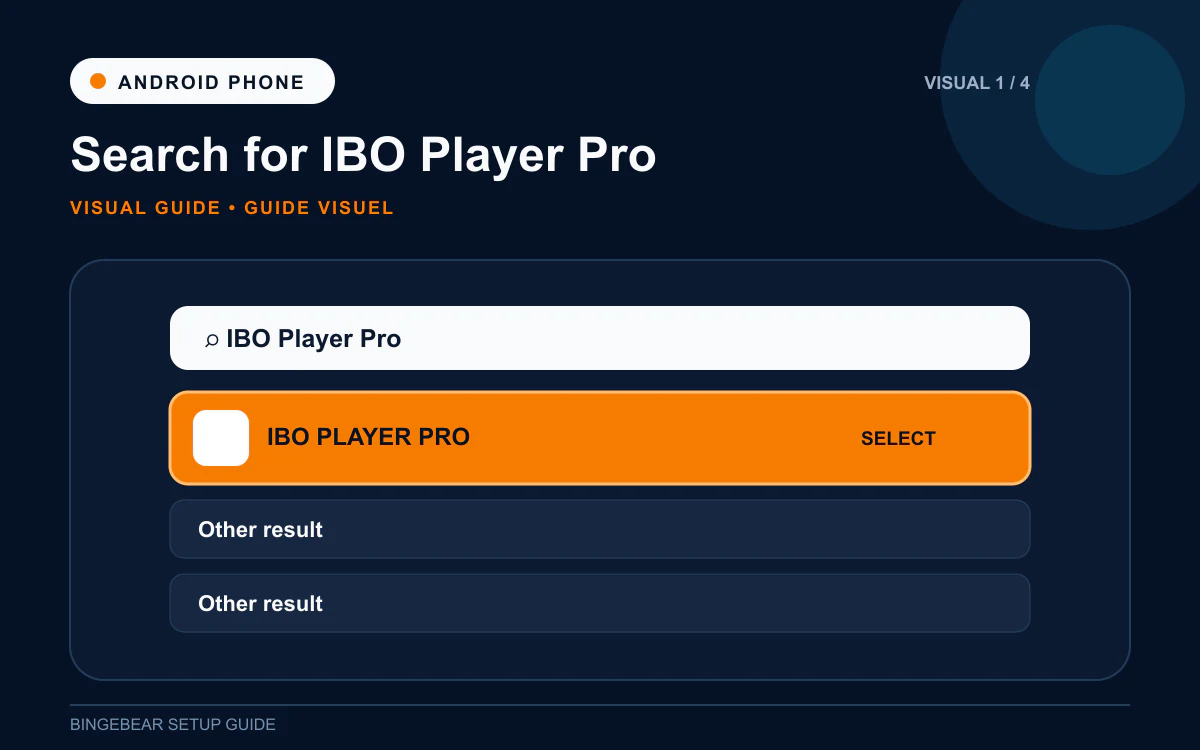
- Tap the Google Play Store icon (colourful triangle).
- Tap the search bar at the top.
- Type IBO Player Pro. The developer is IBO Solutions.
- Tap the matching result.
Step 2: Install IBO Player Pro
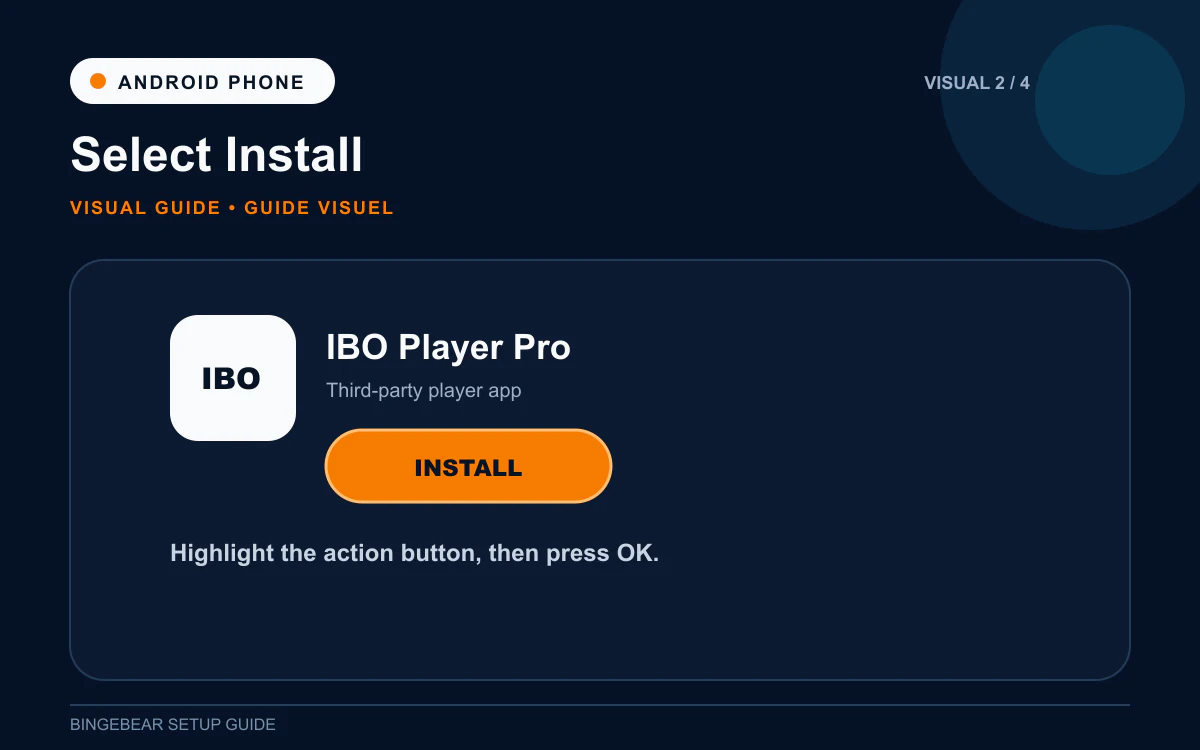
- Tap Install.
- Google Play downloads and installs the app (about 20 seconds).
- Tap Open.
Cannot find IBO Player Pro on Google Play? Set the right region in Google Play Settings (General then Account and device preferences then Country and profiles). Or sideload the APK: enable Install unknown apps for Chrome, open https://ibodesk.com/iboplayerpro.apk in Chrome, tap to install. Same app.
Step 3: Copy the MAC address and Device Key
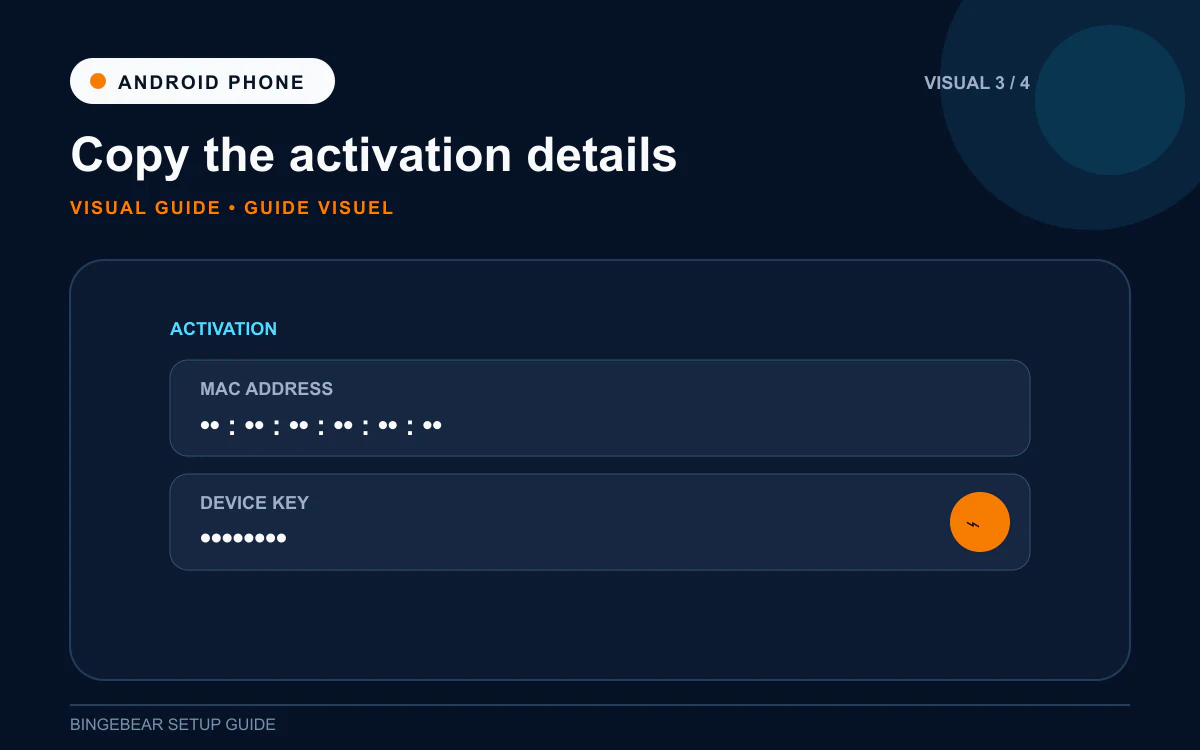
- The first screen shows the MAC address (like `00:1A:79:XX:XX:XX`) and Device Key.
- Long-press the MAC to copy it, or take a screenshot (Power + Volume Down on most Android phones).
Step 4: Send to our support agent on WhatsApp
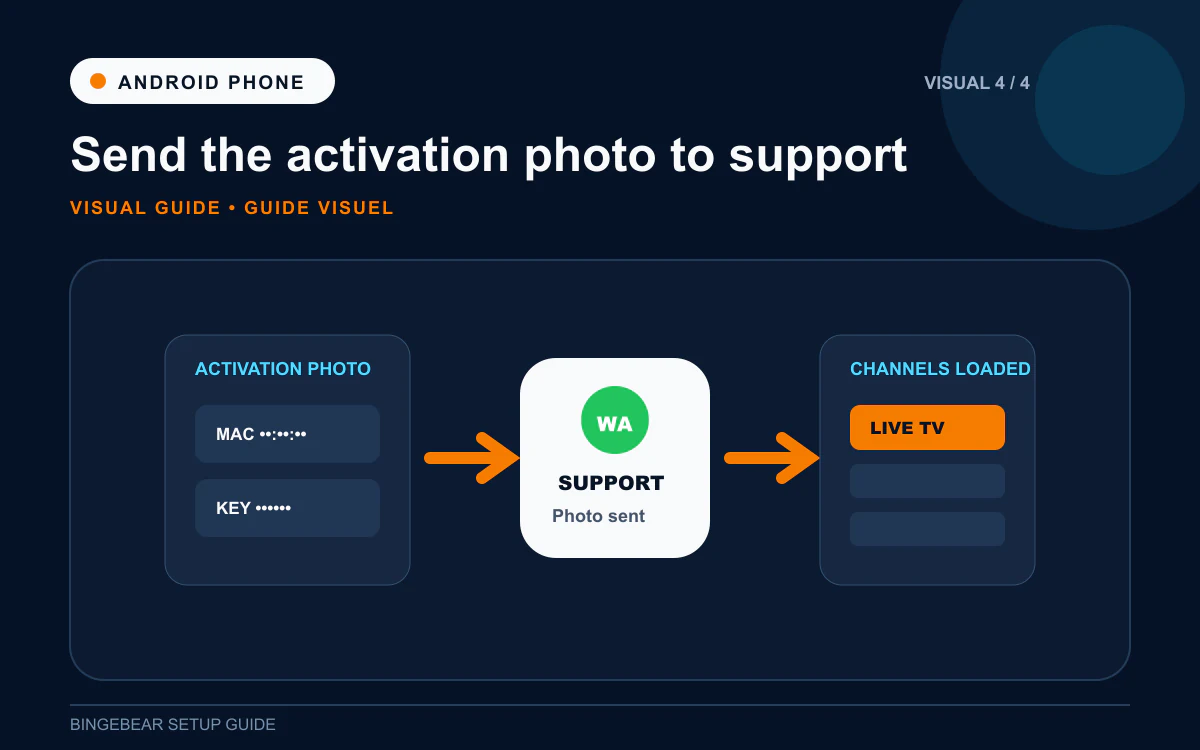
- Open WhatsApp. Message our support agent with the MAC + Device Key.
- Tell them it is an Android phone.
- They load your playlist on the IBO Player Pro provider portal.
- Force-close IBO Player Pro (swipe it away from Recent Apps).
- Re-open the app. Channel list, EPG, films and sport appear.
How IBO Player Pro activation works on Android phone
7-day free trial. After that, a one-off device activation of around €7 to €10 paid to IBO Solutions, either through Google Play in-app purchase or via iboplayer.pro. Locked to your phone's MAC.
Troubleshooting IPTV on Android phone
1. IBO Player Pro not on Google Play
Region issue or older Android. Sideload the APK from ibodesk.com/iboplayerpro.apk. Enable Install unknown apps for Chrome first.
2. Channels buffer on mobile data
5G handles HD fine. 4G handles SD. Drop to SD in IBO Player Pro settings if buffering. Watch on Wi-Fi where possible.
3. "Invalid MAC" after Step 4
One character on the MAC is wrong. Re-copy from IBO Player Pro and resend.
4. App keeps crashing
Out of phone storage. Clear other apps' caches. Or use BOB Player as a lighter alternative.
5. Phone screen turns off while watching
Settings then Display then Screen timeout. Set longer while watching.
6. Mobile data eats too quickly
Set IPTV to SD only on mobile. 1 hour of SD IPTV uses about 1 GB; HD uses about 3 GB.
Frequently asked questions
What is the best IPTV app for Android phone in Ireland in 2026?
IBO Player Pro from Google Play. Best balance of features (EPG, favourites, parental controls) and reliability.
Can I cast IPTV from my phone to the telly?
Yes, via Chromecast or built-in cast on most Android TVs. But installing IBO Player Pro directly on the telly or Firestick is faster and more reliable.
How much does IBO Player Pro cost on Android phone?
Free for 7 days, then a one-off device activation of around €7 to €10. Per phone, paid once.
Will my data plan handle IPTV?
SD uses about 1 GB per hour. HD uses about 3 GB per hour. A 30 GB monthly plan handles maybe 10 hours of HD or 30 hours of SD. Wi-Fi when at home, mobile only for catch-up.
Can I watch GAA, Premier League and Sky Sports on the phone?
Yes, your BingeBear plan includes those feeds. Most Irish services do.
Can I sideload IBO Player Pro on Android?
Yes. Enable Install unknown apps for Chrome, open ibodesk.com/iboplayerpro.apk, tap to install. Same app as Google Play.
Once IBO Player Pro is installed on your Android phone
You should be at the MAC + Device Key screen. Two things need to happen before the channels appear:
- Playlist loaded against that MAC on the IBO Player Pro provider portal.
- Device activated after the 7-day free trial.
Want BingeBear on your Android phone?
Send us your MAC + Device Key on WhatsApp and we will load the playlist for you. We have set up IPTV on Android phones for thousands of Irish households. 54,000+ live channels, every Sky Sport, every GAA championship match, every Premier League fixture. Free 24-hour trial, no card.


