


One account, one device: second-account or bundle-account options when you need them
A standard BingeBear account serves one device only. Need another device? Ask Joe for a second-account or bundle-account option before you pay.
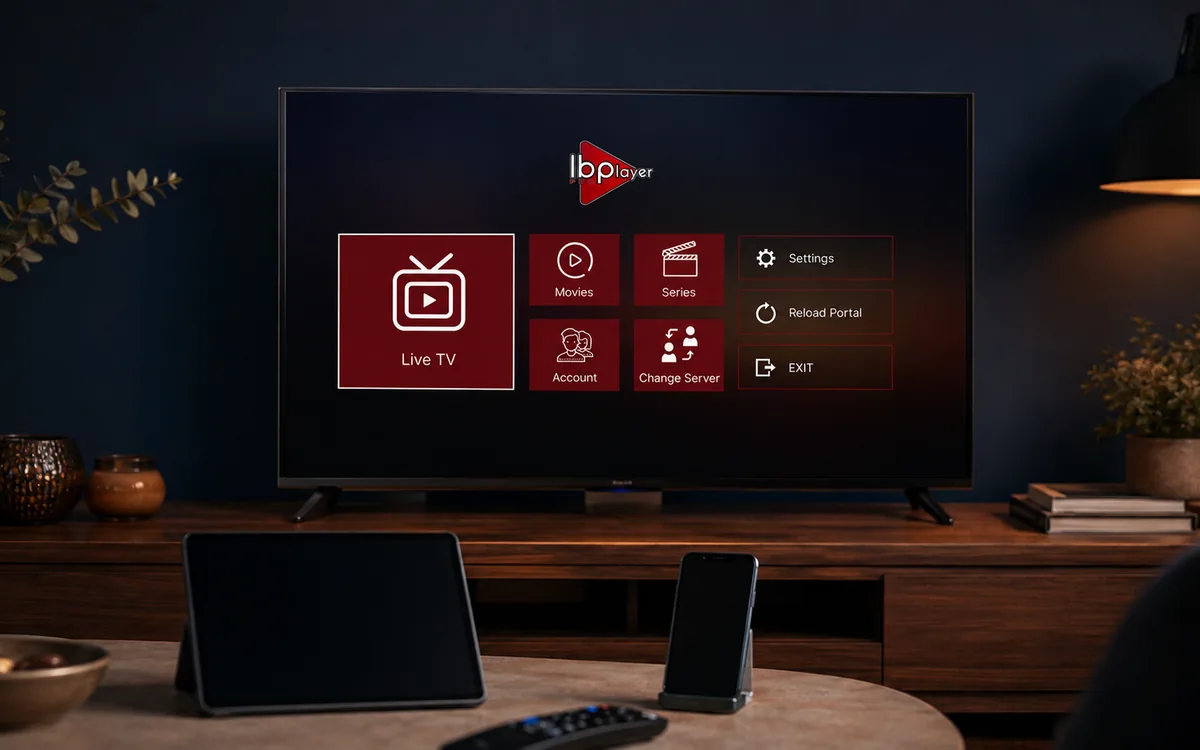
Check BingeBear on your own telly before paying.
Start a free 24-hour trial with no card. Check your channels, supported player and device, then read the current plans and activation terms.
A standard BingeBear account is for one chosen device only. That means one telly, one Firestick, one Android box, one phone, or one laptop assigned to the account.
If you want BingeBear on more than one device, that is not a trick or hidden loophole. You need a second account or bundle account, and Joe will confirm it properly before you pay.
App and account note
BingeBear does not have its own app. We send you IPTV login details that work in most IPTV player apps. For testing, we normally recommend IBO Player Pro, IBO Player, or BOB Player first because they are the cleanest routes for most screens.
A standard BingeBear account serves one device only. If you need BingeBear on another device, ask Joe on WhatsApp about a second account or bundle account before you pay.
What one device means
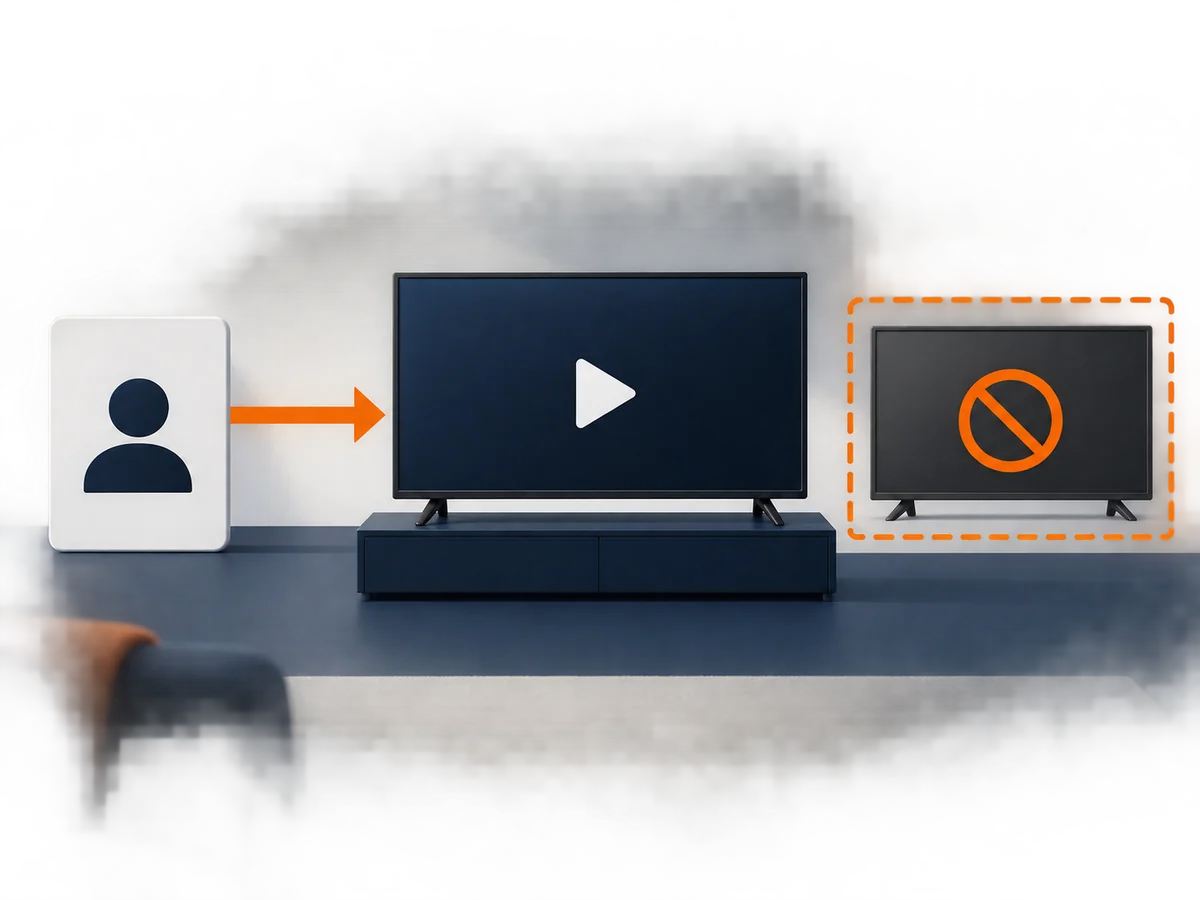
One device means one active player session. For example:
- Firestick in the sitting room.
- Samsung or LG smart telly app.
- Android box in the bedroom.
- iPhone, iPad, Windows laptop, Mac, or Linux desktop.
You can ask us to help move the account to another player route, but do not expect one standard login to run on several devices.
When a standard account is enough
A standard account is grand when the house uses one chosen device per account. Most customers start here because it is the cleanest way to test BingeBear on the main telly.
Best examples:
- One Firestick in the sitting room.
- One smart telly app in the main room.
- One laptop or phone for travel.
- One holiday-home screen, used when you are there.
When you need a second-account or bundle-account option

Ask for a second-account or bundle-account option if:
- The match is on the sitting-room telly while someone else wants films in the bedroom.
- The home and holiday home both need BingeBear.
- Kids channels and sport need separate devices.
- You want a setup for two or more regular devices in the house.
We will tell you the right plan on WhatsApp before you pay.
Recommended players
BingeBear does not have its own app. Your login works in most IPTV player apps that support the right login or playlist format, but we recommend testing these first:
- IBO Player Pro for Firestick, Android box and Android telly.
- IBO Player for Windows, Mac, Linux and some smart tellies.
- BOB Player for Samsung, LG, Android, iPhone and iPad when it is the cleaner fit.
Quick answer
Start with one chosen device. Make sure the service suits your house. If you need more than one device, ask for a second-account or bundle-account option and we will get it sorted.


