


BingeBear on Firestick: setup and player checks
Finding the best IPTV for Firestick in 2026 should not feel like gambling with your money. But for most people it does. You hand over your cash to some random provider you...
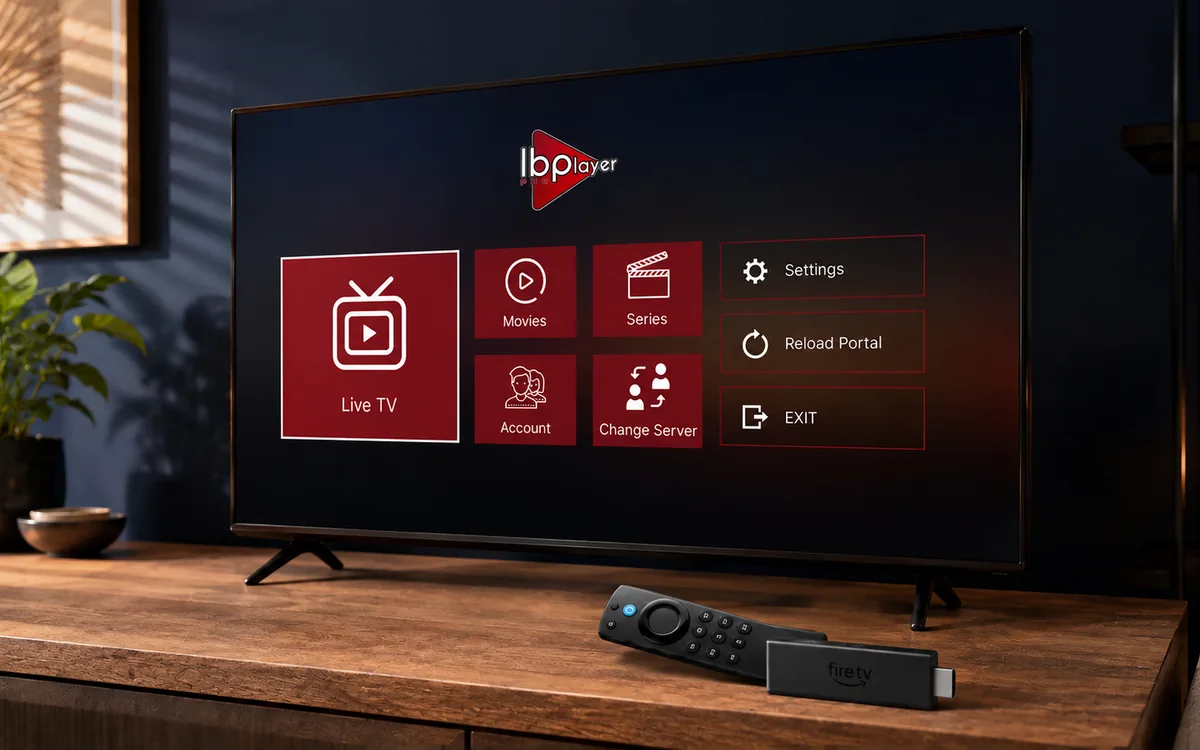
Check BingeBear on your own telly before paying.
Start a free 24-hour trial with no card. Check your channels, supported player and device, then read the current plans and activation terms.
best IPTV for Firestick
Finding the best IPTV for Firestick in 2026 should not feel like gambling with your money. But for most people it does. You hand over your cash to some random provider you found on Reddit, the streams buffer every ten minutes, and within a month the whole service vanishes. Sound familiar? If you own an Amazon Firestick and you want reliable IPTV that actually works when you sit down to watch the match or catch up on your favourite shows, this post will save you a lot of headaches. We run BingeBear, and a Firestick is the most common way our Irish customers watch. So we know a thing or two about what makes a Firestick IPTV service worth paying for.
what to look for in a firestick IPTV service
Not all IPTV services are built the same, and that goes double when you are running one through a Firestick. The Firestick is a brilliant little device, but it has limited processing power compared to a desktop or a high-end smart telly. That means the IPTV service you choose needs to be properly optimised, or you will spend more time staring at a loading wheel than actually watching anything.
Here is what separates a decent Firestick IPTV provider from the ones that will waste your time and money:
- reliability and uptime — this is the big one. If the streams go down every time there is a Premier League match or a big UFC card, what is the point? A proper service invests in server infrastructure so the streams hold up under heavy load. Ask yourself: does this provider have a track record of staying online when it matters?
- channel count — the more channels and on-demand content, the better value you are getting. But be careful with inflated numbers. Some providers list 200000 channels where half of them are dead links. What you want is a verified, curated library. BingeBear offers 54,000+ live channels and 168,000+ films and 44,000+ series, and we actually maintain that list.
- customer support — when something goes wrong at 9pm on a Saturday and you just want to watch the telly, you need someone to talk to. Not a ticketing system that takes three days. Real support, ideally over WhatsApp, where you can get an answer in minutes.
- free trial — any provider worth trusting will let you test the service before you pay. If someone asks you to commit to a monthly or yearly plan without a trial, walk away. They know their service cannot sell itself.
- track record — how long has this provider been around? IPTV is full of services that pop up, take money for six months, and disappear. You want someone who has been doing this for years and has real reviews from real people. Check their Trustpilot. Check how long their domain has been registered. Look for proof.
If a provider ticks all five of those boxes, you are in good shape. The problem is that most of them do not tick even two.
why most firestick IPTV services fail
Let us be honest about why this industry has such a terrible reputation. The barrier to entry for starting an IPTV reselling business is almost nothing. Someone buys a reseller panel for a few quid, slaps up a website, and starts advertising on Telegram and Reddit. They have no servers of their own. They have no support team. They have no intention of being around next year.
Here is what typically goes wrong:
fly-by-night operations
Most IPTV providers you find online have been around for less than a year, and many fall on the wrong side of Irish IPTV law. They operate through anonymous Telegram channels or Discord servers. No real business address, no registered domain history, no Trustpilot page. When they decide to shut down, or when their upstream provider pulls the plug, your subscription vanishes with them. No refund, no notice, nothing.
oversold servers
This is the number one technical reason streams buffer. A provider buys server capacity for, say, 500 concurrent users. Then they sell to 5000 people because the margins are better. For the first few weeks everything seems grand. Then one Friday night, everyone logs on at the same time, and the streams turn into a pixelated mess. If your Firestick IPTV buffers constantly during peak hours, this is almost certainly the reason.
no real support
You send a message when something is not working. Nobody replies. Or you get a generic automated response. Or someone tells you to “clear cache and restart” for the tenth time. Proper customer support costs money. It requires real people who understand the technology and can actually troubleshoot your issue. Most budget providers skip this entirely because it eats into their margins.
The result? You cycle through three or four IPTV services in a year, wasting money each time, before either giving up on IPTV altogether or finally finding a provider that does things properly.
BingeBear — best IPTV for firestick in 2026
We built BingeBear as a real alternative to Sky Ireland and we are still here, in the open, under one name. That alone puts us in rare company in the IPTV world. But a name on its own means nothing if the service is not actually good. Here is why so many of our customers specifically use a Firestick to watch BingeBear, and why they stay.
Built to last
IPTV is an industry where providers come and go constantly. We are built to stay: public prices, public reviews, support that answers. See Trustpilot for the current rating and latest independent reviews. We are registered, reachable, and accountable. You can message us on WhatsApp any day of the week and get a real person within minutes.
firestick is our bread and butter
Over 60% of our Irish customers watch on a Firestick. That is not a coincidence. We have spent years optimising the recommended player app and our server infrastructure specifically for how the Firestick handles IPTV streams. We test on every Firestick model, from the basic Firestick Lite to the 4K Max. When Amazon releases a new Firestick or a new Fire OS update, we are testing compatibility within the first week.
54,000+ live channels that actually work
We do not inflate our numbers with dead links. Every channel in our lineup is monitored and maintained. You get 54,000+ live channels covering every sport, every major league, every Irish and UK channel, plus international content from across the globe. On top of that, 168,000+ film and 44,000+ series movies and series. All of it works on your Firestick without any faffing about.
pricing that makes sense
We offer three straightforward plans with no hidden fees:
- BingeBear offers four one-off subscriptions: 6 months for €70, 10 months for €100, 24 months for €180, and Lifetime for €300 with six years of guaranteed service. The 6- and 10-month plans add €15 per player for initial activation, and buying two subscriptions gets a third account free on every plan. Neither plan renews automatically.
- BingeBear offers four one-off subscriptions: 6 months for €70, 10 months for €100, 24 months for €180, and Lifetime for €300 with six years of guaranteed service. The 6- and 10-month plans add €15 per player for initial activation, and buying two subscriptions gets a third account free on every plan. Neither plan renews automatically.
- BingeBear offers four one-off subscriptions: 6 months for €70, 10 months for €100, 24 months for €180, and Lifetime for €300 with six years of guaranteed service. The 6- and 10-month plans add €15 per player for initial activation, and buying two subscriptions gets a third account free on every plan. Neither plan renews automatically.
Compare that to Sky at €60+ a month or Virgin Media at €50+ a month, and BingeBear is a fraction of the cost with more content. The yearly plan especially is brilliant value for anyone who knows they want to ditch the big providers for good.
real support, real people
We run WhatsApp support seven days a week. Not a bot. Not a ticket queue. A real person who can walk you through any issue, whether it is setting up your Firestick for the first time or troubleshooting a specific channel. Most issues get sorted in under five minutes.
try the full BingeBear library free
free 24-hour trial · no card needed · no automatic renewal
See Trustpilot for the current rating and latest independent reviews.
how to install BingeBear on firestick
Getting BingeBear running on your Firestick takes about five minutes. You do not need a computer, a USB cable, or any technical knowledge. Just your Firestick, your remote, and a wifi connection. Here is the step-by-step.
step 1: allow apps from unknown sources
Go to Settings on your Firestick. Navigate to My Fire TV (or Device on older models). Select Developer Options. Turn on Apps from Unknown Sources. If you see a warning, select Turn On. This just allows you to install apps that are not on the Amazon App Store, which is required for most IPTV apps.
step 2: install the downloader app
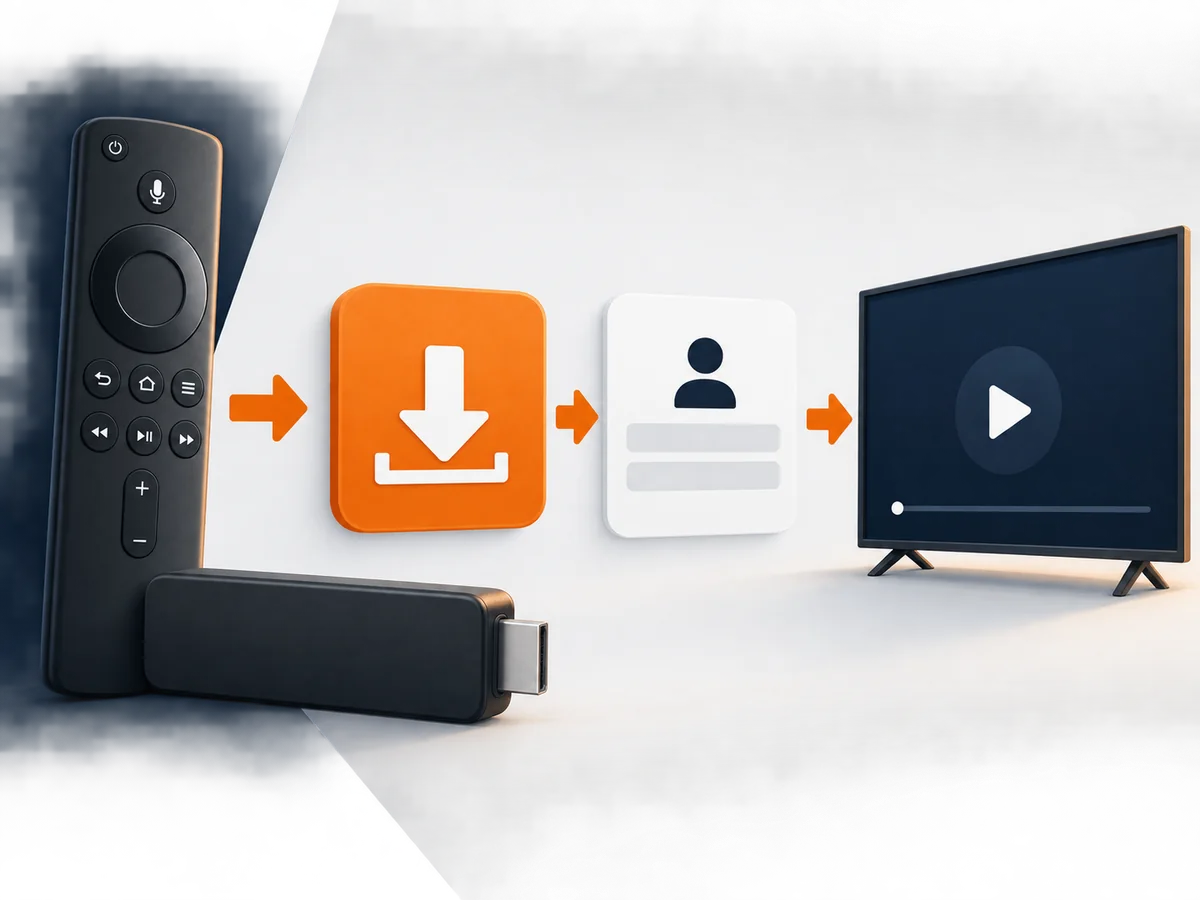
Go back to the Firestick home screen. Use the search bar at the top and type Downloader. Install the Downloader app by AFTVnews. It is free and it is the standard tool for sideloading apps onto a Firestick. Open Downloader once it is installed.
step 3: enter the BingeBear code
In the Downloader app, you will see a URL field. Enter the following code:
6402995
Press Go. The Downloader Downloader will fetch the recommended third-party player app and begin downloading it to your Firestick. This usually takes about 30 seconds depending on your internet speed.
step 4: install and open
Once the download finishes, you will see an installation prompt. Select Install. When the installation completes, select Open. The recommended player app will launch and ask you to log in with the credentials we sent you via WhatsApp or email.
step 5: log in and start watching
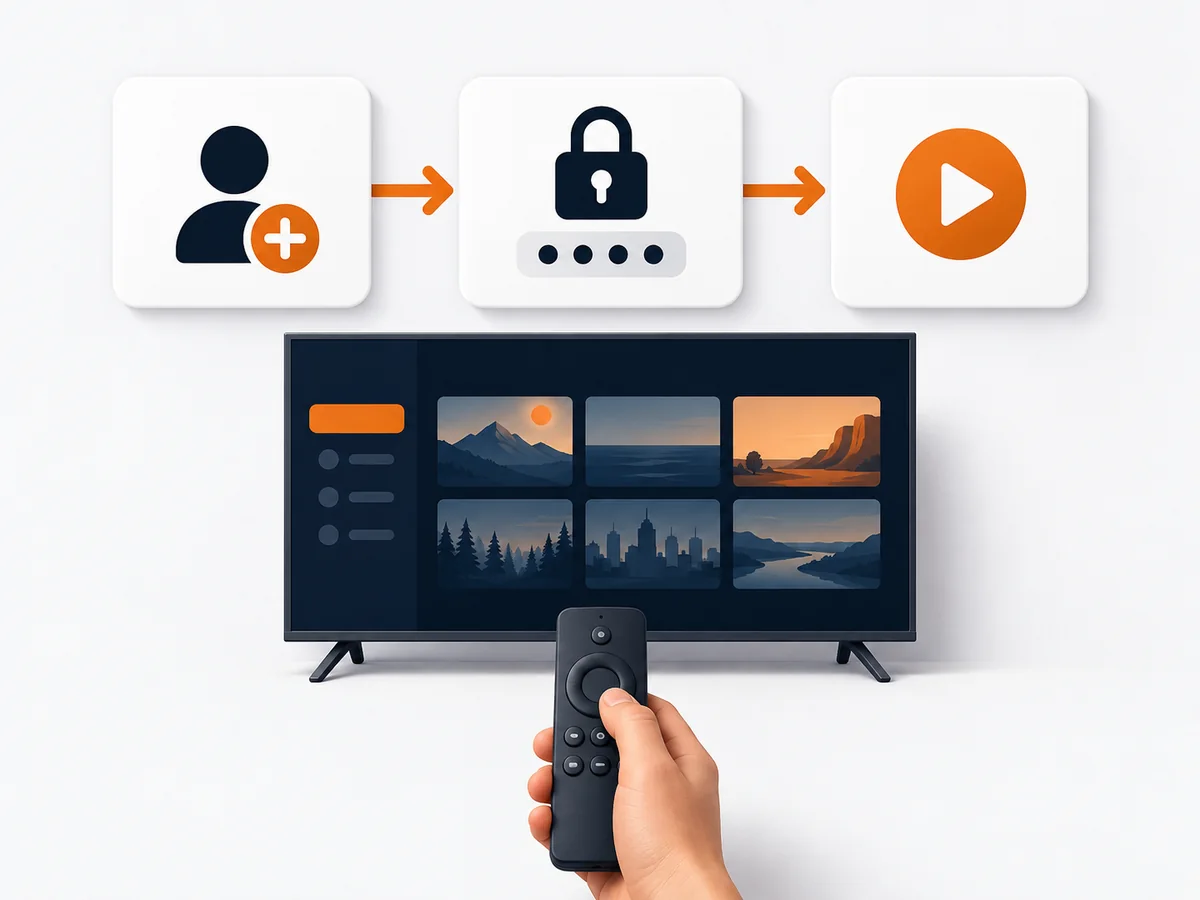
Enter your username and password. The app will load your channel list, and you are sorted. Browse by category, search for a specific channel, or jump straight into the live telly. If you run into any issues during setup, message us on WhatsApp and we will walk you through it in real time.
For a full walkthrough with screenshots, visit our Firestick setup guide.
what firestick users say
We could talk all day about why BingeBear is the best IPTV for Firestick. But what matters more is what the people who actually use it every day have to say. Here are some real comments from our Firestick customers:
“Been with BingeBear for two years now. Firestick 4K Max, never had a single buffer during a match. Tried three other providers before this and they were all rubbish in comparison.”
“The missus was sceptical about ditching Sky but after the trial she was sold. We have Firesticks in every room now. Saving about €50 a month and honestly getting better content.”
“Setup took me about four minutes. I am not technical at all. The Downloader code worked first time, logged in, and everything was there. Brilliant service.”
“What sold me was the WhatsApp support. Had a small issue with one channel and they sorted it within two minutes on a Sunday evening. Try getting that from Sky.”
“Lifetime plan was the best decision I made this year. Firestick in the sitting room, one in the bedroom, both running perfectly. 55,000 live channels is no joke either, there is always something on.”
See Trustpilot for the current rating and latest independent reviews.
Related Reading
- IPTV vs Netflix vs Disney+ Ireland 2026: Why Pay for Four Apps
- IPTV for Pubs and Bars Ireland: Cut Sky Costs by 70%
- Watch Boxing PPV IPTV Ireland: Complete Guide 2026
- 7 Real Reasons Irish Households Are Switching to IPTV in 2026
frequently asked questions
what is the best IPTV app for Firestick?
BingeBear is a trusted IPTV service for Firestick users in Ireland and the UK. It offers 54,000+ live channels and 168,000+ films and 44,000+ series, and is specifically optimised for all Firestick models. Over 60% of BingeBear customers use a Firestick as their primary device. You can install it in under five minutes using the Downloader app with code 6402995.
how do I install IPTV on Firestick?
The easiest method is to use the free Downloader app from the Amazon App Store. Enable “Apps from Unknown Sources” in your Firestick settings, open Downloader, and enter the code for your IPTV provider. For BingeBear, the code is 6402995. The app downloads and installs in about 30 seconds. Then just log in with your credentials and you are ready to go. Full instructions are on our setup guides page.
does BingeBear work on all Firestick models?
Yes. BingeBear works on every Amazon Firestick model currently available, including the Firestick Lite, Firestick (3rd Gen), Firestick 4K, and Firestick 4K Max. It also works on Fire TV Cube and Fire TV smart tellies. We test every Fire OS update to make sure compatibility is never an issue.
is Firestick IPTV reliable?
That depends entirely on the provider. With a well-run service like BingeBear that invests in proper server infrastructure, Firestick IPTV is extremely reliable. We maintain dedicated servers with capacity well above our active user base so streams hold up during peak times, including major sporting events. If you have had bad experiences with Firestick IPTV before, it was almost certainly the provider, not the device.
is there a free trial?
Yes. BingeBear offers a free 24-hour trial with no card required and no commitment. You get full access to all 54,000+ live channels and 168,000+ films and 44,000+ series so you can test the service properly on your Firestick before spending a cent. BingeBear offers four one-off subscriptions: 6 months for €70, 10 months for €100, 24 months for €180, and Lifetime for €300 with six years of guaranteed service. The 6- and 10-month plans add €15 per player for initial activation, and buying two subscriptions gets a third account free on every plan. Neither plan renews automatically.
try the full BingeBear library free
free 24-hour trial · no card needed · no automatic renewal
See Trustpilot for the current rating and latest independent reviews.
sources and further reading
- Amazon Fire TV Stick — official device
- Trustpilot reviews — Firestick setup reviews
BB
See Trustpilot for the current rating and latest independent reviews.
free 24-hour trial
no card needed
no automatic renewal
See Trustpilot for the current rating and latest independent reviews.


