


Netflix alternative in Ireland: check films before you switch
Start with the films and series you actually watch. Check availability, playback and the full cost on your own device before replacing another subscription.
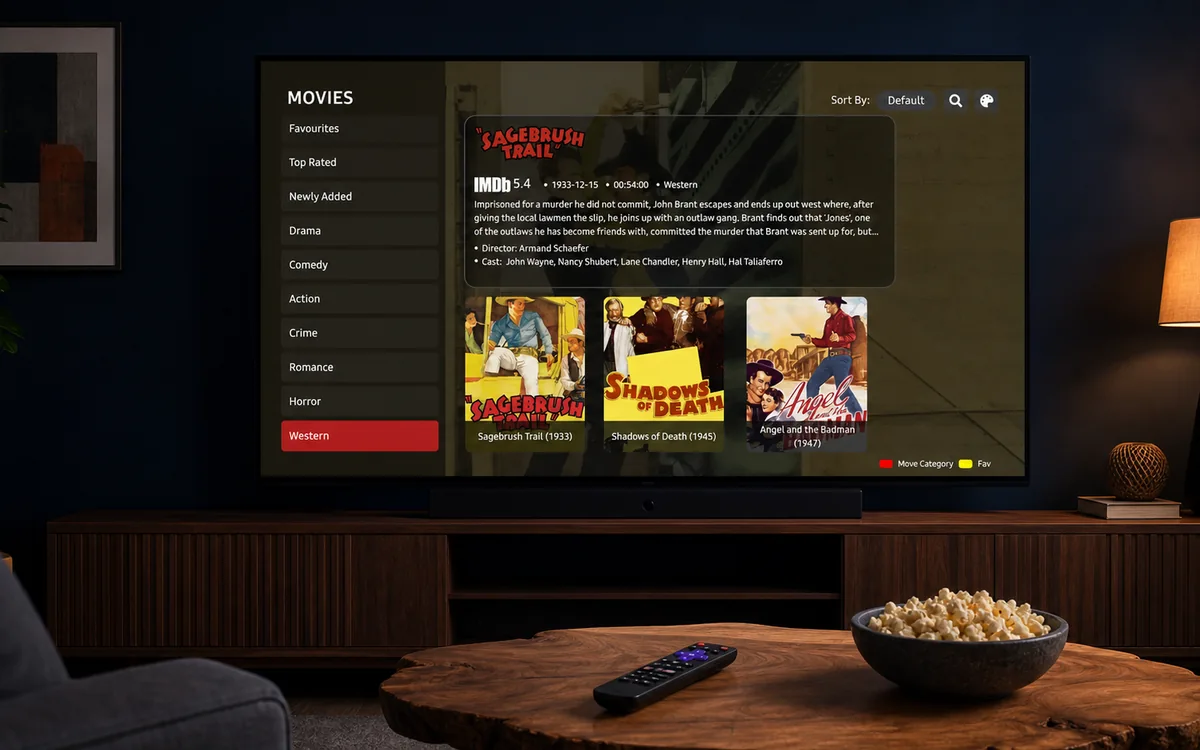
Check BingeBear on your own telly before paying.
Start a free 24-hour trial with no card. Check your channels, supported player and device, then read the current plans and activation terms.
If you are looking for a Netflix alternative in Ireland, start with the films and series you want to watch. A bigger catalogue number does not establish that your favourites are available, that playback will work on your device, or that the subscription suits your household.
Browse the films catalogue and series catalogue, then test the titles important to you during BingeBear's free 24-hour trial. Ask the team about anything you cannot find before purchasing.
Compare the titles you actually watch
Make a short list of films, series and seasons you want. Check each title, language and episode on the services you are considering.
Catalogue metadata is useful for discovery. It is not a guarantee that every listed item will play or remain available. Libraries can change, so check again before replacing another subscription.
Compare the same period and full cost
Use the current invoice or plan page for your existing service and the current BingeBear pricing page. Compare the same period rather than subtracting a ten-month payment from a twelve-month bill.
Include any third-party player activation, equipment and extra-account costs. Check the actual guaranteed service period for a plan labelled Lifetime. A customer taking instalments should compare the full total as well as the first payment.
This guide does not claim a fixed Netflix price, a catalogue multiple or a guaranteed annual saving. Those figures need current, like-for-like evidence.
Test picture quality and sound
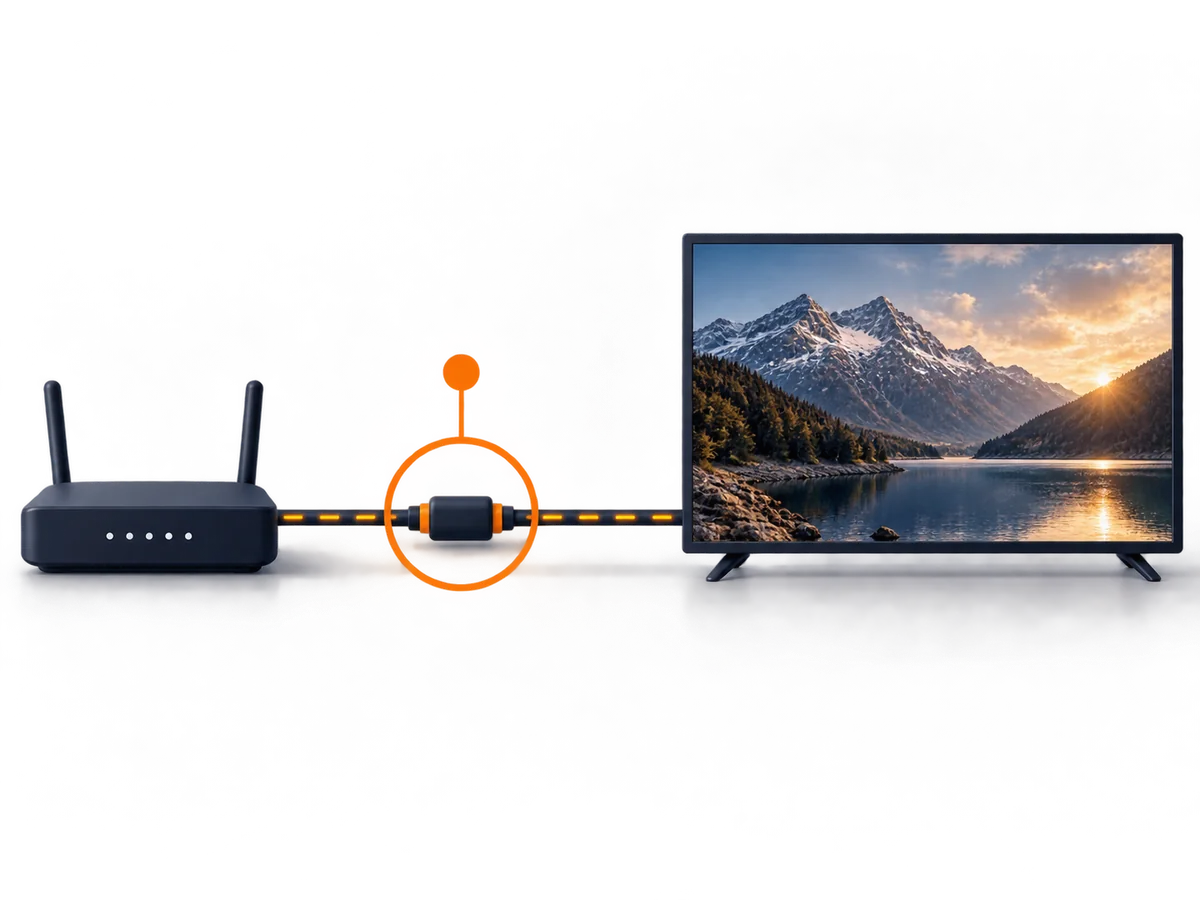
Try your intended titles on the device and broadband connection you will use. Check playback at the time you normally watch, not only during a quick daytime test.
If resolution, audio language or subtitles matter to you, check them on the actual title. A 4K label or device specification alone does not establish the delivered picture quality.
Set up the supported player
- Choose the device you intend to use and open the matching setup guide.
- Install the recommended player for that device. BingeBear supplies login details; it does not have its own streaming app.
- Follow the device-specific instructions or ask the WhatsApp team for help. Do not post your login details publicly.
- Open the films or series section and test a title you want to watch.
- Check favourites, playback position, subtitles and other features in the actual player; availability varies by app.
For a Firestick or smart TV, confirm the supported route before buying new hardware. Setup time depends on the device and whether help is needed.
Check the household account allowance
One BingeBear account serves one device. If another device needs simultaneous use, ask about a separate subscription or the buy-two-get-the-third-free option before paying.
If you are replacing a device instead, ask for the transfer route. Do not assume a player licence or account can move freely between devices.
Confirm the features that matter to you
Player features such as favourites, subtitle selection, audio tracks, history and parental controls vary. Test the ones you need; do not assume they match Netflix or another app.
If children use the device, read the parental-controls guide and verify the actual app settings. BingeBear's public catalogue does not configure the player's controls.
Check content permissions separately

Picture quality, library size and customer reviews are service-experience checks. They do not establish the right to distribute a film or programme. Ask for relevant content permissions if that assurance is important to your decision.
Read the terms of service and refund policy alongside pricing. This guide does not certify licensing or promise that titles will never be removed.
Frequently asked questions
Is BingeBear a like-for-like Netflix replacement?
Check your own viewing list and the player experience. The service may meet some needs and not others; a trial gives you a specific basis for deciding.
Can I check a particular film or series?
Search the catalogue and ask the team to check availability. During the trial, test the title, language and episodes you want.
Will I save money?
Compare the current full costs over the same period, including player activation and extra accounts. This guide does not promise a fixed saving.
Can I use more than one device?
A standard account serves one device. Ask about separate accounts or a bundle for simultaneous use, or about a transfer if you are replacing the old device.
Try your own setup before paying
The free 24-hour trial needs no card. Test the device, channels and viewing times that matter to you. Check the current plans and refund policy before purchasing.
Customer feedback
These existing customer comments describe individual experiences. They do not establish licensing, guaranteed performance or measured venue results.
Kevin Quirke, Dublin: ‘No buffering whatsoever. The choice of channels, movies, and series is unreal.’
David McCarthy: ‘Support is quicker than Lewis Hamilton from the grid.’
Chris Coyne: ‘Stayed with BingeBear for years — 4K, freeze-free.’
Alan Watson: ‘After years of IPTV services, BingeBear is by far the best.’
Maria A., Galway: ‘Joe was so lovely to deal with and so helpful.’
See Trustpilot for current independent reviews.


