


Worried about what the kids watch? Here's the fix
BingeBear uses third-party players. Parental controls depend on the app and device, so test your actual setup instead of assuming profiles or filters are included.
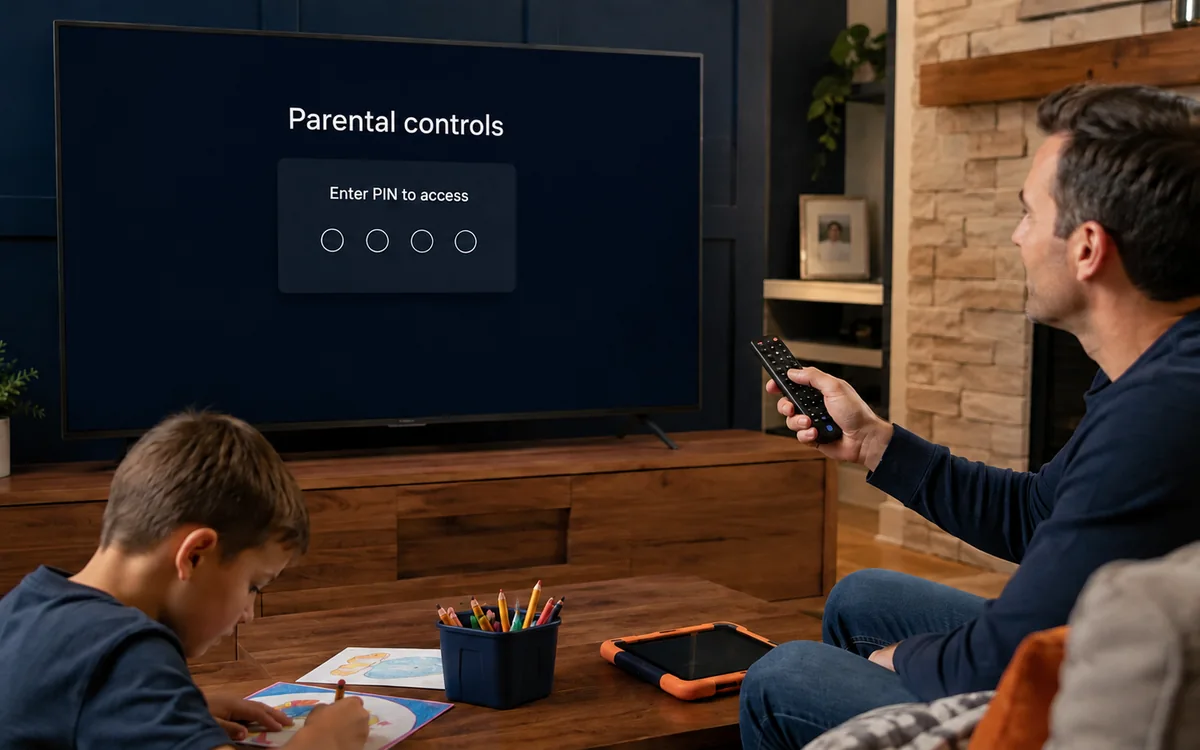
Check BingeBear on your own telly before paying.
Start a free 24-hour trial with no card. Check your channels, supported player and device, then read the current plans and activation terms.
If children use the telly, check the exact player and device before handing over the remote. BingeBear supplies login details for third-party players; parental-control features vary between apps, versions and devices.
Do not assume a subscription includes AI filtering, children's profiles, viewing reports, timed access or automatic blocking. Ask which controls exist on your chosen setup and test them yourself.
Start with the device and app name
Use the setup guides to identify your player and device. Open that player's help or settings and look for the parental-control options it actually offers.
If the menu is unclear, send the app name, version and a screenshot of the settings to the WhatsApp team. Do not send your password or parental PIN.
Set a private PIN where supported
If your player supports a parental PIN, choose one children cannot easily guess. Keep it separate from the account password and avoid entering it where children can read it.
Check what the PIN controls. A lock on one category does not necessarily cover search results, favourites, recommendations or another installed player.
Test category hiding and search
If the player can hide or lock categories, apply the settings you need. Then test normal browsing, search, favourites and any preview images.
Repeat the test after restarting the player. Check whether restrictions stay active and whether another profile or app can bypass them.
The public kids catalogue is a browsing page. Its separation of children's titles does not configure parental controls inside your television player.
Profiles and time limits depend on the setup
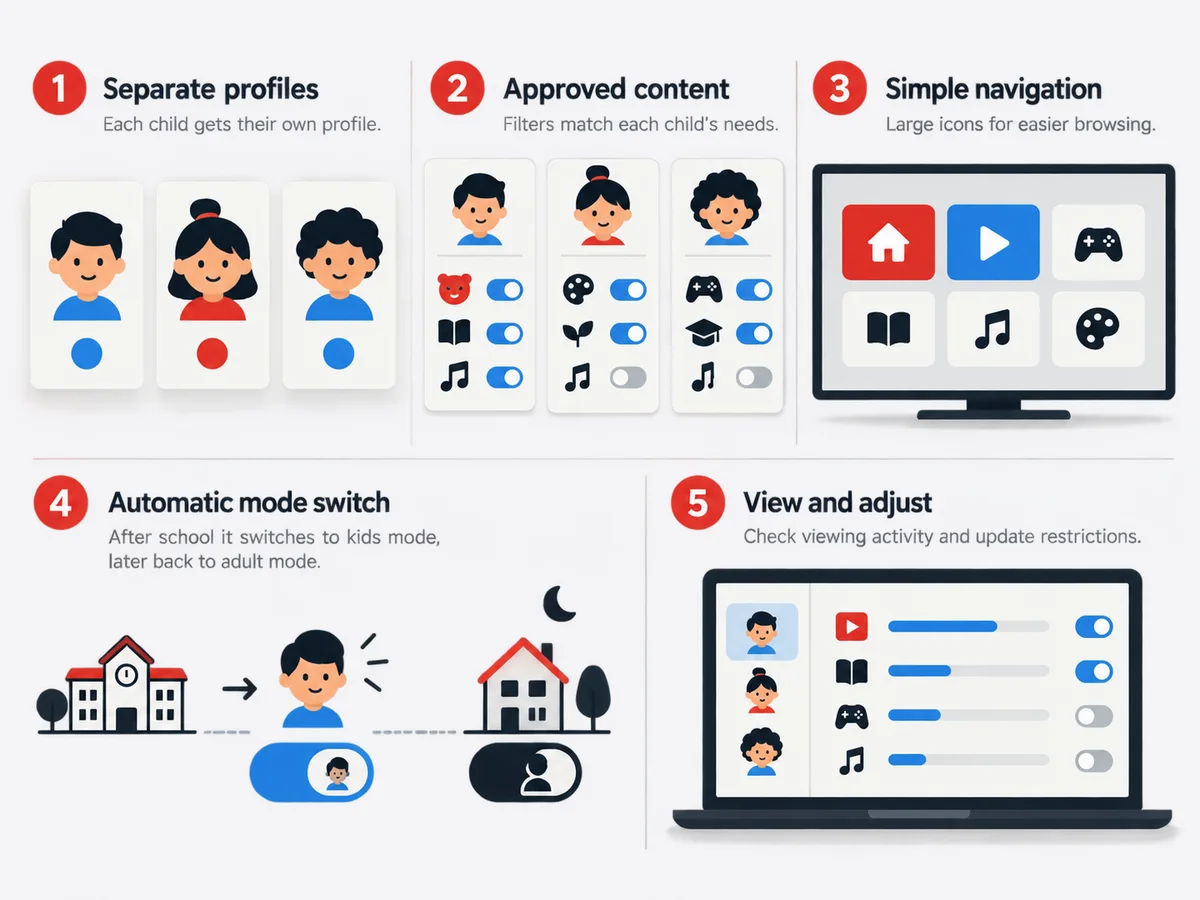
Use separate child profiles only if your chosen app supports them. Confirm how an adult profile is protected and whether switching profiles requires a PIN.
For screen-time limits, check the device's own family settings as well as the app. A feature on a phone may not exist on a smart TV. Test the chosen device instead of assuming restrictions transfer between them.
Check the Firestick, smart TV or mobile device separately
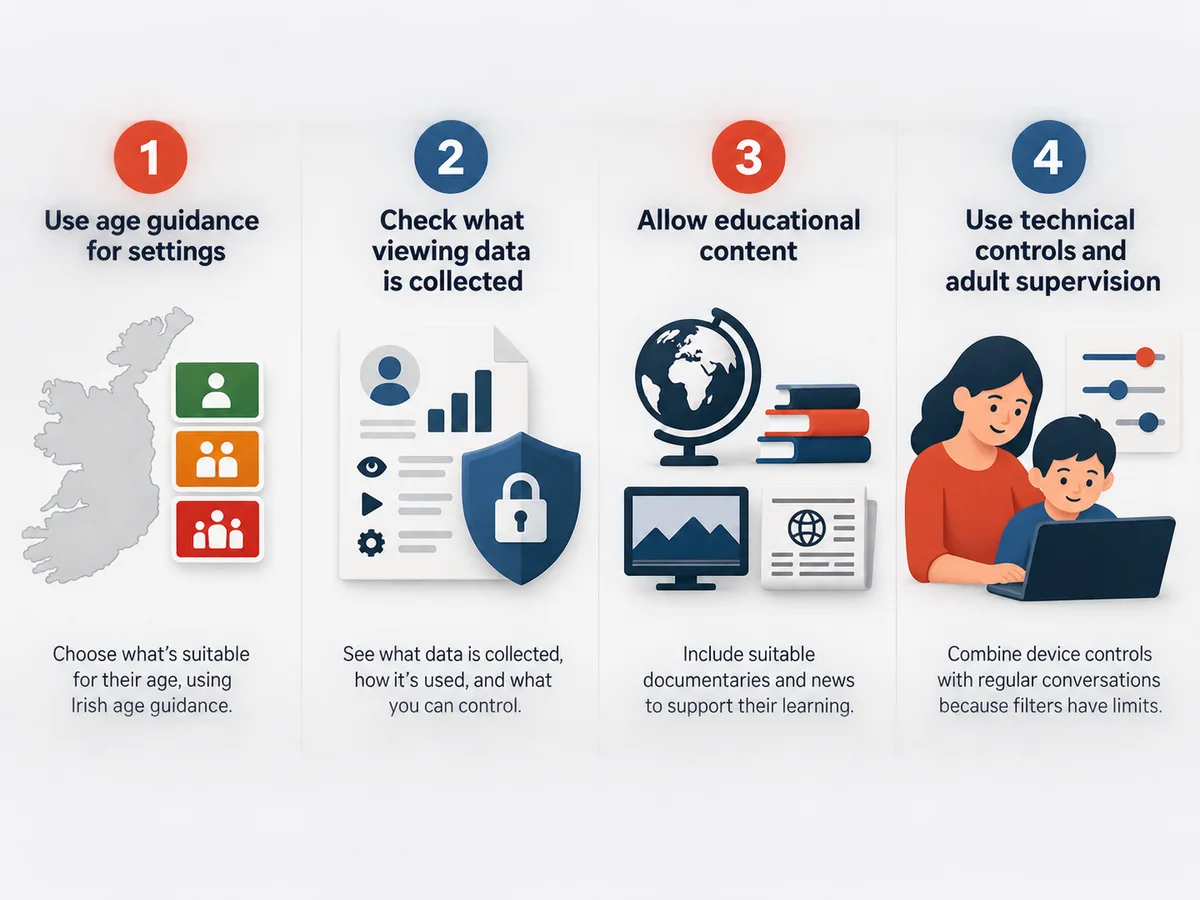
A Firestick setup may have device-level restrictions in addition to the player's settings. Check the current device help for what those restrictions cover.
On a smart TV, tablet or phone, review app access and account switching. Device restrictions complement player controls; they do not prove every programme is suitable for a child.
Supervise and review the setup
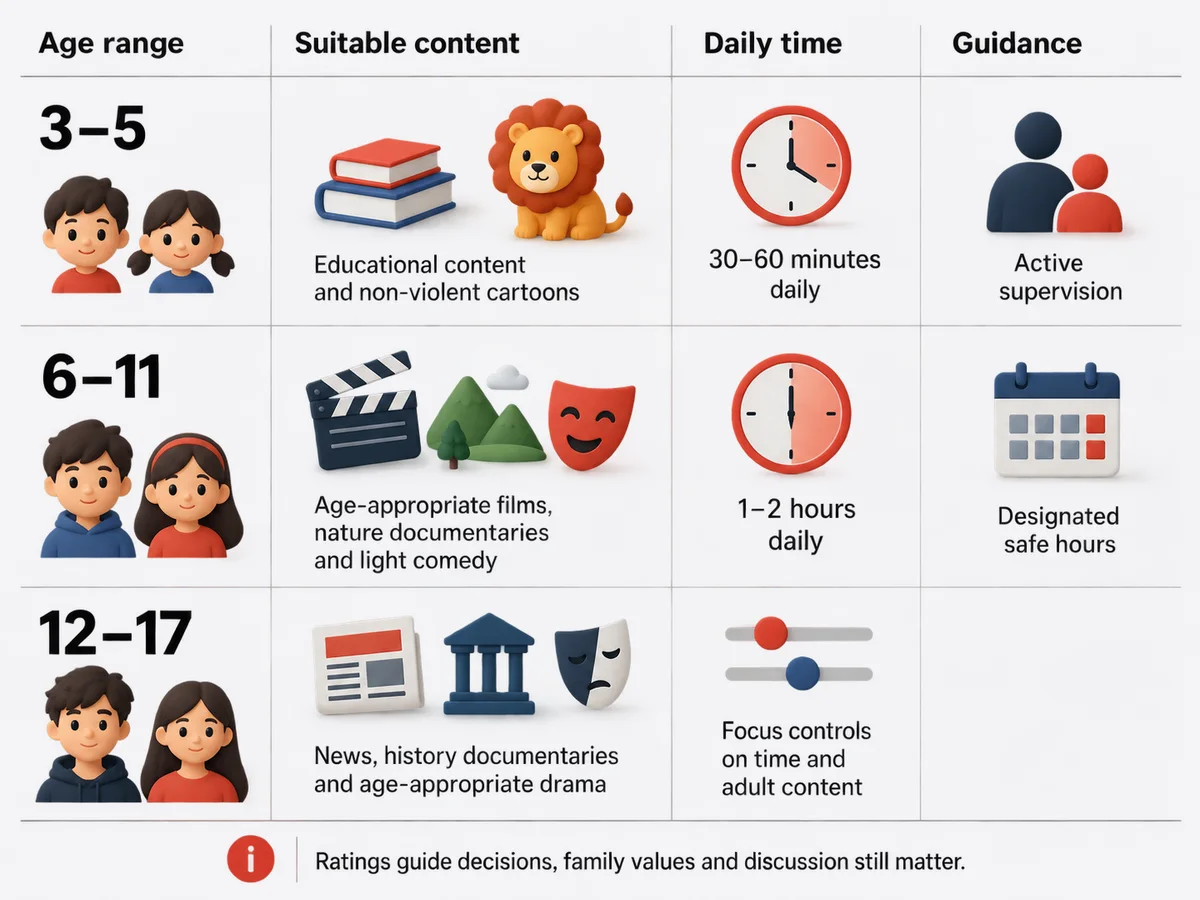
Technical controls are not a guarantee of child-safe viewing. Keep an adult involved, agree what children can watch, and review the settings when the player or catalogue changes.
If a title or image appears where you did not expect it, stop and check the configuration. Give support the app, device and category involved without sharing private credentials.
Common problems
- The PIN is known: change it and test the restrictions again.
- A blocked title appears in search: check whether the app's lock also covers search and previews.
- Settings disappeared after an update: recheck the app and device settings before children use it.
- An adult profile is accessible: review profile-switching protection, if that feature exists.
- The needed control is missing: ask about a suitable supported player before paying for a longer term.
Frequently asked questions
Does BingeBear provide its own parental-control app?
No. BingeBear uses supported third-party players. Their available controls depend on the app and device.
Can I block adult categories?
Check whether your chosen player supports category hiding or a PIN lock. Test browsing, search, favourites and previews; do not assume a single switch covers everything.
Are AI filtering and children's profiles included?
This guide does not promise those features. Confirm them in the exact player you intend to use.
Can children watch without supervision?
This guide cannot guarantee safe unsupervised viewing. Use the controls available on your setup and keep adult supervision appropriate to your family.
Can I test controls before subscribing?
Use the free 24-hour trial on your intended device. Check the app's settings and restrictions before purchasing. See current pricing for subscription and player activation terms.
Try your own setup before paying
The free 24-hour trial needs no card. Test the device, channels and viewing times that matter to you. Check the current plans and refund policy before purchasing.
Customer feedback
These existing customer comments describe individual experiences. They do not establish licensing, guaranteed performance or measured venue results.
Maria A., Galway: ‘Joe was so lovely to deal with and so helpful.’
Kevin Quirke, Dublin: ‘No buffering whatsoever. The choice of channels, movies, and series is unreal.’
David McCarthy: ‘Support is quicker than Lewis Hamilton from the grid.’
See Trustpilot for current independent reviews.


