


Bear Player on Firestick? You're looking for BingeBear. Here's the setup.
If you’ve typed “bear player” or “install bear player on Firestick” into Google, you’re in the right place, but the service you want is BingeBear .
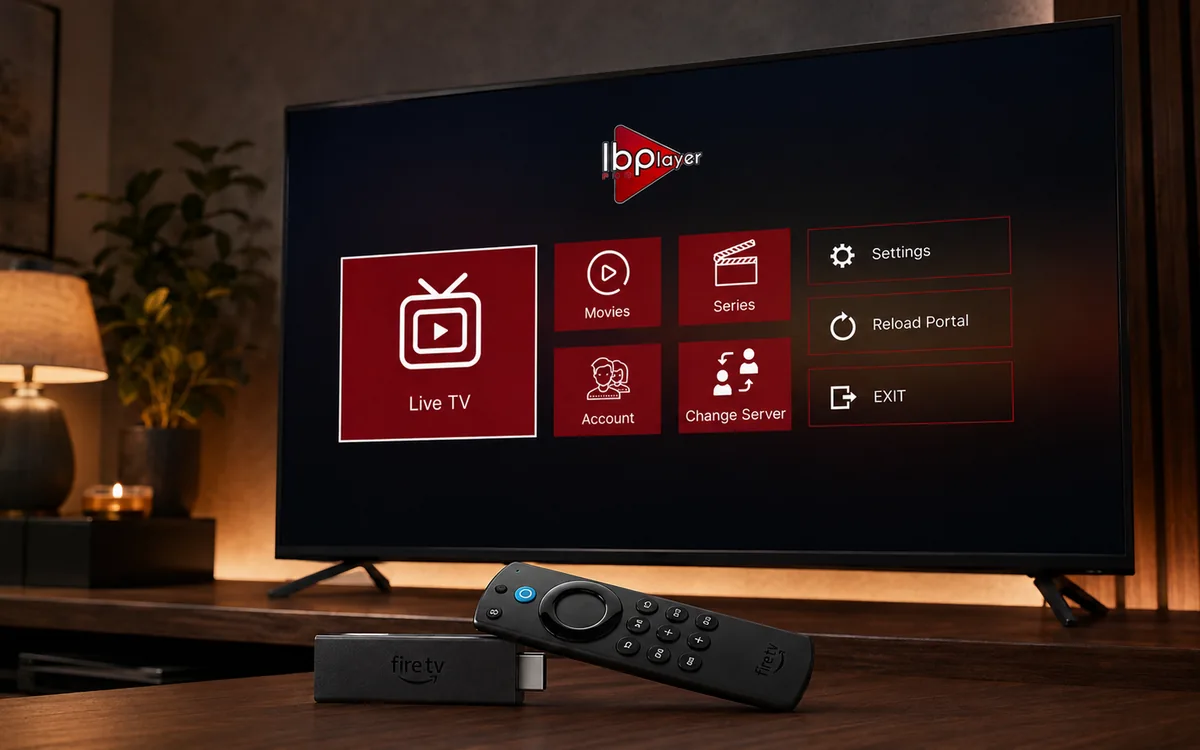
Check BingeBear on your own telly before paying.
Start a free 24-hour trial with no card. Check your channels, supported player and device, then read the current plans and activation terms.
If you’ve typed “bear player” or “install bear player on Firestick” into Google, you’re in the right place — but the service you want is BingeBear.
“Bear Player” is a name that gets typed for two reasons. Some people remember our brand as “Bear” and forget the “Binge” half. Others were told about us by a friend who shortened the name to “Bear Player” or “Bear IPTV”. Both groups land here.
Here’s the actual setup so you can get watching in five minutes.
What you’re actually looking for
BingeBear is an Irish IPTV service. BingeBear offers four one-off subscriptions: 6 months for €70, 10 months for €100, 24 months for €180, and Lifetime for €300 with six years of guaranteed service. The 6- and 10-month plans add €15 per player for initial activation, and buying two subscriptions gets a third account free on every plan. Neither plan renews automatically.
We’re sometimes searched for as:
- “bear player”
- “bear iptv”
- “bingebeartv” or “BingeBear TV”
- “bingebear”
- “binge bear”
- “iptv bears” (different brand, but Google often surfaces us)
If any of those is what you typed, this is the right page. Start the free 24-hour trial below — no card needed — and we’ll send the login to your WhatsApp.
Setup on a Firestick, in five steps
Most popular device. Works on every Amazon Firestick from 2018 onwards. Five-minute install.
Step 1 — Start your free trial
Tap the trial button above or message us on WhatsApp directly. We send your login back to your phone within a minute. No card needed.
Step 2 — Open the Amazon Appstore on your Firestick
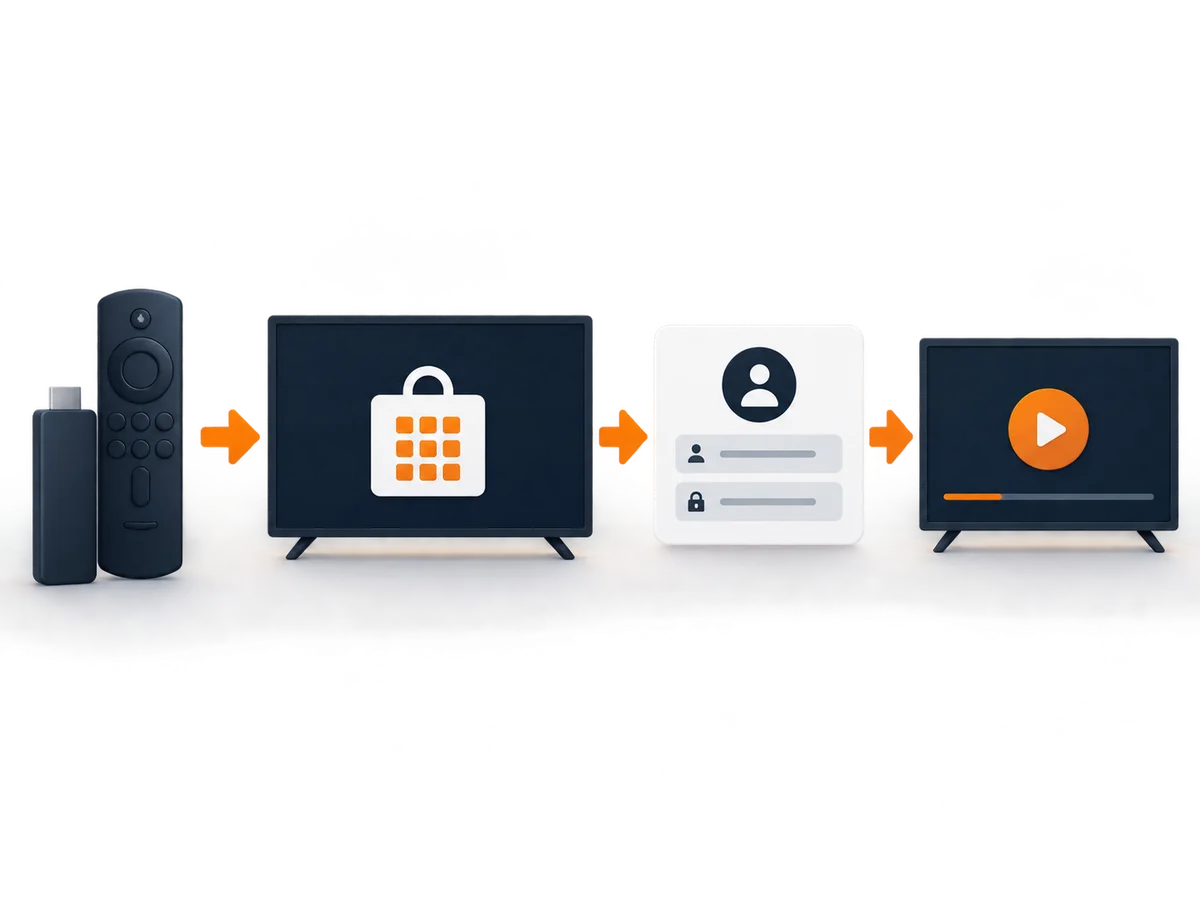
On the Firestick home screen, scroll right to “Find” → “Appstore”. The Amazon Appstore opens.
Step 3 — Search for the BingeBear-recommended IPTV player
We’ll tell you the exact app name in the WhatsApp message. (We change which player we recommend occasionally — it’s based on which is the most stable on Firestick at the time.) Install the app.
Step 4 — Open the app, enter your login
The app asks for the login we sent on WhatsApp. Paste it in. The third-party player loads your BingeBear channel list, which takes about 30 seconds.
Step 5 — Pick a channel
You’re done. The Sky Sports Premier League stream is two clicks away. The film catalog is in the on-demand section. Everything else is in the live grid.
Total time start to finish: about 5-7 minutes for a first-time Firestick user. Faster on a returning user.
Setup on other devices
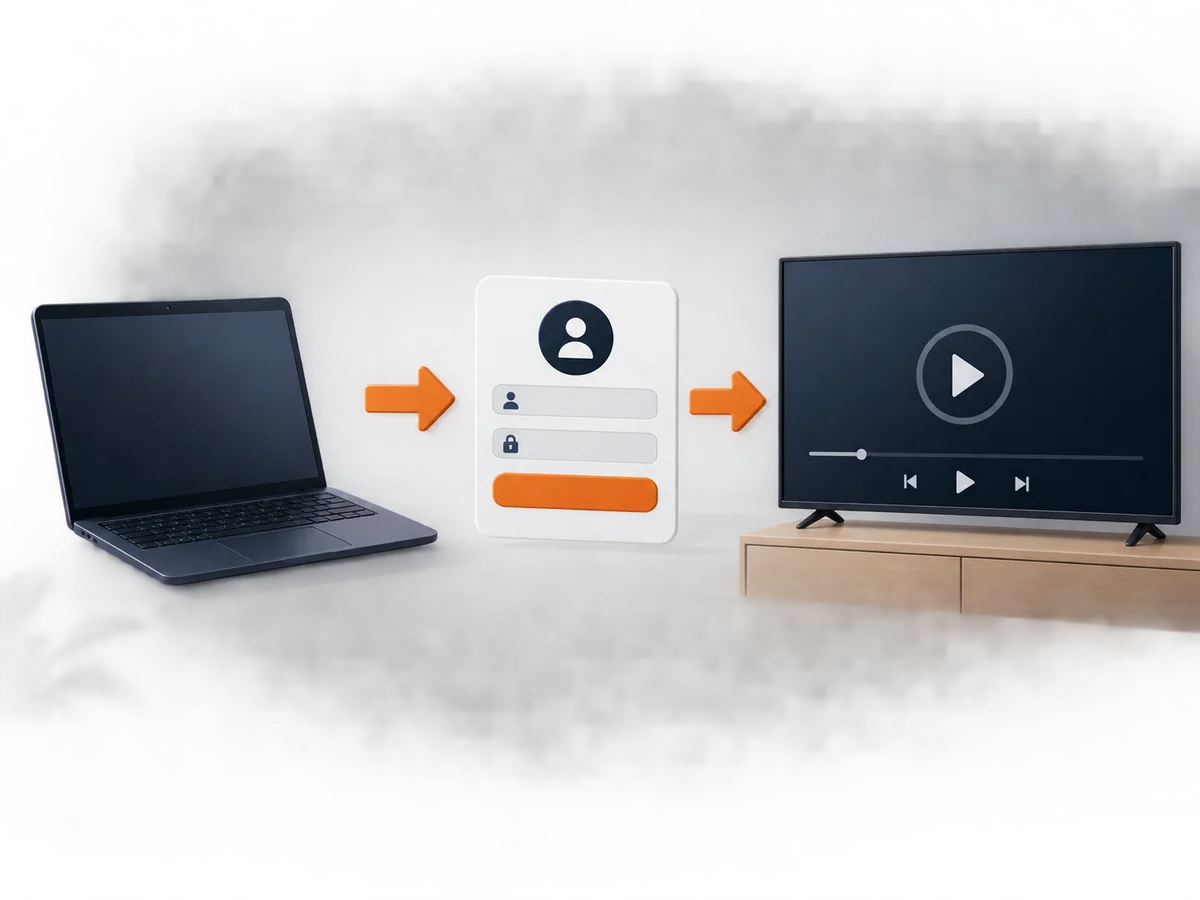
We have step-by-step guides for each:
- Smart TV setup for Samsung, LG and Sony
- Apple TV setup in an Irish home, no fuss
- Run BingeBear on a Roku, the short version
- Android box setup for Irish IPTV
- BingeBear on an iPhone, the proper way
- BingeBear on a Windows laptop, done right
- Get a MAG box working with BingeBear
- Nvidia Shield setup for Irish telly fans
- Chromecast setup that just works
- Clean Kodi setup, no dodgy addons
Wait, but I specifically wanted Bear Player
If you specifically searched for “Bear Player” because someone recommended it by that exact name, and you don’t recognise BingeBear at all — we’d ask you to check a couple of things before paying anyone else:
1\. Is the “Bear Player” service you were recommended a registered company? Look it up on cro.ie (Ireland) or companies-house.gov.uk (UK). Real operators have a public registration.
2\. Does it have years of Trustpilot reviews? A real operator has hundreds of reviews going back years.
3\. Does it accept card payment via Stripe or PayPal? Not WhatsApp-only or crypto-only.
4\. Does it name its operating company in published legal pages? The terms, privacy and refund policy should name the entity that takes your money.
A lot of “Bear” / “Bear IPTV” / “Bear Player” branded services exist. Some are legitimate. Many fail those four checks. We pass all four (see Best Irish IPTV operators honest review) and we’ll be straightforward: if you specifically want a different “Bear” service, we’ll lose your custom but you’ll have the checklist.
If you don’t know which “Bear” you were told about and you just want a legitimate Irish IPTV with the matches, the films, and the Saturday sport, BingeBear is what you want.
Why the confusion exists
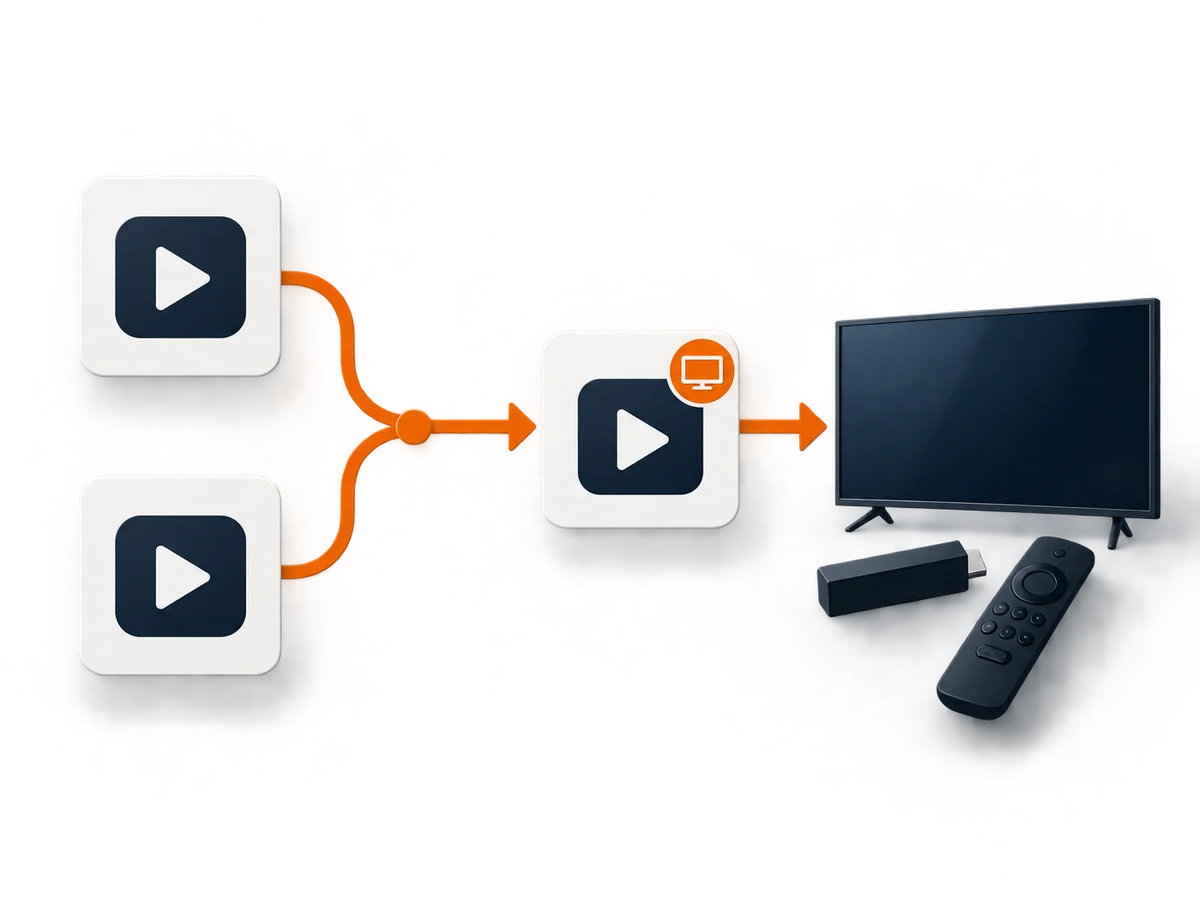
A friend or family member probably described us in shorthand. “It’s Bear something. Bingo bear? Yeah that one.” Word-of-mouth between Irish households doesn’t propagate brand names cleanly — three in five new BingeBear customers tell us their referrer called us something other than “BingeBear” exactly.
We’re working on the brand-recognition side. Meanwhile, this page exists to catch you when you’re looking for us by the wrong name and direct you home.
Common questions
Is BingeBear the same as Bear Player?
“Bear Player” isn’t an official BingeBear product, but it’s a common shorthand people use for us. The actual app you’d install on a Firestick or Smart TV is the one we tell you about on WhatsApp after you start the trial.
Is there really a service called Bear Player?
There are various small brands that have used variants of “Bear” — “Bear IPTV”, “Polar Bear IPTV”, “iptvbears.com” and others. Some are legitimate, many aren’t. We can’t speak for them. We can speak for ourselves: BingeBear is operated by Infinite Money LLC, a company registered in Wyoming, USA.
What’s the legitimate way to know I’m getting the real BingeBear?
You start at https://bingebear.tv (this site). You message us at https://api.whatsapp.com/send?phone=447473992717&text=Hi%20Joe%2C%20I%27d%20like%20to%20get%20the%20free%20trial%20now%2C%20please. You pay via Stripe. You see your subscription on https://bingebear.tv/account/. Any operator that asks for crypto, bank wire, or WhatsApp-only card details is not us.
How fast is the trial?
We send the login to WhatsApp within a minute of your trial-start tap. Install takes about 5 minutes on a Firestick.
Is there a card needed for the trial?
No. The 24-hour trial requires no card. If you don’t message us back, nothing happens.


