


Apple TV IPTV setup in Ireland
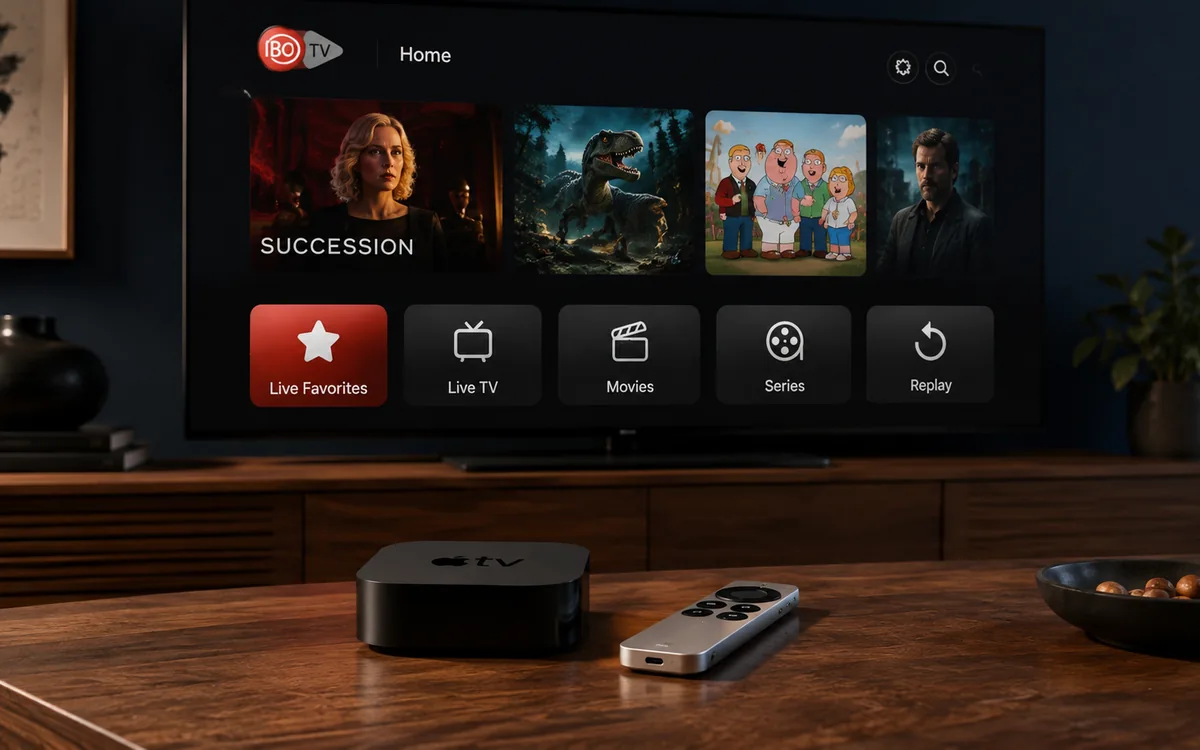
The Apple TV 4K is the nicest box we install BingeBear on. Sleek, fast, lasts seven or eight years before it needs replacing.
Check BingeBear on your own telly before paying.
Start a free 24-hour trial with no card. Check your channels, supported player and device, then read the current plans and activation terms.
The Apple TV 4K is the nicest box we install BingeBear on. Sleek, fast, lasts seven or eight years before it needs replacing.
The setup is straightforward if you know which app to use. This post tells you.
Which Apple TV models work
Any Apple TV 4K from 2017 onwards. Also the Apple TV HD (4th generation, 2015) but it’s getting long in the tooth in 2026.
We don’t see customers buying older models any more, so this post focuses on the 2nd and 3rd generation Apple TV 4K.
The setup, in five steps
- Plug the Apple TV into the telly HDMI and the power.
- Walk through the on-screen wizard (signs you into your Apple ID).
- Open the App Store on the Apple TV. Download the IPTV player app we use (we tell you the exact name on WhatsApp — it changes from time to time).
- Open the app. Enter the login we send you on WhatsApp.
- Pick a channel. Watch.
Most installs take 10 minutes from plugging in. If your Apple TV is already up and running, the BingeBear half is 5 minutes.
What is good about Apple TV for BingeBear
- Picture quality: best in class. Better than Firestick. Better than Roku. Especially on Sky Sports in 4K.
- Remote: the Siri Remote is the best remote of any streaming device. Easy for older people to learn.
- Speed: apps open instantly. No buffering on busy nights for almost everyone.
- Updates: Apple keeps the device supported for many years. Older Firesticks lose support after 3-4 years. The Apple TV 4K from 2017 still gets updates.
What is not as good
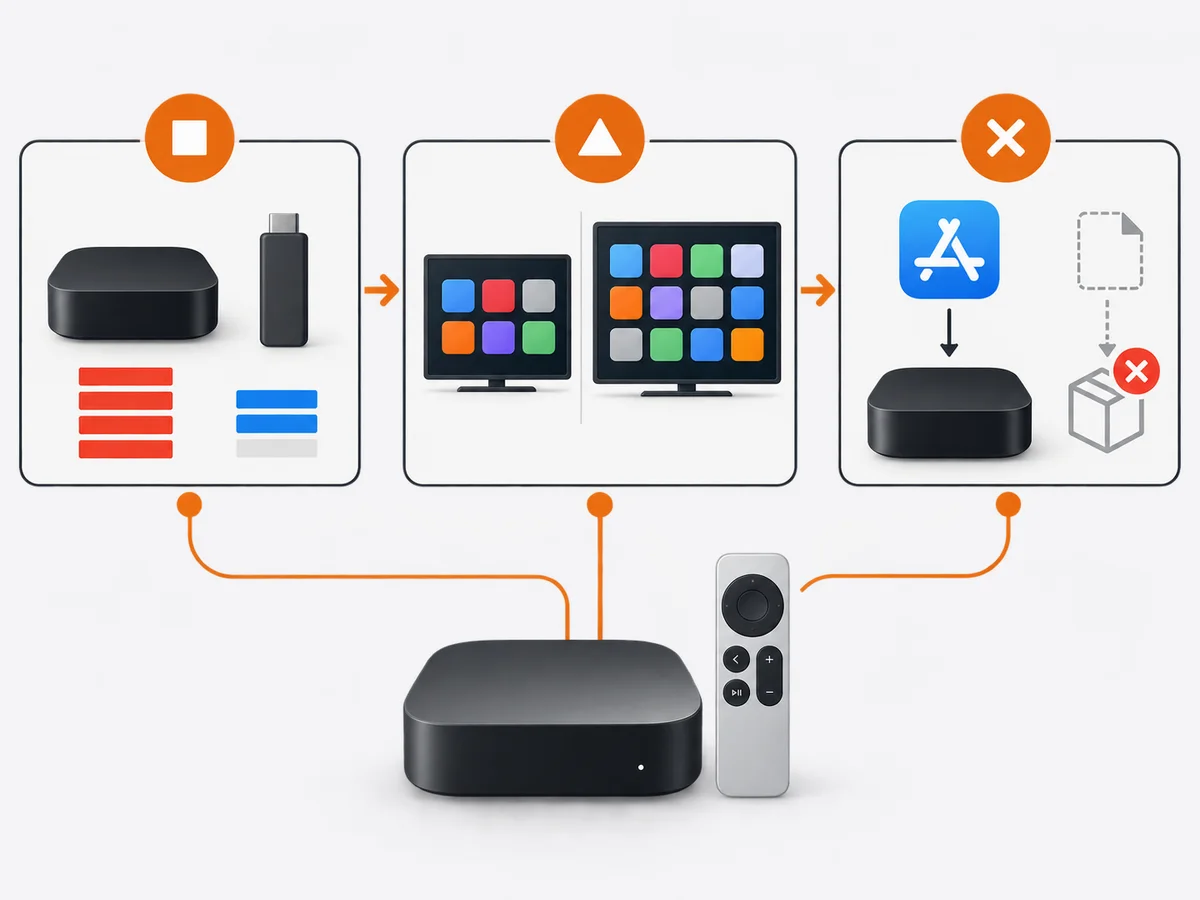
- Price: €149 for the cheapest 2024 model, €199 for the higher tier. The Firestick equivalent is €60.
- App selection: smaller than the Google Play Store on Android. We point you at the right one.
- No sideloading: you can only install apps from Apple’s App Store. No third-party apps, no Kodi, no off-store options.
Sky Sports on the Apple TV
Sky Sports on BingeBear plays beautifully on the Apple TV 4K. Match of the Day, Premier League, F1 — all clean.
The 4K picture is noticeably better than HD if you have a 4K telly and a decent broadband connection (50 Mbps+).
What about the Apple TV+ subscription?
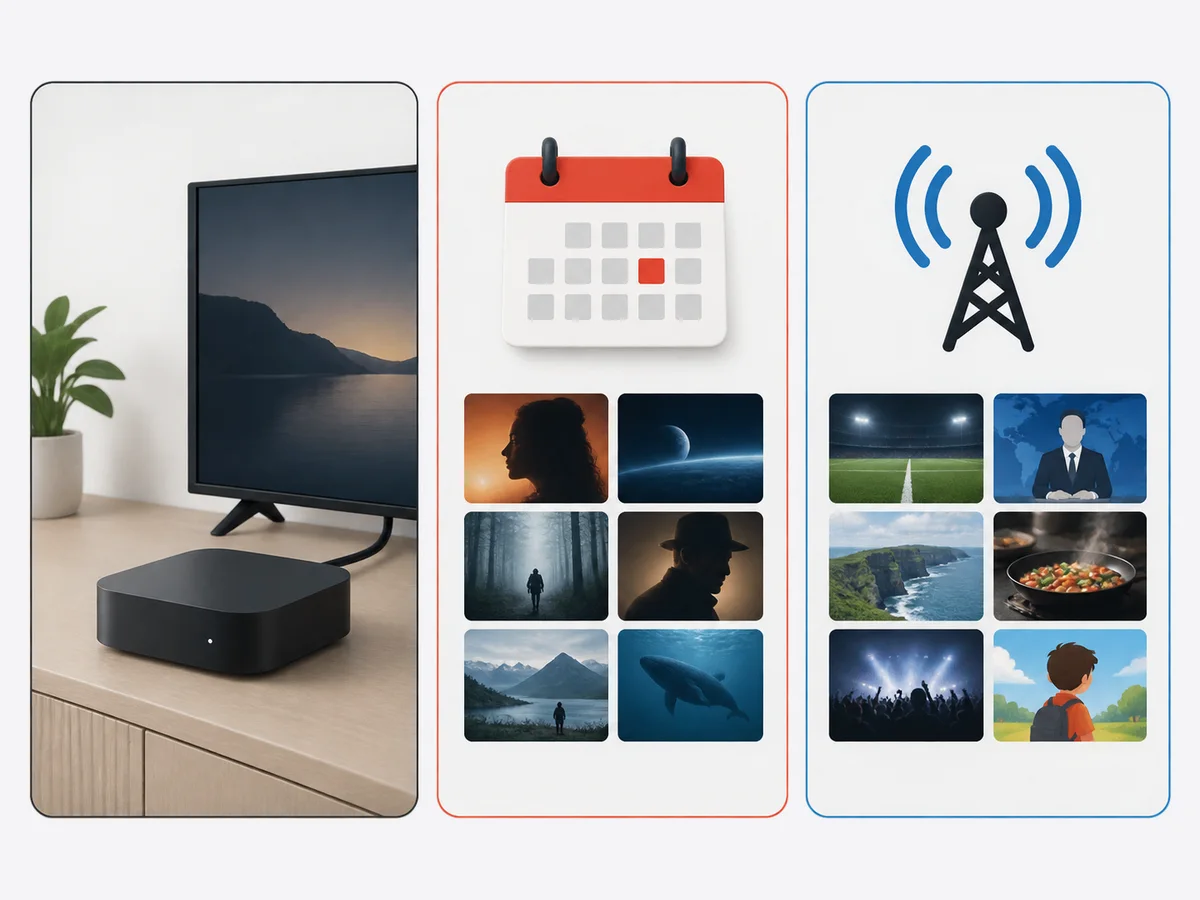
That’s a separate Apple service (€9.99/mo) that gives you Apple’s own shows like Ted Lasso. Nothing to do with the Apple TV box.
You can have the Apple TV box without paying for Apple TV+. They are two different things despite the confusing name. We cover that here: Apple TV+ versus BingeBear.
What goes wrong
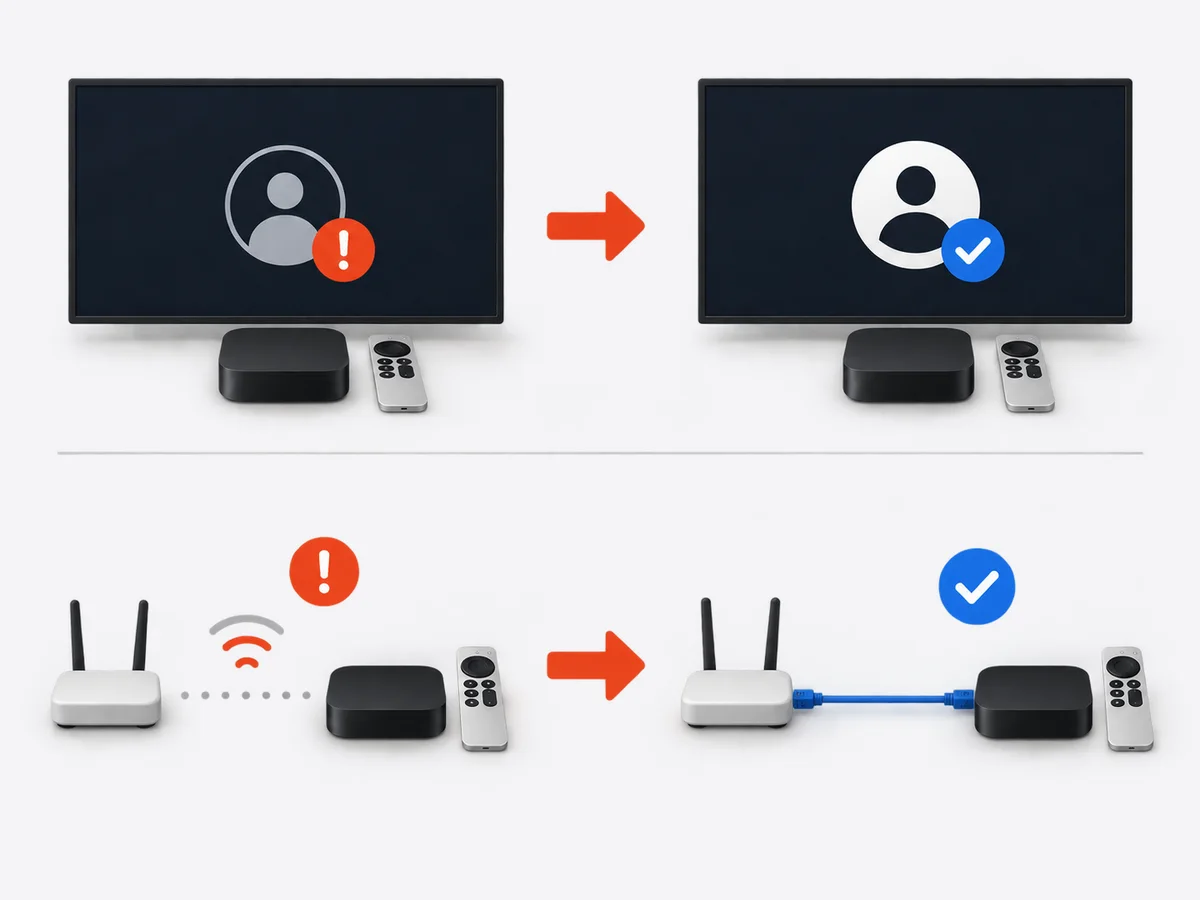
Almost never. The Apple TV is the most stable device we set up. The rare issue is:
- Apple ID is signed out. Sign back in.
- Wi-Fi is too far. Plug Ethernet in (the higher Apple TV models have a port).
That’s it.
Try BingeBear on an Apple TV you already have
If you’ve got the device, the install is a five-minute job.
Related reading
- Apple TV+ versus BingeBear. What each gives you.
- Smart TV setup for Samsung, LG and Sony
- Run BingeBear on a Roku, the short version
- Best IPTV for a Firestick in 2026
Frequently asked questions
Which Apple TV model is best for BingeBear?
Apple TV 4K (3rd generation, 2022 or later). 4K, fast, will last 7+ years.
Can I use Kodi on Apple TV?
No. Apple does not allow Kodi on the App Store. If you want Kodi, use an Android box or a Firestick instead.
Does BingeBear support AirPlay?
Yes. You can AirPlay BingeBear from an iPhone or iPad to an Apple TV. Works for casting BingeBear to a bigger screen.
Does the Apple TV remote work with elderly parents?
Better than most. The Siri Remote is simple, has a touch surface, and you can voice-search if you want. We see plenty of 70+ users on it without issues.
Is the Apple TV better than a smart TV’s built-in apps?
Yes, usually. Smart TV apps get less attention from developers and update less often. An external Apple TV box is faster and gets longer support.


