


Roku IPTV setup in Ireland
Roku is a decent device for streaming. It is the second most common box we set up in Ireland, behind the Amazon Firestick. The setup is a bit different from Firestick, so this...
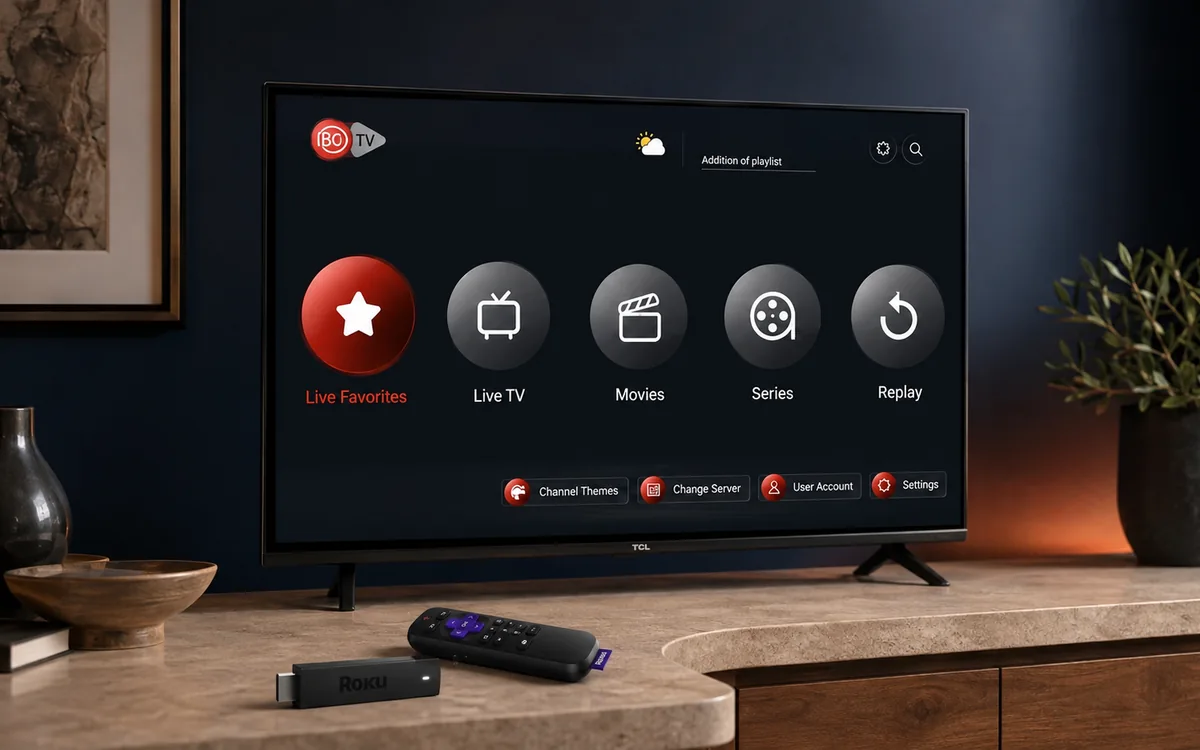
Check BingeBear on your own telly before paying.
Start a free 24-hour trial with no card. Check your channels, supported player and device, then read the current plans and activation terms.
Roku is a decent device for streaming. It is the second most common box we set up in Ireland, behind the Amazon Firestick. The setup is a bit different from Firestick, so this post covers exactly what works and the one or two things to be aware of.
What Roku is
Roku is a small streaming box (or stick) that plugs into the HDMI port of your telly. It runs its own operating system. About €40 for the basic stick, €100 for the Roku Ultra. Sold in Currys, Argos, Amazon and Smyths.
Once it’s plugged in and on Wi-Fi, you add apps from the Roku Channel Store, much like adding apps on a smart phone.
The setup, in five plain steps
- Plug the Roku into the HDMI port of your telly and the power.
- Walk through the on-screen wizard (it asks for your Wi-Fi password and creates a Roku account).
- From the Roku home screen, go to Streaming Channels and search for the player player app we recommend for BingeBear (we tell you the exact one to install in the WhatsApp message).
- Open the app. Enter the login we sent you on WhatsApp.
- Pick a channel. Press play.
Most setups take 10 minutes from plugging in the Roku to watching a match. If the Roku is already set up and on Wi-Fi, the BingeBear half of the job is five minutes.
What works well on Roku
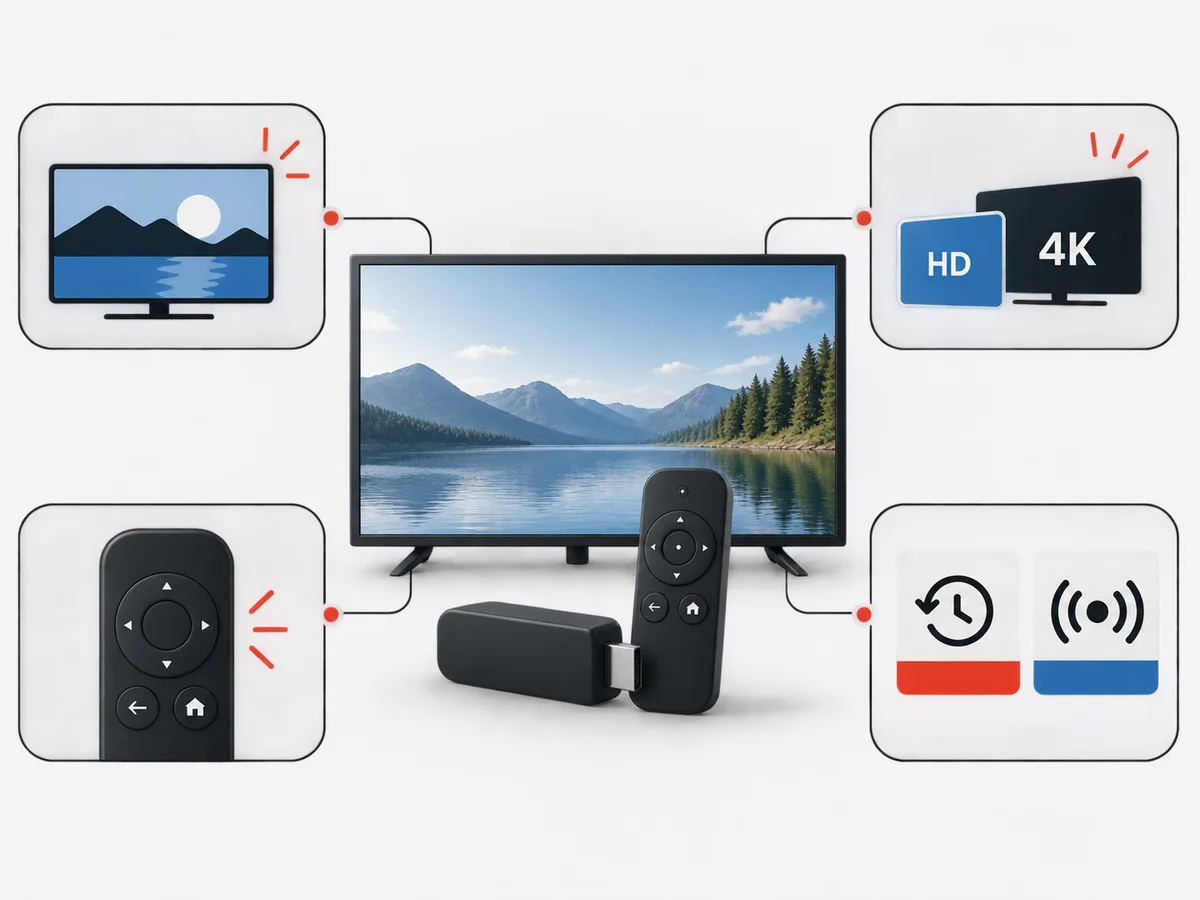
- The picture quality is excellent. Same as a Firestick.
- The remote is simple and the elderly relatives in your house will pick it up faster than they will a Firestick remote.
- HD and 4K are both fine on the higher-tier Roku models.
- Catch-up TV (RTÉ Player, BBC iPlayer) is built into Roku natively, so even when you’re not on BingeBear you can use the same box.
What is not as good on Roku
- The IPTV player apps on the Roku Channel Store are fewer than on Firestick. We point you at the one we know works.
- If your Roku is older than 2020, some apps have stopped updating. We’ll tell you on WhatsApp whether your specific model is supported.
- Roku does not sideload apps the way Firestick does, so the “off-store” route doesn’t apply here.
What to do if it buffers
Almost every buffering issue on Roku is one of three things:
- Your Wi-Fi signal is weak in the room with the telly. Try plugging an Ethernet cable in (the higher-tier Roku models have a port).
- The router is doing too much. Restart the router and try again.
- The BingeBear server you connected to is busy. Message the WhatsApp number and we move you in 30 seconds.
If none of the three is the cause, the problem is your broadband speed. Run a speed test at fast.com. You need 10 Mbps for HD and 25 for 4K. If you’re below 10, that is the problem.
What it costs
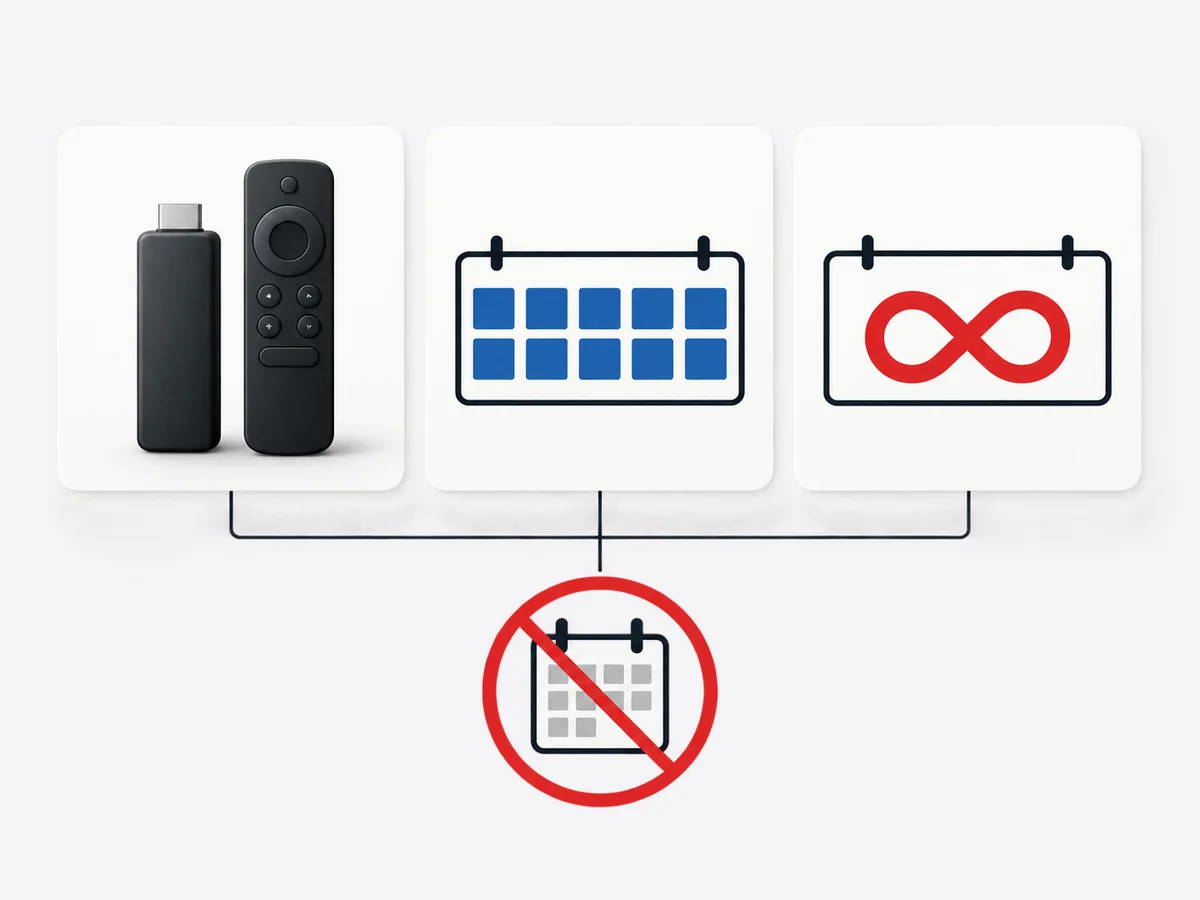
Roku stick: €40-60 once. BingeBear offers four one-off subscriptions: 6 months for €70, 10 months for €100, 24 months for €180, and Lifetime for €300 with six years of guaranteed service. The 6- and 10-month plans add €15 per player for initial activation, and buying two subscriptions gets a third account free on every plan. Neither plan renews automatically.
You can also use a Roku you already own. We don’t sell hardware.
Try the trial on a Roku you already have
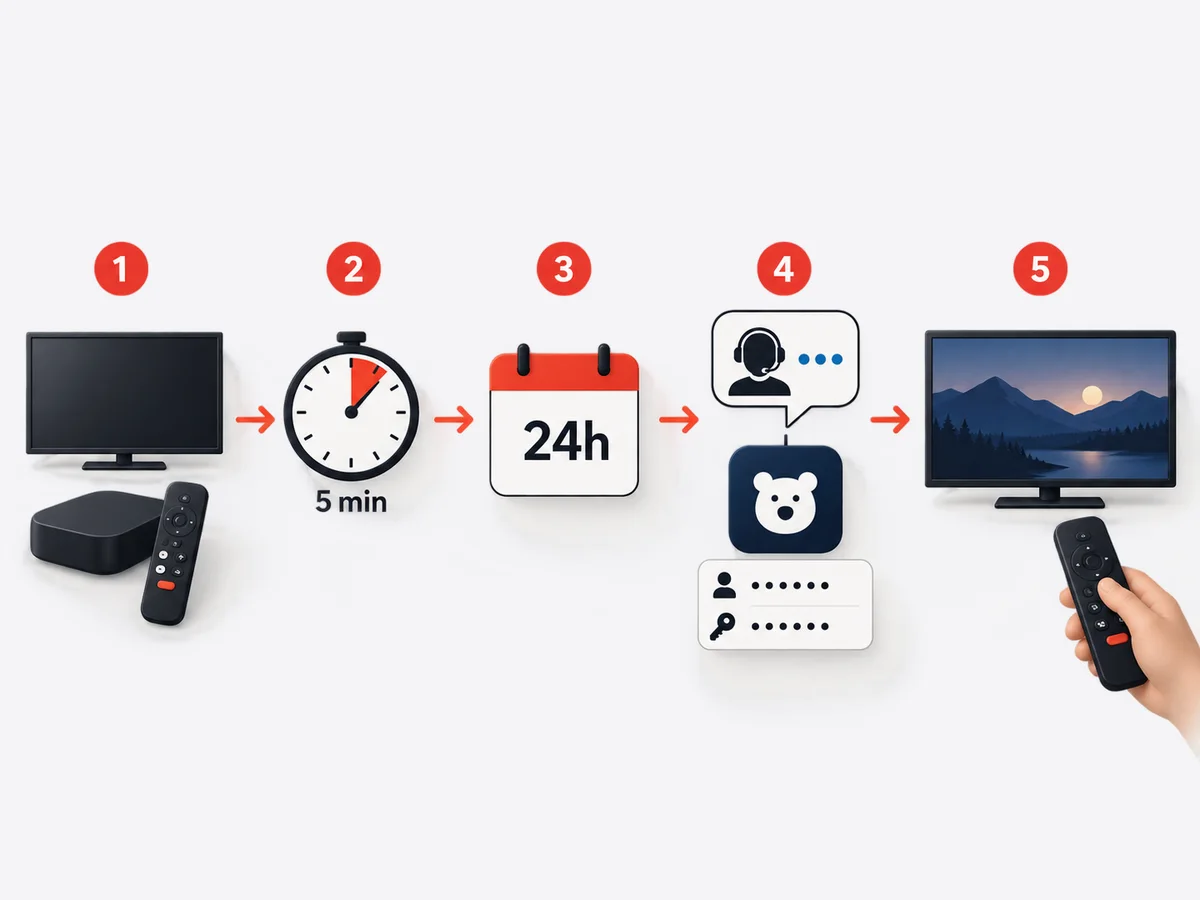
If you’ve already got a Roku, the only thing standing between you and watching is a five-minute install. Start the free 24-hour trial, message WhatsApp, we send you the app name and login.
Related reading
- The Nvidia Shield setup for Irish telly fans
- Chromecast setup that just works
- Smart TV setup for Samsung, LG and Sony
- Android box setup for Irish IPTV
Frequently asked questions
Can I use Roku for live UK channels in Ireland?
Yes. The recommended player app on Roku carries every UK channel (BBC, ITV, Channel 4, Channel 5, Sky Sports, TNT Sports). Same as the Firestick or smart-TV install.
Which Roku model is best for BingeBear?
The Roku Streaming Stick 4K is the sweet spot. Around €60. Handles 4K, has the better Wi-Fi chip and a fresh remote.
Will my old Roku still work?
Roku models from 2020 onwards are fully supported in 2026. Older models may not get app updates and we’ll tell you on WhatsApp before you start.
Does the Roku have a sleep mode for the kids?
Yes. Roku has a built-in sleep timer in Settings. You can also lock specific apps with a 4-digit PIN.
Can I use one BingeBear login on a Roku and a Firestick at the same time?
Do not load one standard login with clear device rules. One standard account serves one chosen device only. We do offer a second-account or bundle-account option if you need another device. Ask us on WhatsApp.


