


Android box setup for Irish IPTV
If you’ve got an Android TV box sitting on the shelf or you’re thinking of getting one, here’s what BingeBear does on it.

Other device guides
On Android Box? Jump to another setup.
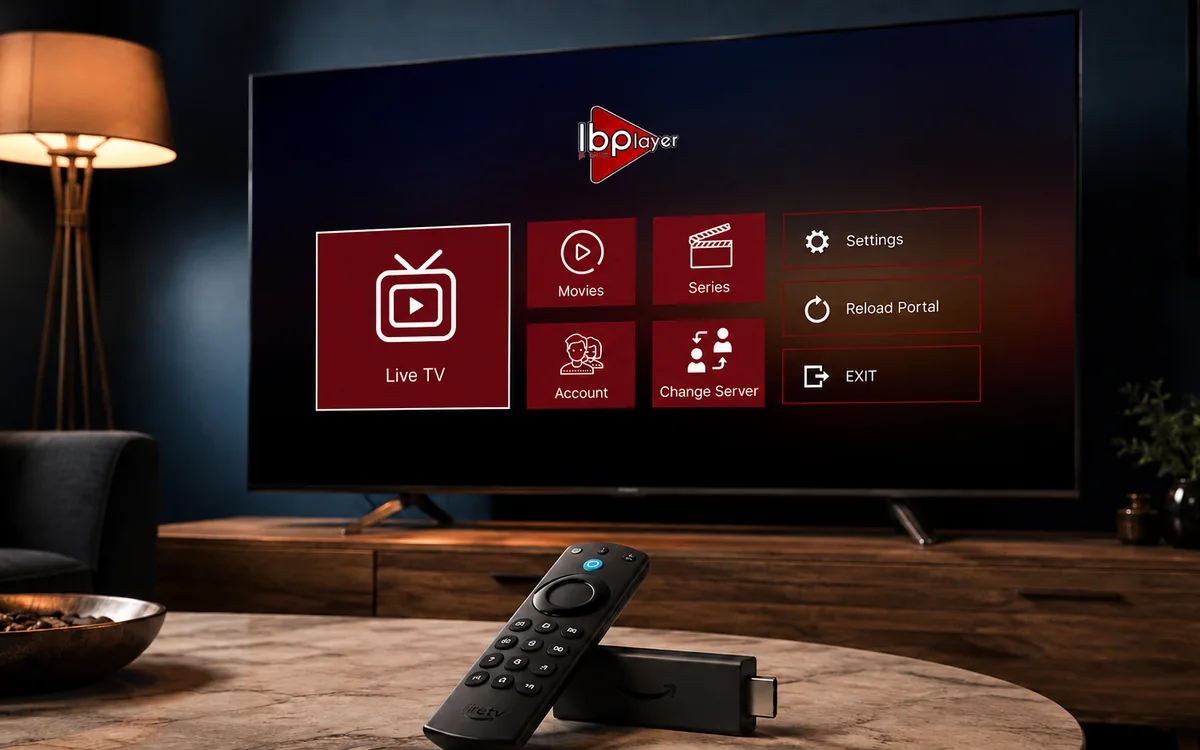 Amazon FirestickIBO Player Pro
 Samsung Smart TVIBO Player Pro
 LG Smart TVIBO Player Pro
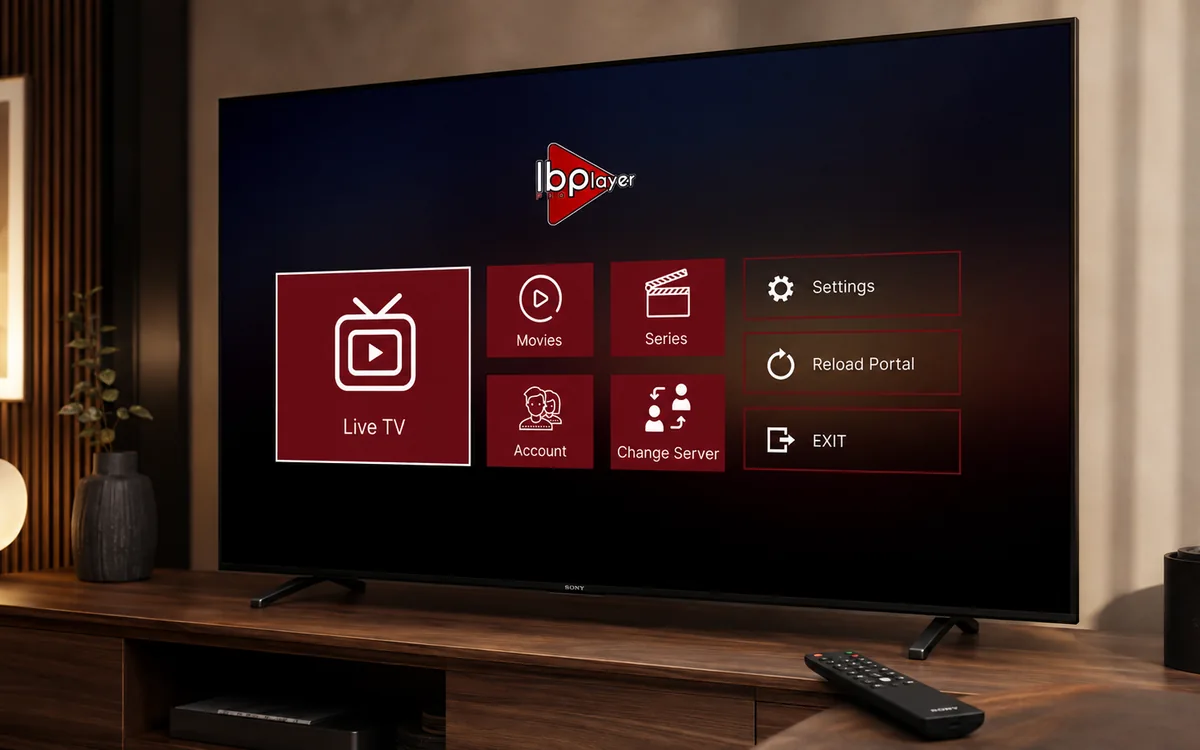 Sony Smart TVIBO Player Pro
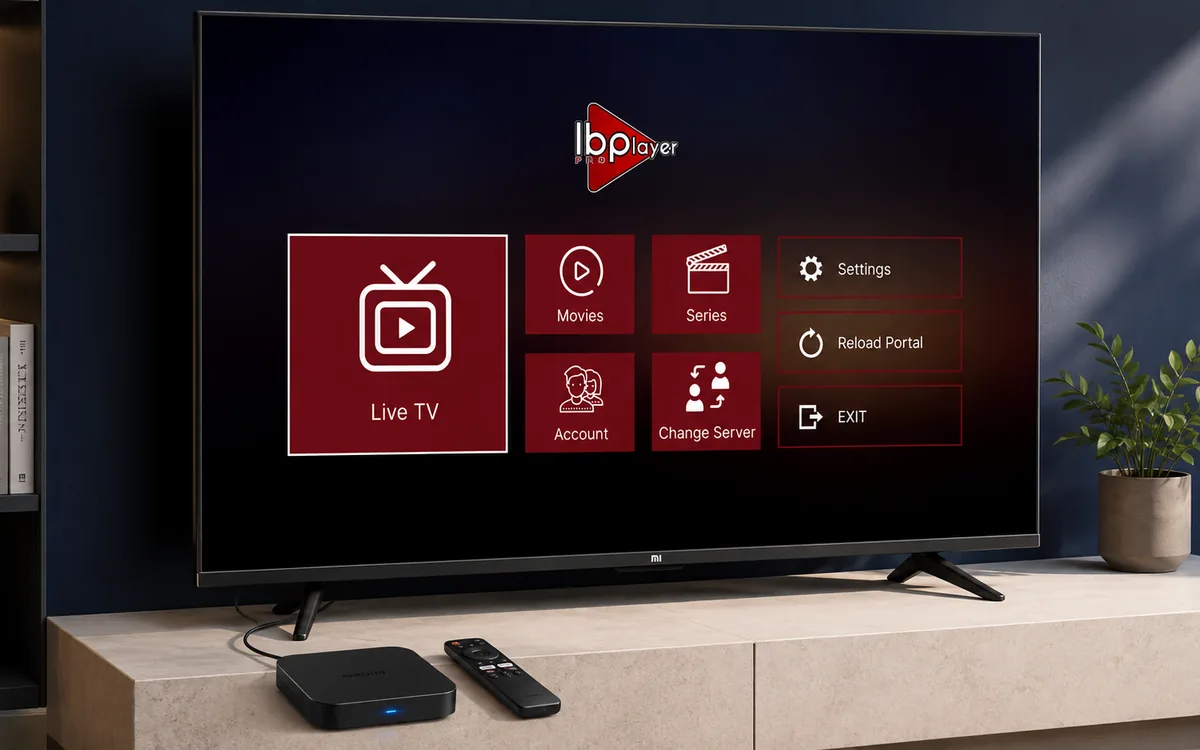 Android TVIBO Player Pro
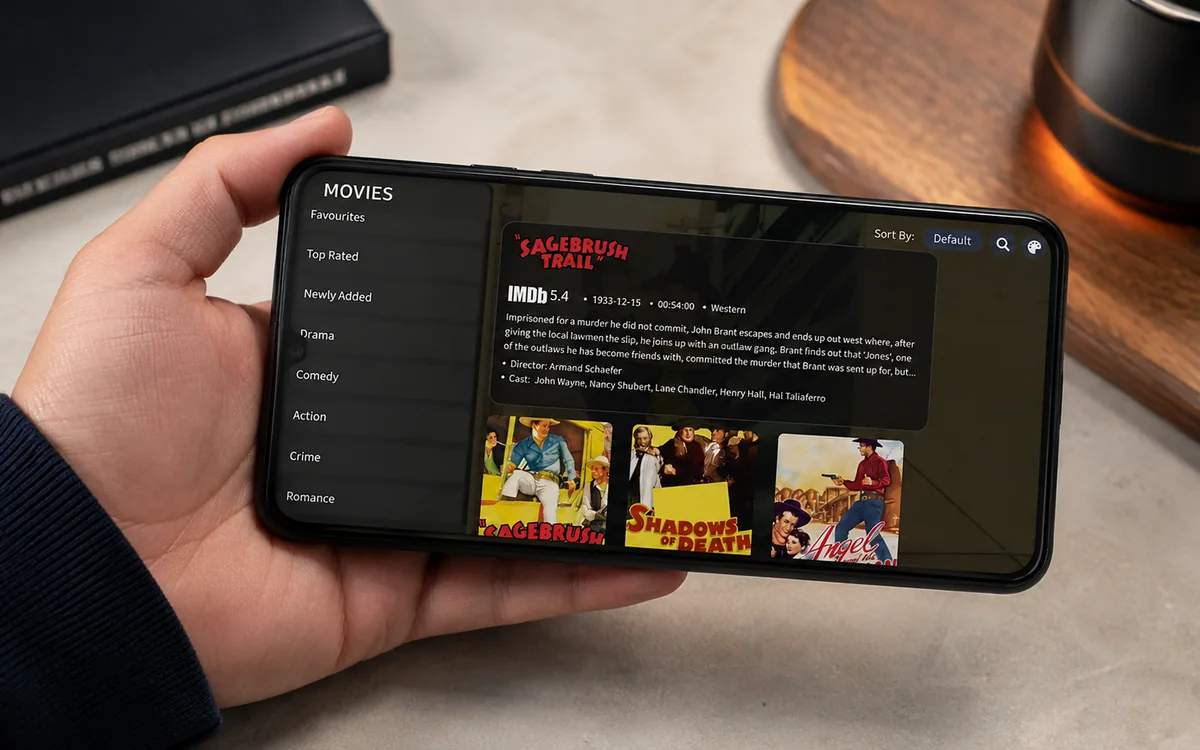 Android PhoneIBO Player Pro
 iPhone & iPadIBO Pro Player
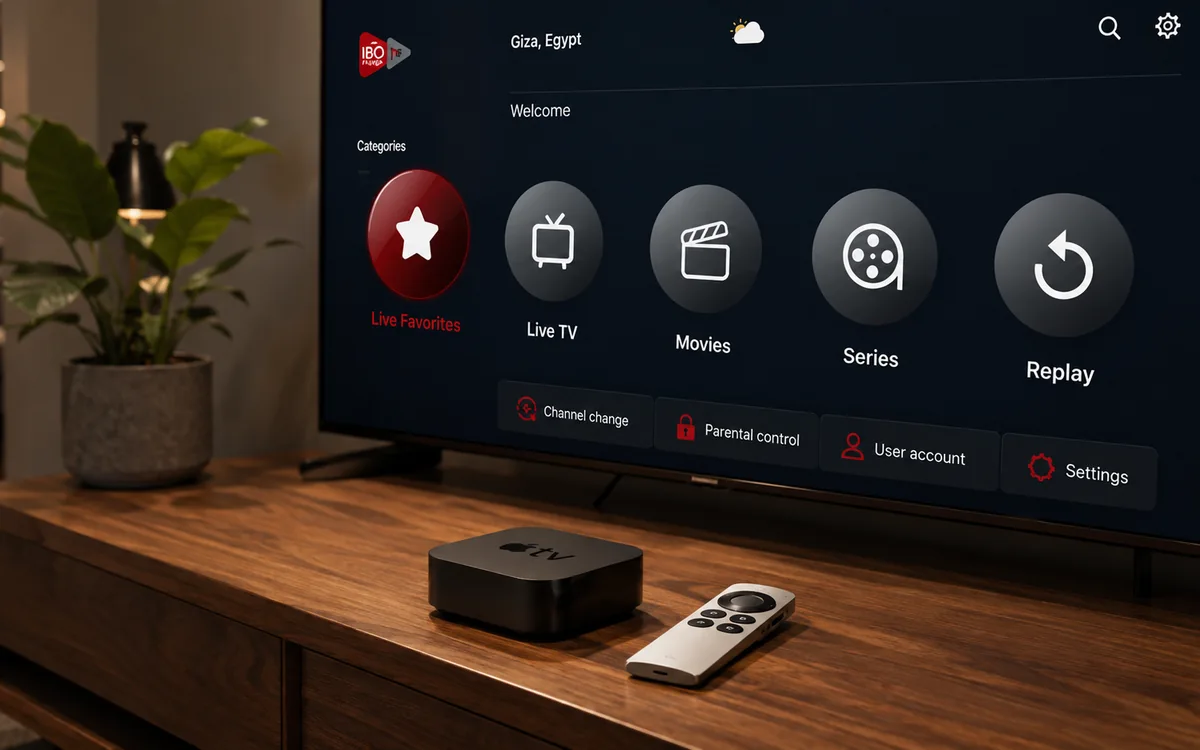 Apple TVIBO Pro Player
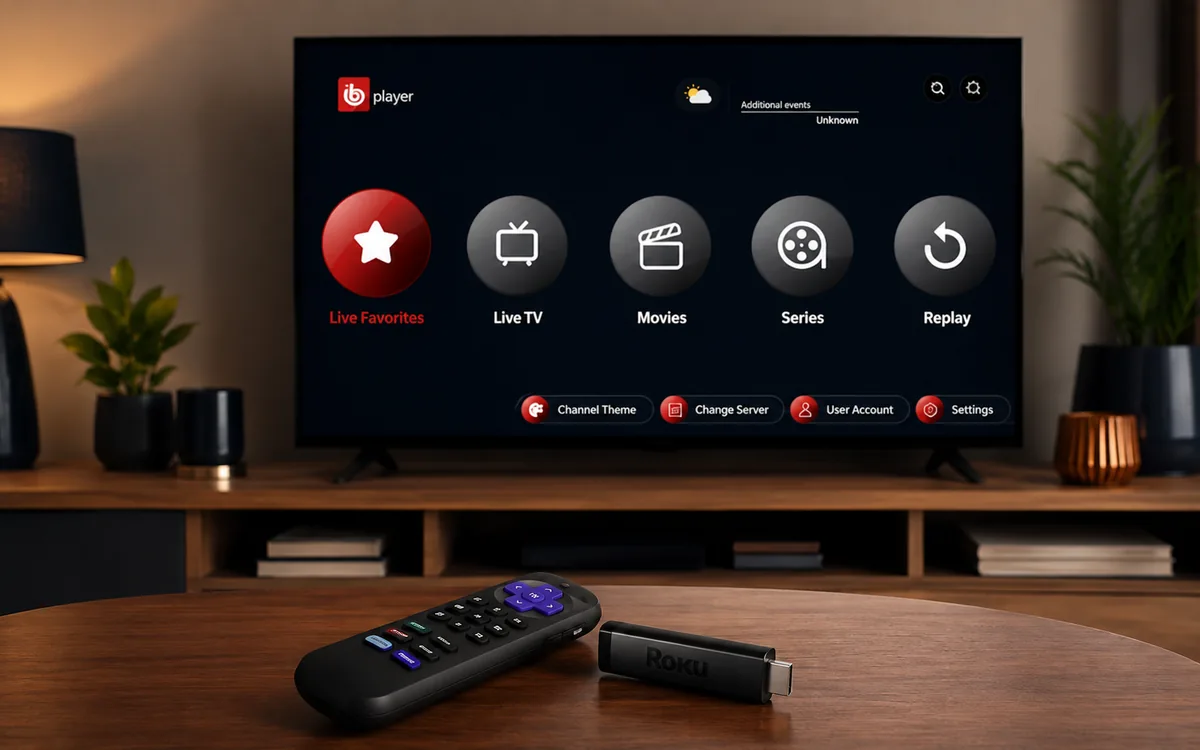 RokuIBO Pro Player
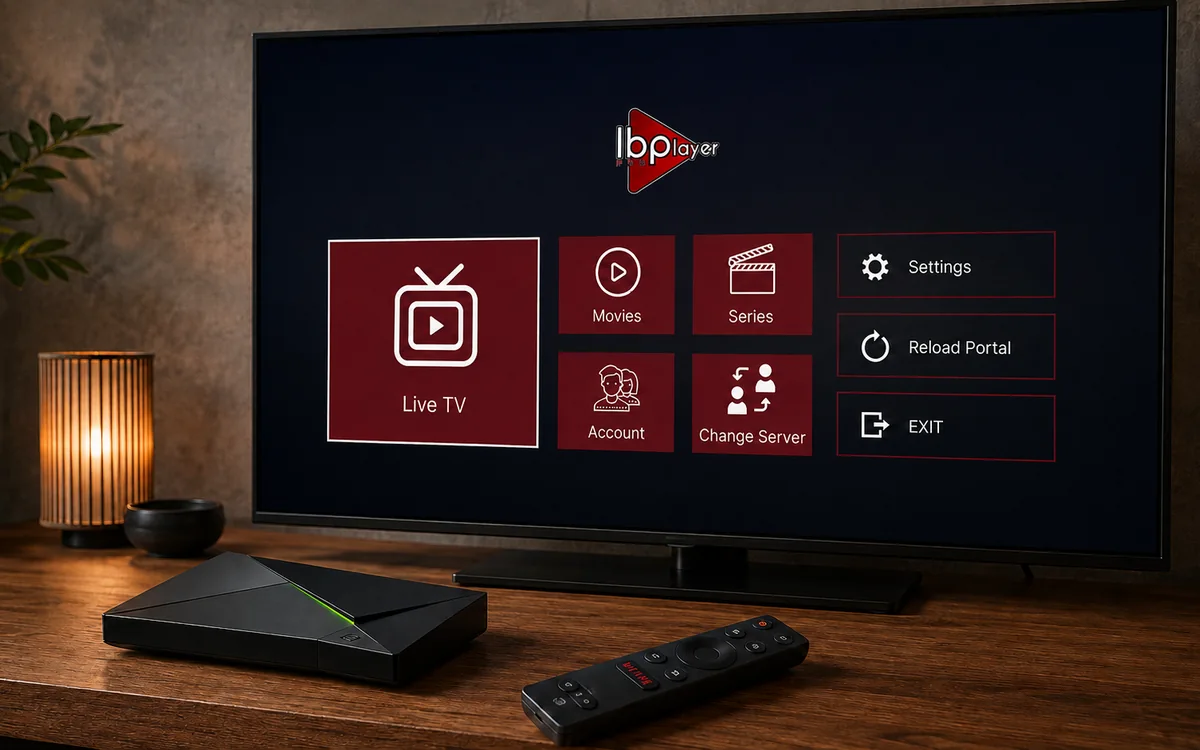 Nvidia ShieldIBO Player Pro
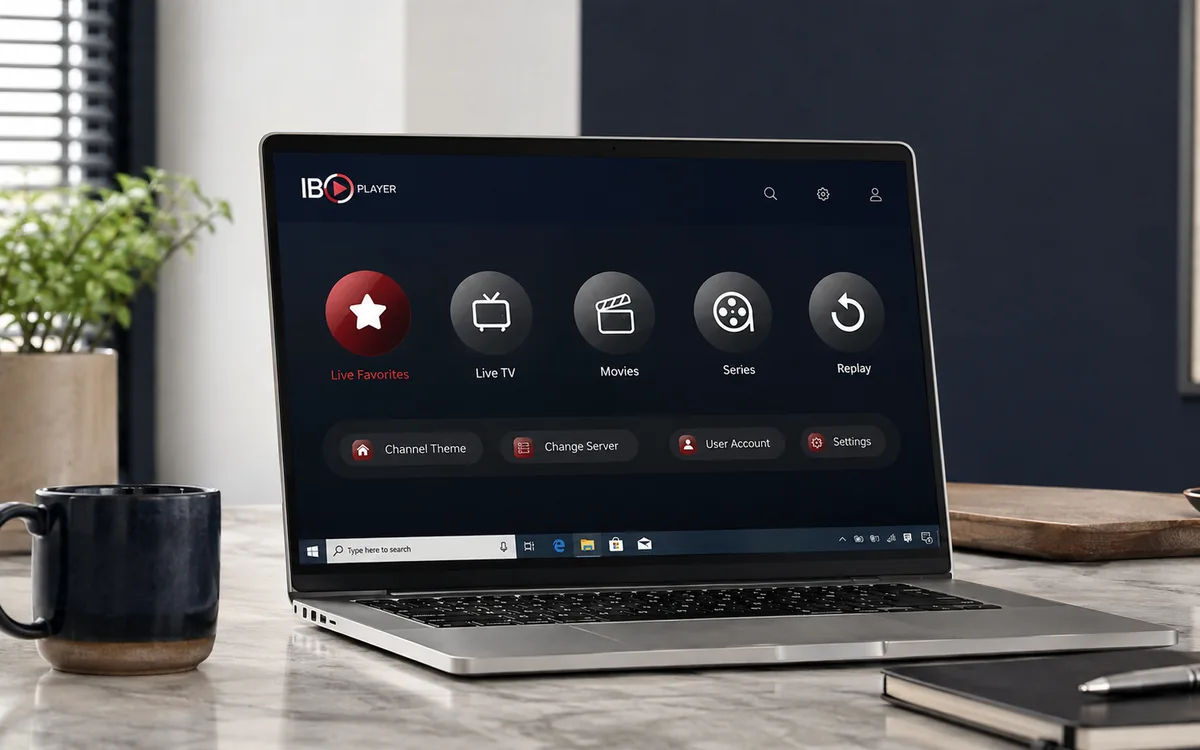 Windows LaptopIBO Player
 MacIBO Player
 ChromecastGoogle TV player
 MAG BoxPortal setup
 KodiKodi add-on
 Projector & Cinema RoomFirestick or Android box
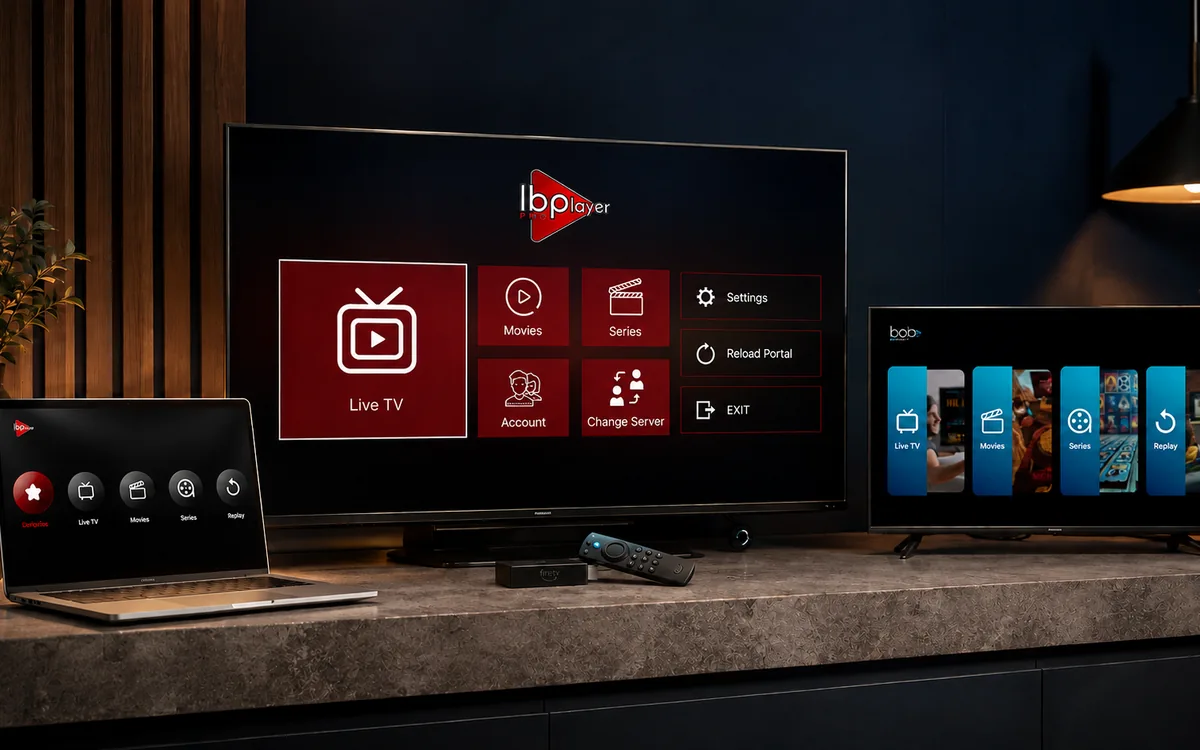 Best IPTV Player AppsIBO, BOB, VLC
Check BingeBear on your own telly before paying.
Start a free 24-hour trial with no card. Check your channels, supported player and device, then read the current plans and activation terms.
If you’ve got an Android TV box sitting on the shelf or you’re thinking of getting one, here’s what BingeBear does on it.
Quick version: it runs fine. Better than a Firestick on most models. Five minutes to set up.
What an Android box is
An Android TV box is a small device that plugs into your telly and runs Android (the same operating system on your phone). You get the Google Play Store, which means you can install apps the same way you do on a phone.
Common brands: MECool, Xiaomi Mi Box, Beelink, MINIX, Nvidia Shield (the premium one). Prices from €40 to €200.
Why people pick an Android box over a Firestick
Three reasons we hear from customers:
- The interface is a bit more open. Less Amazon advertising on the home screen.
- You can install any app from the Play Store, not just Amazon’s curated list.
- The 4K boxes are usually cheaper than equivalent Firestick 4K models.
The setup, in five steps
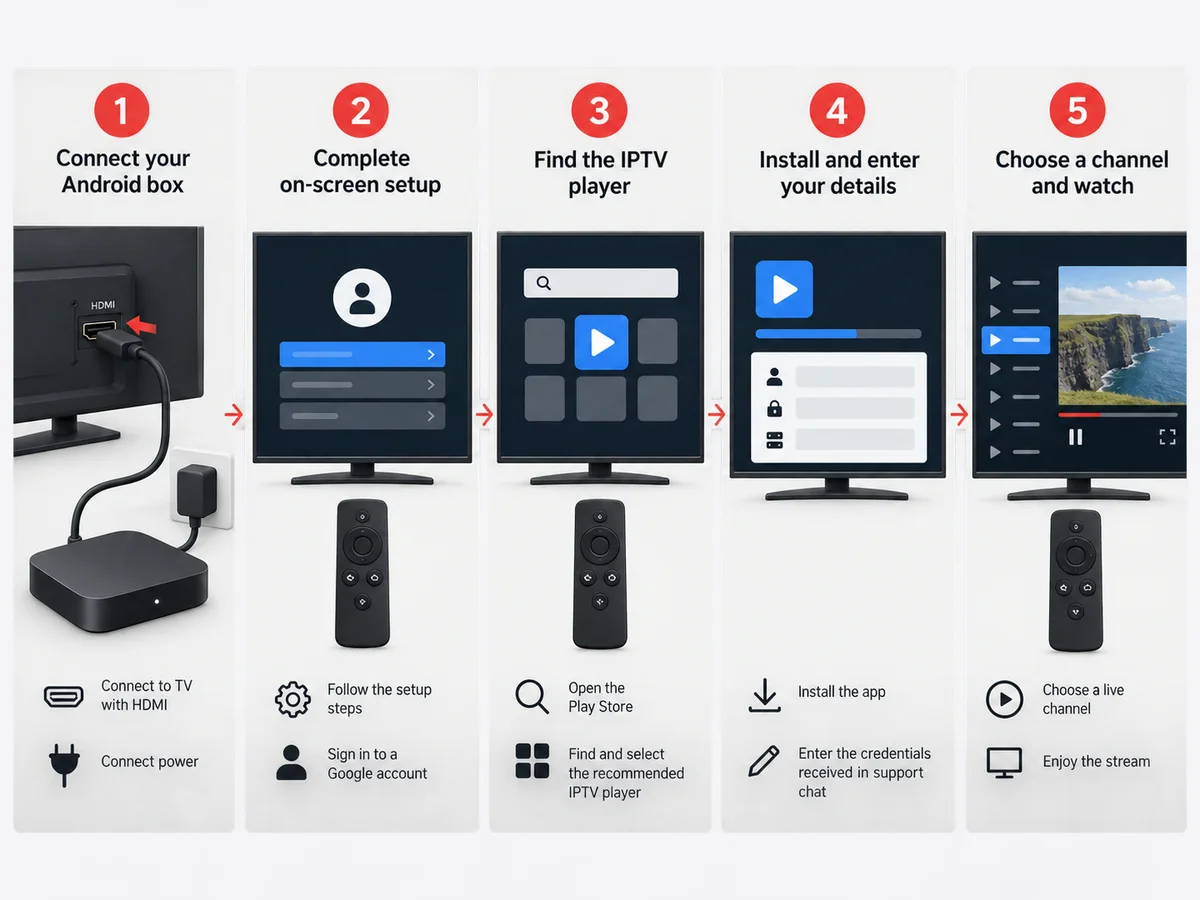
- Plug the Android box into the telly HDMI and the power.
- Walk through the on-screen setup. Sign into your Google account when prompted.
- Open the Google Play Store. Search for the IPTV player app we use (we tell you the exact name on WhatsApp).
- Install the app. Open it. Enter the login we sent you on WhatsApp.
- Pick a channel. Watch.
Most setups are done in 15 minutes start to finish from opening the box.
Which Android box is best for BingeBear
The honest ranking based on what we set up most often in Ireland:
- Nvidia Shield TV Pro (€199) — overkill for most people but it never breaks, never buffers, and lasts 5+ years. Worth it for sport fans.
- Xiaomi Mi Box S (€60) — the sweet spot. 4K, fast enough, decent remote.
- MECool KM2 Plus (€80) — well-regarded mid-range box. We see them in plenty of Irish living rooms.
We don’t sell hardware. Buy whichever fits your budget on Amazon.ie, Currys or Argos.
What you don’t need
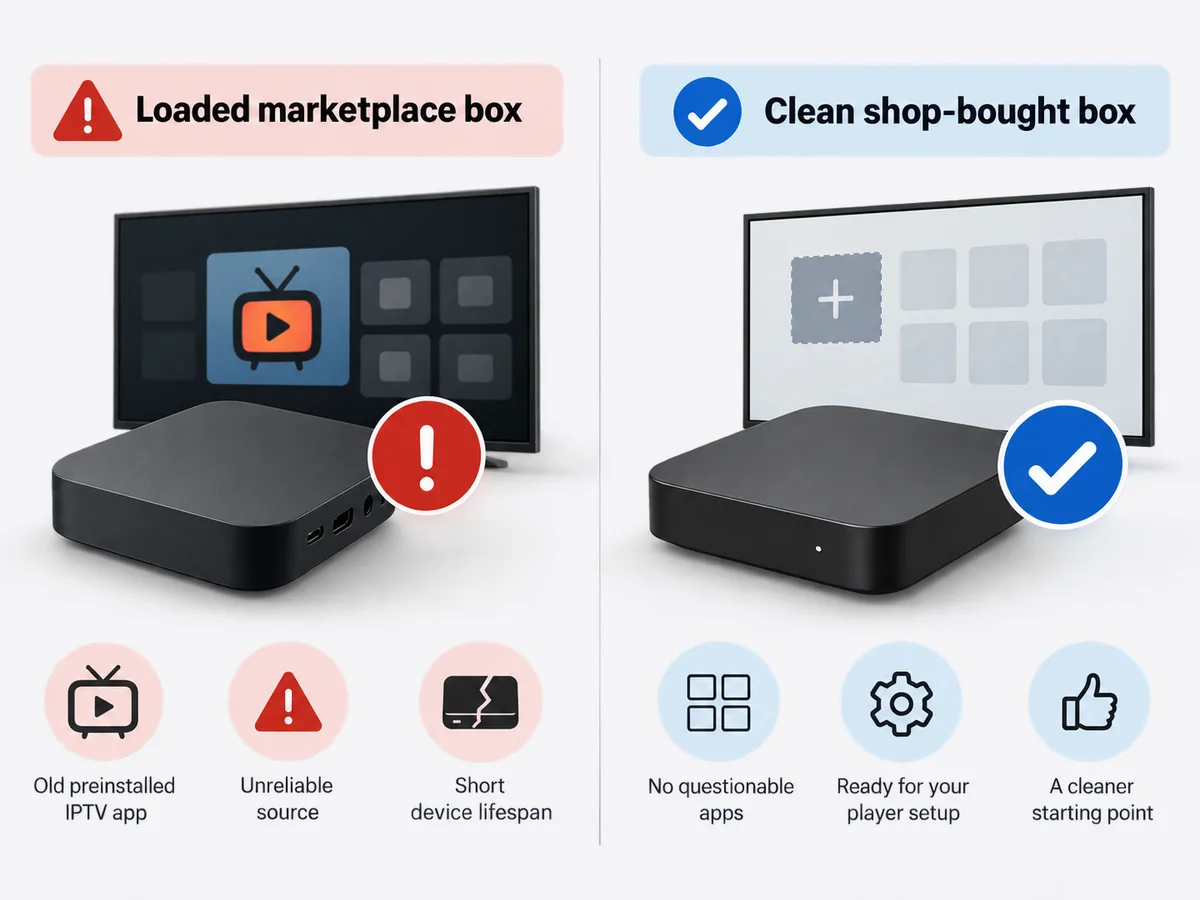
Don’t bother with a “loaded” Android box advertised on Facebook Marketplace. They come with old IPTV apps already installed (illegal mostly), and they often die in a few months. Buy a clean box from a regular shop.
What goes wrong
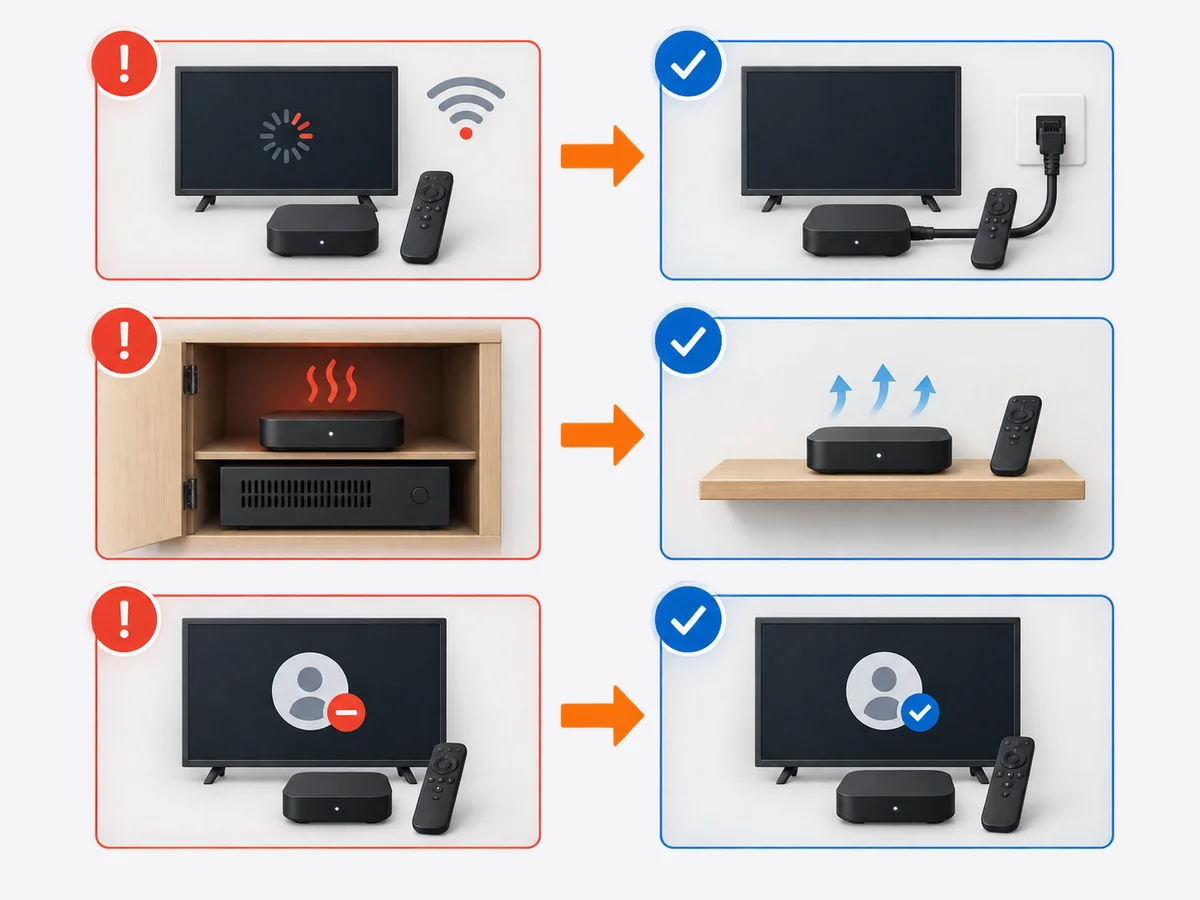
Three things, in order of frequency:
- Wi-Fi is too far from the box. Plug an Ethernet cable in if you can.
- The box is overheating. If it’s sitting on top of a hot Sky box or in a closed cabinet, move it.
- The Google Play Store is signed out. Just sign back in.
If none of those is the cause, message the WhatsApp number on the night and we move you to a different server. Takes 30 seconds.
Try BingeBear on an Android box you already have
If you’ve got the box, the install is a five-minute job. Free 24-hour trial, no card.
Related reading
- Run BingeBear on a Roku, the short version
- The Nvidia Shield setup for Irish telly fans
- Clean Kodi setup, no dodgy addons
- Apple TV setup in an Irish home, no fuss
Frequently asked questions
Is an Android box better than a Firestick?
For BingeBear specifically? Slightly. The Android box has a cleaner interface and gives you more app choice. Firestick is cheaper. Both work fine.
Will BingeBear work on a Nvidia Shield?
Yes. The Shield is the best Android device we set up. Smooth, fast, 4K, no buffering on busy nights.
Can I use Kodi instead of the recommended player app?
You can, but we recommend the recommended player app for cleaner streams. Some advanced users prefer Kodi for the EPG. Both work.
Do Android boxes get viruses?
The clean boxes from regular shops don’t. The “loaded” boxes you see on Marketplace sometimes do. Buy clean.
Can I cast from my phone to the Android box?
Yes. Google Cast is built into every Android TV box.


