


Kodi IPTV setup in Ireland: player checks
Kodi is a media player application. Open source, free, runs on Windows, Mac, Android, Firestick, Raspberry Pi and most other things.

Other device guides
On Kodi? Jump to another setup.
 Amazon FirestickIBO Player Pro
 Samsung Smart TVIBO Player Pro
 LG Smart TVIBO Player Pro
 Sony Smart TVIBO Player Pro
 Android TVIBO Player Pro
 Android PhoneIBO Player Pro
 iPhone & iPadIBO Pro Player
 Apple TVIBO Pro Player
 RokuIBO Pro Player
 Nvidia ShieldIBO Player Pro
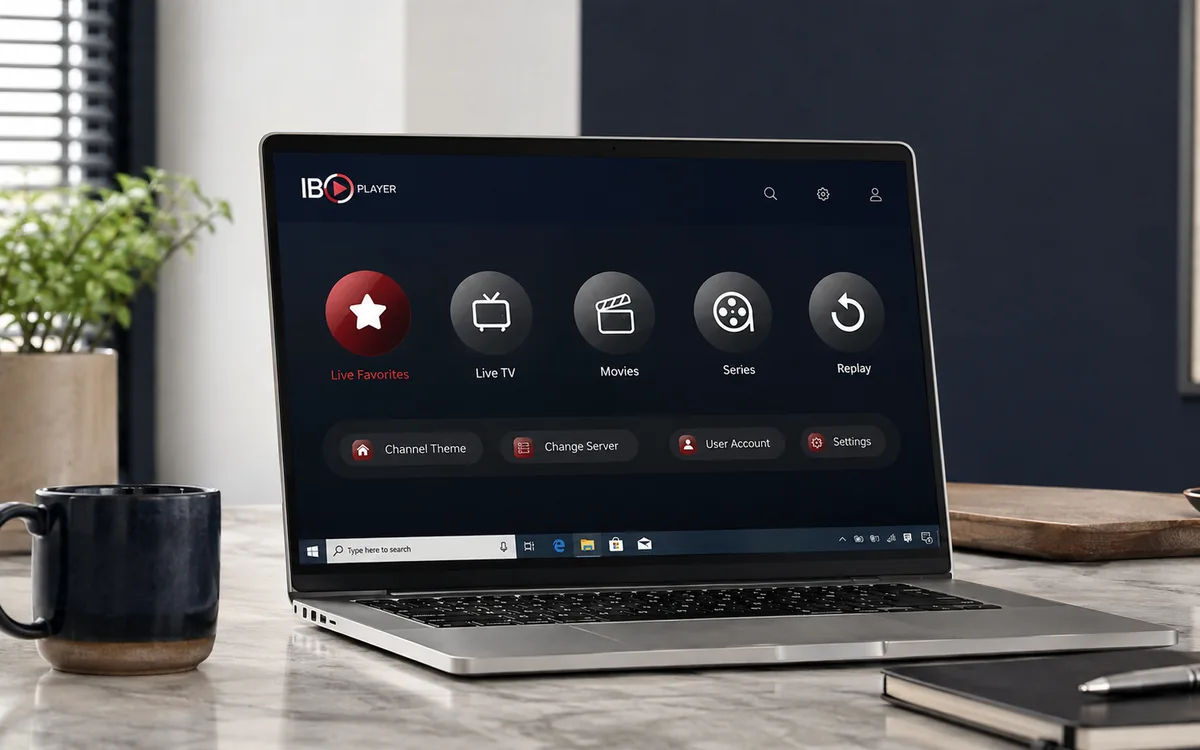 Windows LaptopIBO Player
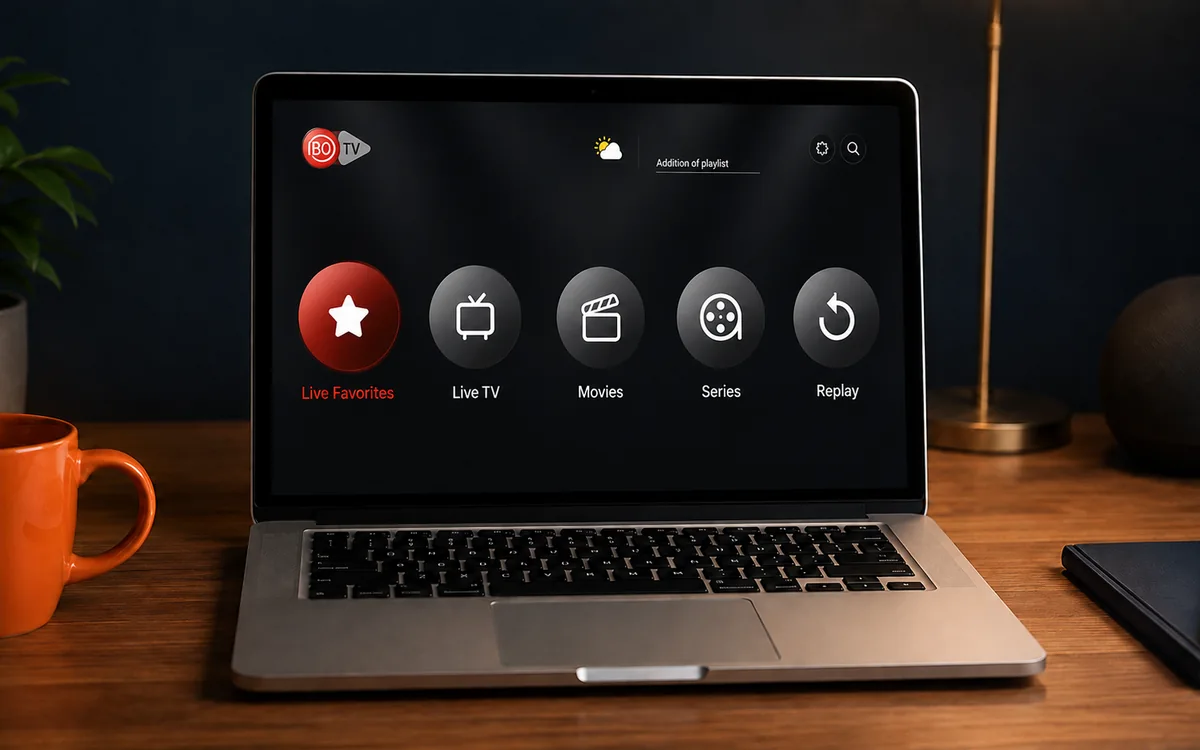 MacIBO Player
 ChromecastGoogle TV player
 Android TV BoxIBO Player Pro
 MAG BoxPortal setup
 Projector & Cinema RoomFirestick or Android box
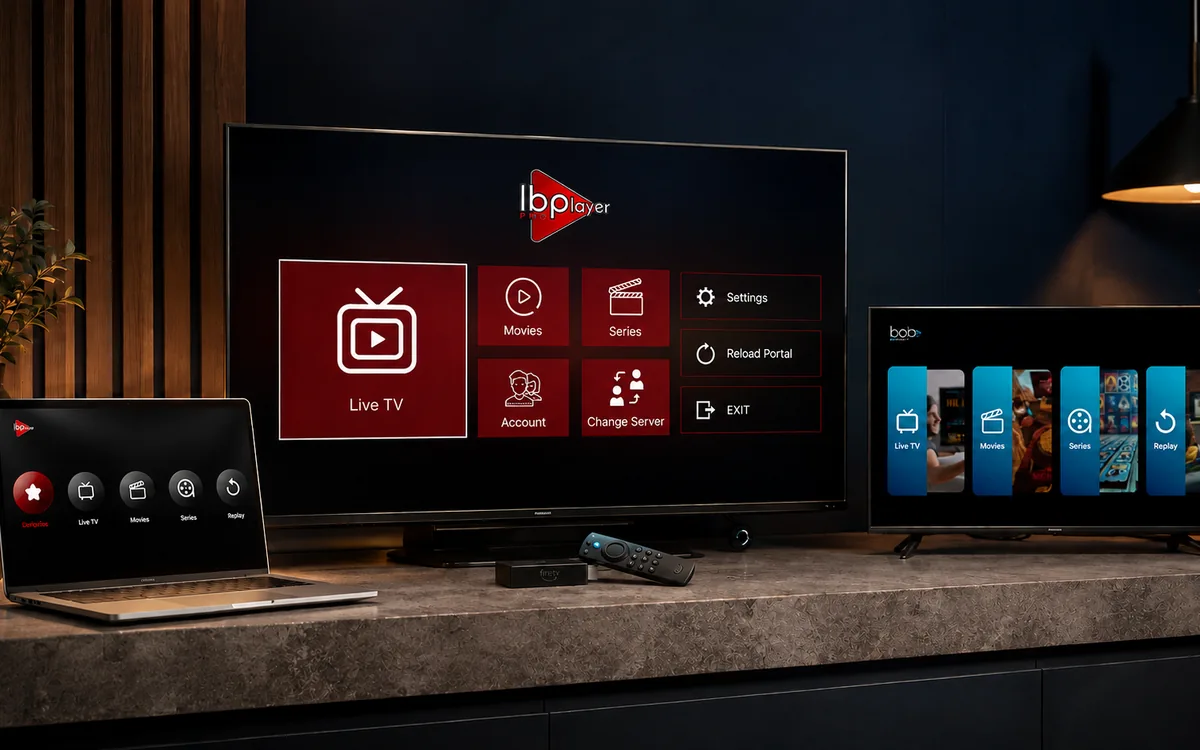 Best IPTV Player AppsIBO, BOB, VLC
Check BingeBear on your own telly before paying.
Start a free 24-hour trial with no card. Check your channels, supported player and device, then read the current plans and activation terms.
Kodi is a media-player application. Open-source, free, runs on Windows, Mac, Android, Firestick, Raspberry Pi and most other things.
It is also the most misunderstood software in IPTV. People hear “Kodi” and think “pirate”. Kodi itself is legal. What people install into Kodi is sometimes legal and sometimes not.
We use the legal route. Here’s how.
The two ways people use Kodi
The dodgy way: install a third-party addon (often called “TV Tap”, “The Crew”, “Magic Dragon” etc.) which scrapes free streams from the internet. These break every few weeks, can carry malware, and are flagged by every honest IPTV reseller including us.
The clean way: install the IPTV Simple Client (built into Kodi). Point it at the BingeBear M3U playlist URL we send you. Done.
This post is about the clean way.
The setup, in five steps
- Install Kodi on your device. (Free download from kodi.tv. It’s also in the Microsoft Store and the Google Play Store.)
- Open Kodi. Go to Settings → Add-ons → My add-ons → PVR clients → PVR IPTV Simple Client → Enable.
- Click Configure. Paste the M3U URL we sent you on WhatsApp.
- Restart Kodi. Go to the TV tab. The channel list appears.
- Pick a channel.
Total time, about 8 minutes. The longest part is the initial download of Kodi (~150 MB).
Why some people prefer Kodi to the recommended player app
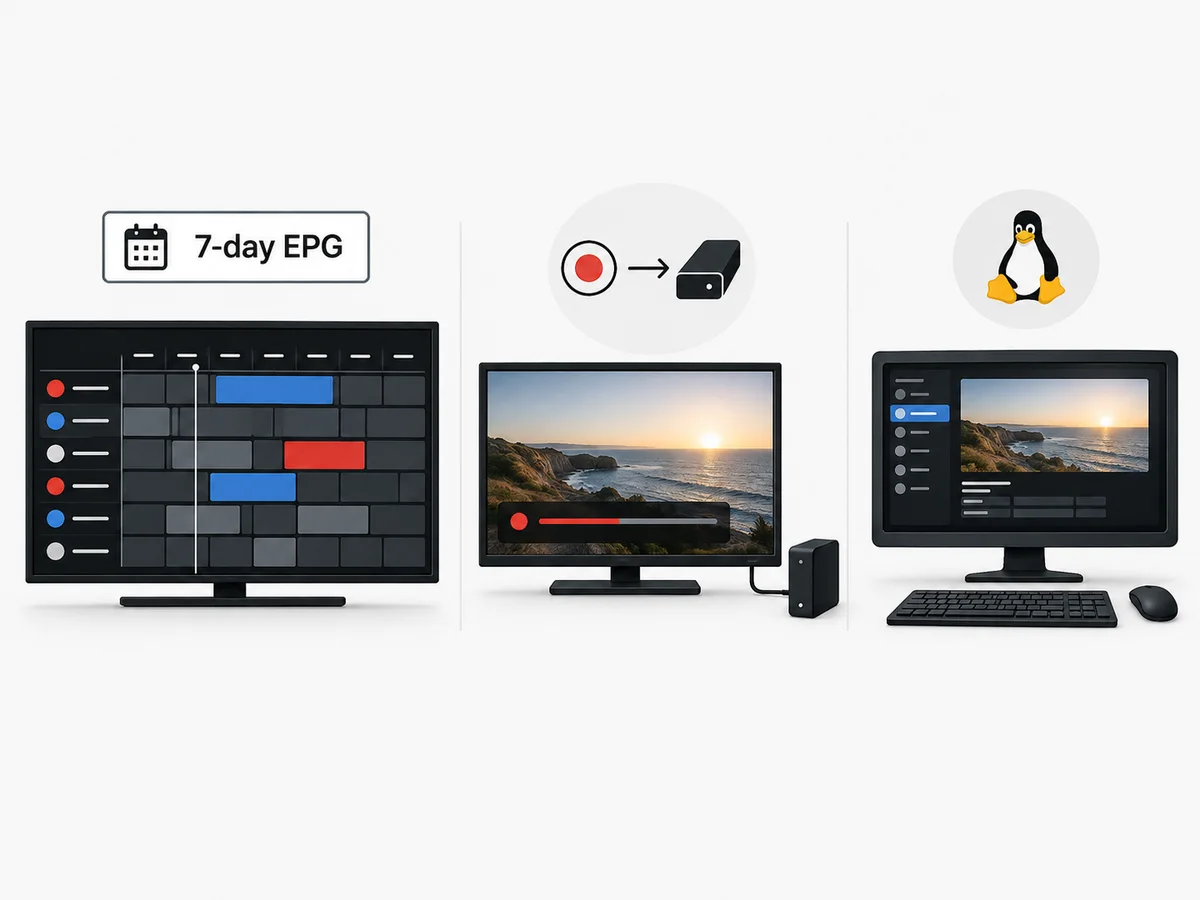
Three reasons:
- EPG quality. The Kodi IPTV Simple Client gives you a 7-day TV guide that’s easier to read than the in-app one.
- Recording. Kodi can record live channels to a hard drive (with a free addon called Tvheadend). The recommended player app does not.
- Cross-platform. If you run Linux, Kodi is the only realistic option.
What we recommend instead, honestly
For 90% of customers, the recommended player app is easier, prettier and never has setup issues. Kodi is for people who like fiddling.
If you’ve already got Kodi running and you know your way round it, brilliant. We send the M3U URL and you’re sorted in 10 minutes.
If you’ve never used Kodi, get the recommended player app instead. Less to go wrong.
What goes wrong with Kodi
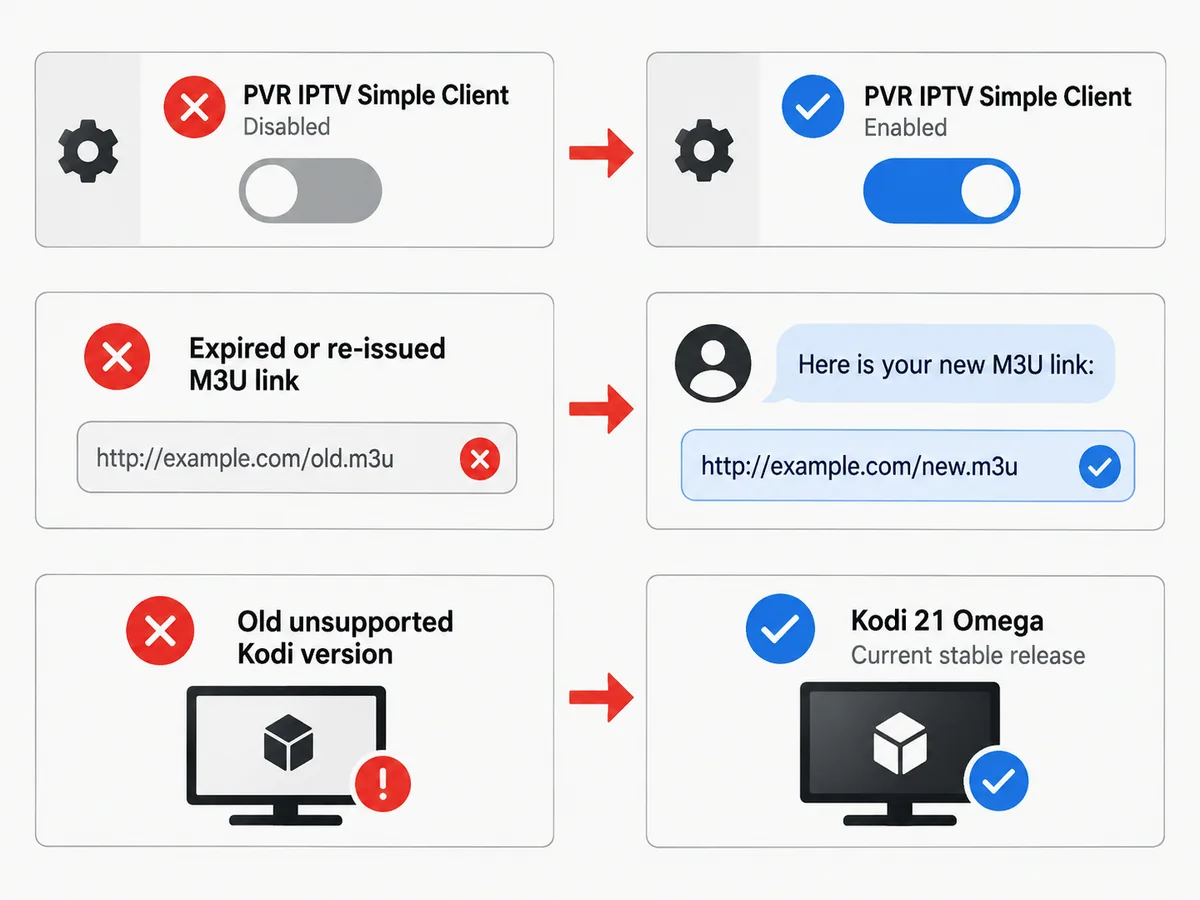
Three things, in order of frequency:
- PVR IPTV Simple Client is disabled by default. You have to enable it manually in Settings.
- The M3U URL has been re-issued. If you reset your BingeBear account, you need a fresh M3U URL. Message WhatsApp.
- Old version of Kodi. Stick to the current stable release (Kodi 21 “Omega” as of 2026). Older versions are out of support.
What about Kodi on Firestick?
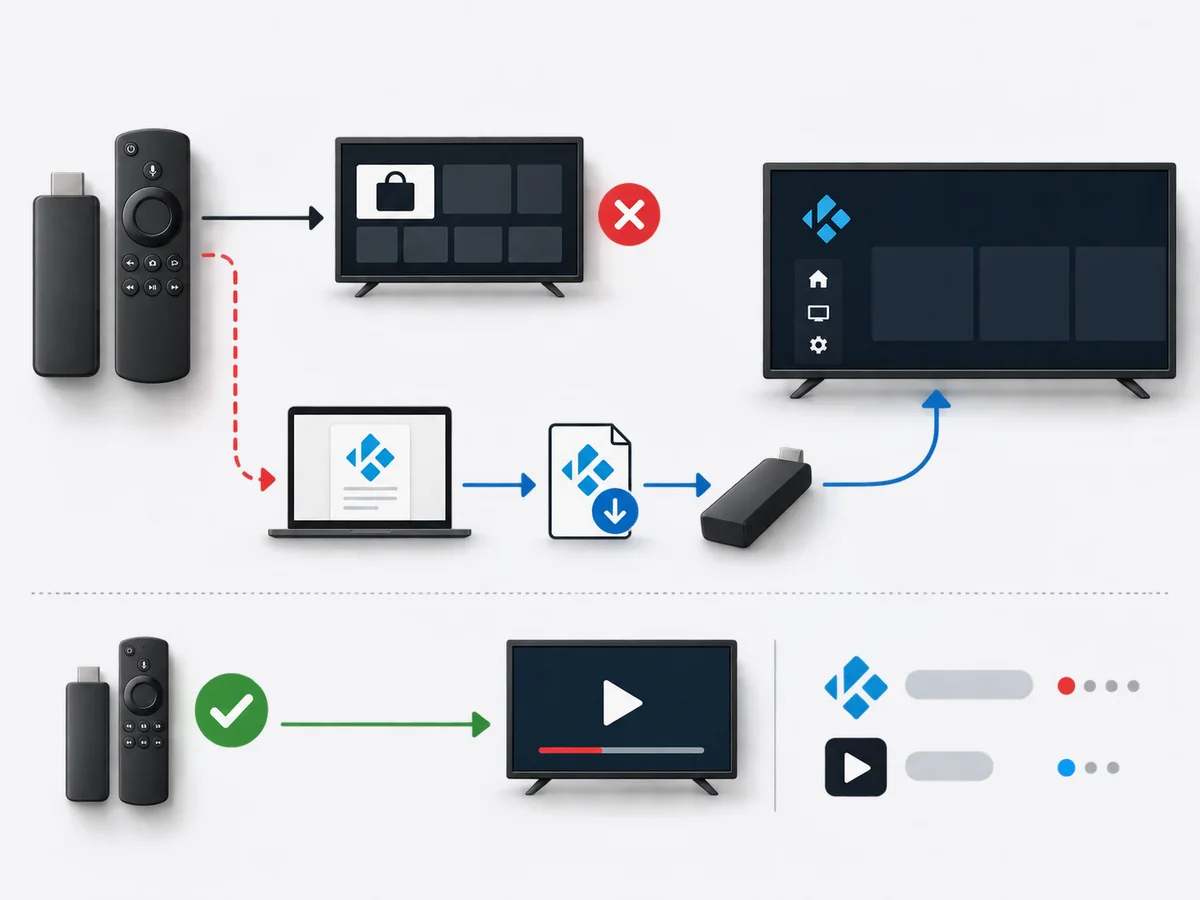
Yes, that works. You sideload Kodi onto the Firestick (Amazon doesn’t carry it directly). Then follow the same setup. The Kodi documentation has a clean install guide.
We’d still recommend the recommended player app on Firestick over Kodi, but it’s your machine.
Try the BingeBear M3U on Kodi
If you want the M3U URL, start a free 24-hour trial. We send the link on WhatsApp.
Related reading
- Android box setup for Irish IPTV
- BingeBear on a Windows laptop, done right
- The Nvidia Shield setup for Irish telly fans
- Is IPTV legal in Ireland? An honest 2026 answer
Frequently asked questions
Is Kodi legal in Ireland?
Kodi itself is legal open-source software. Some addons people install into Kodi are illegal. The BingeBear M3U on the official IPTV Simple Client is the legal route.
Do I need a VPN to use Kodi?
For the BingeBear M3U? No. Some illegal addons recommend VPNs because the addon itself is dodgy. We don’t recommend dodgy addons.
Can I record on Kodi?
Yes, with the Tvheadend addon. Beyond the scope of this post. Message WhatsApp and we’ll walk you through it.
Which version of Kodi works with BingeBear?
Kodi 20 (Nexus) and Kodi 21 (Omega) both work. Anything older is out of date and we wouldn’t recommend.
Is the recommended player app easier than Kodi?
For most people, yes. The app has a nicer interface, no setup steps beyond signing in, and we update it ourselves.


