


Windows Laptop IPTV setup
Want to watch IPTV on your Windows laptop in Ireland? This is the plain English guide to setting up IPTV Windows Ireland in 5 minutes. The IBO Player desktop app is free for...
Other device guides
On Windows? Jump to another setup.
 Amazon FirestickIBO Player Pro
 Samsung Smart TVIBO Player Pro
 LG Smart TVIBO Player Pro
 Sony Smart TVIBO Player Pro
 Android TVIBO Player Pro
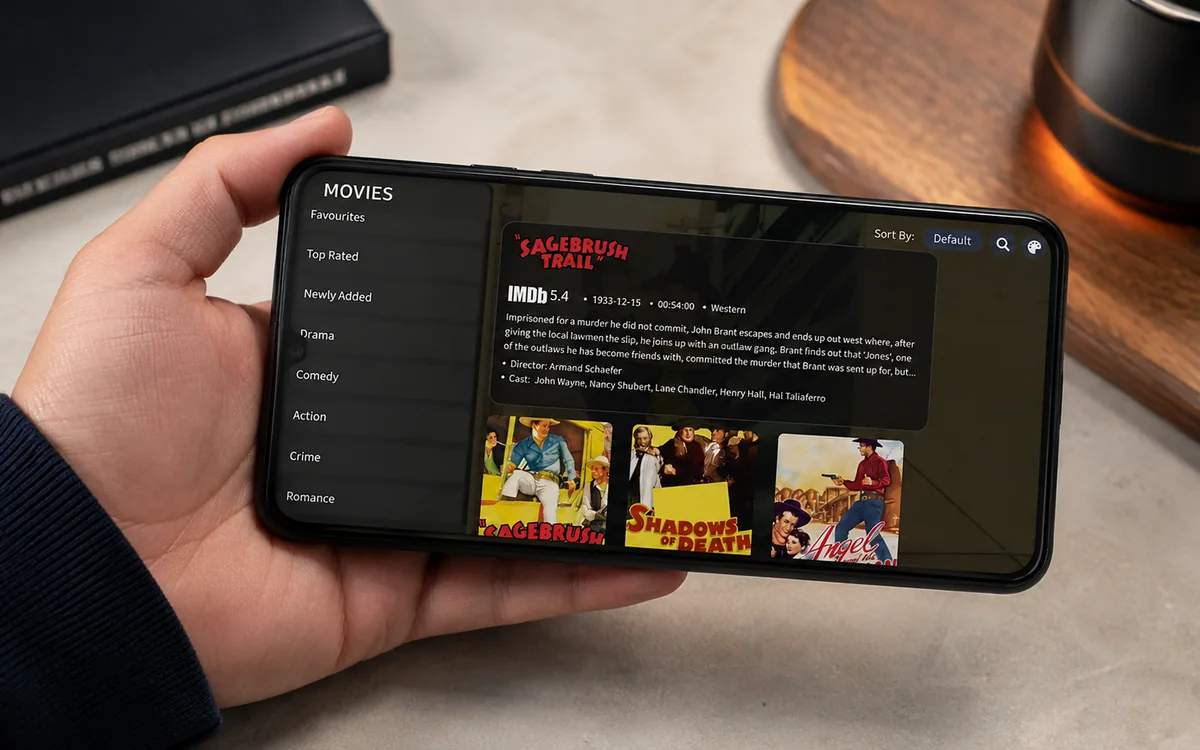 Android PhoneIBO Player Pro
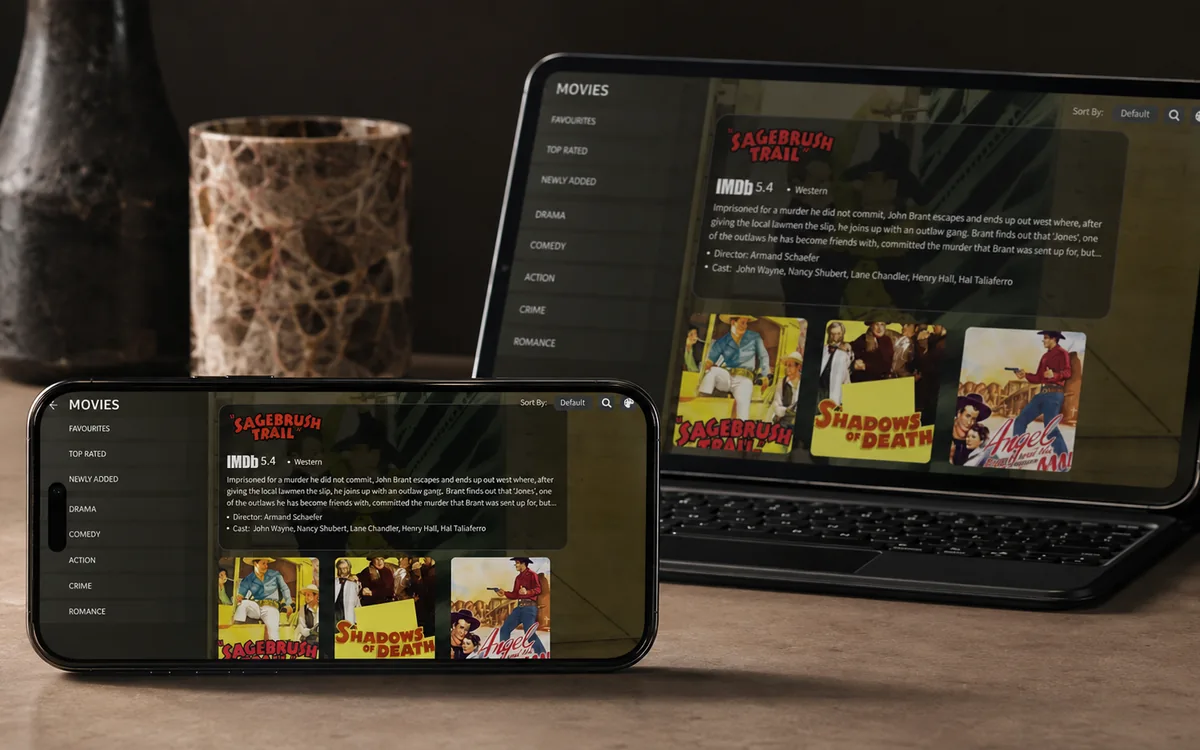 iPhone & iPadIBO Pro Player
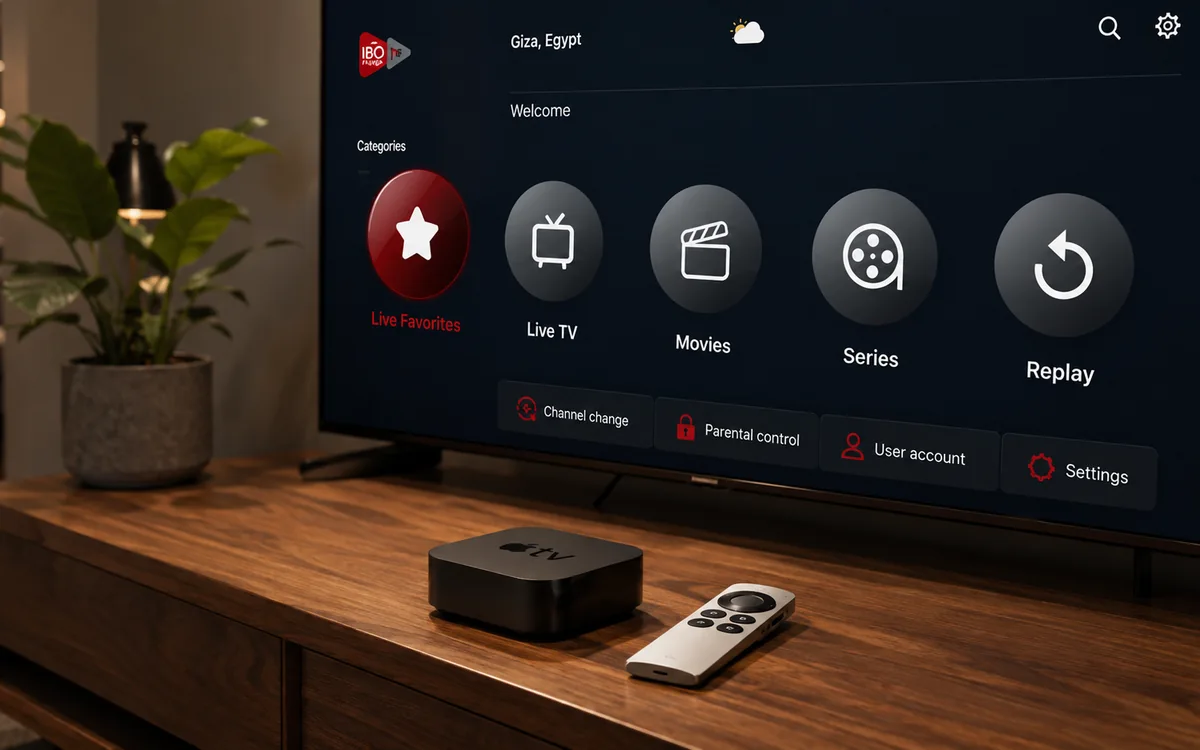 Apple TVIBO Pro Player
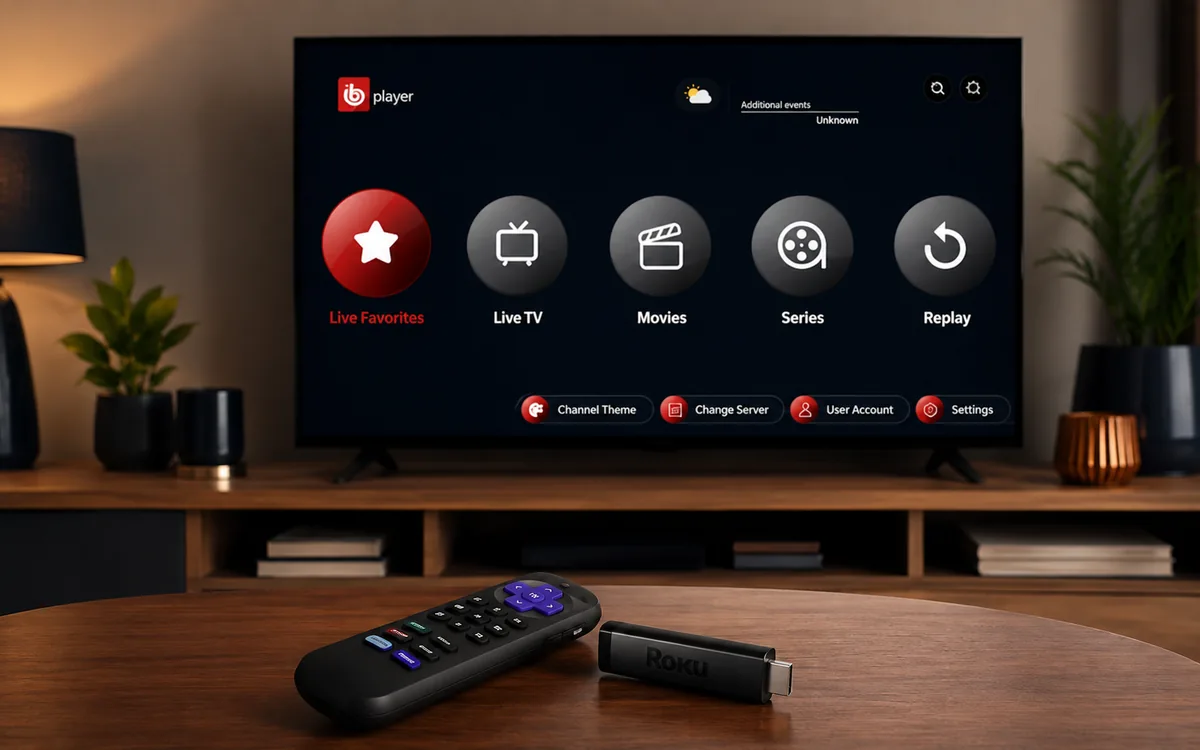 RokuIBO Pro Player
 Nvidia ShieldIBO Player Pro
 MacIBO Player
 ChromecastGoogle TV player
 Android TV BoxIBO Player Pro
 MAG BoxPortal setup
 KodiKodi add-on
 Projector & Cinema RoomFirestick or Android box
 Best IPTV Player AppsIBO, BOB, VLC
Check BingeBear on your own telly before paying.
Start a free 24-hour trial with no card. Check your channels, supported player and device, then read the current plans and activation terms.
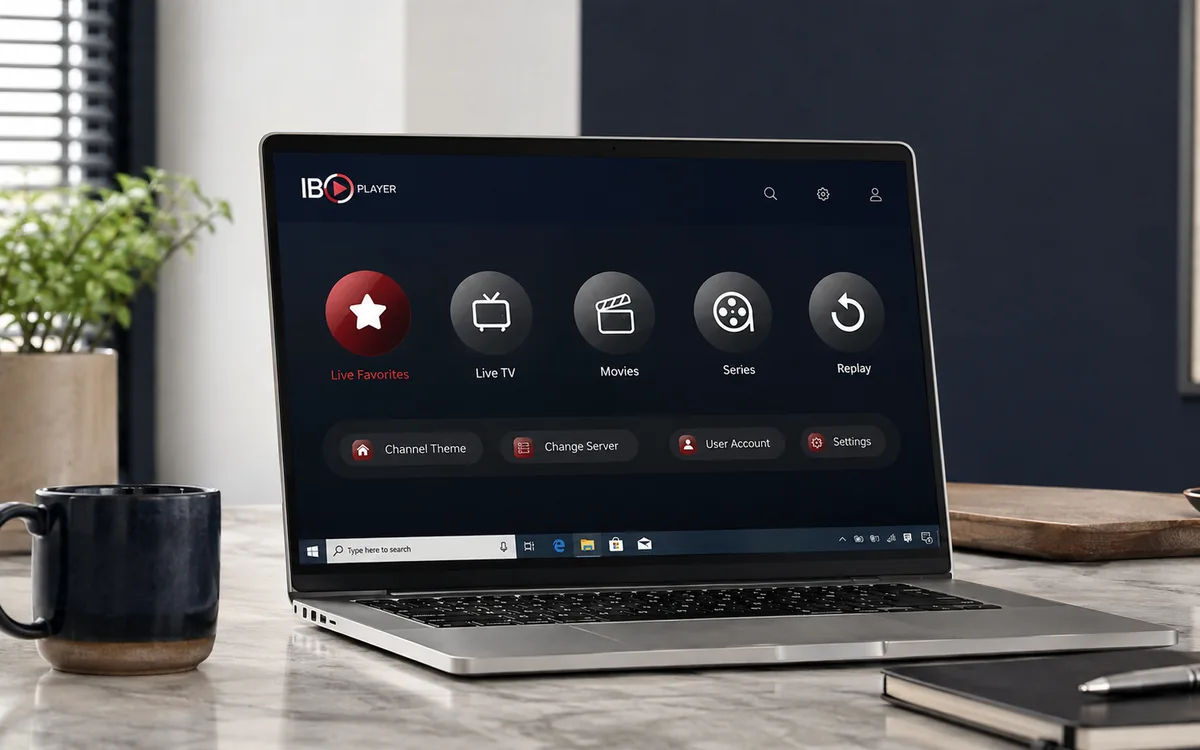
Want to watch IPTV on your Windows laptop in Ireland? This is the plain English guide to setting up IPTV Windows Ireland in 5 minutes. The IBO Player desktop app is free for Windows 10 and 11 (no activation fee). Send your MAC to our support agent on WhatsApp, watch.
On Windows the easiest route is the classic IBO Player desktop for Windows. It is free from iboplayer.com/downloads, no 7-day trial, no in-app purchase, no activation fee. Just install and use. There is also a paid IBO Player Pro variant in the Microsoft Store if you prefer a Microsoft Store install, but the free desktop version is what most people use.
What you need before you start
- A Windows 10 or Windows 11 laptop or desktop.
- Wi-Fi or Ethernet with at least 25 Mbps for HD sport.
- Your BingeBear IPTV login (sent on WhatsApp inside 5 minutes).
- 5 minutes.
The setup in five small steps
- Download ibo_installer.exe from iboplayer.com/downloads.
- Run the installer (Windows SmartScreen will warn you, click More info then Run anyway).
- Open IBO Player from the Start menu.
- Copy the MAC address + Device Key from the first screen.
- Send them to our support agent on WhatsApp. They load your channel list. Re-open the app. Channels appear.
Step 1: Download IBO Player for Windows
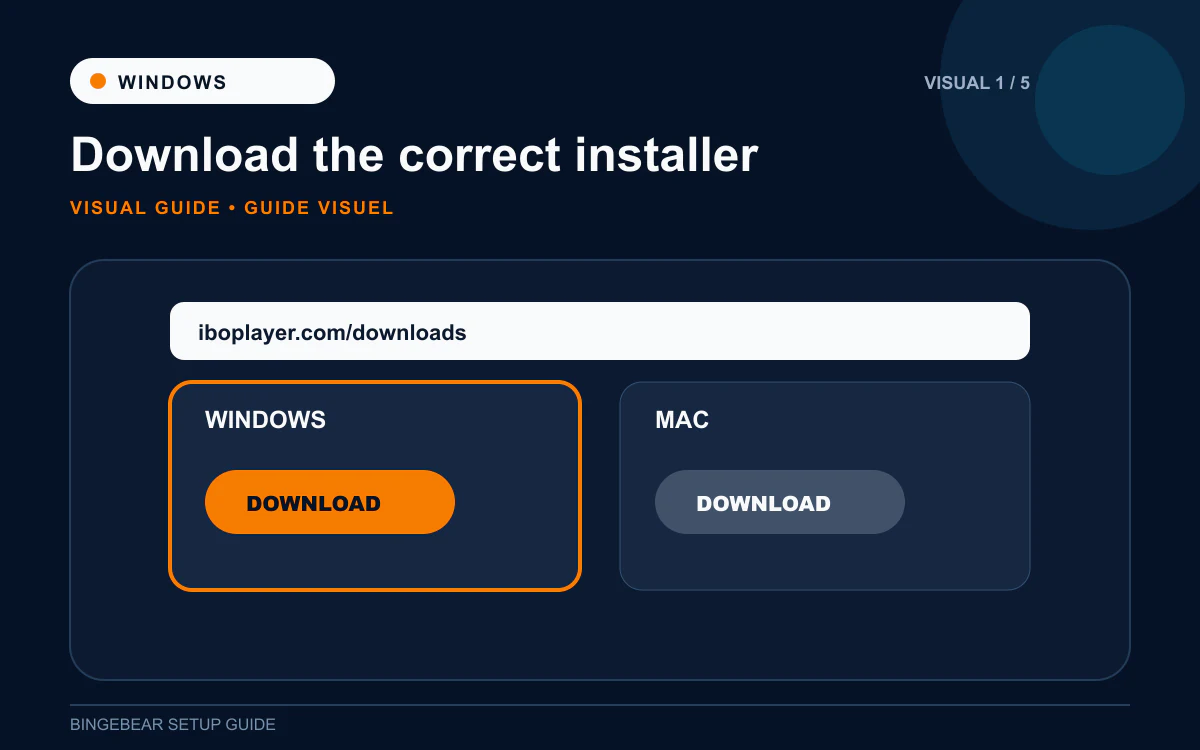
- Open Edge, Chrome or Firefox on your Windows laptop.
- Go to iboplayer.com/downloads.
- Click the Windows x64 download. The file is ibo_installer.exe, about 27 MB.
- Save to your Downloads folder.
Step 2: Run the installer past Windows SmartScreen
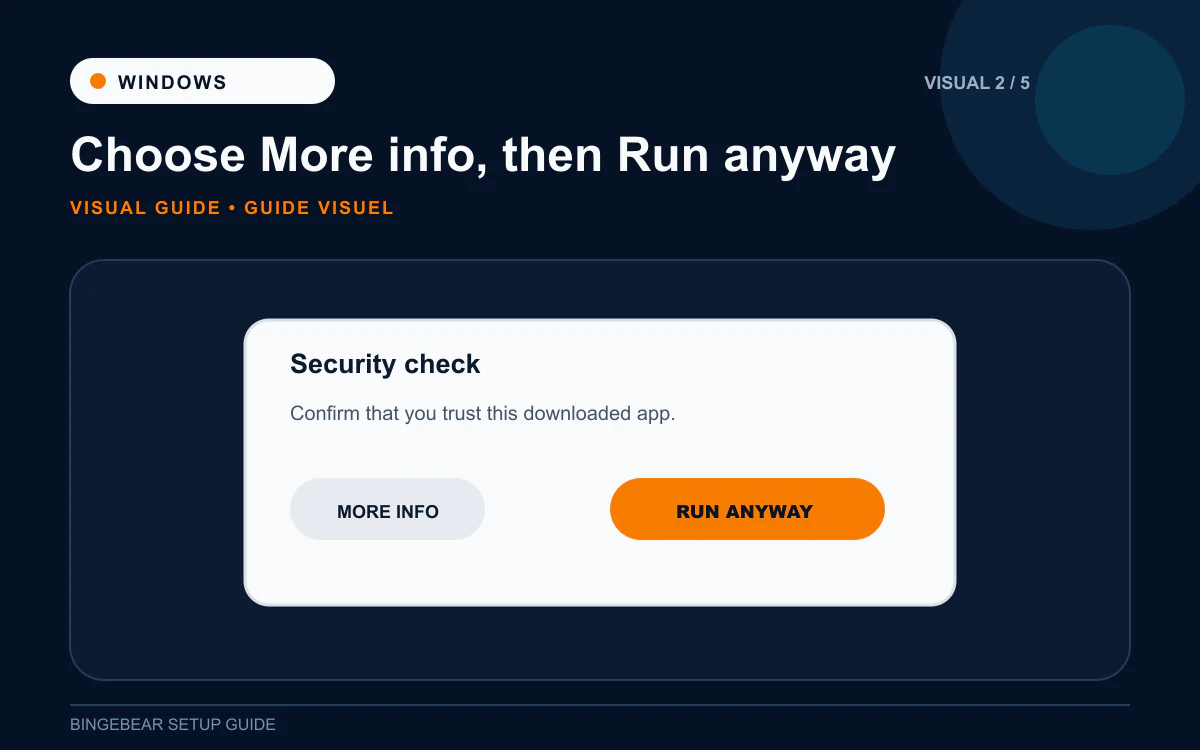
Windows SmartScreen blocks unsigned installers by default. IBO Player is not Microsoft-signed (very few small-developer apps are), so SmartScreen warns you on the first run. This is the workaround.
- Open your Downloads folder. Right-click ibo_installer.exe and choose Run as administrator.
- Windows User Account Control asks "Do you want to allow this app to make changes?" Click Yes.
- SmartScreen pops up: "Windows protected your PC. Microsoft Defender SmartScreen prevented an unrecognised app from starting."
- Click More info on the SmartScreen popup.
- Click Run anyway.
- The IBO Player installer opens.
Why does Windows warn me? Windows SmartScreen warns about every app that has not been "code-signed" by a Microsoft-trusted certificate authority. Small developers like IBO Solutions do not pay for code-signing certificates because they cost hundreds of euros a year. The "Run anyway" workaround is the standard way to install legitimate small-developer apps. Once installed, no further warnings appear.
Step 3: Install IBO Player
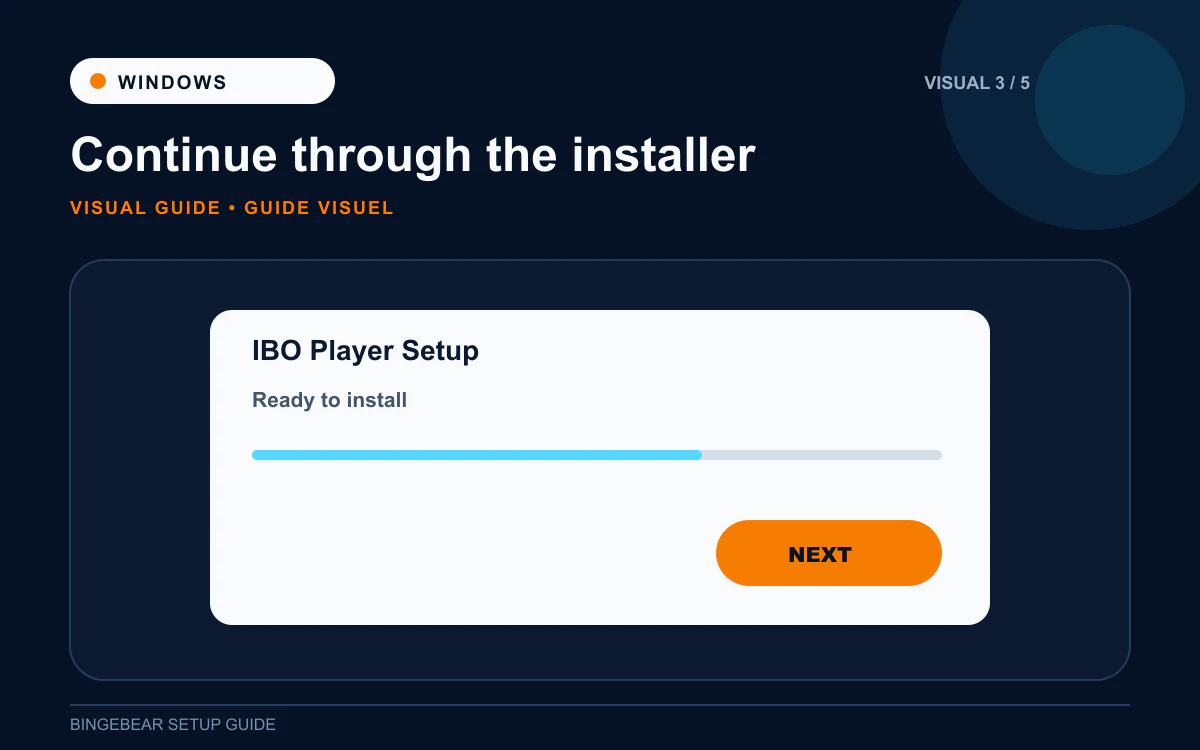
- The IBO Player installer opens with a welcome screen. Click Next.
- Accept the licence agreement.
- Choose the install location (the default, usually C:\Program Files\IBO Player, is fine).
- Click Install.
- The installer copies files for about 30 seconds.
- Click Finish and tick "Launch IBO Player".
IBO Player is now in your Start menu and on the Desktop as a shortcut.
Step 4: Copy the MAC address and Device Key
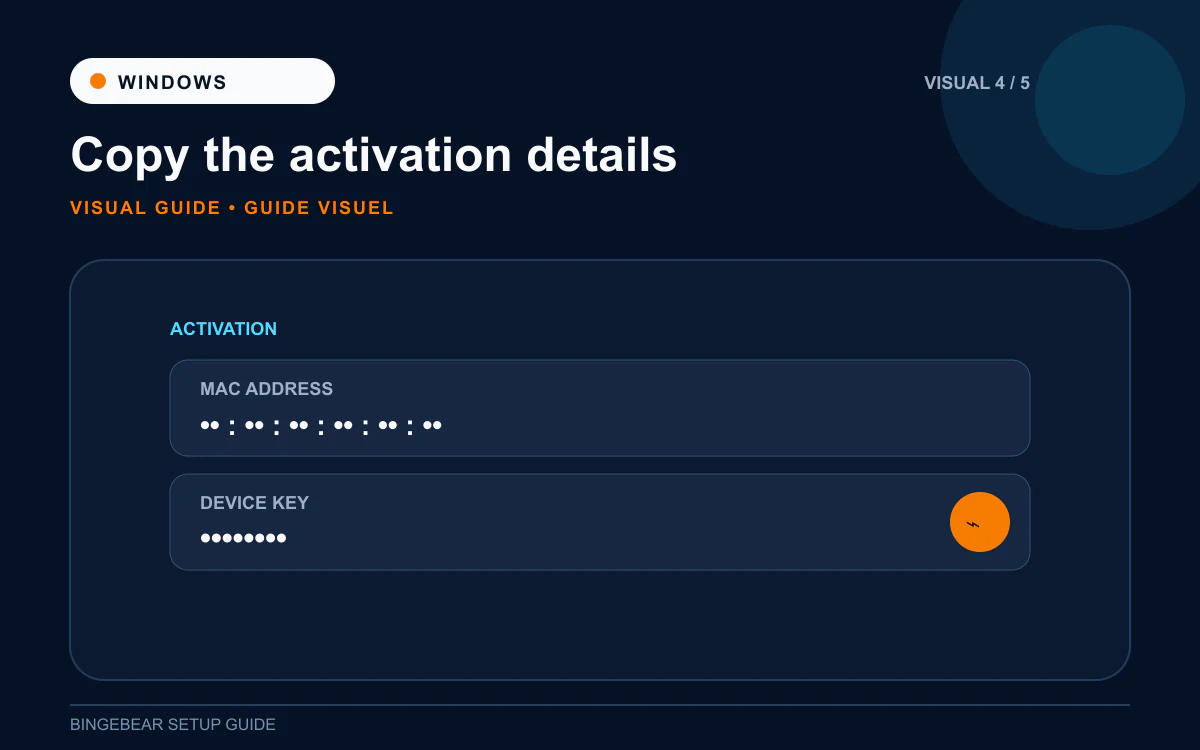
- The first screen shows the MAC address (like `00:1A:79:XX:XX:XX`) and Device Key.
- Drag-select the MAC and press Ctrl + C to copy.
- Same for the Device Key.
- Or take a screenshot: Windows key + Shift + S, drag a selection, and the snip is on your clipboard.
Step 5: Send to our support agent on WhatsApp
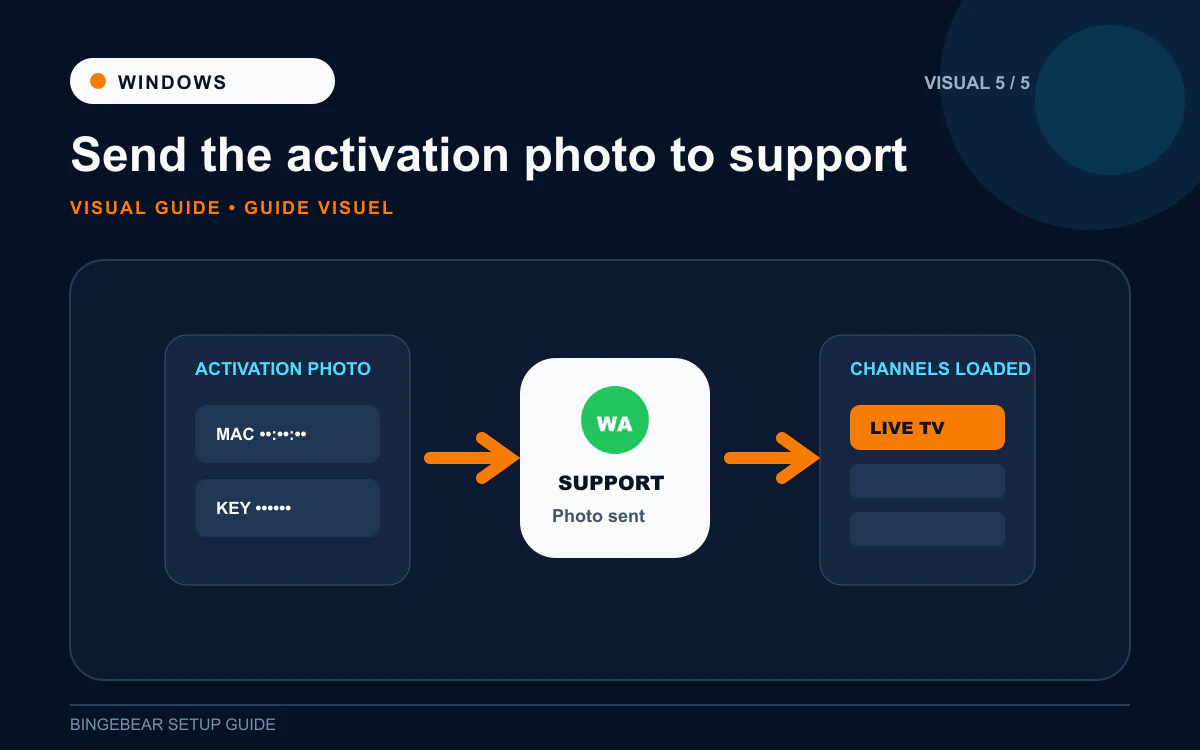
- Open WhatsApp Web on the laptop (web.whatsapp.com) or use your phone.
- Paste the MAC + Device Key. Tell our support agent it is a Windows laptop.
- They load your playlist on the IBO Player provider portal at activation.iboplayer.com.
- Quit IBO Player (close the window) and re-open from the Start menu.
- Channel list, EPG, films and sport appear.
How IBO Player activation works on Windows
The IBO Player desktop on Windows is free. No trial, no fee, no in-app purchase. You only pay our support agent for the channels.
If you prefer the Microsoft Store version (called IBO Player Pro), there is a 7-day trial and then a one-off activation fee. Most Windows users stick with the free desktop version.
Troubleshooting IPTV on Windows
1. SmartScreen will not let me run the installer at all
On some company laptops or strict family security setups, SmartScreen blocks the Run Anyway option. Two workarounds:
- Right-click ibo_installer.exe, click Properties, tick the Unblock box at the bottom, click Apply.
- Or download IBO Player Pro from the Microsoft Store (search "IBO Pro Player" in the Microsoft Store app). The Microsoft Store version is signed and SmartScreen never warns.
2. "Cannot reach activation.iboplayer.com"
VPN or Wi-Fi issue. Turn the VPN off (the portal blocks some VPN exit IPs), restart the router, re-launch IBO Player.
3. App opens but the channel list is empty
The playlist has not been loaded yet, or IBO Player has cached an empty list. Quit fully (Ctrl + Q or right-click in system tray then Exit), then re-open.
4. Sport buffers, films play fine
Laptop Wi-Fi is fine for most channels but struggles on sport. Plug the laptop into the router with Ethernet, or move closer to the router. Also try 5 GHz Wi-Fi if available.
5. App audio out of sync
Right-click in the IBO Player window then Audio Settings then nudge the audio delay by 100ms in either direction until it matches.
6. Antivirus quarantined IBO Player
Some antivirus tools (Norton, McAfee, Avast) flag unsigned installers. Add the IBO Player installer to the exclusion list. The app itself is not malicious; it just is not code-signed.
Frequently asked questions
What is the best IPTV app for Windows in Ireland in 2026?
The classic free IBO Player desktop is what most Windows users go with. IBO Player Pro (paid, from the Microsoft Store) is the alternative if you prefer a store install with no SmartScreen prompts.
How much does IBO Player cost on Windows?
The desktop version is free. The Microsoft Store IBO Player Pro charges a one-off device activation of around €7 to €10. Most people use the free desktop version.
Can I use VLC instead of IBO Player on Windows?
Yes for testing. Ask our support agent for the M3U URL. In VLC, Media then Open Network Stream, paste, play. But VLC has no programme guide, no favourites, no channel grid. IBO Player is better for everyday viewing.
Does IBO Player work on Windows 10?
Yes. Works on Windows 10 and Windows 11 alike. Older Windows (Windows 8 and 7) is not officially supported but the app sometimes still runs.
Can I watch GAA, Premier League and Sky Sports on the Windows laptop?
Yes, your BingeBear plan includes those feeds. Most Irish services do.
Can I stream the laptop output to my telly?
Yes, via HDMI cable (the cleanest way) or Chromecast / AirPlay if your telly supports them. But installing IBO Player Pro directly on the telly (Samsung, LG) is faster and more reliable.
Is IBO Player safe to install on Windows?
Yes. It is published by IBO Solutions, a known third-party software company. The SmartScreen warning is about code signing, not malware. Tens of thousands of Irish customers use it without issue.
Once IBO Player is installed on your Windows laptop
You should be at the MAC + Device Key screen. One thing needs to happen before the channels appear: the playlist has to be loaded against that MAC on the IBO Player provider portal. Send the details to our support agent and they handle it.
Want BingeBear on your Windows laptop?
Send us your MAC + Device Key on WhatsApp and we will load the playlist for you. We have set up IPTV on Windows laptops for thousands of Irish households. 54,000+ live channels, every Sky Sport, every GAA championship match, every Premier League fixture. Free 24-hour trial, no card. A real Irish person on WhatsApp walks you through it.


