


Samsung Smart TV IPTV setup
Want to watch IPTV on your Samsung Smart TV in Ireland? This is the plain English guide to setting up IPTV Samsung Smart TV Ireland in 5 minutes. Install IBO Player Pro from...

Other device guides
On Samsung? Jump to another setup.
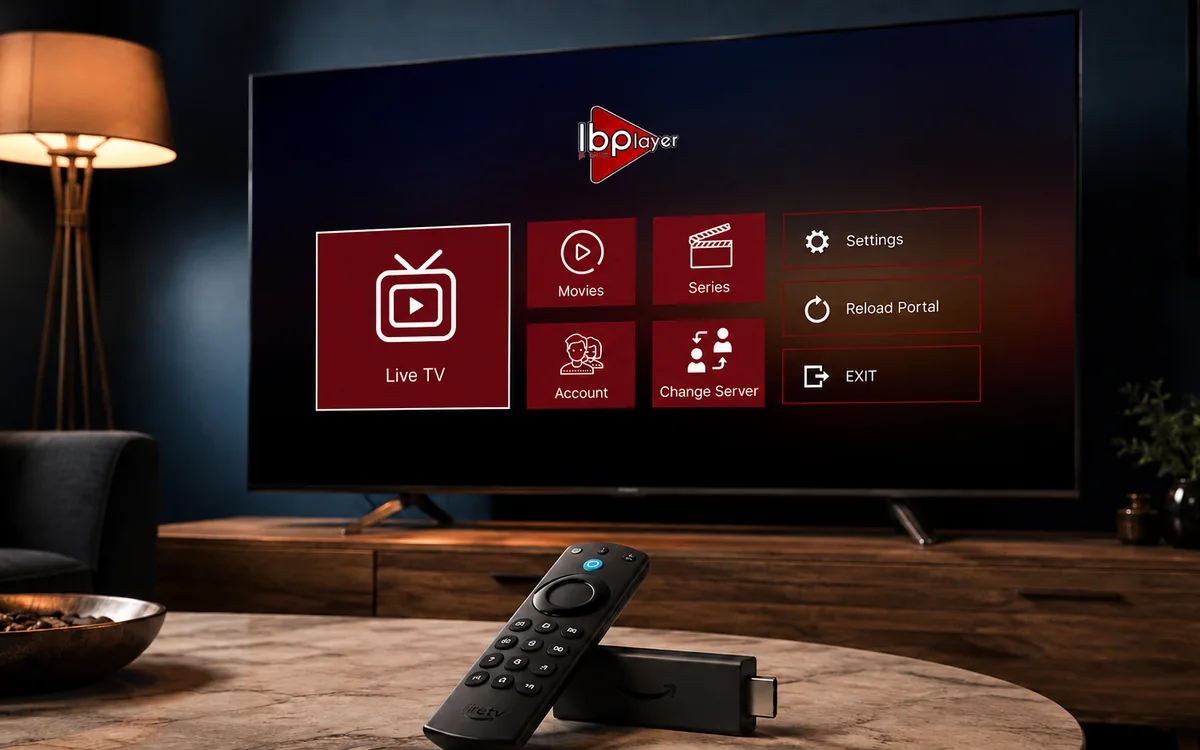 Amazon FirestickIBO Player Pro
 LG Smart TVIBO Player Pro
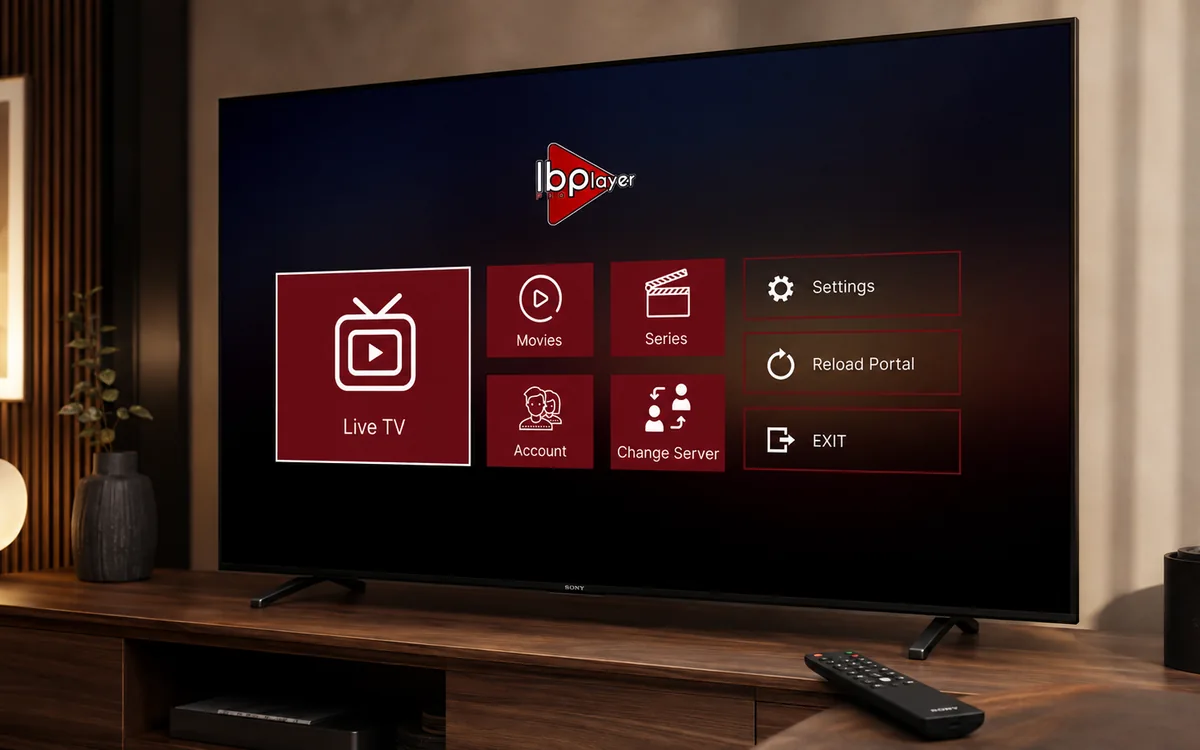 Sony Smart TVIBO Player Pro
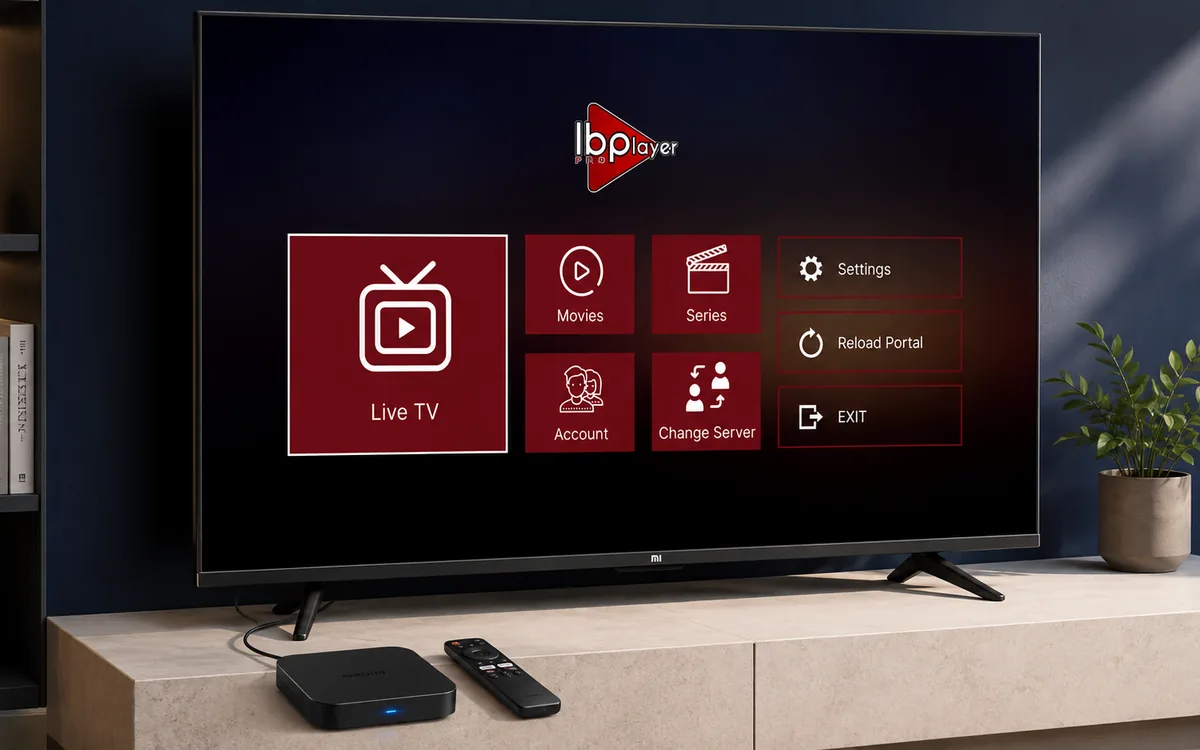 Android TVIBO Player Pro
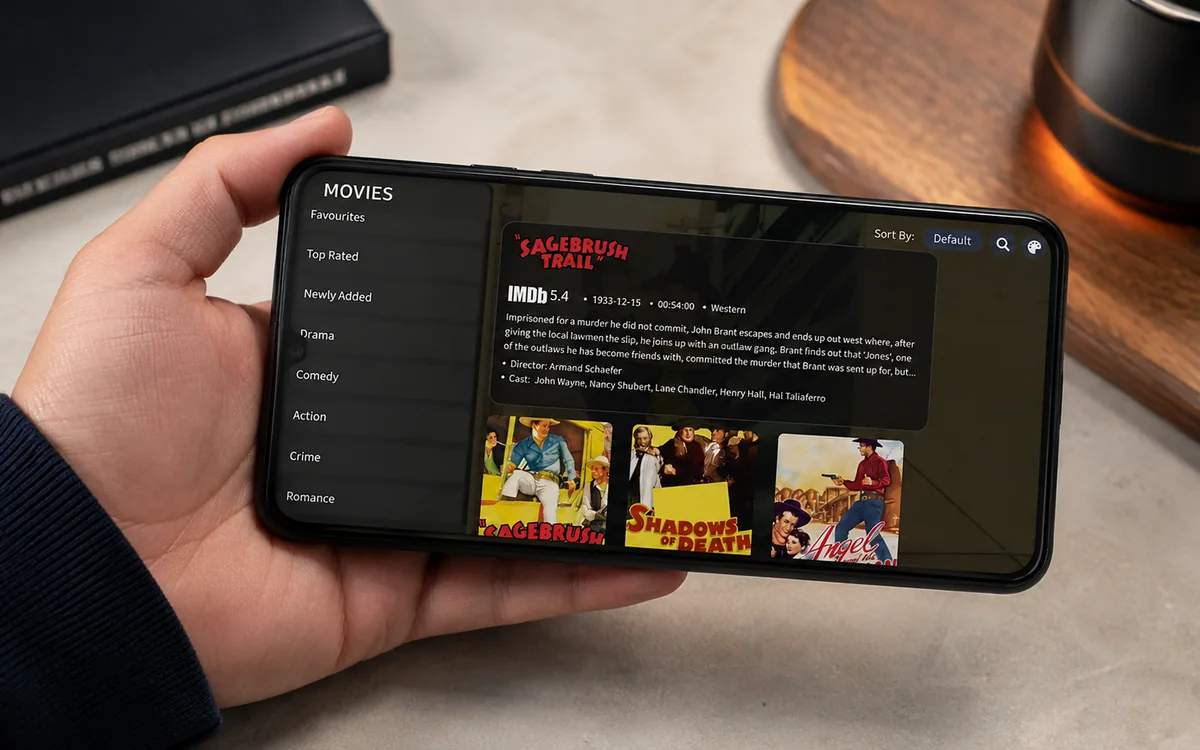 Android PhoneIBO Player Pro
 iPhone & iPadIBO Pro Player
 Apple TVIBO Pro Player
 RokuIBO Pro Player
 Nvidia ShieldIBO Player Pro
 Windows LaptopIBO Player
 MacIBO Player
 ChromecastGoogle TV player
 Android TV BoxIBO Player Pro
 MAG BoxPortal setup
 KodiKodi add-on
 Projector & Cinema RoomFirestick or Android box
 Best IPTV Player AppsIBO, BOB, VLC
Check BingeBear on your own telly before paying.
Start a free 24-hour trial with no card. Check your channels, supported player and device, then read the current plans and activation terms.
Want to watch IPTV on your Samsung Smart TV in Ireland? This is the plain English guide to setting up IPTV Samsung Smart TV Ireland in 5 minutes. Install IBO Player Pro from the Samsung Smart Hub, send your MAC to our support agent on WhatsApp, watch.
Samsung Smart TVs are the second most popular Irish IPTV setup after the Firestick, and in some ways the easiest. There is no Downloader app, no sideloading, no fiddling with developer options. You install IBO Player Pro straight from the Samsung app store like any other app. The whole job takes about 5 minutes.
Here is what you are about to do.
What you need before you start
- A Samsung Smart TV from 2017 onwards (Tizen 2017 or newer). The Tizen check below tells you in 30 seconds.
- Wi-Fi or Ethernet on the telly with at least 25 Mbps if you want sport in HD.
- Your BingeBear IPTV login. We send it on WhatsApp inside 5 minutes of you starting the free trial.
- 5 minutes of your time and your phone close by (you will take one photo of the telly screen).
The setup in four small steps
- Open the Samsung Smart Hub and search the app store for IBO Player Pro.
- Install the app. It downloads from Samsung's own store, no Downloader needed.
- Open IBO Player Pro. Take a photo of the first screen (it shows a MAC address and a Device Key).
- Send the photo to our support agent on WhatsApp. They load your channel list. You restart the app. Channels appear.
That is it. No engineer to wait in for. No satellite dish to be drilled into the wall. No 18-month contract. The same Samsung Smart Hub you already use for Netflix.
Quick check first: is your Samsung Tizen 2017 or newer?
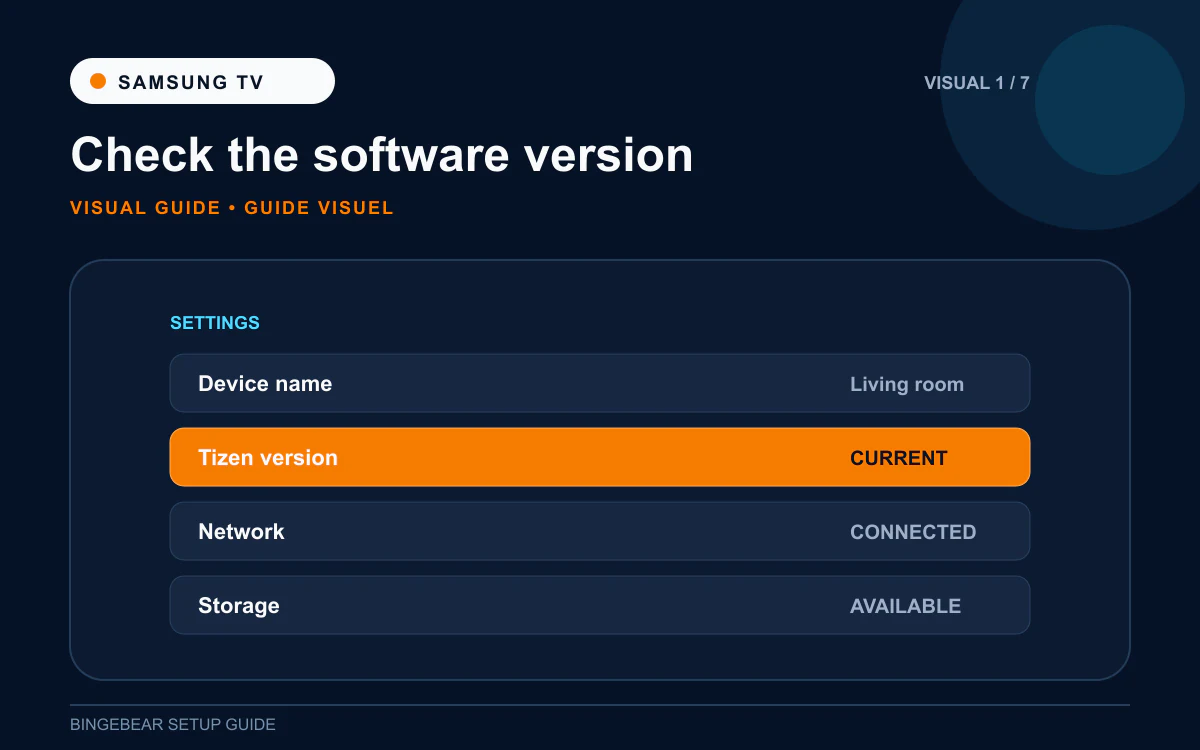
IBO Player Pro requires Samsung Tizen 2017 or newer. Older Samsung tellys (2015 and 2016 models) do not have the app in their store. Most Samsungs sold in Ireland from 2017 onwards are grand. To check yours:
- Press the Home button on the Samsung remote.
- Scroll across to Settings (the gear icon on the right of the menu).
- Choose Support.
- Choose About this TV.
- Look at the Software Version line. If the model year is 2017 or later, you are grand.
If your Samsung is from 2015 or 2016, IBO Player Pro will not be in the store. Skip to the troubleshooting section for the alternative setup (BOB Player or the classic IBO Player work on most older Samsungs).
Step 1: Open the Samsung Smart Hub and search for IBO Player Pro
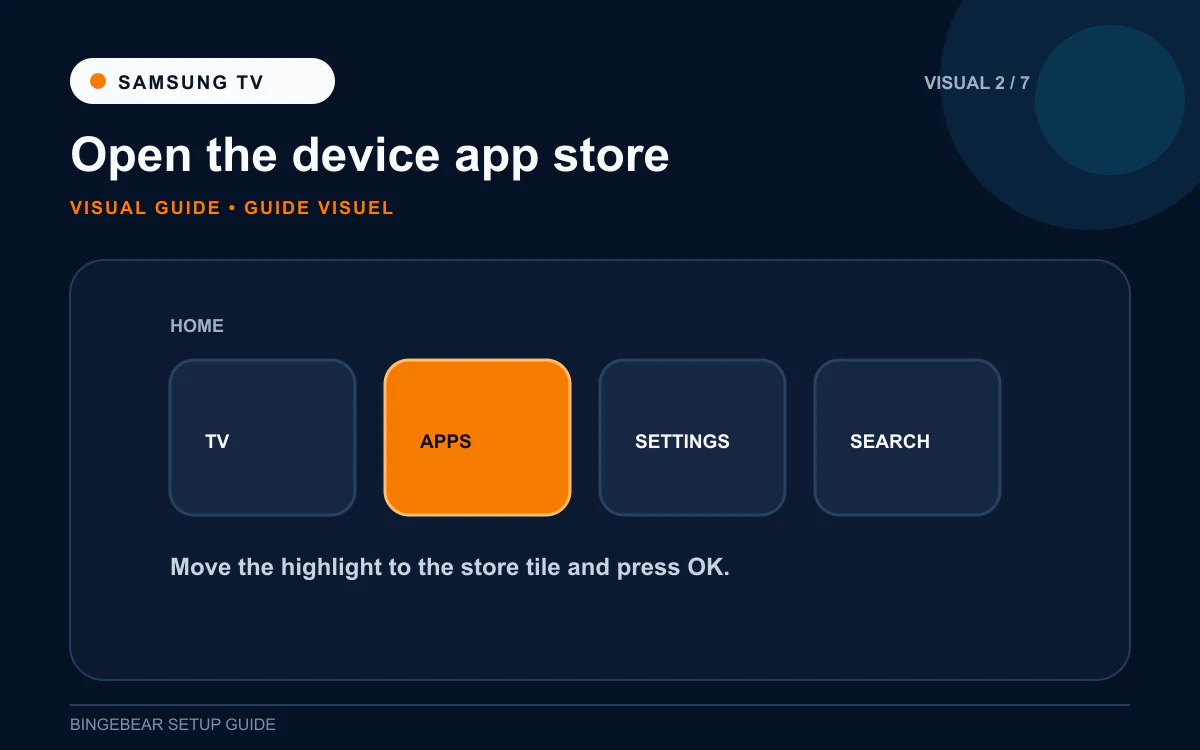
The Samsung Smart Hub is the menu that appears when you press the Home button on the Samsung remote. It is where Netflix, Prime Video, Disney+ and the other apps live. IBO Player Pro goes in the same place.
- Pick up the Samsung remote and press the Home button (the small house icon in the middle).
- The Smart Hub menu appears across the bottom of the screen.
- Scroll right to Apps (the icon that looks like a row of squares).
- Click Apps to open the Samsung app store.
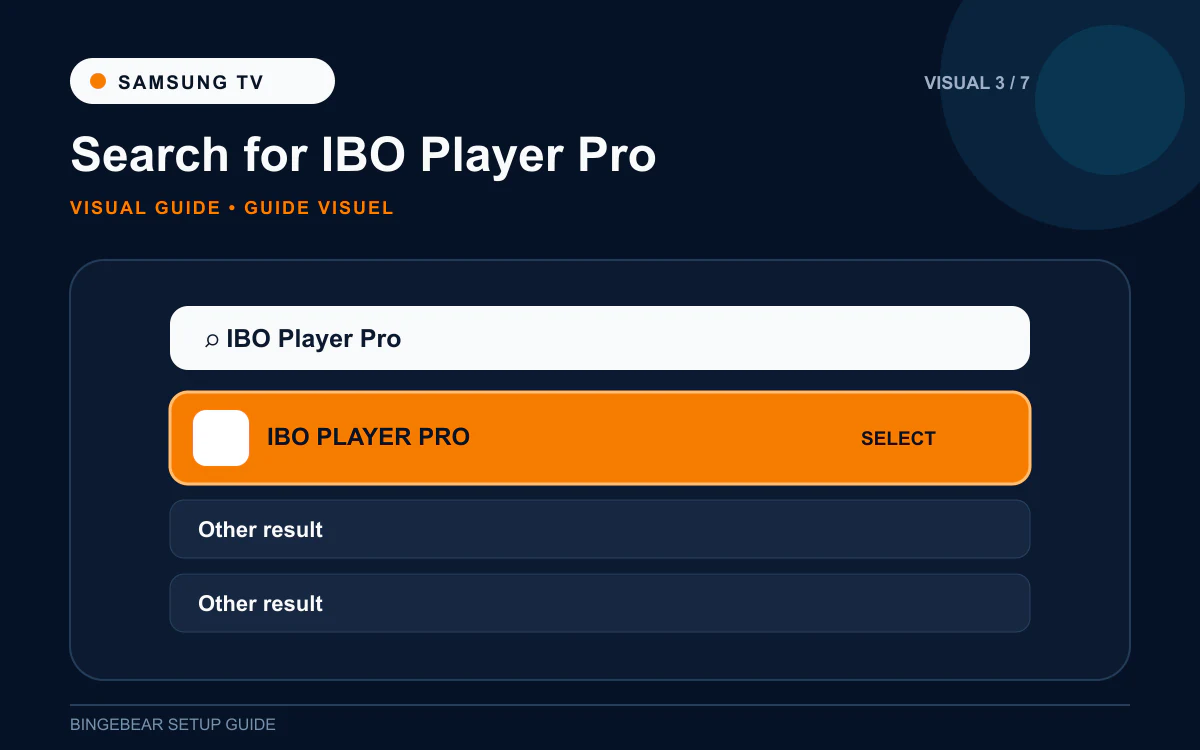
- Inside the app store, find the search icon (a magnifying glass, usually top-right).
- Click it and type IBO Player Pro with the on-screen keyboard.
- Press Done or Search.
- IBO Player Pro appears in the results. The icon is a blue play button on a square background.
Cannot find IBO Player Pro in the Samsung store? Two possible reasons. First, your Samsung is older than 2017 (run the Tizen check above). Second, your Samsung is registered to a non-European region. Open Settings then General then System Manager then Location and set the region to Ireland or the United Kingdom, then re-search.
Step 2: Install IBO Player Pro
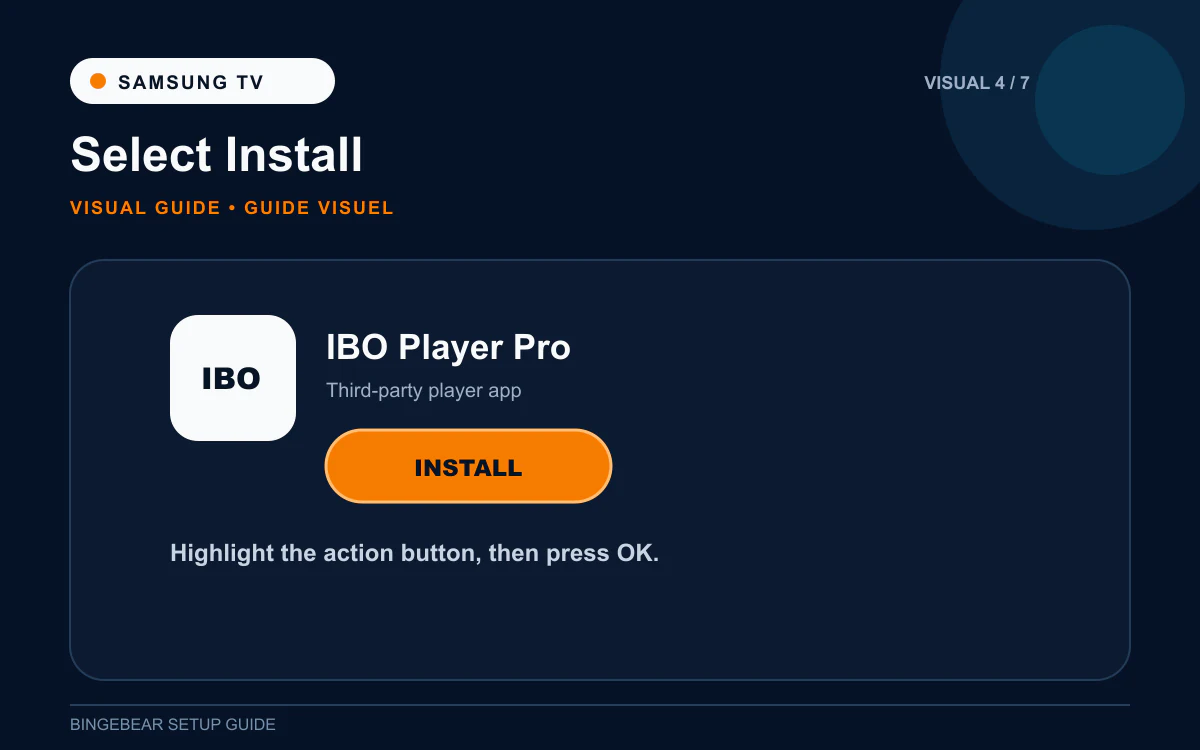
- Click the IBO Player Pro entry in the search results.
- The app's page opens. Click Install.
- The Samsung downloads and installs IBO Player Pro. This takes about 30 seconds.
- When it finishes, the button changes to Open.
- Click Open. IBO Player Pro launches for the first time.
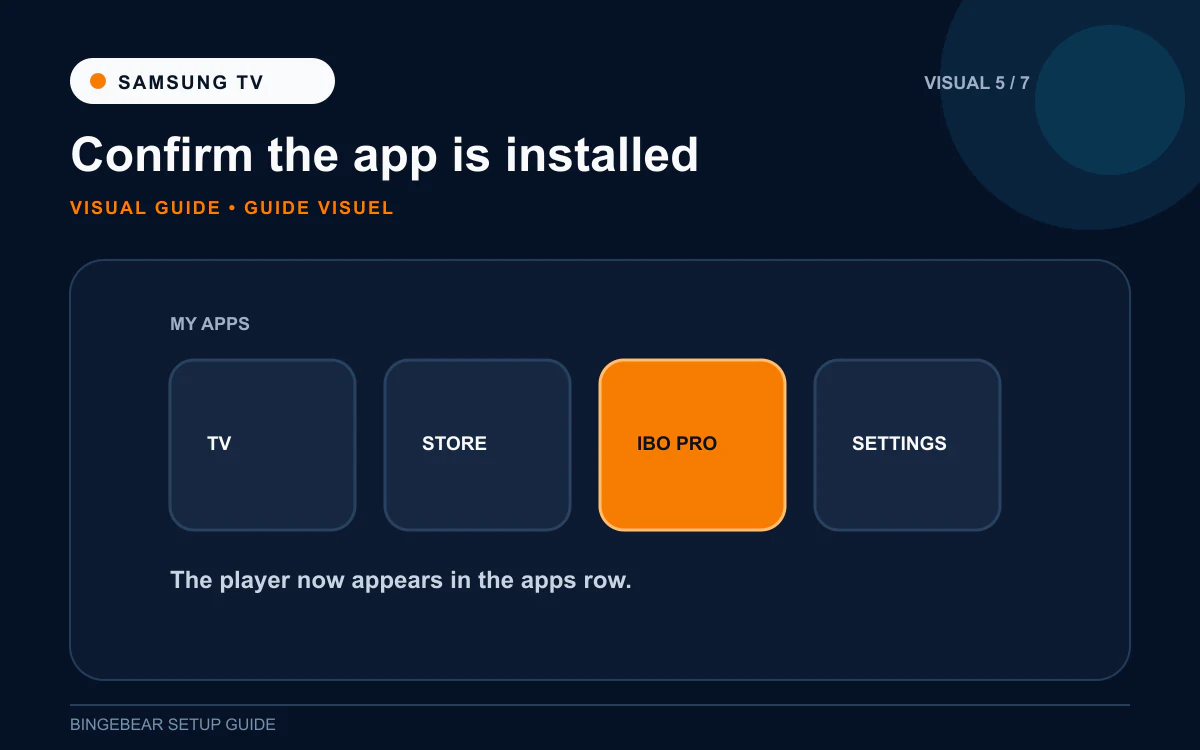
IBO Player Pro is now in your Smart Hub apps row, the same place as Netflix and Prime Video. You can add it to your favourites by long-pressing the icon and choosing Add to Home.
Step 3: Photograph the MAC address and Device Key
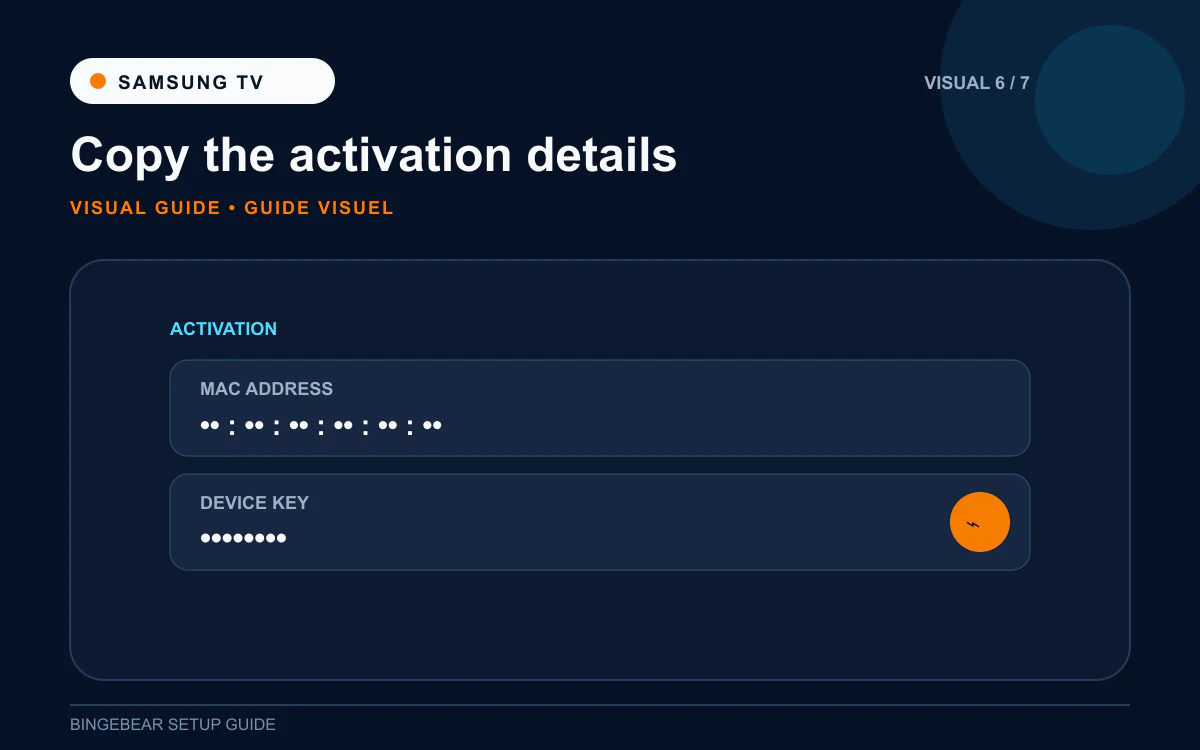
This is the most important step. The MAC address and Device Key are the unique fingerprint of your Samsung TV. Our support agent needs both to load your channel list onto the device.
- The first launch screen shows two lines of text: MAC address: a string like `00:1A:79:XX:XX:XX`. Twelve characters separated by colons.
- Device Key: a shorter code, usually 6 to 10 characters of letters and numbers.
- Take a photo of the telly screen with your phone. The whole screen, not just one bit.
Important on Samsung: your telly has two MAC addresses. One is for Wi-Fi, the other is for Ethernet (the network cable port on the back). The MAC shown in IBO Player Pro is whichever connection the telly is using right now. If you connect the telly with a network cable later, the MAC changes and the channel list has to be re-loaded. Decide which connection you will use long-term before sending the photo.
Step 4: Send the photo to our support agent
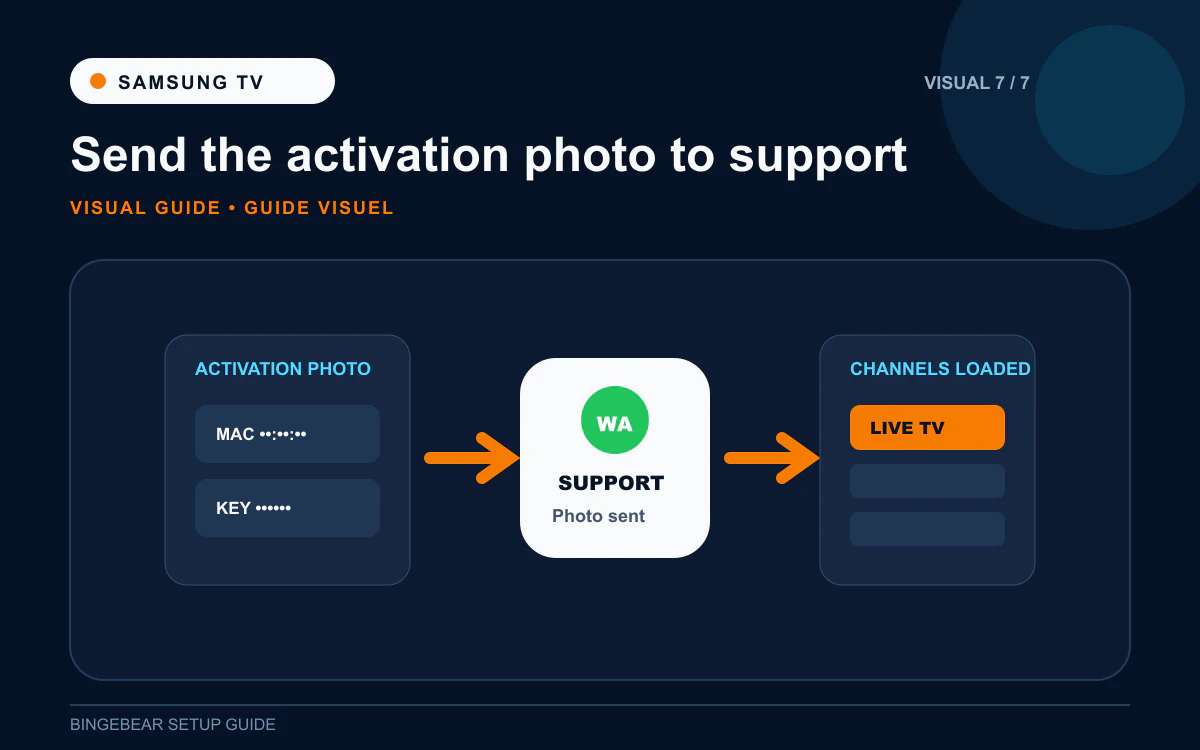
- Open WhatsApp on your phone.
- Open the chat with our support agent.
- Send the photo of the IBO Player Pro screen. Add a short message saying which device it is (for example: "Samsung TV in the sitting room").
- Our support agent logs into the IBO Player Pro provider portal and adds your playlist (Xtream Codes or M3U URL) against your Samsung TV's MAC. This takes a few minutes on their side.
- They reply when the playlist is loaded.
- Close IBO Player Pro fully on the Samsung (press Home to go back to Smart Hub).
- Re-open IBO Player Pro. The channel list, programme guide, films and sport appear.
That is the whole setup. Pick a channel, sit back, watch.
How IBO Player Pro activation works on Samsung
IBO Player Pro gives you a 7-day free trial after the playlist loads. Every channel works fully during the trial.
On day 8 the app asks for a one-off device activation of around €7 to €10. This payment goes directly to IBO Solutions through iboplayer.pro. It is not a BingeBear charge, and it is not a recurring subscription.
The activation is locked to your Samsung TV's MAC address. Pay once and the player never asks again on that telly. If you ever replace the Samsung, a new device activation applies on the new MAC.
Troubleshooting IPTV on Samsung Smart TV
1. IBO Player Pro is not in the Samsung app store
Two causes:
- Your Samsung is from 2015 or 2016 (Tizen 2 or older). The app is not available on those models. Use BOB Player from the same Samsung store as the backup. The flow is the same: install, open, photograph the MAC + Device Key, send to our support agent.
- The Samsung is set to the wrong region. Open Settings then General then System Manager then Location. Set Service Country to Ireland or the United Kingdom. Restart the telly and re-search.
2. "Invalid MAC" after Step 4
One character on the MAC sent to our support agent is wrong. Re-open IBO Player Pro on the Samsung, photograph the MAC and Device Key again, send the new photo. Common confusions: `O` vs `0`, `B` vs `8`, `I` vs `1`.
3. Channels stopped working after switching to Ethernet (or Wi-Fi)
This is the dual-MAC issue. Your Samsung has two MAC addresses (one for Wi-Fi, one for Ethernet) and IBO Player Pro sees whichever is active. Switching connection changes the MAC. Send the new MAC to our support agent on WhatsApp and they re-load the playlist against it.
4. Sport channels buffer, films play fine
Samsung Wi-Fi is decent but struggles with high-bitrate sport over slow broadband. Try one of:
- Plug the Samsung into the router with a network cable (Ethernet). This is the single biggest fix.
- Move the Wi-Fi router closer to the telly.
- Switch the telly to the 5 GHz band of your Wi-Fi if available (Settings then Network).
- Drop the channel from FHD to HD in IBO Player Pro's settings.
5. Programme guide is blank for the first hour
Normal. The EPG takes 5 to 10 minutes to populate the first time. Leave IBO Player Pro open on the channel list and it fills in.
6. Samsung tells you to re-sign in to your Samsung account
Harmless. Sign in and IBO Player Pro continues to work. The activation lock is on the MAC, not on the Samsung account, so signing in changes nothing for IPTV.
Frequently asked questions
What is the best IPTV app for Samsung Smart TV in Ireland in 2026?
For most Irish Samsungs from 2017 onwards, IBO Player Pro from the Samsung Smart Hub is the cleanest option. Install in one click, no Downloader, no sideloading. BOB Player is the most common backup if IBO Player Pro is not behaving on a particular model.
Do I need a Firestick if I have a Samsung Smart TV?
No. The Samsung Smart Hub does the same job, with no extra device to plug in. The Samsung remote controls everything. Most Irish households with a Samsung from 2017+ skip the Firestick entirely.
How much does IBO Player Pro cost on Samsung?
Free for the first 7 days. After that, a one-off device activation of around €7 to €10 is paid to IBO Solutions. Per Samsung TV, paid once, lasts forever on that telly.
Why does IBO Player Pro keep showing a different MAC address?
Your Samsung has two MACs (Wi-Fi and Ethernet). The one IBO Player Pro shows depends on which connection is active when the app launches. To lock onto one MAC, decide whether the telly will use Wi-Fi or Ethernet and stick with that. If you must switch, send the new MAC to our support agent so they re-load the playlist.
Can I watch GAA, Premier League and Sky Sports on Samsung IPTV?
Yes, your BingeBear plan includes those feeds. Most Irish IPTV services include every Sky Sport channel, every GAA championship match, every Premier League fixture, plus Saorview, Virgin Media, RTE, TG4 and the UK and US sport feeds.
Does Samsung TV Plus replace IPTV?
No. Samsung TV Plus is a free streaming service with around 200 channels, mostly films and US content. IPTV through IBO Player Pro gives you 54,000+ live channels including all the Irish, UK and Sky Sport channels Samsung TV Plus does not carry.
Will the IBO Player Pro activation move to a new Samsung if I upgrade my telly?
No. The activation is locked to the original Samsung's MAC. On a new Samsung you start the 7-day free trial again, and a new one-off device activation applies on the new MAC. Your IPTV playlist, however, can be moved to the new Samsung by our support agent with no extra charge from us.
Once IBO Player Pro is installed on your Samsung Smart TV
You should be looking at the MAC + Device Key screen on the telly. Two things need to happen before the channels appear:
- The playlist has to be loaded against that MAC on the IBO Player Pro provider portal.
- The device has to be activated after the 7-day free trial (around €7 to €10, one-off, paid to IBO Solutions).
If you are already a BingeBear customer, our support agent handles step 1 the moment you send the photo on WhatsApp. The section below is for anyone who is not a BingeBear customer yet.
Want BingeBear on your Samsung Smart TV?
Send us a photo of your MAC + Device Key screen on WhatsApp and we will load the playlist for you. We have set up Samsung Smart TV IPTV for thousands of Irish households. Properly sorted Irish telly: 54,000+ live channels, every Sky Sport, every GAA championship match, every Premier League fixture. Free 24-hour trial, no card needed. A real Irish person on WhatsApp walks you through the setup in real time.


