


Mac IPTV setup
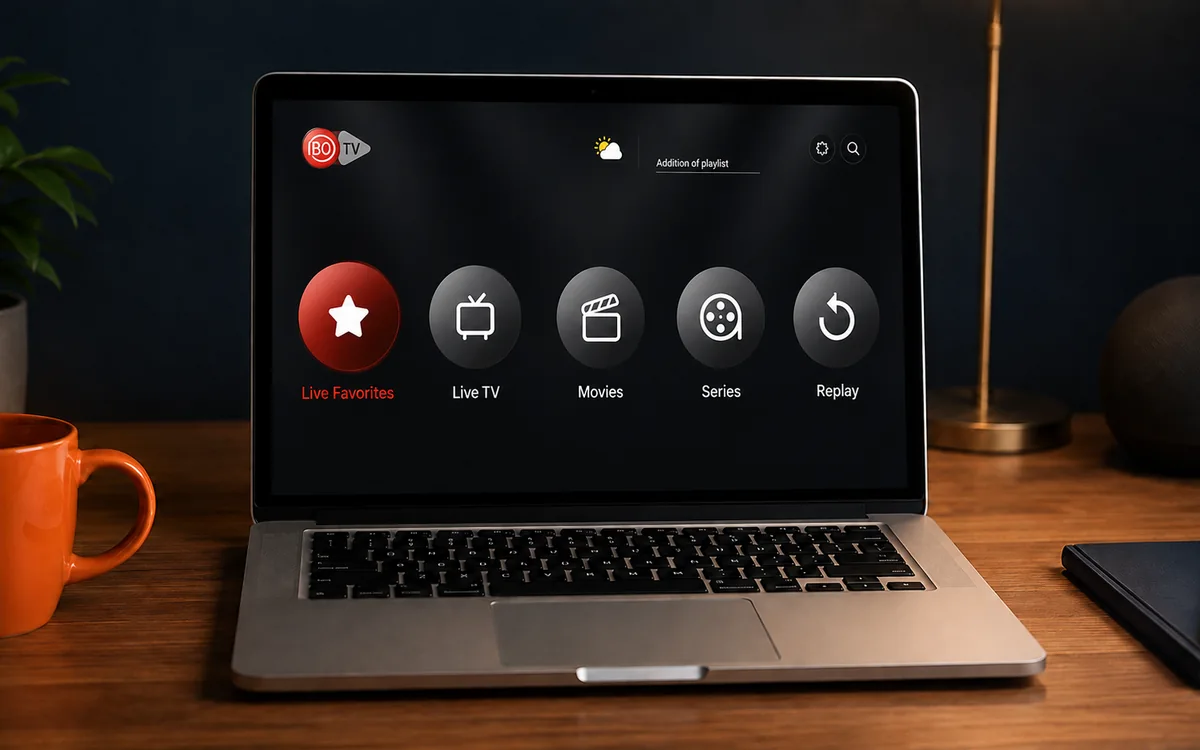
Want to watch IPTV on your Mac in Ireland? This is the plain English guide to setting up IPTV Mac Ireland in 5 minutes. The IBO Player desktop app is free for Mac (no...
Other device guides
On Mac? Jump to another setup.
 Amazon FirestickIBO Player Pro
 Samsung Smart TVIBO Player Pro
 LG Smart TVIBO Player Pro
 Sony Smart TVIBO Player Pro
 Android TVIBO Player Pro
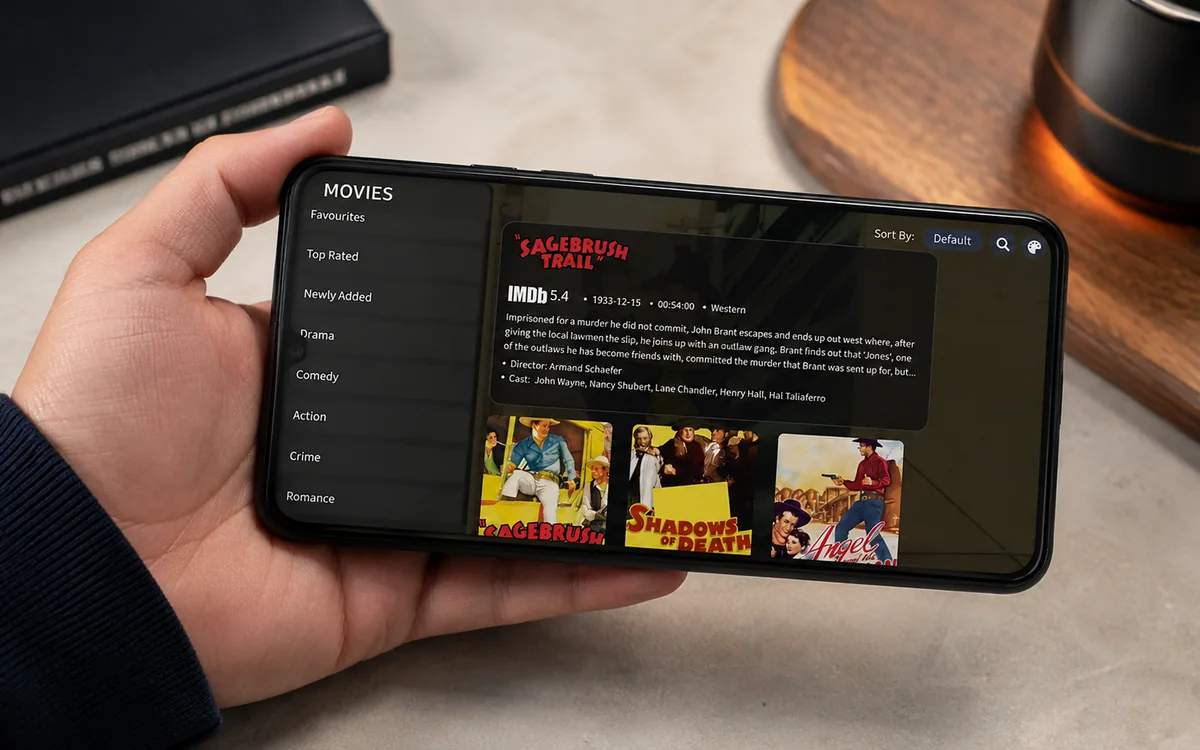 Android PhoneIBO Player Pro
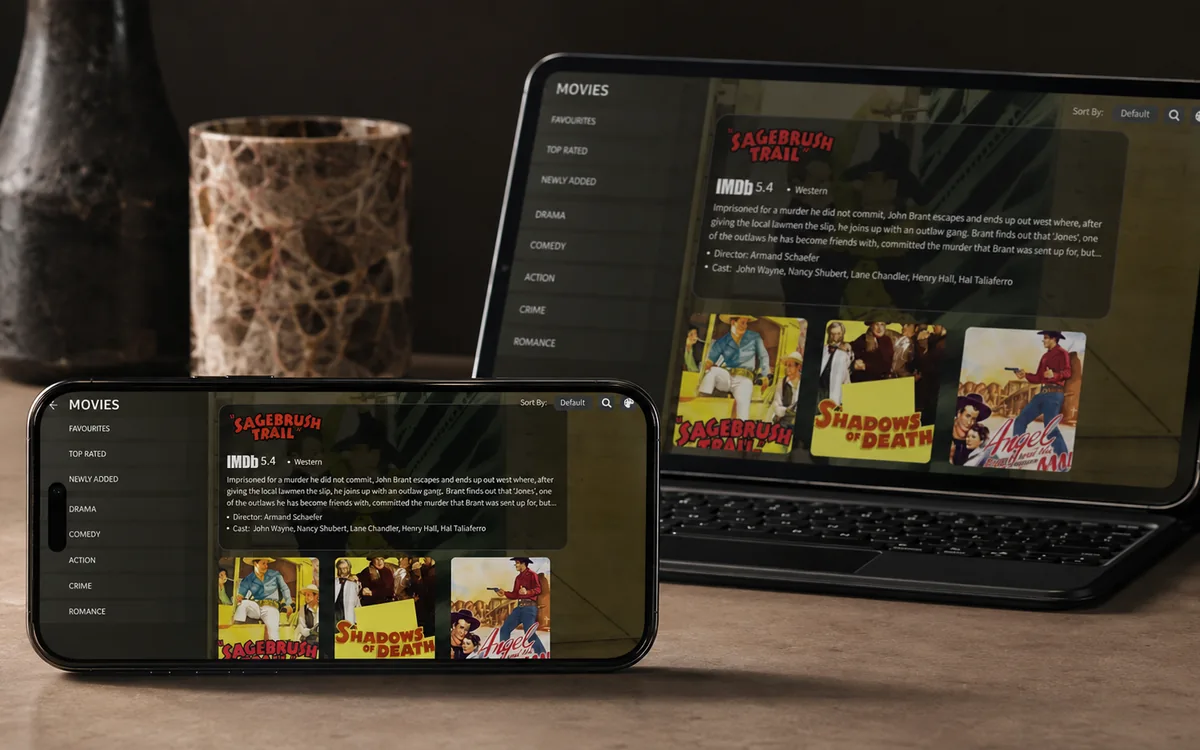 iPhone & iPadIBO Pro Player
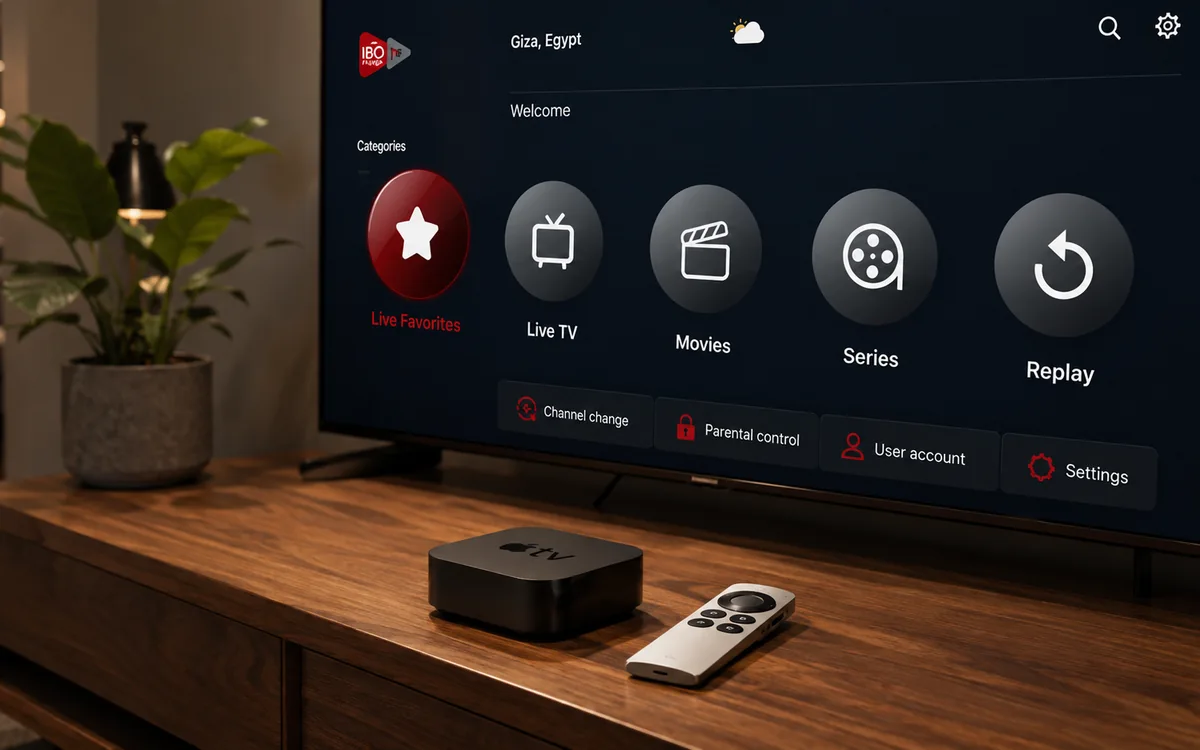 Apple TVIBO Pro Player
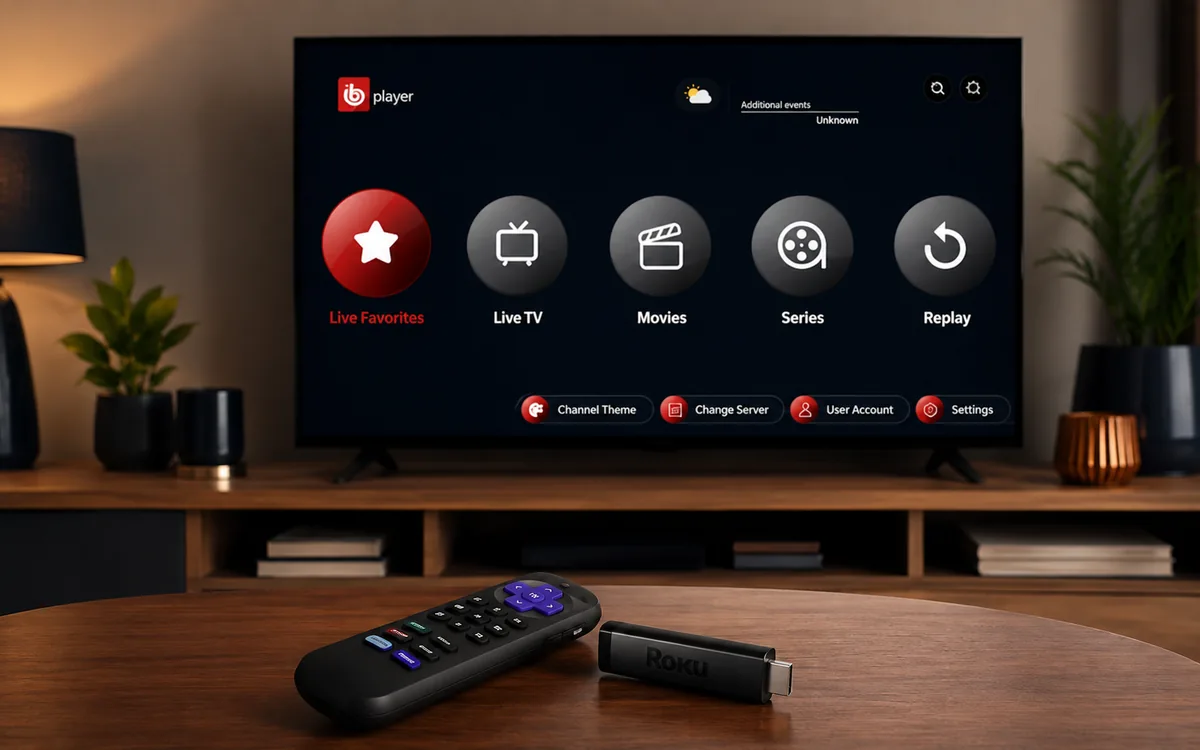 RokuIBO Pro Player
 Nvidia ShieldIBO Player Pro
 Windows LaptopIBO Player
 ChromecastGoogle TV player
 Android TV BoxIBO Player Pro
 MAG BoxPortal setup
 KodiKodi add-on
 Projector & Cinema RoomFirestick or Android box
 Best IPTV Player AppsIBO, BOB, VLC
Check BingeBear on your own telly before paying.
Start a free 24-hour trial with no card. Check your channels, supported player and device, then read the current plans and activation terms.
Want to watch IPTV on your Mac in Ireland? This is the plain English guide to setting up IPTV Mac Ireland in 5 minutes. The IBO Player desktop app is free for Mac (no activation fee). Send your MAC to our support agent on WhatsApp, watch.
On Mac we use the classic IBO Player desktop (not IBO Player Pro: IBO Player Pro does not have a Mac version). The IBO Player Mac DMG is free to download from iboplayer.com/downloads. No 7-day trial, no in-app purchase, no activation fee on Mac. Just install and use.
What you need before you start
- A Mac running macOS 11 (Big Sur) or newer. Works on Intel Macs and Apple silicon (M1, M2, M3, M4) Macs alike.
- Wi-Fi or Ethernet with at least 25 Mbps for HD sport.
- Your BingeBear IPTV login (sent on WhatsApp inside 5 minutes).
- 5 minutes.
The setup in five small steps
- Download the IBO Player Mac DMG from iboplayer.com/downloads.
- Drag IBO Player into the Applications folder.
- Open it (with a Gatekeeper bypass on the first launch).
- Copy the MAC address + Device Key from the first screen.
- Send them to our support agent on WhatsApp. They load your channel list. Re-open the app. Channels appear.
Step 1: Download IBO Player for Mac
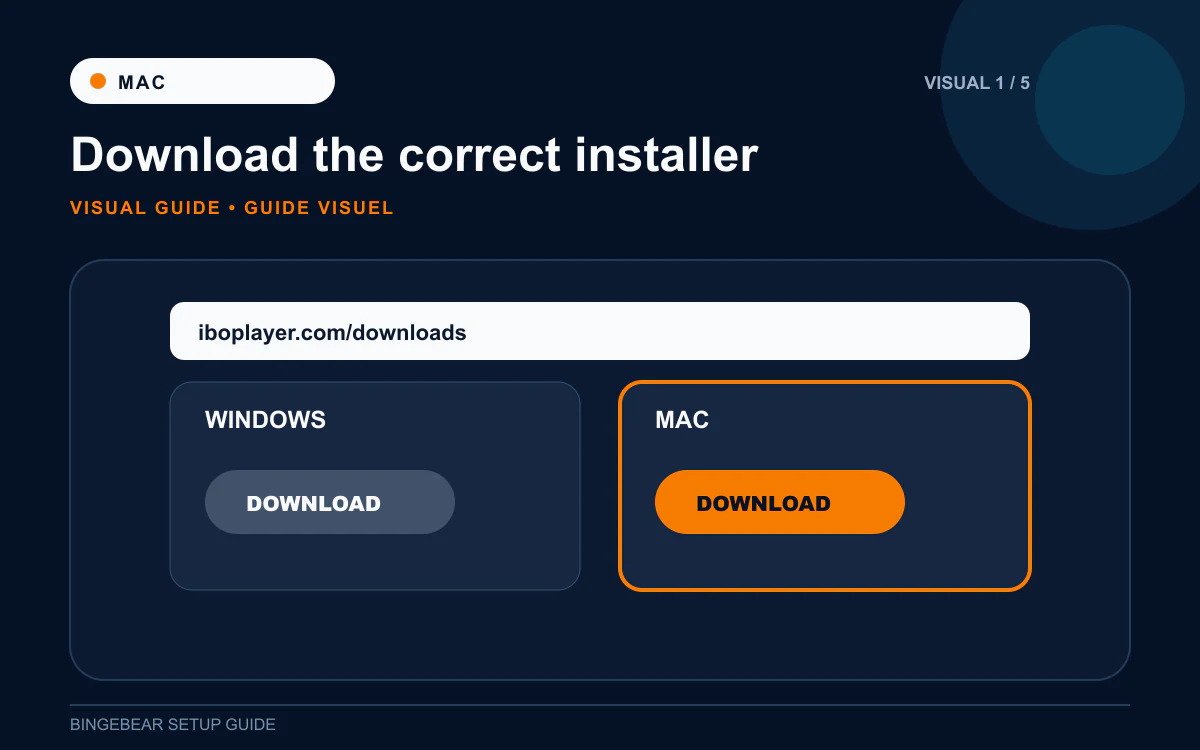
- Open Safari (or any browser) on the Mac.
- Go to iboplayer.com/downloads.
- Click the MacOS download. The file is called iboPlayer.dmg, about 36 MB.
- The file lands in your Downloads folder.
Step 2: Install IBO Player into Applications
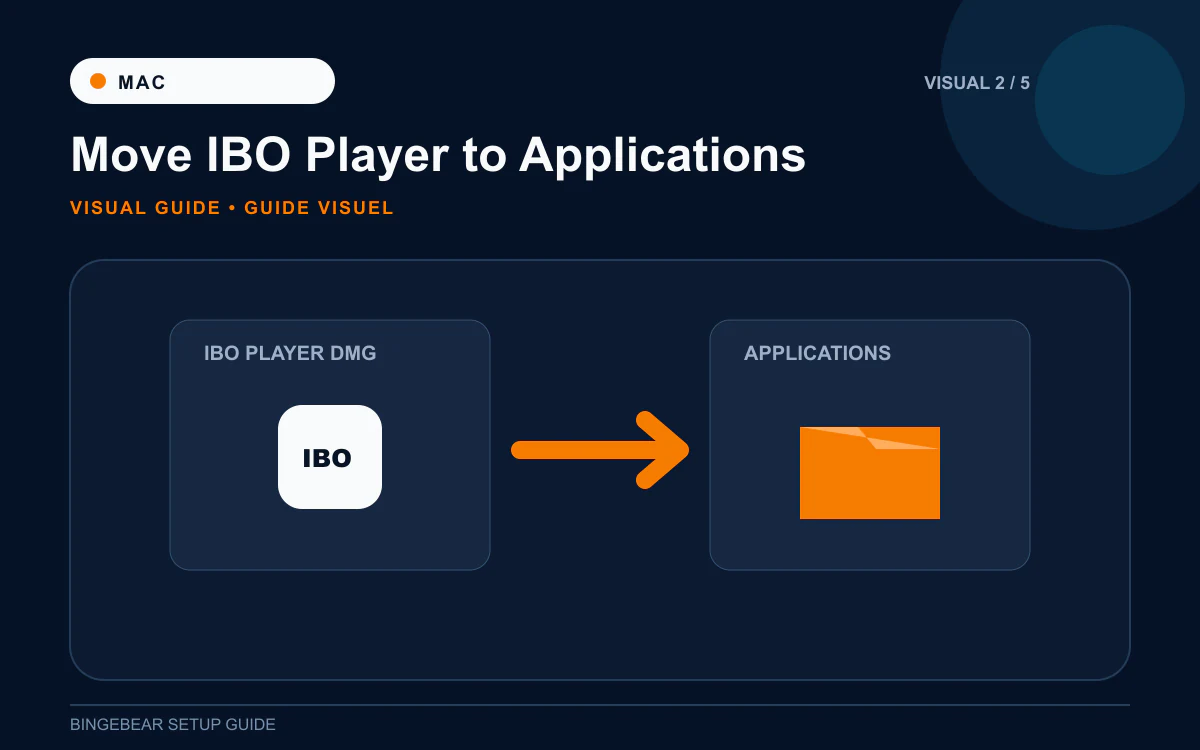
- Double-click iboPlayer.dmg in Downloads.
- macOS mounts the disk image. A window opens with the IBO Player icon and a shortcut to Applications.
- Drag the IBO Player icon onto the Applications shortcut.
- The Mac copies IBO Player into Applications (about 5 seconds).
- Close the DMG window and eject the disk image (drag it to the Trash on the Dock, which turns into the Eject icon).
Step 3: Open IBO Player past macOS Gatekeeper
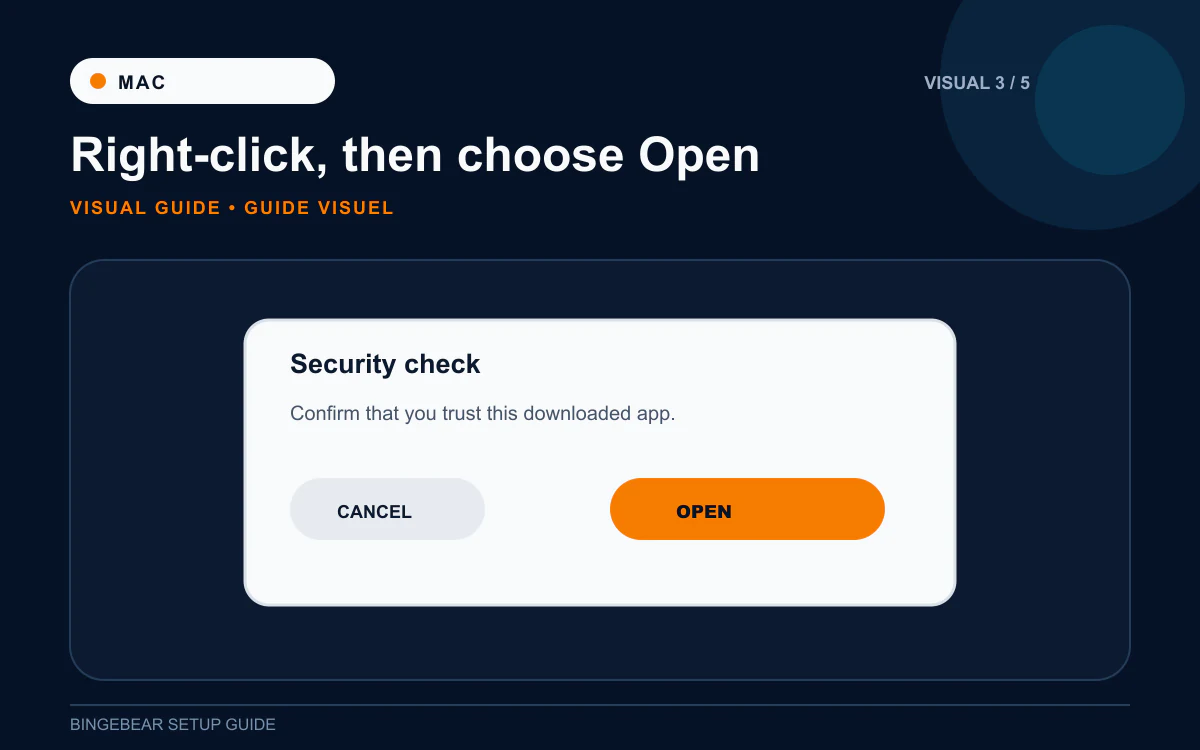
This is the only fiddly bit on Mac. macOS Gatekeeper blocks apps that are not from the App Store, so the first launch needs a workaround. After this, IBO Player opens normally.
- Open the Applications folder (Finder then Applications, or Cmd + Shift + A).
- Find IBO Player. Right-click the icon (or Control-click on a single-button mouse).
- Choose Open from the menu.
- macOS warns "IBO Player is from an unidentified developer. Are you sure you want to open it?" Click Open.
- IBO Player launches.
"App is damaged and cannot be opened" instead? macOS quarantined the download. Open Terminal (Cmd + Space then type Terminal) and run: xattr -d com.apple.quarantine /Applications/IBO\ Player.app Then open IBO Player normally.
Step 4: Copy the MAC address and Device Key
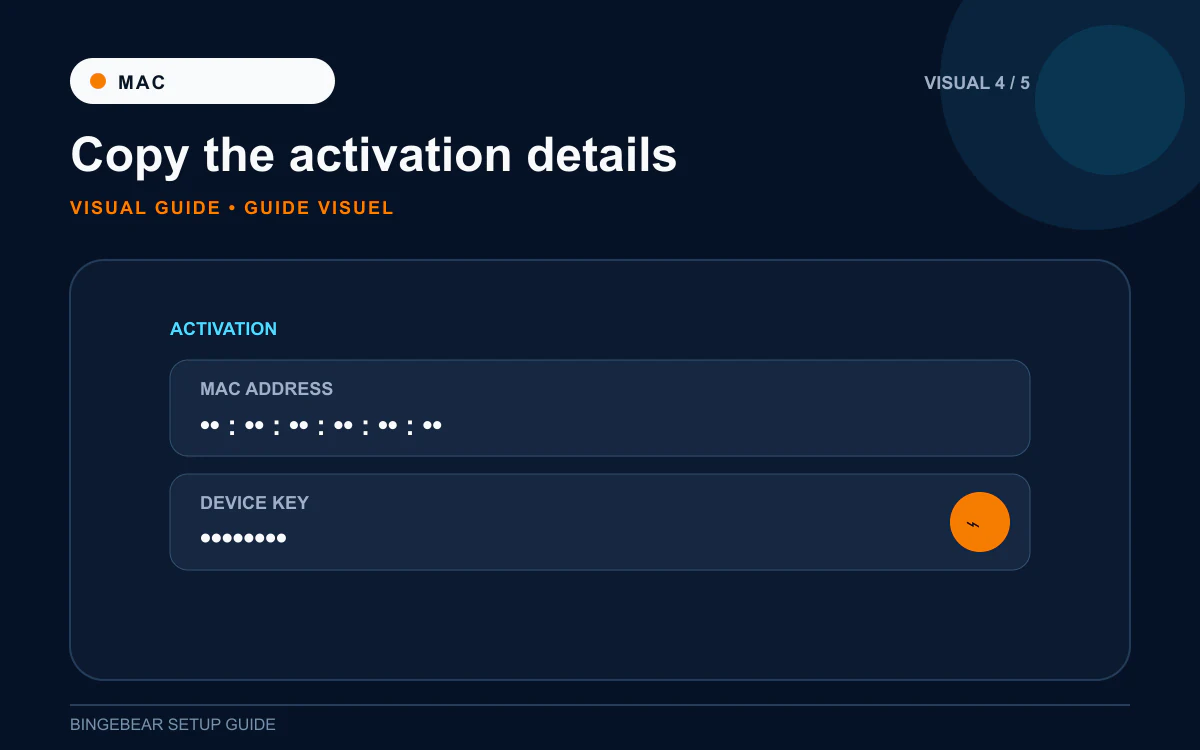
- The first screen shows the MAC address and Device Key.
- Click and drag to select the MAC. Cmd + C to copy.
- Do the same for the Device Key.
- Or take a screenshot (Cmd + Shift + 4 to drag a selection, or Cmd + Shift + 3 for the full screen).
Step 5: Send to our support agent on WhatsApp
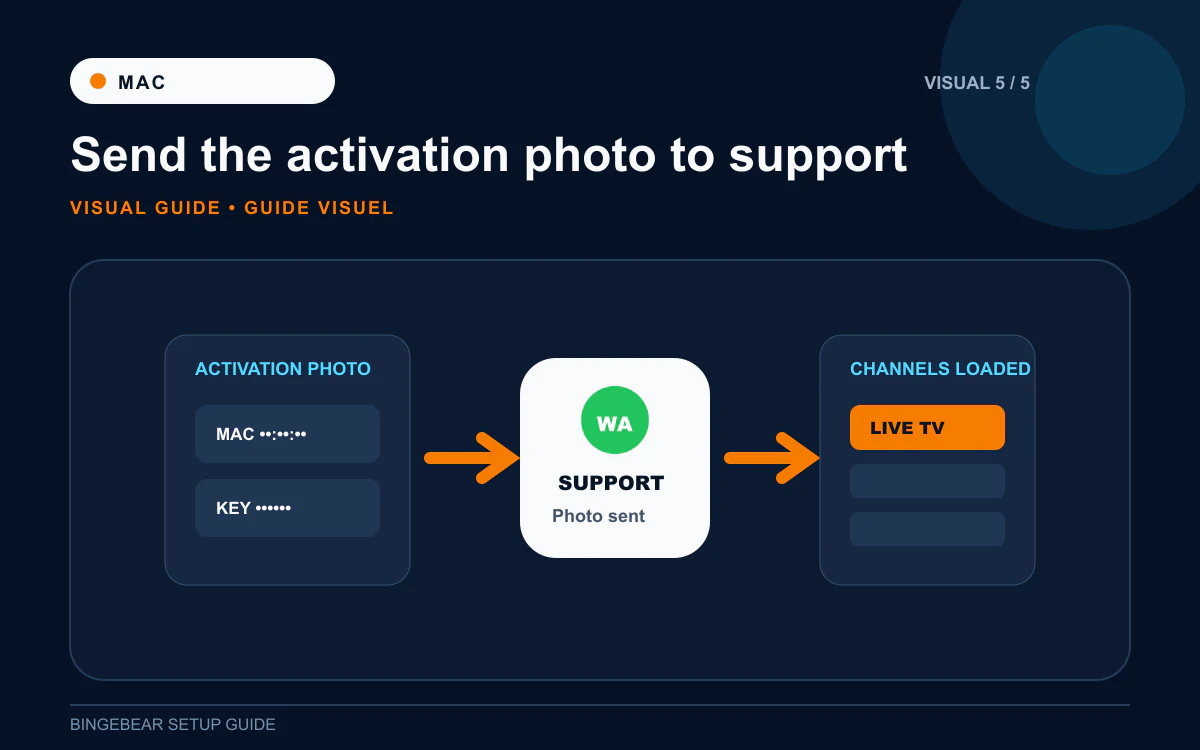
- Open WhatsApp Web or WhatsApp Desktop on the Mac, or message from your phone.
- Paste the MAC + Device Key, or attach the screenshot. Tell our support agent it is a Mac.
- They load your playlist on the IBO Player provider portal at activation.iboplayer.com.
- Quit IBO Player (Cmd + Q) and re-open.
- Channel list, EPG, films and sport appear.
How IBO Player activation works on Mac
The IBO Player desktop on Mac is free. No 7-day trial, no one-off fee, no in-app purchase. The only payment is to our support agent for the channel subscription. Mac is the cheapest device to set up for IPTV because of this.
Troubleshooting IPTV on Mac
1. Gatekeeper will not let me open IBO Player even with right-click Open
On some newer Macs (Apple silicon with strict security), Gatekeeper blocks the app entirely. Use the Terminal workaround:
`xattr -d com.apple.quarantine /Applications/IBO\ Player.app`
If that does not work, Settings then Privacy & Security, scroll down, and click "Open Anyway" next to the IBO Player block message.
2. "Cannot reach activation.iboplayer.com" on first launch
The Mac cannot reach the IBO Player activation portal. Usually a Wi-Fi or VPN issue. Turn the VPN off (the portal blocks some VPN exit IPs), restart the router, re-launch IBO Player.
3. App opens but channel list is empty
Two causes. Either the playlist has not been loaded yet on the activation portal (re-send your MAC to our support agent), or IBO Player has cached an empty list. Quit fully (Cmd + Q from the menu bar, not the red dot), then re-open.
4. Sport channels buffer, films play fine
MacBook Wi-Fi is decent but bandwidth-hungry. Plug the Mac into the router with a USB-C to Ethernet adapter for the cleanest sport. Or move closer to the router.
5. macOS Sonoma or Sequoia: app is unsigned warning
Newer macOS versions are stricter. The right-click Open workaround still works but you may need to do it twice. Patience.
6. Apple silicon Mac: do I need Rosetta?
No. IBO Player runs natively on Apple silicon (M1, M2, M3, M4). No Rosetta needed.
Frequently asked questions
What is the best IPTV app for Mac in Ireland in 2026?
The classic IBO Player desktop (free). VLC also plays IPTV streams but has no EPG, no favourites, no channel grid. IBO Player is the proper everyday choice.
How much does IBO Player cost on Mac?
Free. The Mac DMG from iboplayer.com is free to download and use, with no in-app purchase. You only pay our support agent for the channel subscription.
Can I use VLC instead of IBO Player on Mac?
Yes, for one-off testing. Ask our support agent for the raw M3U URL. In VLC, File then Open Network and paste the URL. But VLC has no programme guide, no favourites, no on-screen channel grid. IBO Player is better for everyday viewing.
Does IBO Player work on macOS Sonoma and Sequoia?
Yes. Works on macOS 11 Big Sur up to macOS 15 Sequoia and newer. The Gatekeeper warning is louder on newer versions but the right-click Open workaround still works.
Can I AirPlay IPTV from my Mac to the Apple TV?
Yes, but it re-encodes the stream and quality drops. Better to install IBO Pro Player directly on the Apple TV.
Can I watch GAA, Premier League and Sky Sports on the Mac?
Yes, your BingeBear plan includes those feeds. Most Irish services do.
Will IBO Player drain my MacBook battery?
Streaming video on a MacBook uses about 15% battery per hour. For long sport sessions, plug the MacBook into the charger.
Once IBO Player is installed on your Mac
You should be at the MAC + Device Key screen. One thing needs to happen before the channels appear: the playlist has to be loaded against that MAC on the IBO Player provider portal. Send the details to our support agent and they handle it.
Want BingeBear on your Mac?
Send us your MAC + Device Key on WhatsApp and we will load the playlist for you. We have set up IPTV on Macs for thousands of Irish households. 54,000+ live channels, every Sky Sport, every GAA championship match, every Premier League fixture. Free 24-hour trial, no card. A real Irish person on WhatsApp walks you through it.


