


Apple TV IPTV setup
Want to watch IPTV on your Apple TV in Ireland? This is the plain English guide to setting up IPTV Apple TV Ireland in 5 minutes. Install IBO Pro Player from the Apple App...
Other device guides
On Apple TV? Jump to another setup.
 Amazon FirestickIBO Player Pro
 Samsung Smart TVIBO Player Pro
 LG Smart TVIBO Player Pro
 Sony Smart TVIBO Player Pro
 Android TVIBO Player Pro
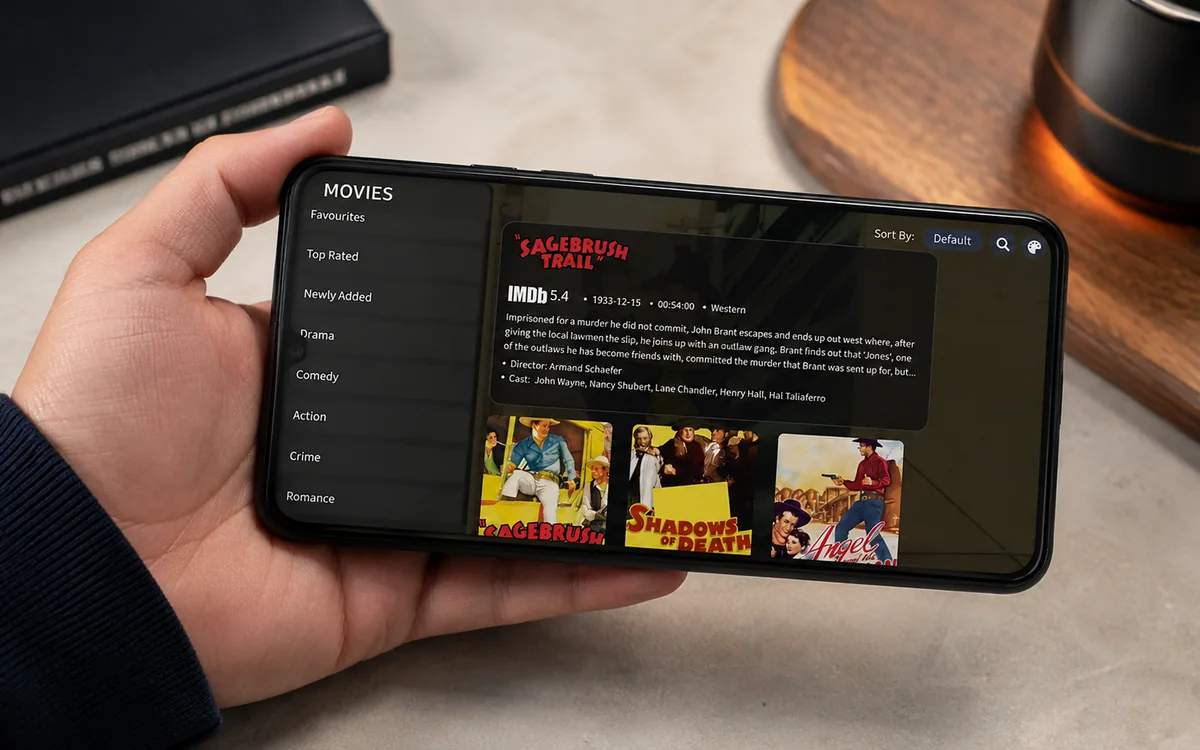 Android PhoneIBO Player Pro
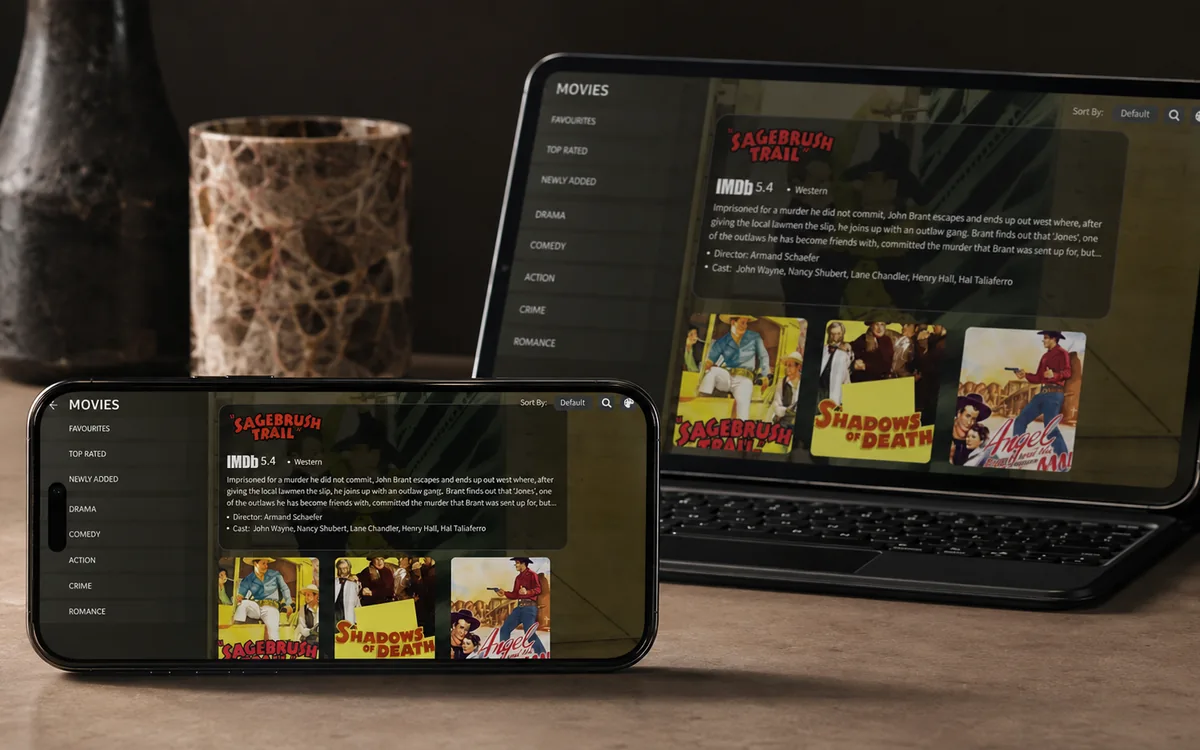 iPhone & iPadIBO Pro Player
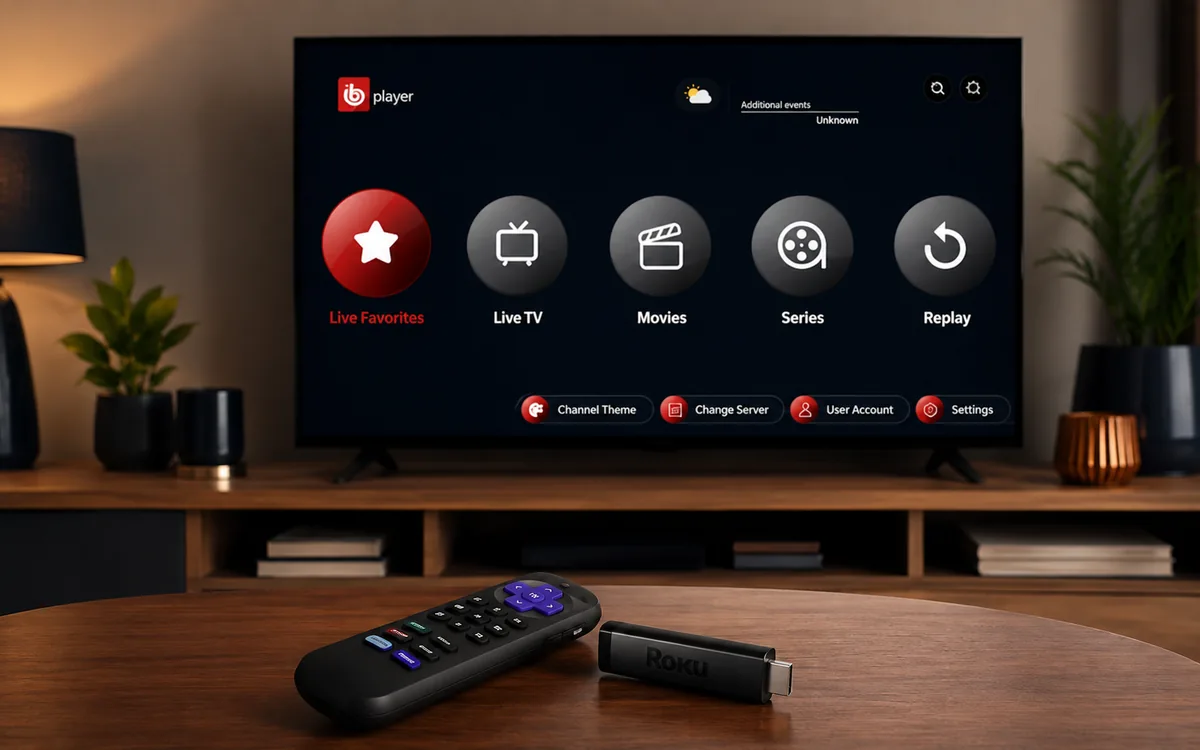 RokuIBO Pro Player
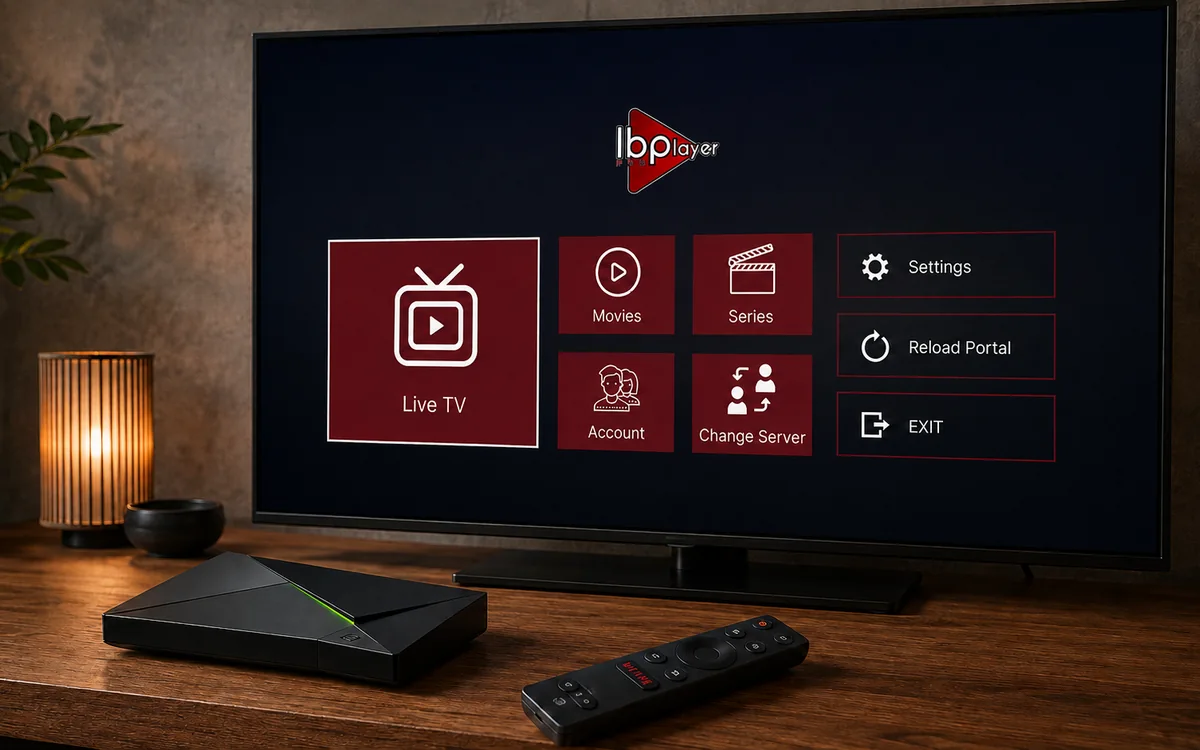 Nvidia ShieldIBO Player Pro
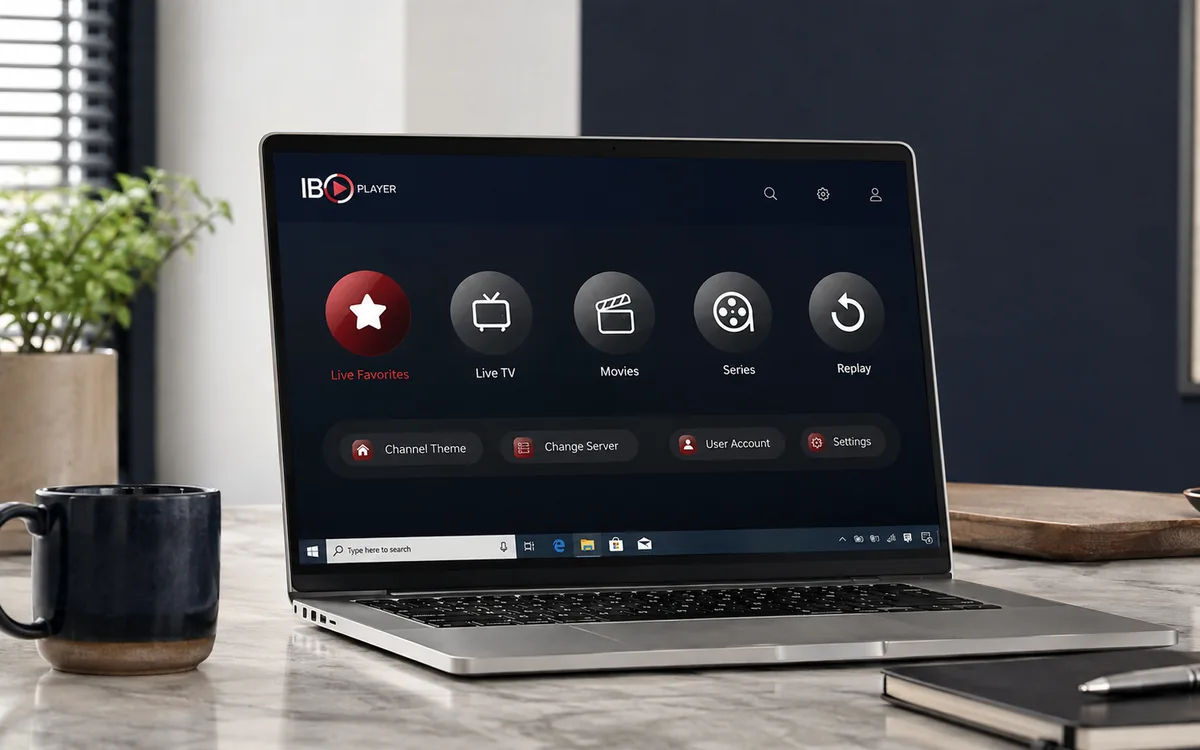 Windows LaptopIBO Player
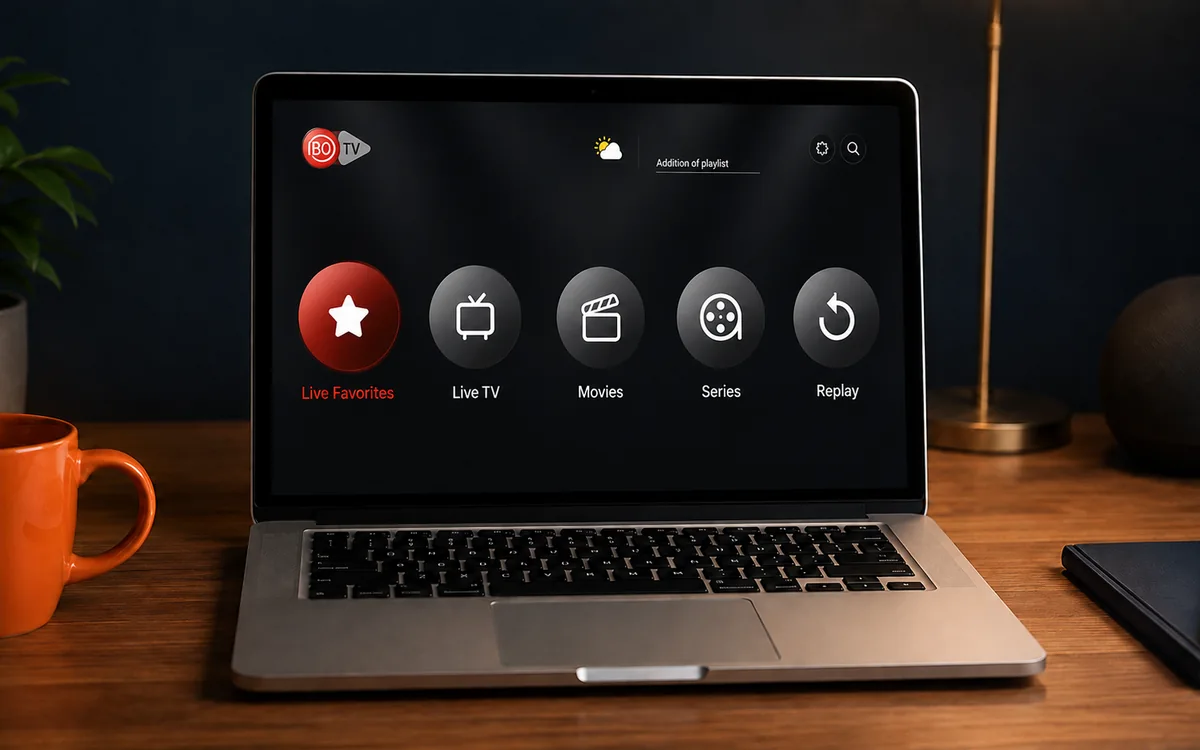 MacIBO Player
 ChromecastGoogle TV player
 Android TV BoxIBO Player Pro
 MAG BoxPortal setup
 KodiKodi add-on
 Projector & Cinema RoomFirestick or Android box
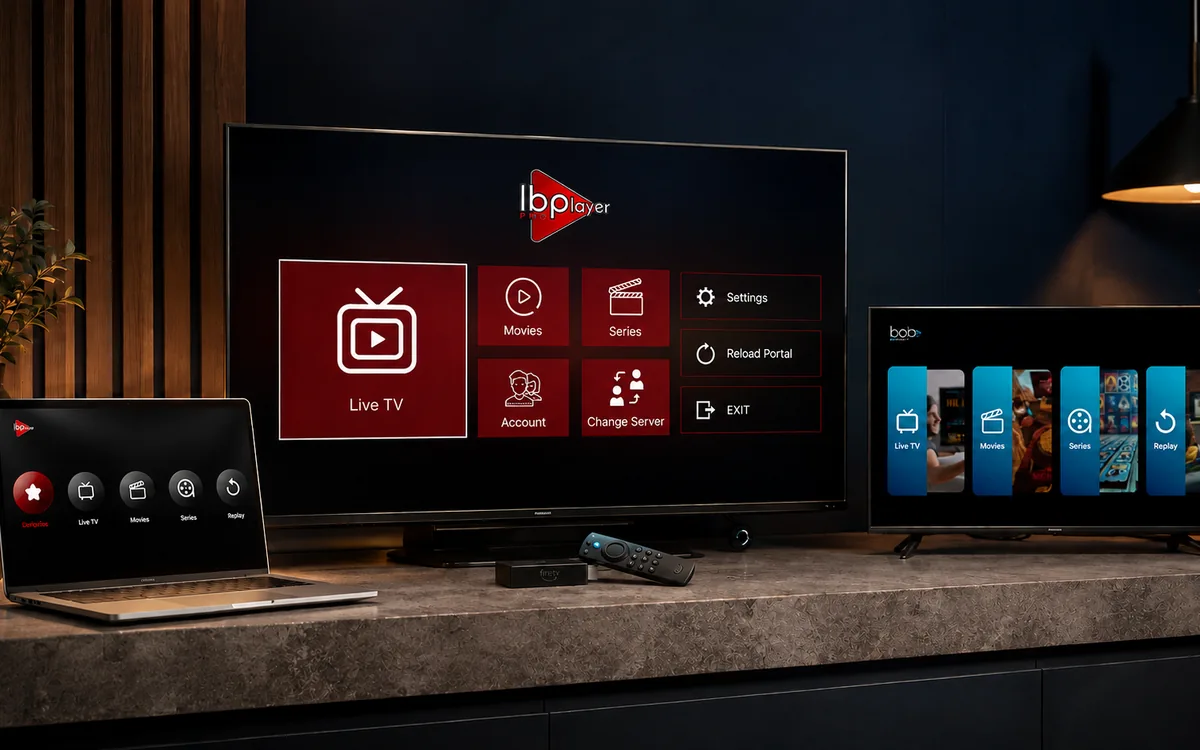 Best IPTV Player AppsIBO, BOB, VLC
Check BingeBear on your own telly before paying.
Start a free 24-hour trial with no card. Check your channels, supported player and device, then read the current plans and activation terms.
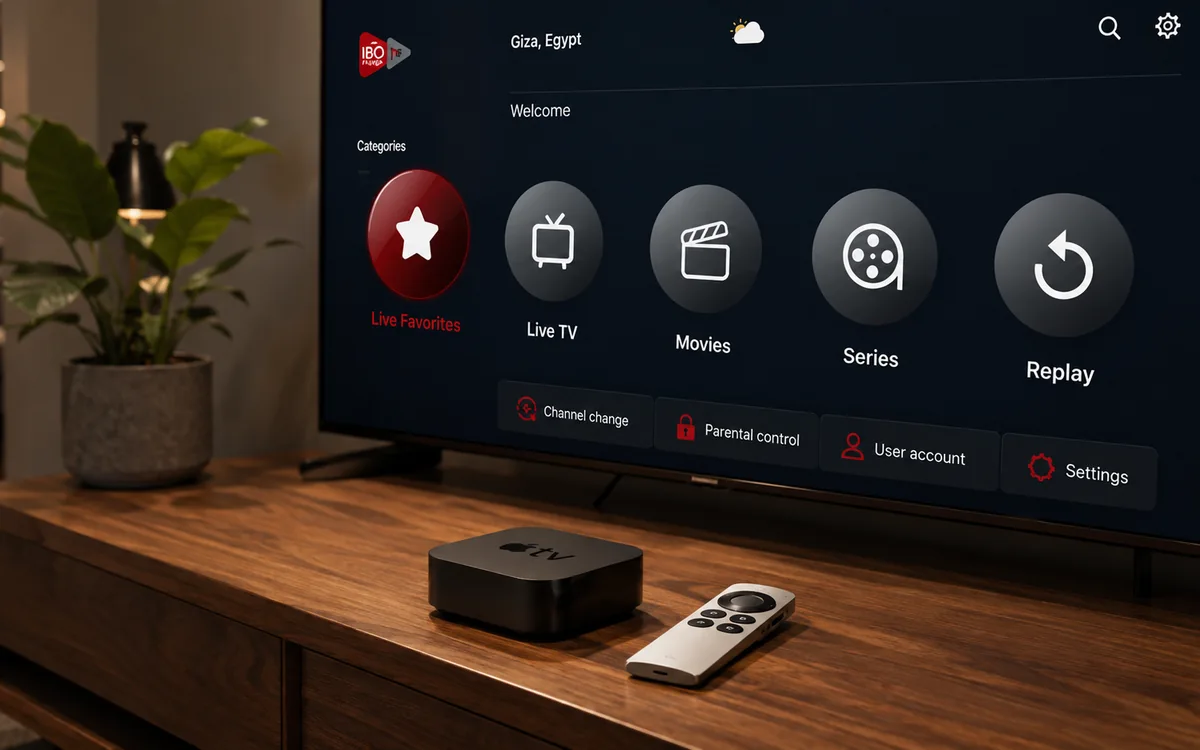
Want to watch IPTV on your Apple TV in Ireland? This is the plain English guide to setting up IPTV Apple TV Ireland in 5 minutes. Install IBO Pro Player from the Apple App Store, send your MAC to our support agent on WhatsApp, watch.
Apple TV is the simplest of all the streaming devices to set up for IPTV. There is no sideloading, no Downloader, no developer mode. You install the IPTV player from the Apple App Store like any other Apple TV app. The whole job takes about 5 minutes.
One thing to know up front: on Apple TV the app is called IBO Pro Player, not IBO Player Pro. Apple's naming convention. Same software, same activation, just the words in a different order in the App Store listing.
What you need before you start
- An Apple TV 4K (3rd gen, 2022 or newer) or Apple TV HD (4th gen, 2015 or newer). Older Apple TVs (1st, 2nd, 3rd gen pre-2015) cannot run tvOS apps and are not supported.
- tvOS 15 or newer (anything from 2021 onwards is grand).
- An Apple ID signed in on the Apple TV.
- Wi-Fi or Ethernet on the Apple TV with at least 25 Mbps for HD sport.
- Your BingeBear IPTV login (sent on WhatsApp inside 5 minutes) (sent on WhatsApp inside 5 minutes).
- 5 minutes and your phone close by.
The setup in four small steps
- Open the App Store on the Apple TV and search for IBO Pro Player.
- Install the app.
- Open IBO Pro Player and photograph the first screen (MAC address and Device Key).
- Send the photo to our support agent on WhatsApp. They load your channel list. Restart the app. Channels appear.
Step 1: Open the App Store on your Apple TV
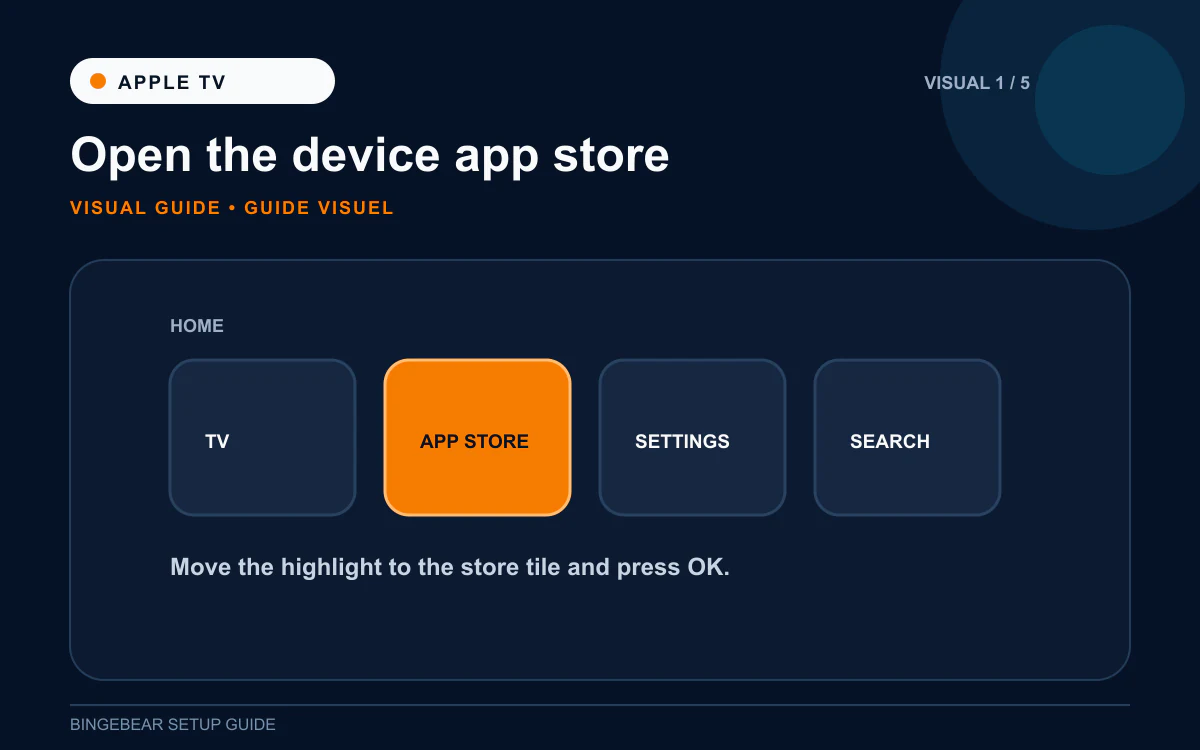
- Pick up the Apple TV Siri Remote and press the Home button (the small TV icon at the top, or hold it to open Control Centre).
- From the Apple TV home screen, find the App Store icon (a blue square with a white "A").
- Click it open.
- Use the Search tab at the top of the App Store.
- Type IBO Pro Player with the on-screen keyboard, or hold the Siri button on the remote and say "IBO Pro Player" out loud.
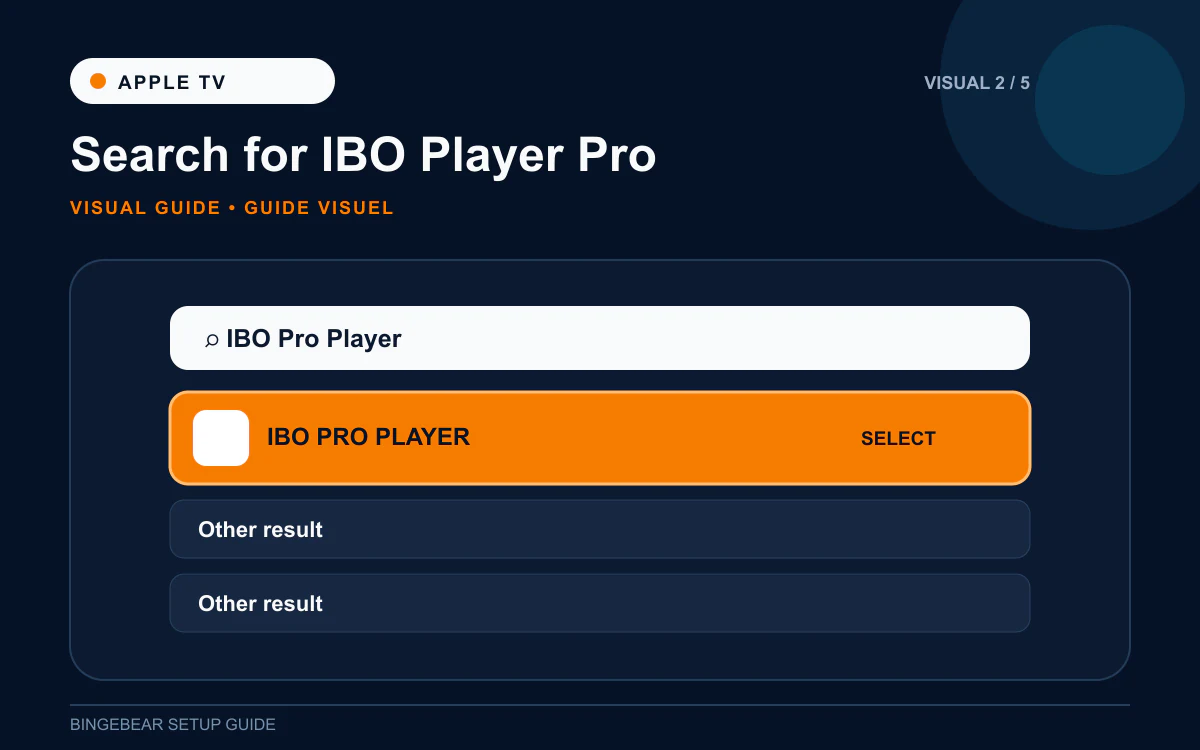
- IBO Pro Player appears in the results. The developer name is IBO Solutions. Click it.
Cannot find IBO Pro Player on the Apple TV App Store? Check the country region of your Apple ID. Settings then Users and Accounts then your account then Country/Region. Set to Ireland or the United Kingdom. Restart the Apple TV and re-search.
Step 2: Install IBO Pro Player
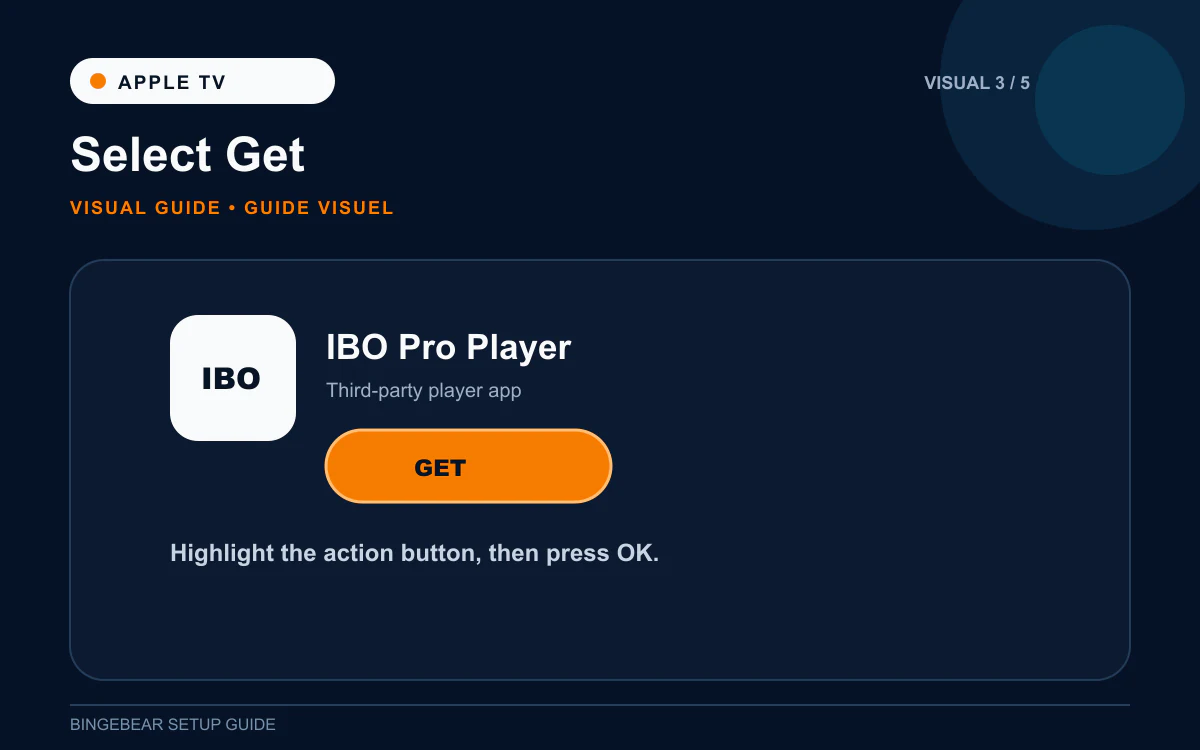
- Click Get on the IBO Pro Player listing.
- The App Store may ask you to confirm with your Apple ID password or Face ID via your iPhone.
- The download takes about 20 seconds.
- Click Open when it finishes.
IBO Pro Player is now on your Apple TV home screen. You can drag the icon to a fixed slot like any other Apple TV app.
Step 3: Photograph the MAC address and Device Key
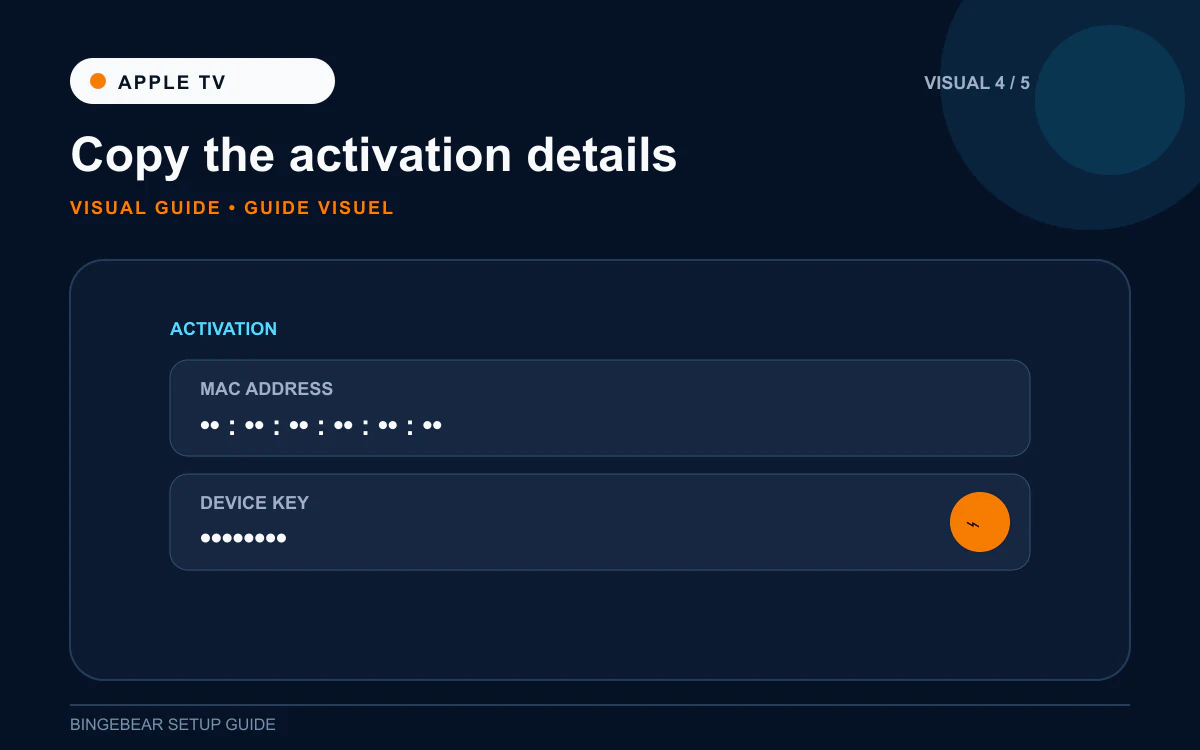
- The first launch screen shows: MAC address: like `00:1A:79:XX:XX:XX` (Apple TVs only have one MAC, no Wi-Fi/Ethernet split).
- Device Key: 6 to 10 characters.
- Take a phone photo of the whole telly screen.
The Apple TV is actually easier than Samsung or LG on this front: it only has one MAC address, so there is no Wi-Fi vs Ethernet confusion. Whatever the app shows is what our support agent needs.
Step 4: Send the photo to our support agent
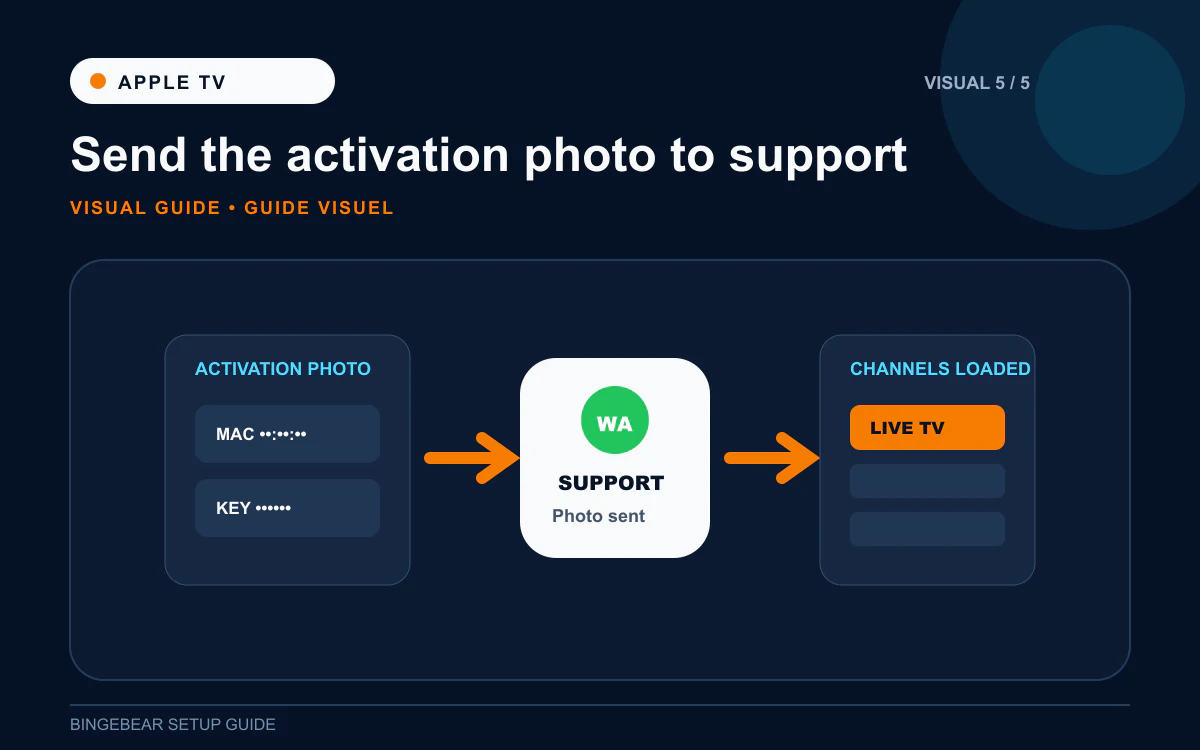
- WhatsApp the photo to our support agent. Tell them "Apple TV in the sitting room".
- They load your playlist on the IBO Pro Player provider portal against your Apple TV's MAC.
- Close IBO Pro Player fully (double-press the TV icon and swipe up on the app card).
- Re-open IBO Pro Player. Channel list, EPG, films and sport appear.
How IBO Pro Player activation works on Apple TV
7-day free trial. After that, IBO Pro Player offers an in-app purchase for the one-off device activation, around €7 to €10. Paid through your Apple ID. Apple takes a small cut, the rest goes to IBO Solutions. The activation is locked to your Apple TV.
This is different from Firestick or Samsung. On Apple TV the activation goes through Apple's in-app purchase system rather than the iboplayer.pro portal. Same result, just Apple-flavoured billing.
Troubleshooting IPTV on Apple TV
1. IBO Pro Player not in Apple TV App Store
Almost always a region issue. Settings then Users and Accounts then your Apple ID then Country/Region. Set to Ireland or UK. Restart the Apple TV and re-search.
2. tvOS version too old
IBO Pro Player requires tvOS 15 or newer. Settings then System then Software Updates. Update tvOS if available. If your Apple TV cannot update past tvOS 14 (3rd gen Apple TV HD from 2015), the app will not install. You will need a newer Apple TV.
3. "Invalid MAC" after Step 4
One character on the MAC sent to our support agent is wrong. Re-photograph the screen and resend.
4. Channels buffer on the Apple TV
Apple TV Wi-Fi is decent but Apple TV 4K supports Wi-Fi 6 and Ethernet. If buffering is a problem, plug the Apple TV 4K into the router with a network cable (the Apple TV HD does not have Ethernet on some models). Also check that other Apple TV apps (Netflix, Disney+) buffer too. If they do, the issue is your broadband, not IPTV.
5. Programme guide blank for the first hour
Normal. EPG takes 5 to 10 minutes the first time. Leave the app on the channel list.
6. Apple asks for your password every time
Settings then Users and Accounts then your Apple ID then Require Password. Set to "After 15 Minutes" or "Never" for free purchases. The in-app activation payment will still ask for a password the first time.
Frequently asked questions
What is the best IPTV app for Apple TV in Ireland in 2026?
IBO Pro Player from the App Store. It is the only fully-featured IPTV player approved by Apple. Smarters Player Lite is the second option but has fewer features and a less reliable EPG.
Do I need a Firestick if I have an Apple TV?
No. The Apple TV runs IBO Pro Player directly. No extra device.
How much does IBO Pro Player cost on Apple TV?
Free for 7 days, then a one-off device activation of around €7 to €10 through Apple's in-app purchase. Per Apple TV, paid once.
Can I sideload an IPTV app on Apple TV?
No. tvOS does not allow sideloading. Every app must come from the App Store. This is a hard rule from Apple.
Does AirPlay let me skip the IPTV app on Apple TV?
You can AirPlay an IPTV stream from your iPhone or iPad to the Apple TV, but it is slower and lower quality than installing IBO Pro Player directly on the Apple TV. Stick with IBO Pro Player.
Can I watch GAA, Premier League and Sky Sports on Apple TV IPTV?
Yes, your BingeBear plan includes those feeds. Most Irish services include every Sky Sport, every GAA championship match, every Premier League fixture, plus Saorview, Virgin Media and RTE.
What about Apple TV HD vs Apple TV 4K?
Both work. Apple TV 4K is faster and supports 4K streams (if our support agent carries them). Apple TV HD is fine for 1080p HD viewing. Both run IBO Pro Player the same way.
Once IBO Pro Player is installed on your Apple TV
You should be at the MAC + Device Key screen. Two things need to happen before the channels appear:
- Playlist loaded against that MAC on the IBO Pro Player provider portal.
- Device activated after the 7-day free trial (around €7 to €10, in-app purchase).
Want BingeBear on your Apple TV?
Send us a photo of your MAC + Device Key screen on WhatsApp and we will load the playlist for you. We have set up Apple TV IPTV for thousands of Irish households. 54,000+ live channels, every Sky Sport, every GAA championship match, every Premier League fixture. Free 24-hour trial, no card. A real Irish person on WhatsApp walks you through it.


