
IPTV player apps for BingeBear setup
The BingeBear player guide for IBO Player Pro, IBO Player and BOB Player, including official download links, Downloader codes and setup notes for supported screens.
Other device guides
On Apps? Jump to another setup.
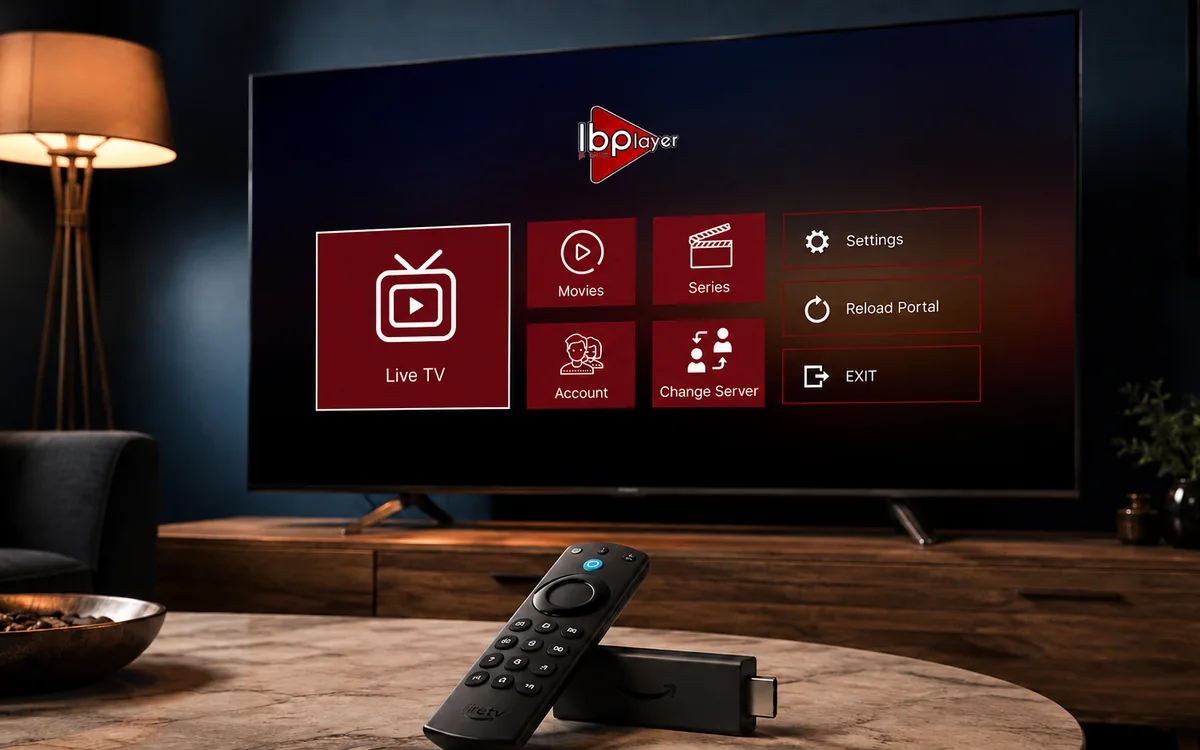 Amazon FirestickIBO Player Pro
 Samsung Smart TVIBO Player Pro
 LG Smart TVIBO Player Pro
 Sony Smart TVIBO Player Pro
 Android TVIBO Player Pro
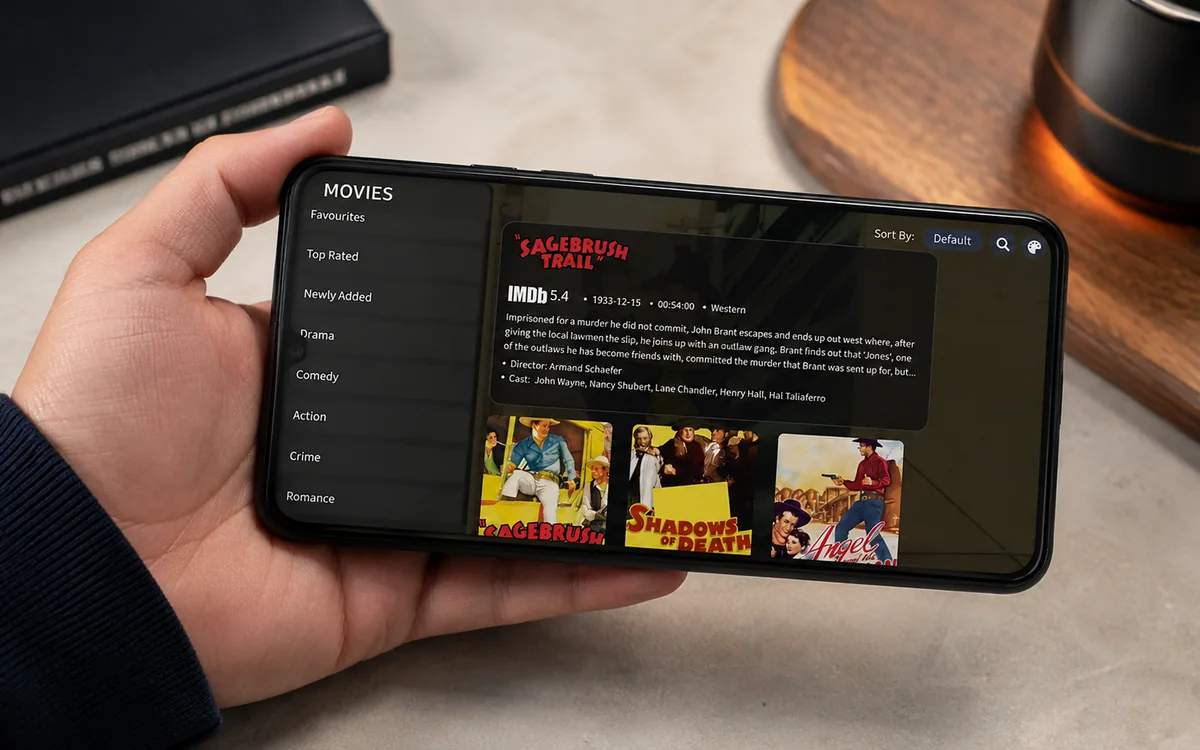 Android PhoneIBO Player Pro
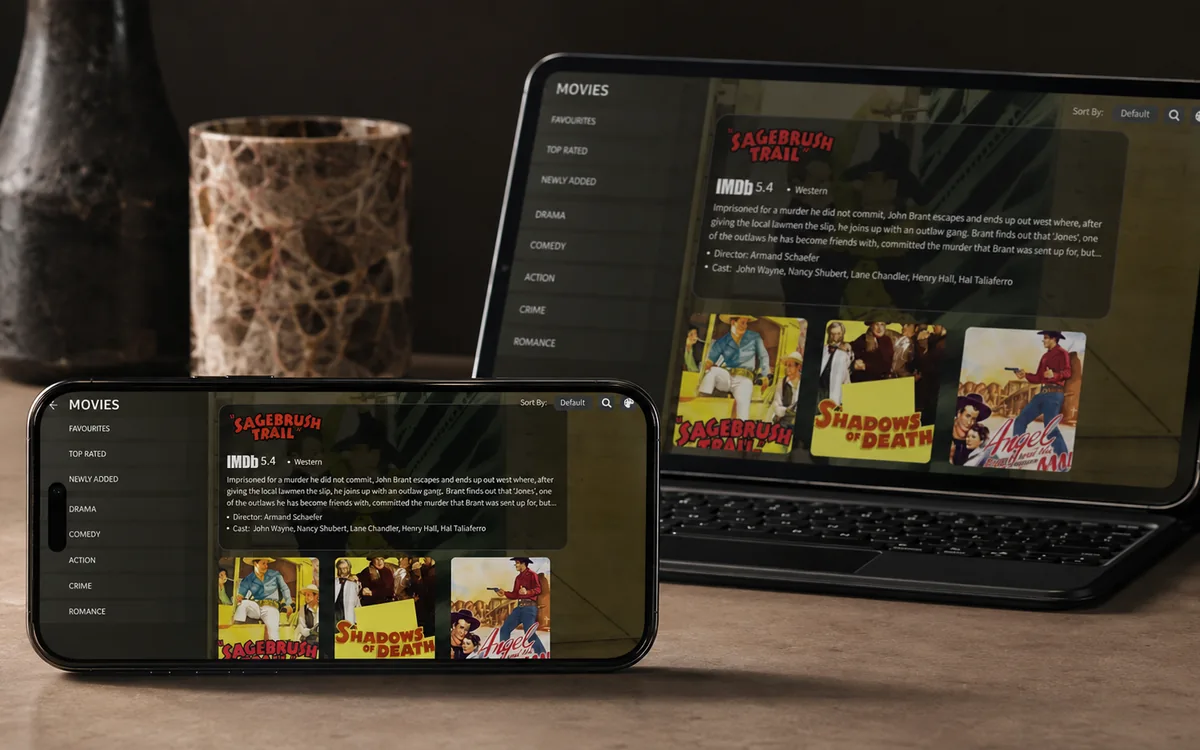 iPhone & iPadIBO Pro Player
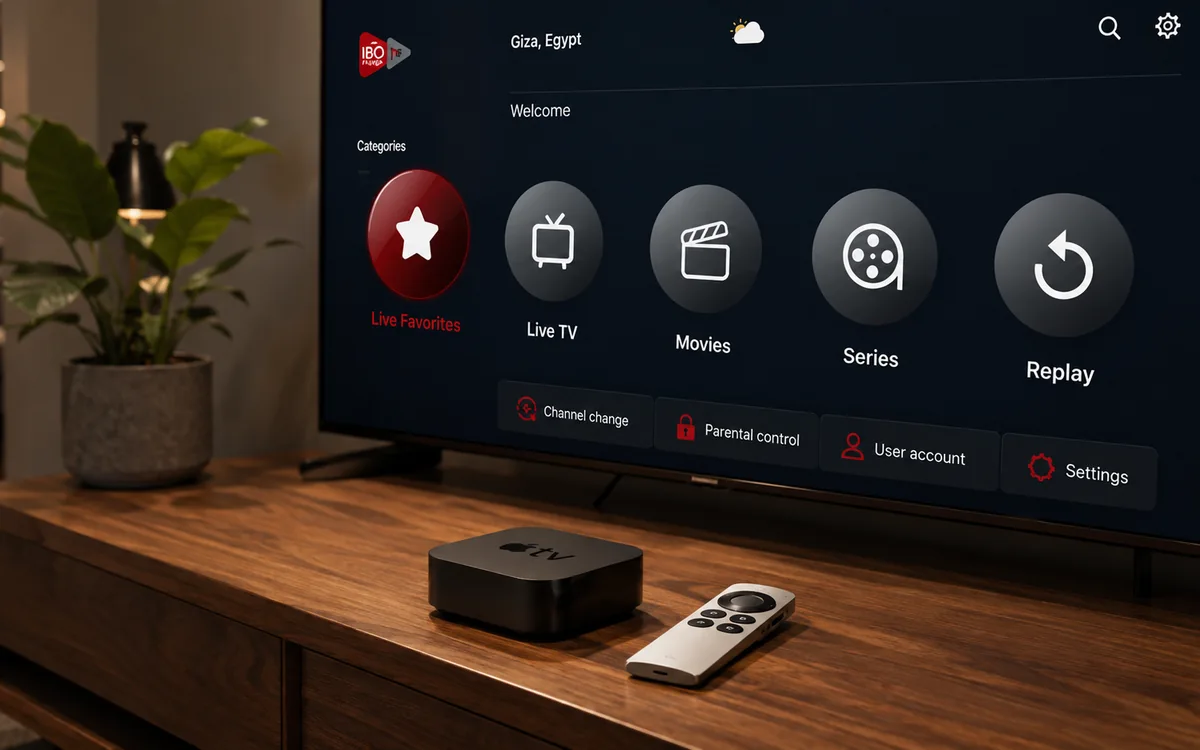 Apple TVIBO Pro Player
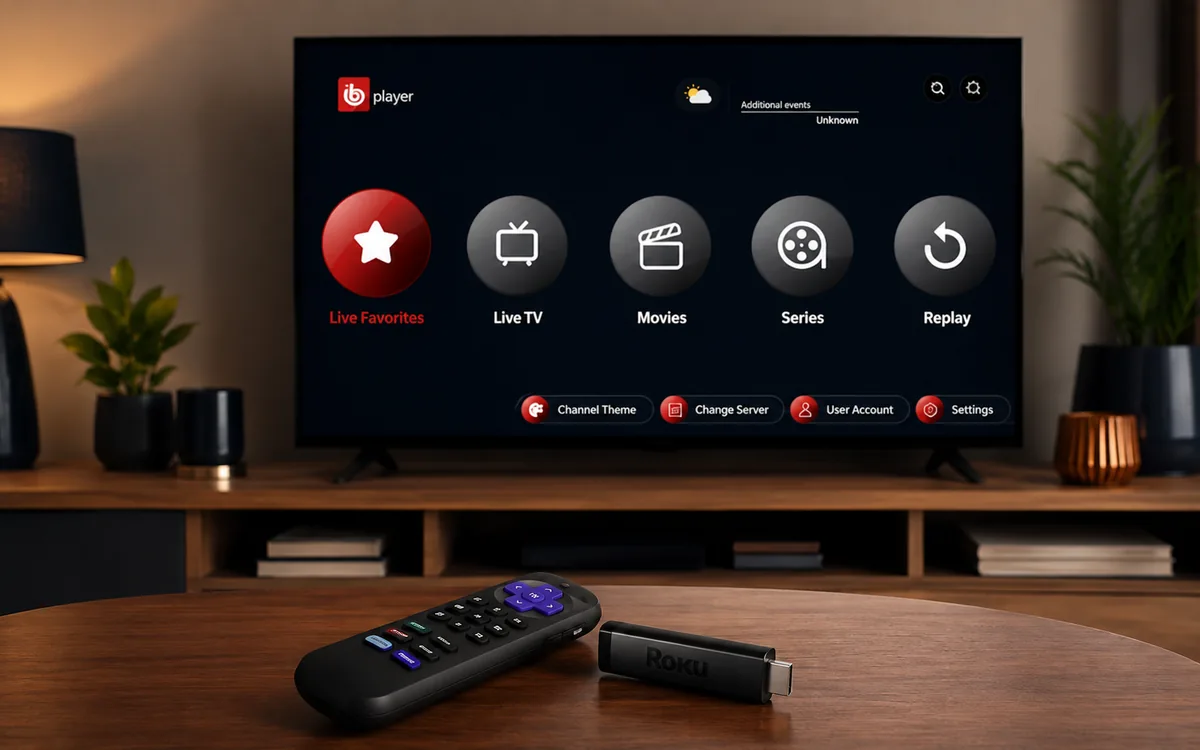 RokuIBO Pro Player
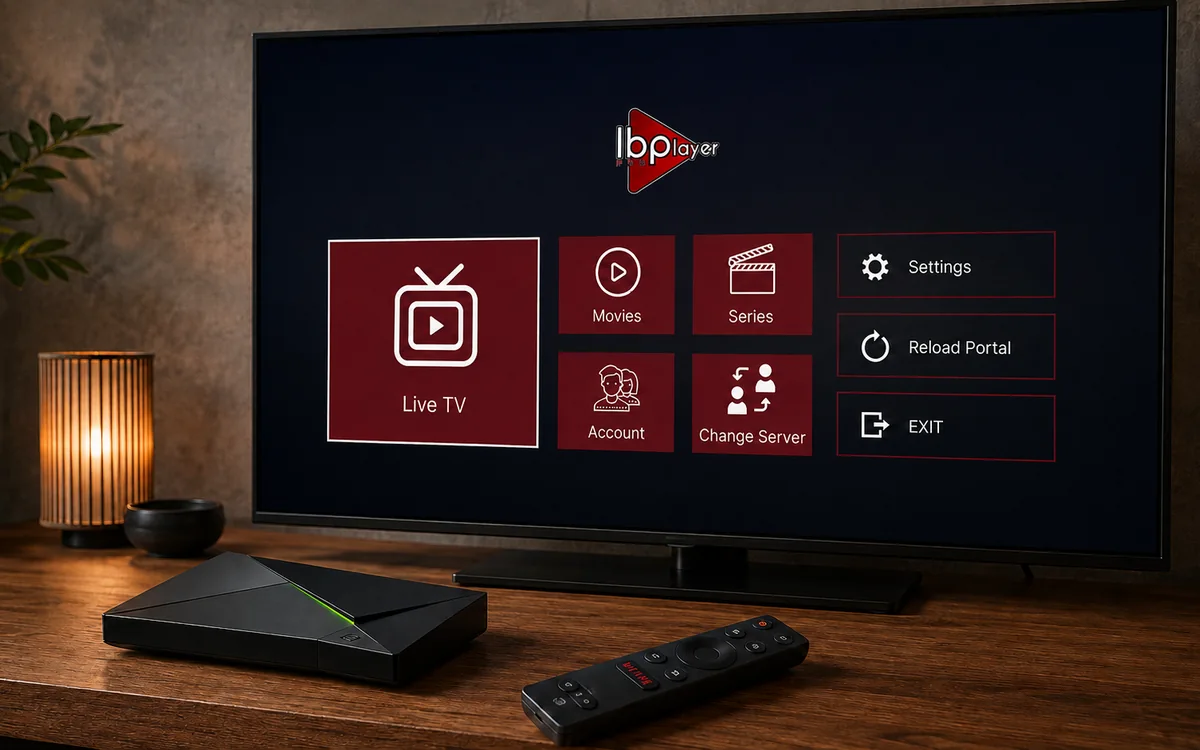 Nvidia ShieldIBO Player Pro
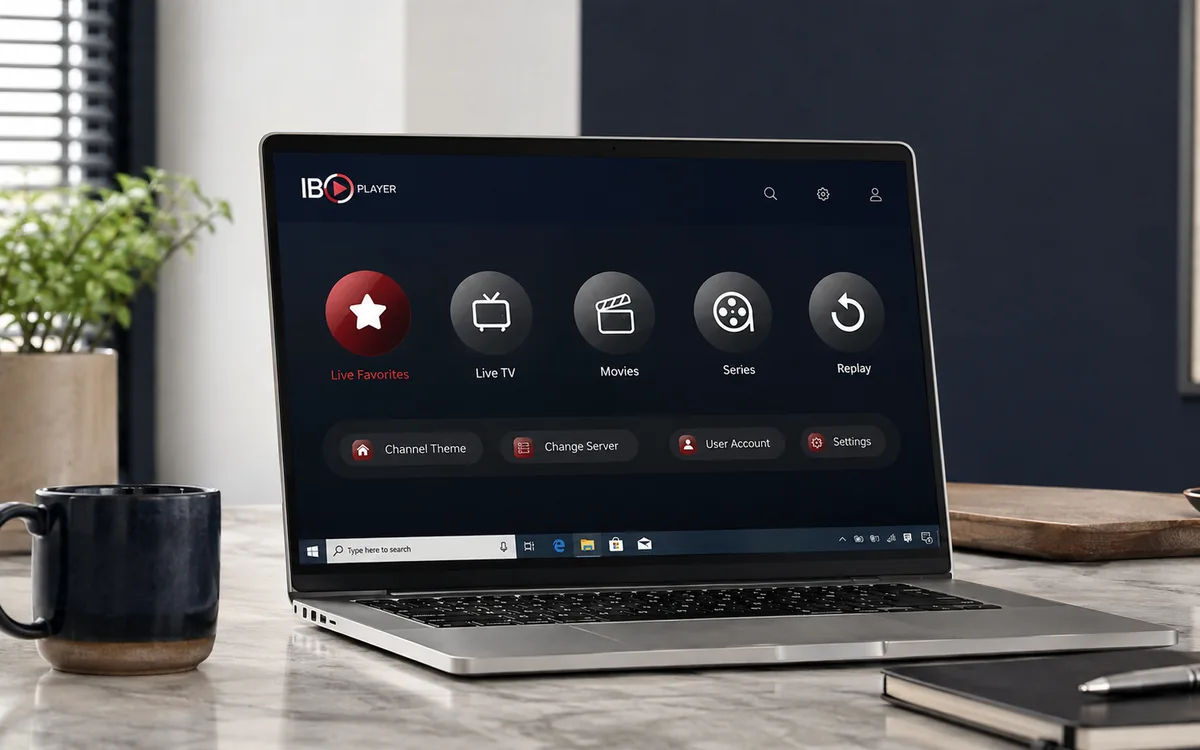 Windows LaptopIBO Player
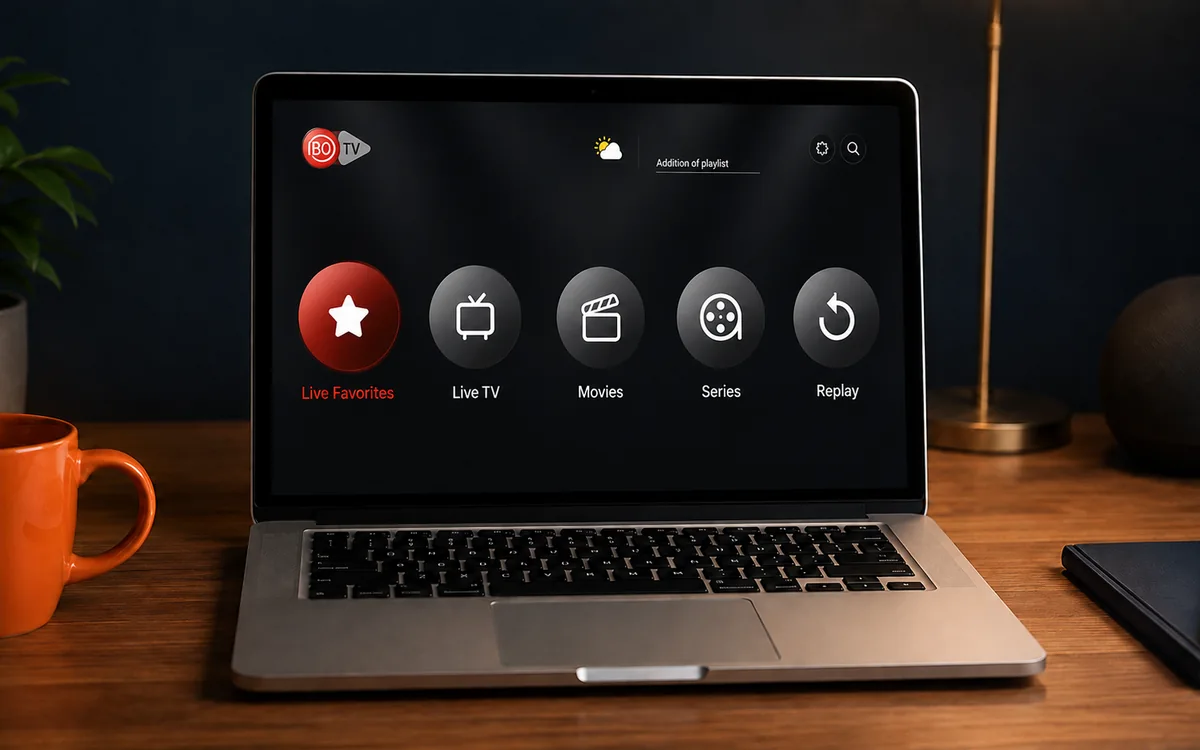 MacIBO Player
 ChromecastGoogle TV player
 Android TV BoxIBO Player Pro
 MAG BoxPortal setup
 KodiKodi add-on
 Projector & Cinema RoomFirestick or Android box
Check BingeBear on your own telly before paying.
Start a free 24-hour trial with no card. Check your channels, supported player and device, then read the current plans and activation terms.
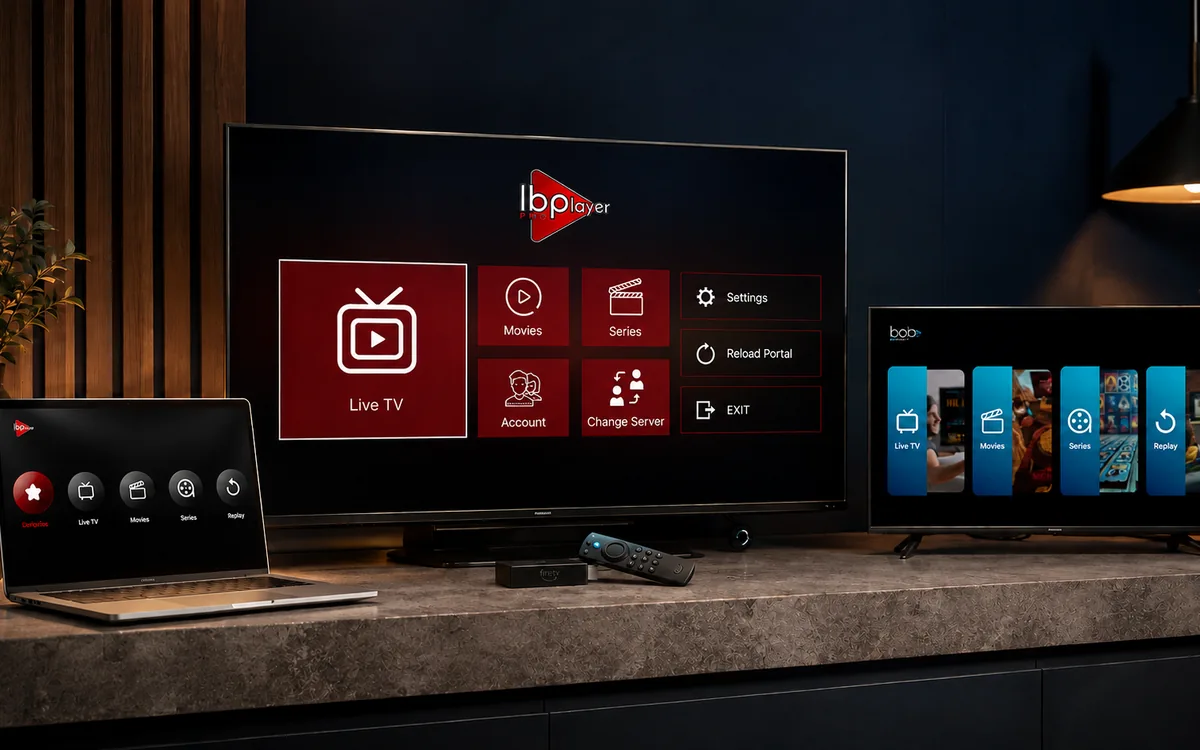
Most BingeBear setups use one of three third-party player apps: IBO Player Pro, IBO Player, or BOB Player. They are player apps only. They do not include channels, films, sport, subscriptions, or playlists by themselves.
BingeBear sends your IPTV login after you start the free trial. Your login can work in most IPTV players that accept the right playlist/login format, but these are the three we recommend testing first because they are reliable on the screens our customers use most.
App and account note
BingeBear does not have its own app. We send you IPTV login details that work in most IPTV player apps. For testing, we normally recommend IBO Player Pro, IBO Player, or BOB Player first because they are the cleanest routes for most screens.
A standard BingeBear account serves one device only. If you need BingeBear on another device, ask Joe on WhatsApp about a second account or bundle account before you pay.
Quick match by device
| Device | First app we try | Backup route |
|---|---|---|
| Firestick | IBO Player Pro | IBO Pro Player from ibo.al |
| Android box or Android telly | IBO Player Pro | IBO Player APK |
| Samsung smart telly | IBO Player or BOB Player | IBO Player Pro store route |
| LG smart telly | IBO Player or BOB Player | IBO Player Pro store route |
| iPhone or iPad | IBO Player Pro or BOB Player | Ask WhatsApp support |
| Windows | IBO Player desktop | IBO Player Pro Windows route |
| Mac | IBO Player desktop | Ask WhatsApp support |
| Linux | IBO Player snap package | Ask WhatsApp support |
Official sources checked
- IBO Player Pro lists the Android/Amazon Fire TV APK, Downloader code 481220, and store routes for Google, Apple, Samsung, LG, Roku and Windows on its official site: iboplayer.pro.
- IBO Player provides Android, Windows, Mac and Linux downloads from the official downloads page: iboplayer.com/downloads.
- BOB Player says it is a general media player and does not include content, playlists or subscriptions. Its official site is bobplayer.com, with playlist management at frontend.bobplayer.com.
- ibo.al is our backup directory for alternate APKs and Downloader codes when a screen needs another route.
Our current app order
- IBO Player Pro - first pick for Firestick, Android box, Android telly and Roku. Official Downloader code: 481220.
- IBO Player - clean desktop route for Windows, Mac and Linux, also useful for Samsung, LG and Android installs.
- BOB Player - a strong smart-telly and mobile backup when the screen behaves better with BOB.
- ibo.al backup apps - useful when a specific screen needs an alternate APK or Downloader code.
Tutorial playlist
Use this playlist when you want a visual walkthrough: IBO tutorial playlist.
Important note before downloading
These apps are third-party media players. They are not BingeBear and they do not sell BingeBear access plans. Start the free trial first, send us your device, and we will tell you the cleanest route.
Need help choosing?
Send a photo of the screen to WhatsApp and we will point you to the right app. If your device is awkward, we use ibo.al as the backup app directory and send the exact code.